Autonomous AI agents can install packages, inspect repositories, browse logged-in sites, and run shell commands in minutes. That speed is useful, but execution risk rises when they can reach a production credential, a private file, or an unrestricted network connection.
AI agent sandboxing is how I give an agent room to work without giving it my laptop, cloud account, or browser identity. The goal isn’t to make every task slow. It’s to contain the tasks that can damage systems or expose data.
The right setup separates what the agent needs for the job from everything it happens to reach, whether the work runs locally or in Docker Sandboxes.
AI agent sandboxing starts with real boundaries
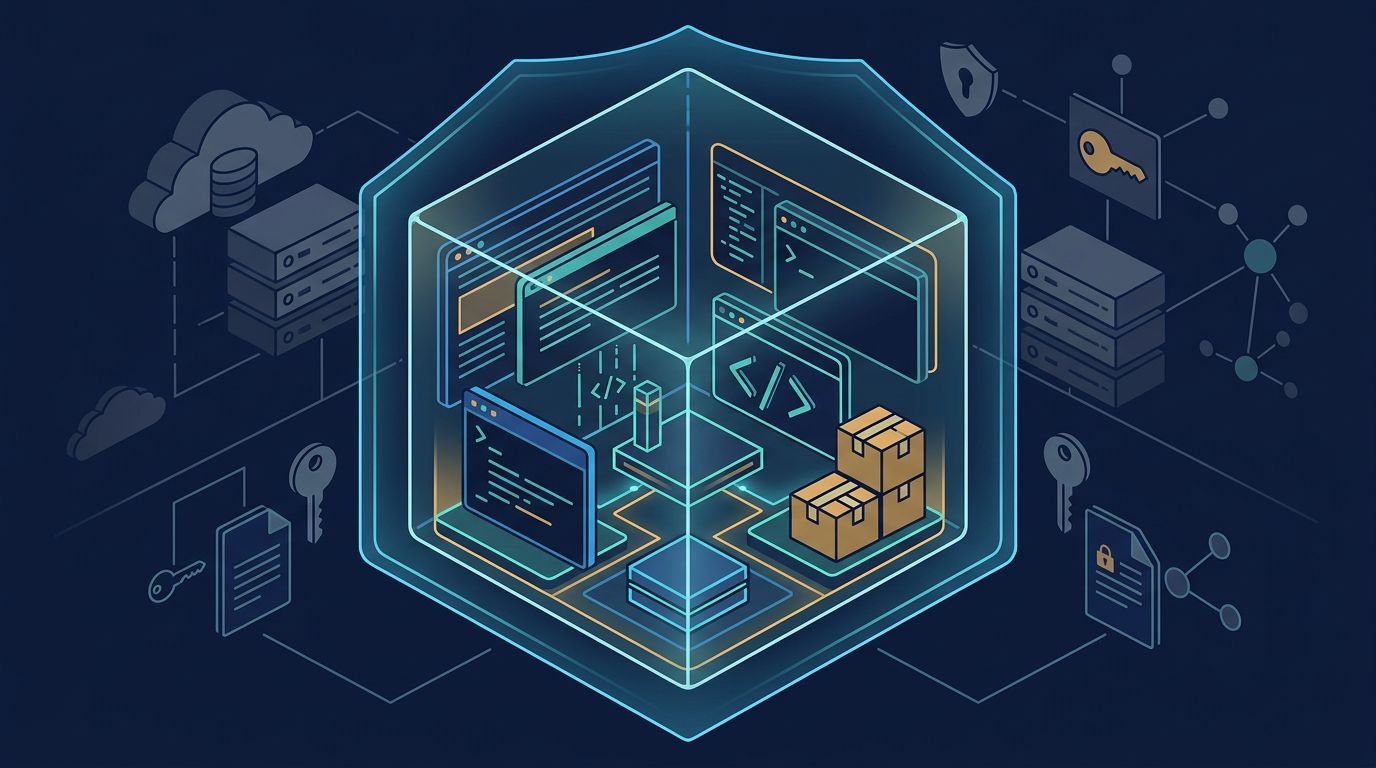
A sandbox is more than a prompt asking an agent to be careful. It is an execution boundary enforced outside the model.
For a coding agent, that boundary should limit files, commands, identity, compute, and network access. For a browser agent, it should also isolate cookies, saved sessions, downloads, and site permissions.
I treat an agent with terminal access as an untrusted contractor on a short-term account. It gets one workspace, defined tools, and a narrow path to the services it needs. It doesn’t get my home directory, browser profile, SSH keys, cloud CLI session, or password manager.
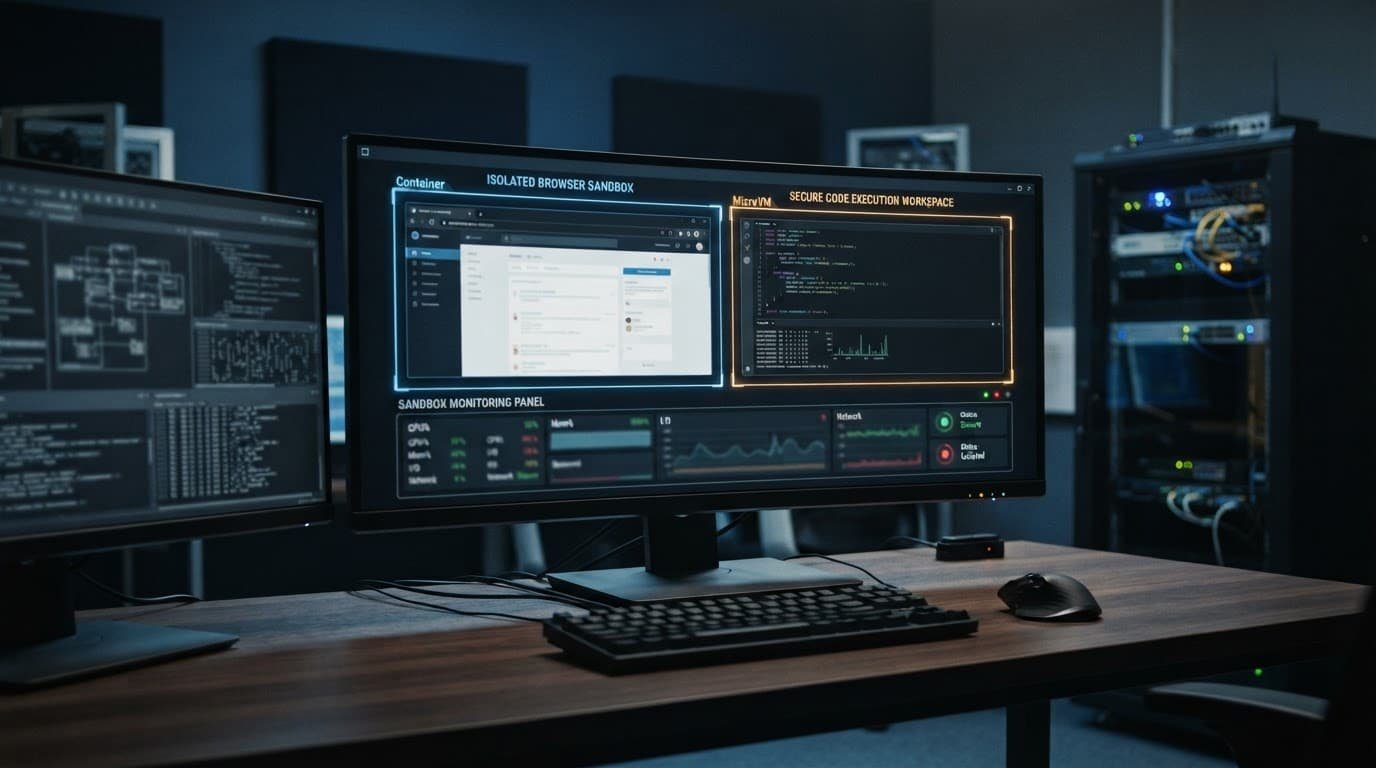
A useful sandbox separates these areas:
- The active repository or Git worktree where edits are allowed.
- A disposable runtime for commands, dependencies, tests, and build artifacts.
- An isolated browser profile with no personal or production session state.
- A scoped identity with short-lived credentials rather than a long-lived API key.
- A network policy that permits named destinations and blocks everything else.
Permission prompts can slow an agent down. A sandbox can stop a bad command after the agent decides to run it.
Browser sessions need their own identity
Browser automation changes the risk profile. A browser can reach CRM records, billing portals, internal dashboards, and cloud consoles without an API key ever appearing in code.
Don’t run a browser agent inside your everyday Chrome or Safari profile. A disposable browser profile should start with no cookies, saved passwords, extensions, or company SSO session. If the task requires authentication, use a dedicated low-privilege account.
Downloads need similar treatment. Save them to a quarantine directory, inspect them, and disable automatic execution. Never let a browser download flow turn into code execution.
Attack paths that reach the host
The biggest mistake is treating a repository as trustworthy because it came from a familiar source. An agent processes more than source code. It reads README files, issue comments, dependency manifests, scripts, test fixtures, documentation, browser pages, and configuration files.
Any of these inputs can contain instructions designed to redirect the agent.
Indirect prompt injection is an execution problem
An indirect prompt injection might appear on a web page that tells a browser agent to reveal private data. It might also sit in a repository file that tells a coding agent to read ~/.ssh, modify a startup script, or upload an environment file to a remote endpoint.
The model may not distinguish a malicious instruction from useful task context. That is why OWASP’s AI agent security guidance treats both direct and indirect prompt injection as core agent risks.
I assume every external page and repository instruction file is untrusted input. That includes .cursorrules, MCP configuration, install hooks, and scripts that run during dependency installation.
A sandbox can’t make a hostile instruction harmless by itself. It can limit the consequences by blocking access to sensitive files, host configuration, and arbitrary destinations.
Read access can still become a data leak
Teams often focus on write permissions. Read permissions are just as risky.
An agent that can read a customer export, internal wiki, .env file, or browser session can transmit that information through a permitted browser action, HTTP request, Git commit, or pasted support reply. The damaging action may look legitimate if you only review local file writes.
Use the principles in OWASP’s prompt injection prevention guidance: treat retrieved content as data, keep tool permissions narrow, and add approval gates for sensitive actions.
I also set access boundaries before assigning agent roles. A research agent should get one project folder and a read-only browser account, not a broad “research” permission. The same thinking applies to secure tool access for AI agents, especially when an MCP connector can execute code or interact with cloud services.
Compare isolation layers before choosing a runtime
Choosing a code execution sandbox means balancing agent autonomy, data sensitivity, compatibility, GPU acceleration, and operational overhead. Not every task needs a microVM, and not every local process restriction is strong enough for untrusted code. These options provide different security boundaries, so the runtime should match the workload and threat model.
| Isolation approach | Main boundary | Best fit | Main limitation |
|---|---|---|---|
| OS-level controls | Process, filesystem, and system-call rules | Local experiments with limited access | The host kernel is still shared |
| Standard containers | Namespaces, cgroups, and mounted volumes | Repeatable builds and controlled CI jobs | A plain container shares the host kernel |
| gVisor containers | A user-space application kernel | Multi-tenant container workloads | Some compatibility and performance trade-offs |
| MicroVMs | A dedicated guest kernel and virtual hardware boundary | Untrusted repositories and autonomous code execution | More startup and operations overhead |
| Managed browser sandboxes | Disposable browser state and remote browser runtime | Web research and browser automation | They may not support general code execution |
Linux options built around Landlock and macOS controls based on Seatbelt can work well for local development. Their kernel-level sandboxing is fast and familiar. I use it as a lower-risk layer, not the sole control for arbitrary scripts from an unfamiliar repository.
gVisor container isolation adds a user-space application kernel between a workload and the host kernel. The design is detailed in gVisor’s architecture. That is a meaningful upgrade over a standard shared-kernel container runtime for many cloud workloads.
MicroVM isolation puts a stronger boundary around untrusted code execution. Docker Sandboxes offer one concrete microVM-backed option for developer workflows. Firecracker microVMs also use a companion jailer process and Linux user-space controls, as described in the Firecracker project documentation. That is why I favor microVMs when an agent can install dependencies, run generated scripts, or process third-party repositories without close review.
A VSCode Server interface can improve usability, but it remains only a user interface and does not establish the isolation boundary.
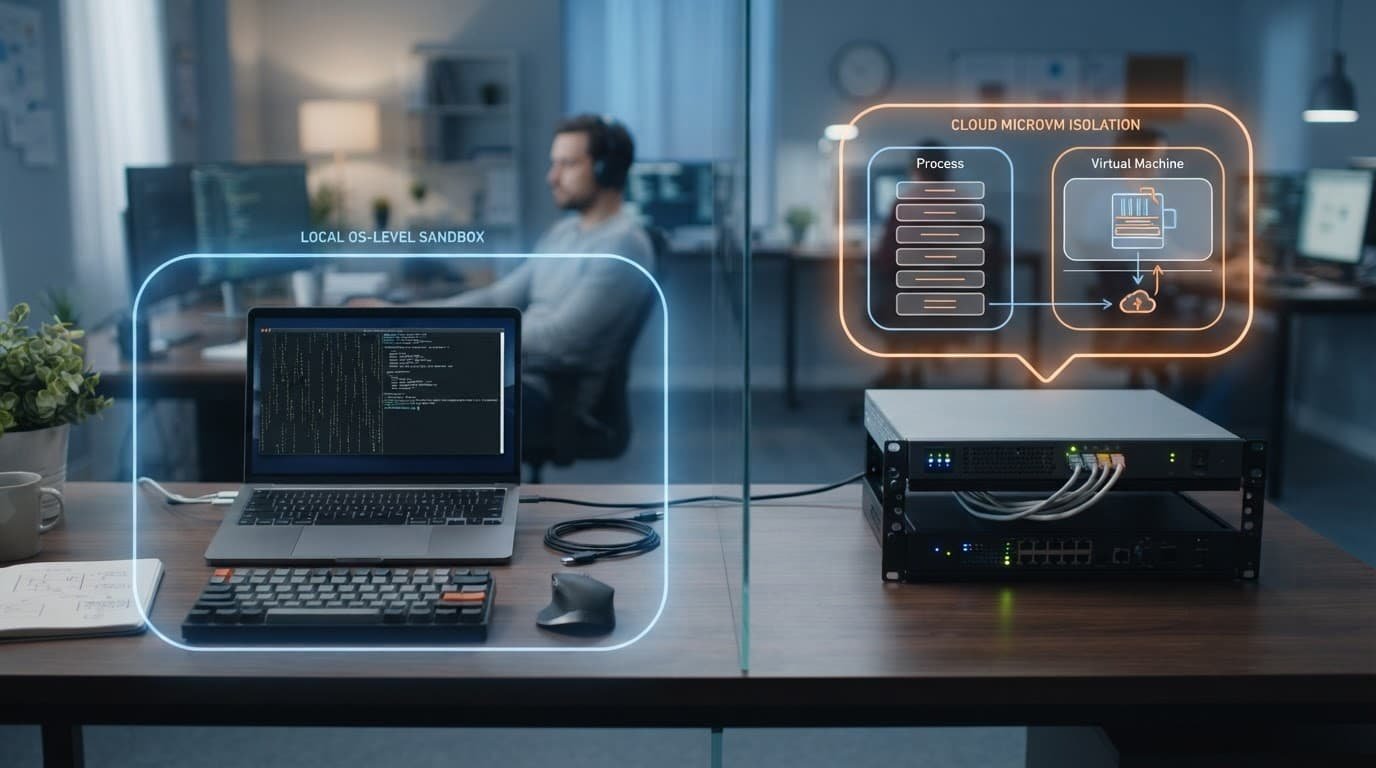
The trade-off is simple. OS-level controls have less friction. MicroVMs offer a stronger blast-radius reduction. Evaluate Docker Sandboxes by checking their actual boundary against ordinary containers, not by branding alone. Neither option removes the need for identity controls, network policy, or attention to host-kernel risk.
Build a security baseline before enabling YOLO mode
“YOLO mode” should mean the agent can work independently inside a defined scope. It should never mean unrestricted host access.
I use a baseline of concrete sandbox security controls to block common escape routes before an agent receives a task:
- Create ephemeral sandboxes for each job, then destroy them when the job ends. Use lifecycle management to enforce cleanup and expiration.
- Mount only the assigned repository or worktree as writable. Keep other source folders, home directories, SSH paths, and host configuration unavailable.
- Use a dedicated sandbox account with no administrator rights.
- Use secret injection for short-lived, task-scoped tokens. Never copy personal cloud credentials into the environment.
- Apply network egress controls through a policy layer. Allow required package registries, source control, and approved APIs. Block unknown domains, private network ranges, and cloud metadata endpoints.
- Require confirmation before sending email, publishing code, deploying infrastructure, changing billing data, or sharing data outside the sandbox.
- Log terminal commands, workspace file writes, tool calls, browser actions, destination hosts, and generated artifacts.
The network rule is often the difference between containment and theater. Docker Sandboxes still need the same credential, egress, approval, and logging baseline. A sandbox that can freely make outbound HTTPS requests can still exfiltrate a secret without touching the host filesystem again.
Model Context Protocol servers need the same treatment as other privileged integrations. If an MCP server can execute a command, read a database, open a browser, or write to cloud storage, give it an explicit capability policy. Don’t rely on the agent’s natural-language instructions to decide whether the action is appropriate.
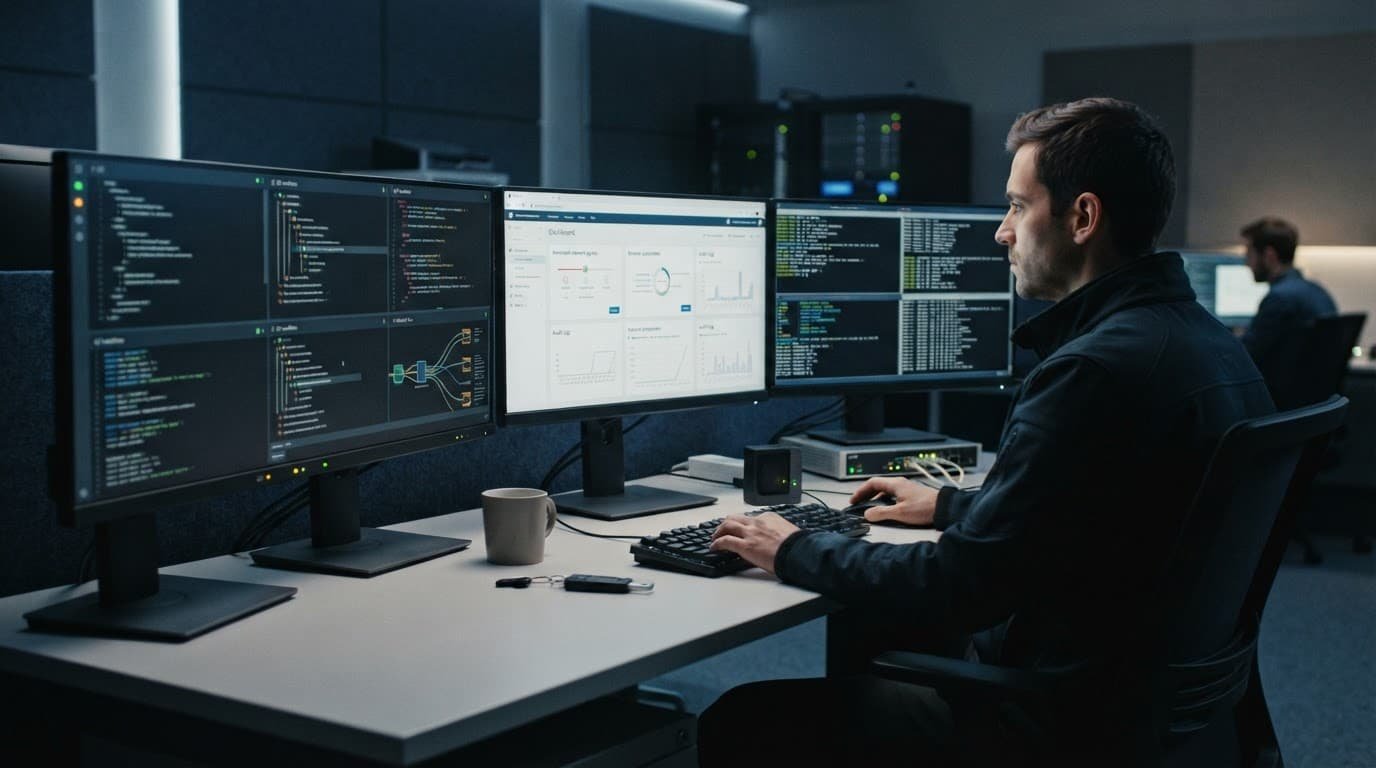
Logs matter when something fails. If an agent tried to access a blocked path or unknown domain, I want that record before I expand its permissions. A denied action is not always a configuration problem. It may be useful evidence that the sandbox policy worked.
Keep concurrent agents out of each other’s work
Multiple agents can increase output, but concurrent development workflows create coordination risks in a shared working directory. One agent changes a dependency lockfile while another runs tests against a different assumption. The result is noisy diffs and unreliable debugging.
Git worktrees solve part of this problem. Give each agent its own branch and worktree, then mount it into a sandbox with a dedicated editor or VSCode Server session. The test agent can run checks in one environment while a refactor agent edits another. A reviewer can inspect clean diffs without sorting through unrelated changes.
Worktrees provide workspace isolation for collaboration, but that isolation is a productivity control, not a security boundary. Pair them with separate sandbox identities, filesystem mounts, and network rules.
For example, I might give:
- A test agent access to one worktree, package registry access, and no deployment credentials.
- A browser research agent a disposable browser profile and an export directory with no customer data.
- A release agent read access to build artifacts, plus an approval step before any production action.
This approach fits well with the wider use of AI coding assistants for developers. The more tools an assistant can call, the more important it becomes to split work by scope instead of giving one agent broad access.
Choose platforms by the boundary, not the demo
A polished terminal, VNC view, or VSCode Server can make an agent platform feel complete. That developer experience helps with debugging, but it doesn’t prove that the runtime is safe.
Start with the underlying isolation model and inspect the actual container runtime, not just the interface or demo. Consider isolation, persistence, egress, auditability, and workload needs such as GPU acceleration.
Docker Sandboxes are a strong option for Docker-oriented teams because they run coding agents in isolated microVMs. Docker documents in its sandbox isolation overview that Docker Sandboxes give each sandbox its own Docker daemon, filesystem, and network. Those boundaries still need verification against team policy, especially when an agent builds images or runs tools that could be risky on a developer laptop.
E2B is a practical fit for short-lived untrusted code execution backed by Firecracker microVMs. Modal is worth considering for compute-heavy agent tasks. Its gVisor-based runtime, GPU acceleration, and Python-first workflow should match your cloud infrastructure. Both can work well, but their security controls, egress options, persistence model, and audit features need review against your own policy.
AIO Sandbox-style environments can be useful when a workflow needs a browser, terminal, Jupyter, and VSCode Server in one workspace. VSCode Server access is still an interface feature, not proof of browser, terminal, or network isolation. I’d still verify where browser state lives, whether a VNC session exposes sensitive content, and how the platform handles outbound traffic.
For browser-led workflows, I separate the browser layer from the code runner unless the platform documents both boundaries clearly. An agent that can browse and execute local code has two attack surfaces. Combining them without scoped identity and egress controls creates unnecessary exposure.
That matters with computer-use tools. A review of browser automation with Claude is useful for understanding what these agents can do in an authenticated session. The sandbox decision determines what happens when that capability meets an untrusted page.
Test the sandbox like an attacker would
A sandbox policy isn’t complete because a harmless demo ran without errors. Test its sandbox security controls with the same inputs that create trouble in production.
I start with a disposable repository containing suspicious instructions in a README, a package install hook, and a fake secret outside the allowed worktree to probe untrusted code execution. I also include a test page that asks the browser agent to export data or visit an unapproved URL.
Then I check the evidence:
- Did the container runtime deny expected filesystem, process, and network operations, including blocked file reads and writes?
- Did the network policy deny unexpected domains and private IP ranges, and record those denied destinations?
- Did it preserve the workspace while deleting temporary artifacts?
- Did logs capture the prompt, tool call, denial, and final output?
- Did the agent stop at the approval gate for an irreversible action?
Measure denied operations and unusual egress attempts alongside task success. An agent that passes a test by reading a secret it shouldn’t access hasn’t completed the task safely.
Review those results every time you add a new connector, browser permission, repository source, or model capability. AI agent sandboxing is not a one-time setting. It is a policy that must evolve as agent capabilities and reachable resources change.
The boundary that makes autonomy usable
The useful question isn’t whether an agent is trusted. It’s what it can do when its instructions, tools, or inputs are wrong.
A strong setup gives agents room to test code, browse approved sites, and complete scoped work. It blocks host access and persistent credentials, controls egress, and requires approval for irreversible actions.
The result is contained autonomy, not unrestricted automation.
Questions teams ask before enabling an agent
Is a Docker container enough for AI agent sandboxing?
A standard container supports reproducible execution, but it usually shares the host kernel. That may suit low-risk, controlled code. For autonomous agents handling untrusted repositories or generated commands, choose stronger isolation, such as gVisor or a microVM.
How do microVMs differ from gVisor?
A microVM runs a dedicated guest kernel behind a virtualization boundary. gVisor places a user-space application kernel between the workload and host kernel. Both improve on plain containers, but microVMs typically provide the stronger boundary for hostile or highly untrusted code.
Can a browser agent run in YOLO mode safely?
It can, if you enforce a narrow policy. Use a disposable browser profile, a low-privilege account, destination allowlists, protected downloads, and approval gates for sending, publishing, exporting, or purchasing.
Do Git worktrees replace sandbox isolation?
No. Worktrees separate branches and files during concurrent development. They don’t prevent an agent from reading host files, accessing credentials, or sending data over the network. Use worktrees inside a sandboxed runtime.