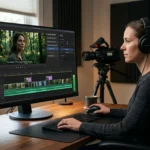
Professional video editing involves much more than making cuts. Editors spend hours reviewing footage, comparing takes, finding usable moments, removing repetition, adjusting pacing, cleaning up audio, balancing colour, and preparing different versions of the same project. Some of that work requires creative judgment. A lot of it is simply time-consuming execution.
That is where an AI video editor can become useful. Instead of asking AI to make every creative decision, editors can assign repetitive tasks to AI while keeping control over the timeline and the final cut.
This guide explains how to use AI effectively throughout a professional editing workflow, from working through raw footage and building a first assembly to refining colour, audio, and alternate versions.
Key Takeaways
- Use an AI video editor for practical tasks such as footage search, transcript-based rough cuts, repetitive cleanup, captions, and alternate versions.
- Give the tool a clear brief, including the audience, format, must-keep moments, and changes to avoid.
- Treat AI selections and assemblies as starting points. Review the editable timeline for story, performance, continuity, and pacing.
- Tools such as Adobe Premiere Pro support transcript-based editing, but text-based editing features still need human review.
- Keep the original project intact, then refine color, audio, timing, and exports manually where precision matters. See Descript’s transcript-based workflow for another editing approach.
What Can an AI Video Editor Do for Professional Editors?
AI video editing is no longer limited to automatic captions or simple social media clips. Depending on the platform, AI can assist with several stages of post-production.
Common applications include:
- Reviewing and searching large amounts of footage
- Finding dialogue, people, objects, scenes, and actions
- Selecting usable takes
- Removing filler, pauses, false starts, and repetition
- Building a rough cut or base timeline
- Making timeline changes through natural-language instructions
- Generating transcripts and captions
- Cleaning up dialogue and other audio
- Applying colour corrections and visual treatments
- Creating shorter versions of longer projects
- Translating and dubbing videos
For professional work, one distinction matters: can you still edit the result?
A useful AI editing workflow should not leave you with a finished file that is difficult to change. It should help move the project forward while keeping the underlying timeline accessible.
Start With Raw Footage and a Clear Editorial Brief
AI works best when it has enough context to understand what you are trying to make.
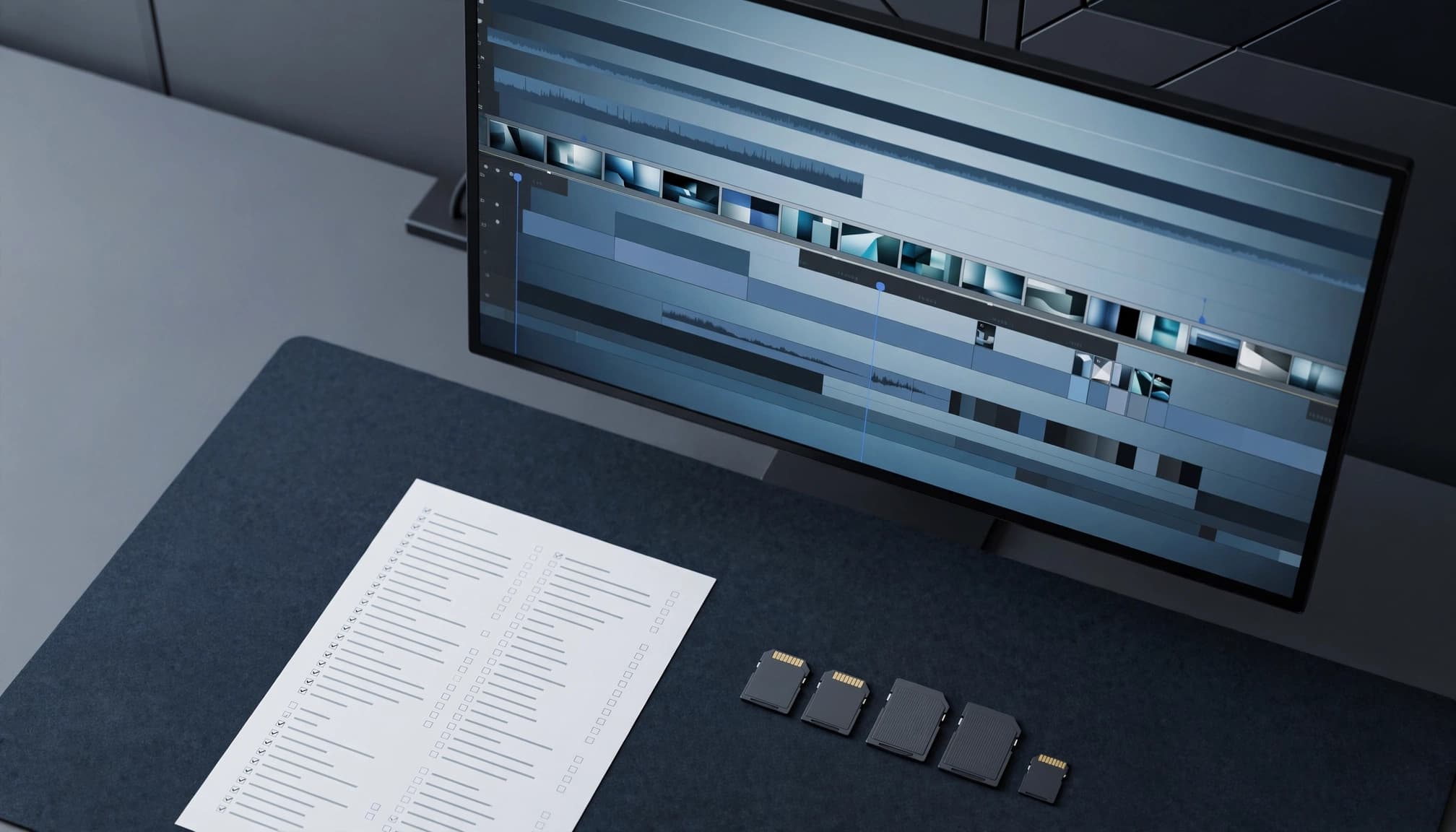
Start by importing the footage into your editing environment. Depending on the project, that could include interviews, talking-head recordings, B-roll, multicam footage, product demonstrations, performances, or several takes of the same scene.
If you have a script or transcript, provide it when the tool supports it. It gives the editing system additional information about the dialogue and structure.
You should also explain what you want the first edit to accomplish.
For example, instead of writing:
“Edit this interview.”
You could say:
“Build a 10-minute interview cut around the speaker’s discussion of three key topics. Remove repeated answers, false starts, and long pauses while keeping the speaker’s natural delivery.”
The second instruction gives the AI a clearer editorial brief and makes it easier to evaluate the result.
Use AI to Build the First Assembly
One of the most practical uses of AI in professional video editing is creating the first assembly.
A base cut is the first complete timeline assembled from usable footage. It is not the finished edit. It gives the editor a structured starting point without requiring every clip and take to be reviewed manually.
Consider an interview where the subject answers the same question four times. An AI editing agent can review the available takes, identify usable sections, remove obvious repetition, and assemble a starting sequence.
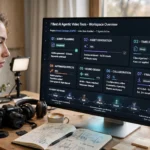
Invideo editor is an example of this approach. As an online video editor platform, it uses AI editing agents that can work with uploaded footage and an editable timeline. You can provide direction for the base cut, while the agent reviews the material, selects usable takes, removes repetition, and places the selected material into the project.
This can be useful for projects with messy source footage. If you have several takes, false starts, pauses, and repeated sections, there is more repetitive work for an editing agent to handle.
For multicam footage, an AI-assisted workflow can also help synchronize angles, select usable takes, and create a layered starting point. The editor can then review the sequence and decide which angles and performances actually work.
Search Through Footage With Natural Language
Finding one specific moment in several hours of footage can take a surprising amount of time.
AI-powered footage search can make this process more practical by allowing editors to describe what they need rather than manually scrubbing through every clip.
Depending on the editing system, you might search for:
- A person discussing a particular topic
- Someone entering a room
- A product being demonstrated
- A specific object or action
- A particular reaction
- A wide shot of an event
- A line from an interview
- Footage associated with a specific scene or subject
This is especially useful when working with large media libraries.
The AI handles the retrieval process, but the editor still makes the editorial decision. A search result may contain the right subject but the wrong performance, framing, or continuity. That judgment remains part of the editing process.
Give AI Specific Editing Instructions
Professional editors make dozens of small changes during a project. Some are creative, but many involve repetitive timeline operations.
AI editing agents can be useful when those operations can be described clearly in natural language.
For example, you might ask an agent to:
- Tighten a section
- Remove unnecessary pauses
- Shorten a sequence
- Replace a selected take
- Restructure a section
- Create a shorter version
- Apply a visual treatment to selected shots
The quality of the result depends partly on the quality of the direction.
Instead of:
“Make this faster.”
Try:
“Tighten the first two minutes by removing repeated explanations and long pauses, but keep the complete product demonstration and the speaker’s final statement.”
The instruction gives the AI a goal and boundaries. You can then inspect the resulting timeline and make further changes.
Keep Human Review at the Center
AI can select footage, but professional editing still depends heavily on context.
The technically cleanest take may not be the best performance. A shorter sequence might improve pacing but remove an important reaction. A visually consistent grade may still be inappropriate for the intended mood.
That is why AI-generated edits should be treated as editable starting points.
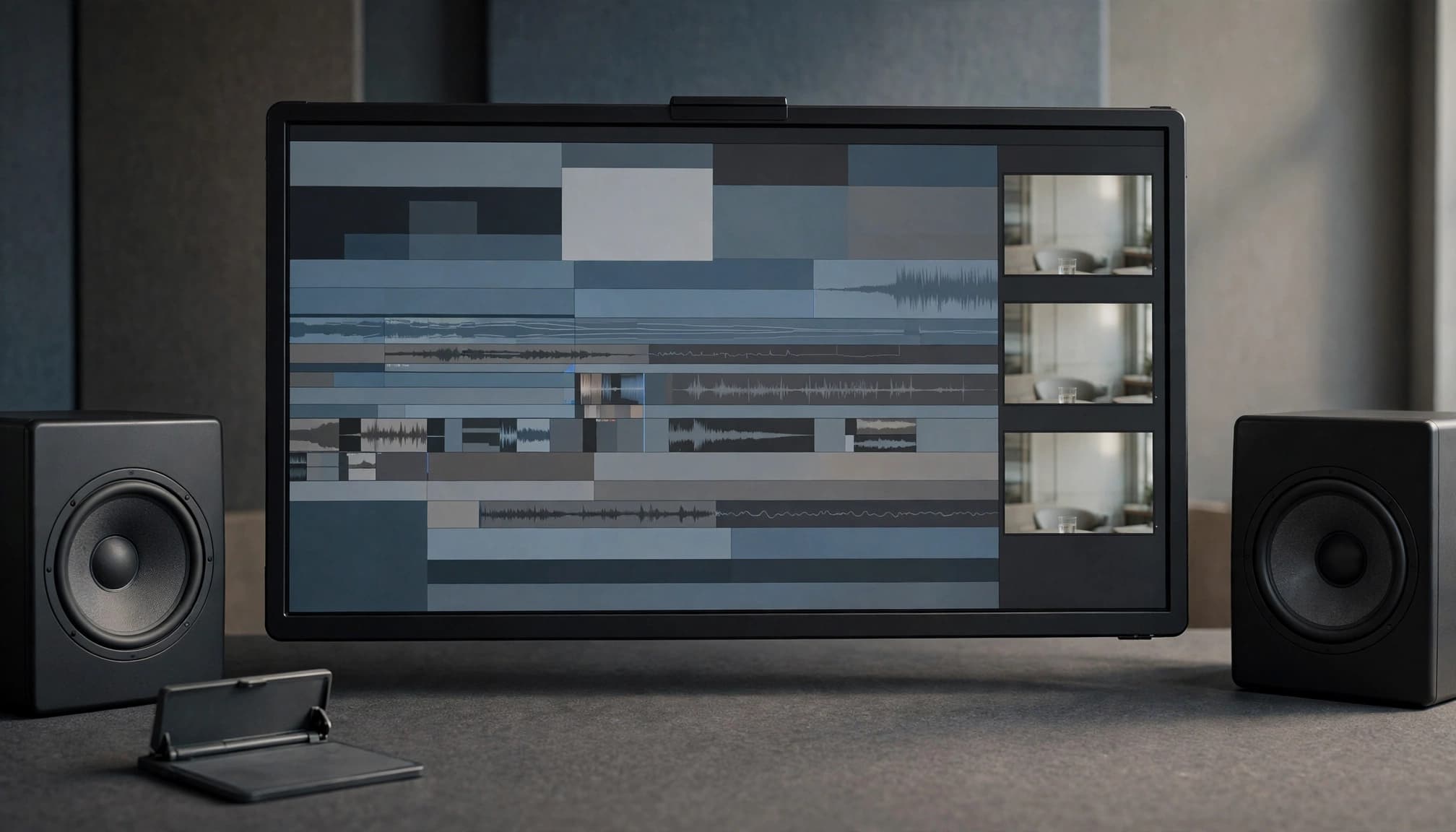
Watch the sequence from beginning to end. Check performance, continuity, pacing, dialogue, transitions, and story structure. Replace weak shots and adjust timing when necessary.
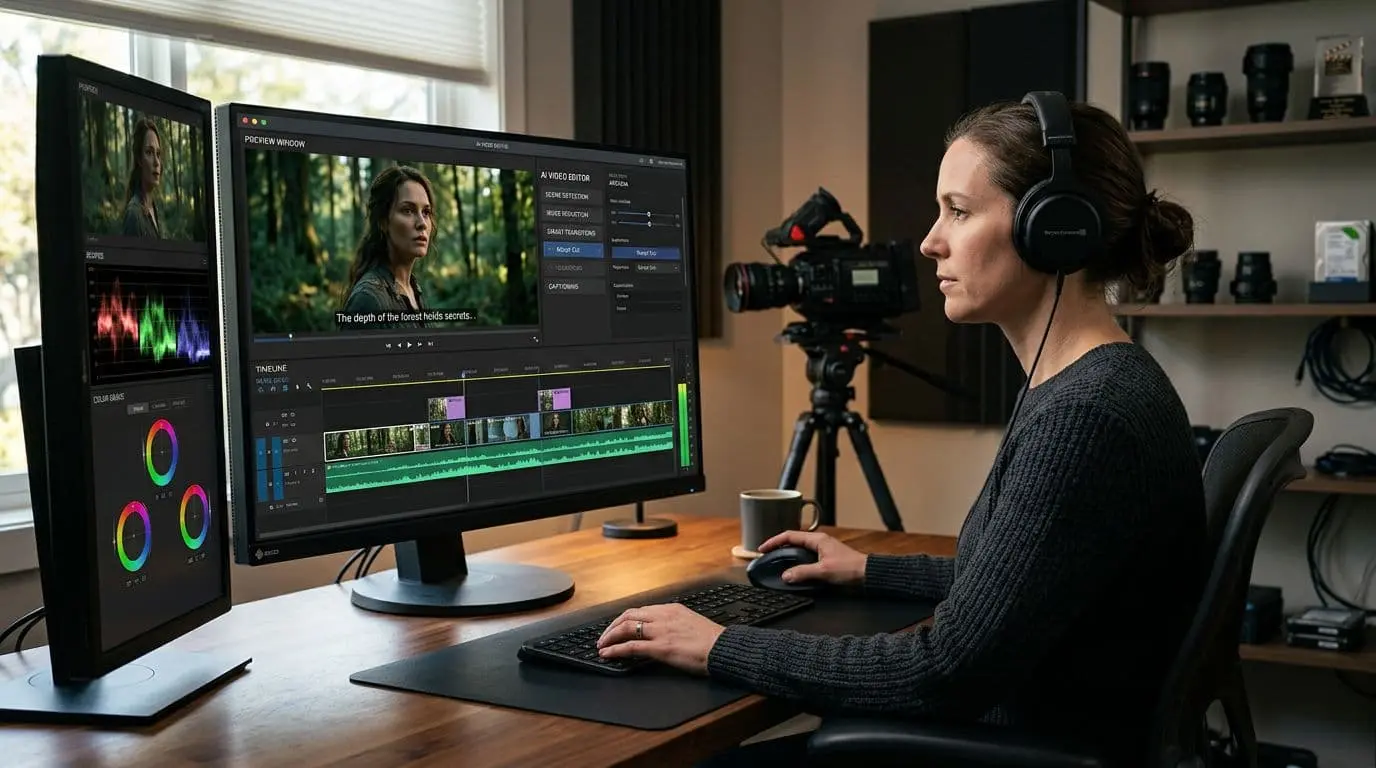
This is where a tool such as invideo editor fits into an agentic editing workflow. The agent can perform assigned work directly on the timeline, while the editor can inspect the result, redirect the work, or make manual changes.
The objective is not to remove the editor from the process. It is to reduce the amount of operational work between an editorial decision and its execution.
Use AI to Assist With Colour and Visual Consistency
Colour correction and grading can also benefit from AI when the project contains many shots that need a consistent treatment.
For example, an editor can describe the intended visual direction or provide a reference image. An AI editing agent can use that direction as a starting point for grading the selected footage.
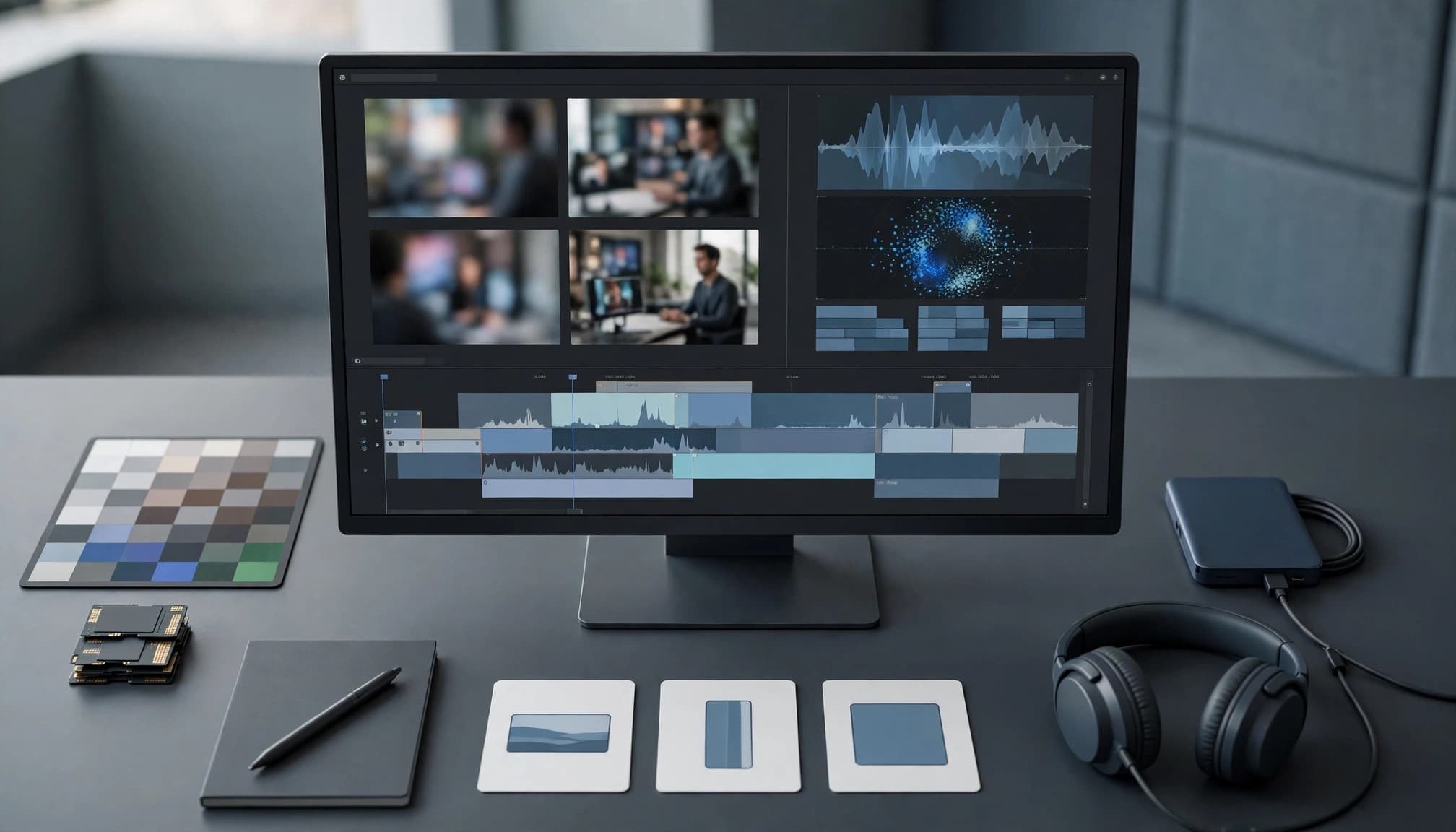
Colour work can then be refined using manual controls such as exposure, contrast, temperature, tint, saturation, vibrance, colour wheels, curves, qualifiers, and LUTs. RGB and luminance curves allow more targeted adjustments when a global correction is not appropriate.
This can be useful when several shots need to share the same visual language. You might use an AI-generated starting grade across a sequence, then manually adjust individual shots where lighting, skin tones, or camera differences require additional attention.
Professional scopes can also help verify exposure and colour relationships instead of relying only on how the image appears on a particular monitor.
The same principle applies to other finishing work: use AI to reduce repetitive adjustments, then use manual controls when precision matters.
Let AI Handle Repetitive Audio and Localization Tasks
Audio post-production can involve a long list of small operations, particularly on dialogue-heavy projects.
Depending on the tool, AI can assist with dialogue cleanup, sound effects, mixing, and mastering. These capabilities can be useful for interviews, podcasts, presentations, and talking-head content where voice clarity is a priority.
Localization is another area where automation can reduce repetitive work. A finished video may need translated dialogue, subtitles, or dubbed versions for different audiences.
AI can help create these versions, but they should still be reviewed. Translation can affect meaning, timing, pronunciation, and cultural context, so automated output should not be treated as the final quality check.
Create Multiple Versions From the Master Edit
A professional video project often produces more than one deliverable.
A long-form video may need a trailer, highlight reel, vertical social clips, shorter versions, or platform-specific edits. Rebuilding each version manually can take considerable time.
AI can help identify suitable sections and restructure existing material according to a specific brief.
For example:
“Create a 45-second cut focused on the product demonstration. Keep the strongest opening shot and finish with the main product benefit.”
An AI editing system can create a starting version that the editor can then review and refine.
This is particularly useful when the master project already contains the footage and structure needed for several deliverables.
A Practical AI Video Editing Workflow
A professional workflow can be divided into five stages.
1. Prepare the project
Import the footage, script, transcript, references, and any editorial requirements.
2. Build the first cut
Use AI to review the footage, identify usable material, remove repetition, and assemble a base timeline.
3. Review the edit
Watch the sequence carefully. Check story, performance, continuity, pacing, and shot selection.
4. Refine the craft
Make manual adjustments to timing, colour, audio, transitions, framing, and other details that require editorial judgment.
5. Create deliverables
Use AI assistance for captions, localization, cutdowns, and alternate versions, then review every final output before delivery.
This division of work allows AI to take on more execution while the editor remains responsible for the creative result.
How to Get Better Results From AI Editing
The quality of AI-assisted editing often depends on how clearly the work is defined.
A few practices can make the workflow more reliable:
Give the AI context. Explain the purpose, audience, format, and structure of the edit.
Set boundaries. Specify what should be removed or changed and what must remain.
Work in stages. Building an assembly first and refining it afterward is usually easier to evaluate than asking AI to solve everything at once.
Review the timeline. Do not judge the result only from an exported video. Inspect the actual edits and understand what changed.
Use manual controls when precision matters. AI can provide a starting point, but detailed colour, audio, pacing, and continuity decisions may still require hands-on work.
Keep the original project intact. Versioning and duplicate timelines make it easier to compare different approaches without losing earlier work.
The Role of AI in Professional Video Editing
The most useful way to think about an AI video editor is as part of the editing team, not as a replacement for the editor.
AI is well suited to tasks such as footage review, take selection, semantic search, repetitive cleanup, first assemblies, versioning, and certain finishing operations. Editors remain responsible for the decisions that shape the story, performance, pacing, visual intent, and final quality.
Invideo editor demonstrates this model by combining AI editing agents with an editable professional timeline. The agent can carry out assigned editing work, while the editor can review, redirect, refine, and continue working manually.
The result is a workflow where AI handles more of the repetitive execution and the editor spends more time on the parts of post-production that require experience and judgment.
Frequently Asked Questions
AI can speed up well-defined editing tasks, but professional work still needs a human to check the result. These answers cover practical questions about control, preparation, rights, and final review.
Can an AI video editor finish a professional project on its own?
AI can search footage, assemble a first draft, remove repetition, and help prepare alternate versions. I’d still review the story, performance, continuity, sound, color, and delivery requirements before calling a project finished. A clean-looking timeline can contain a weak take or a cut that changes the meaning of a line. Keep the project editable so you can correct those choices.
What footage and files should I prepare before editing?
Organize source footage into clearly named folders or bins, and include a script or transcript if you have one. Add reference videos, the intended format and runtime, and any technical or brand requirements. In your brief, identify must-keep details, such as a key explanation or customer quote, and state what the editor should not change. Better inputs make the first assembly easier to assess, though they don’t guarantee a better cut.
Should I edit from a transcript or the video timeline?
Transcript editing can make it faster to find dialogue, remove repeated answers, and shape an interview’s structure. It can’t show whether a speaker’s expression, framing, or reaction works in context. I’d use the transcript to make dialogue decisions, then review the timeline for image, performance, timing, and continuity. A spoken line may read well on the page but feel abrupt when cut against the footage.
Can I use AI-edited or generated footage commercially?
That depends on the tool’s current license and model terms, as well as the rights attached to your source footage, music, performances, and other materials. Check the provider’s privacy policy, too, particularly if you’re uploading client or unreleased material. The U.S. Copyright Office explains that copyright protection for AI-assisted work depends on human authorship, but that does not clear rights in third-party content. For business projects, review commercial-use considerations for AI video tools before delivery.
How should I review AI-generated captions and translations?
Check names, technical terms, punctuation, timing, and whether the captions preserve each speaker’s meaning. For translations, compare the output with the intended translation and confirm that language changes are clear to viewers. Caption and language support varies by tool, so verify the features before building them into a delivery plan. Teams choosing a production workflow can compare auto-caption APIs for video editing.
Conclusion
Using AI effectively for professional video editing is less about automating the entire process and more about deciding which parts of the workflow should be automated.
Start with raw footage and a clear editorial brief. Use AI to help find material, select takes, build a first assembly, and handle repetitive operations. Then bring the editor back into the process for story, pacing, performance, colour, audio, and final quality control.
When the AI works inside an editable project rather than simply producing a finished export, it becomes easier to combine automation with professional editorial judgment. That balance is what makes AI useful in a serious video editing workflow.