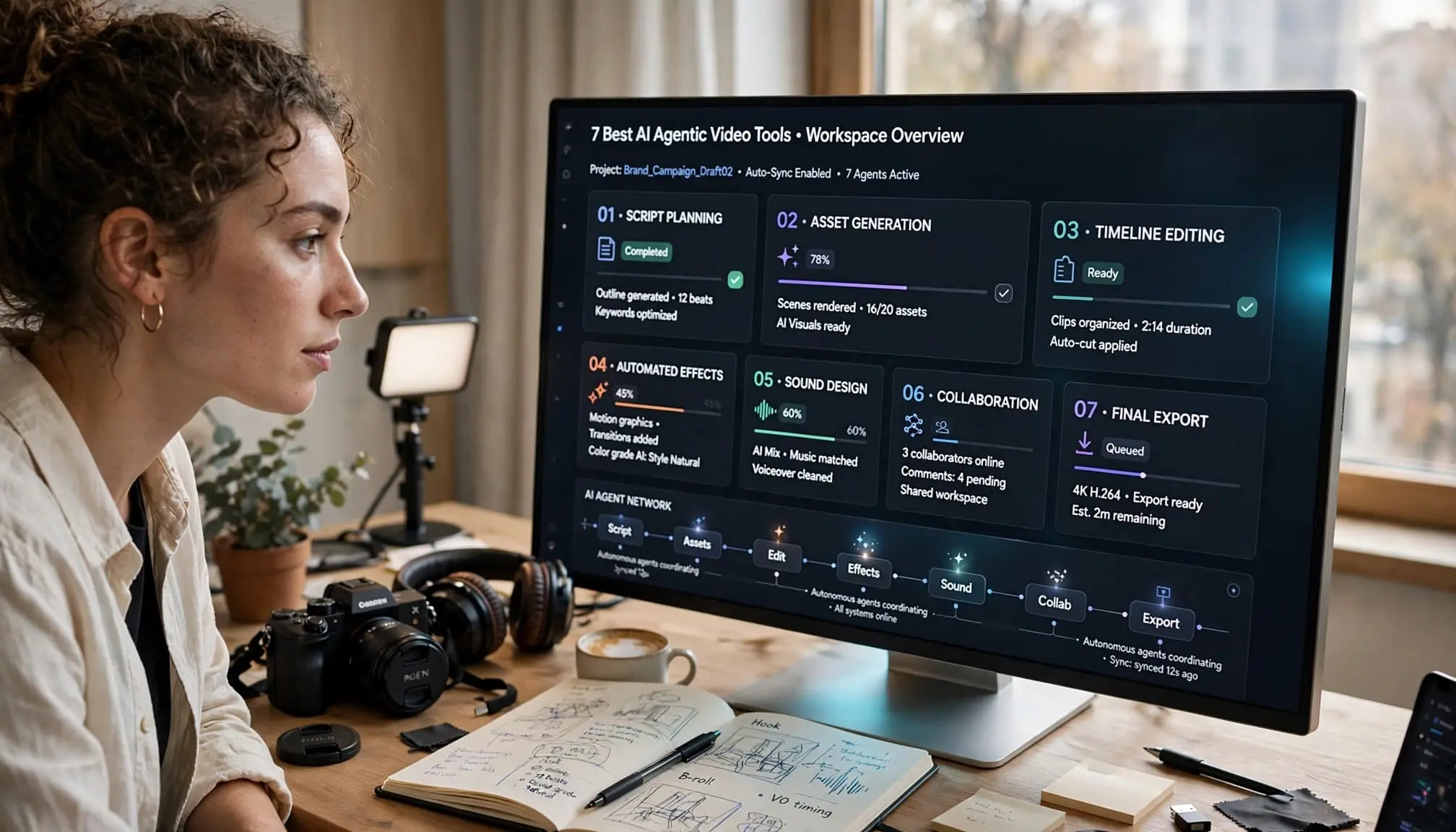
Making a video rarely ends with generating a clip. You still have to sort footage, find the story, cut repetition, add captions, and make versions that fit different platforms. The best AI agentic video tools help with several of those connected jobs, but they don’t all work on the same kind of project.
I compared seven products based on their published workflows and product documentation, not hands-on tests. Some work with recordings you already have; others build visuals or presenter-led videos from an idea. The useful question is what work you want to hand off, and what you can still change afterward.
Key Takeaways
- An agentic workflow carries out several connected production steps from a broader instruction. A single caption or clip-generation feature doesn’t meet that bar on its own.
- InVideo, Descript, VEED, and Captions are the more relevant starting points when you already have recordings to edit.
- Runway and Firefly add generated visuals to creative workflows; HeyGen is better matched to presenter-led videos built from an idea.
- Editable results matter more than an impressive first preview. Story, captions, continuity, and rights still need human review.
- Compare usage limits and correction effort before committing to a recurring publishing workflow.
What makes an AI video tool agentic, and what does not?
An agentic video workflow starts with a broader goal. You might ask a tool to review an interview, assemble a rough cut, remove dead space, and prepare a shorter version. The tool carries out connected steps, then gives you a chance to inspect and correct the result.
That differs from a feature that performs one operation. Automatic captions can be useful, but adding captions alone doesn’t make an editor an agent. The same goes for generating a short clip from a prompt. What matters is whether the system can coordinate tasks across the project and respond to direction as the work develops.
Autonomy varies considerably. Some tools act inside an editable timeline. Others respond to chat instructions for particular edits or assemble a draft that you can revise. I wouldn’t treat those as equivalent simply because their product pages use the word “agent.”
The practical test is whether you can inspect the tool’s choices and fix a bad cut without starting the whole project over.
Human review remains part of the job. An agent can remove a pause while missing why it mattered, choose a visually clean take with the wrong meaning, or place a caption over the subject’s face. Those are editorial decisions, not merely processing errors.
1. Invideo Editor
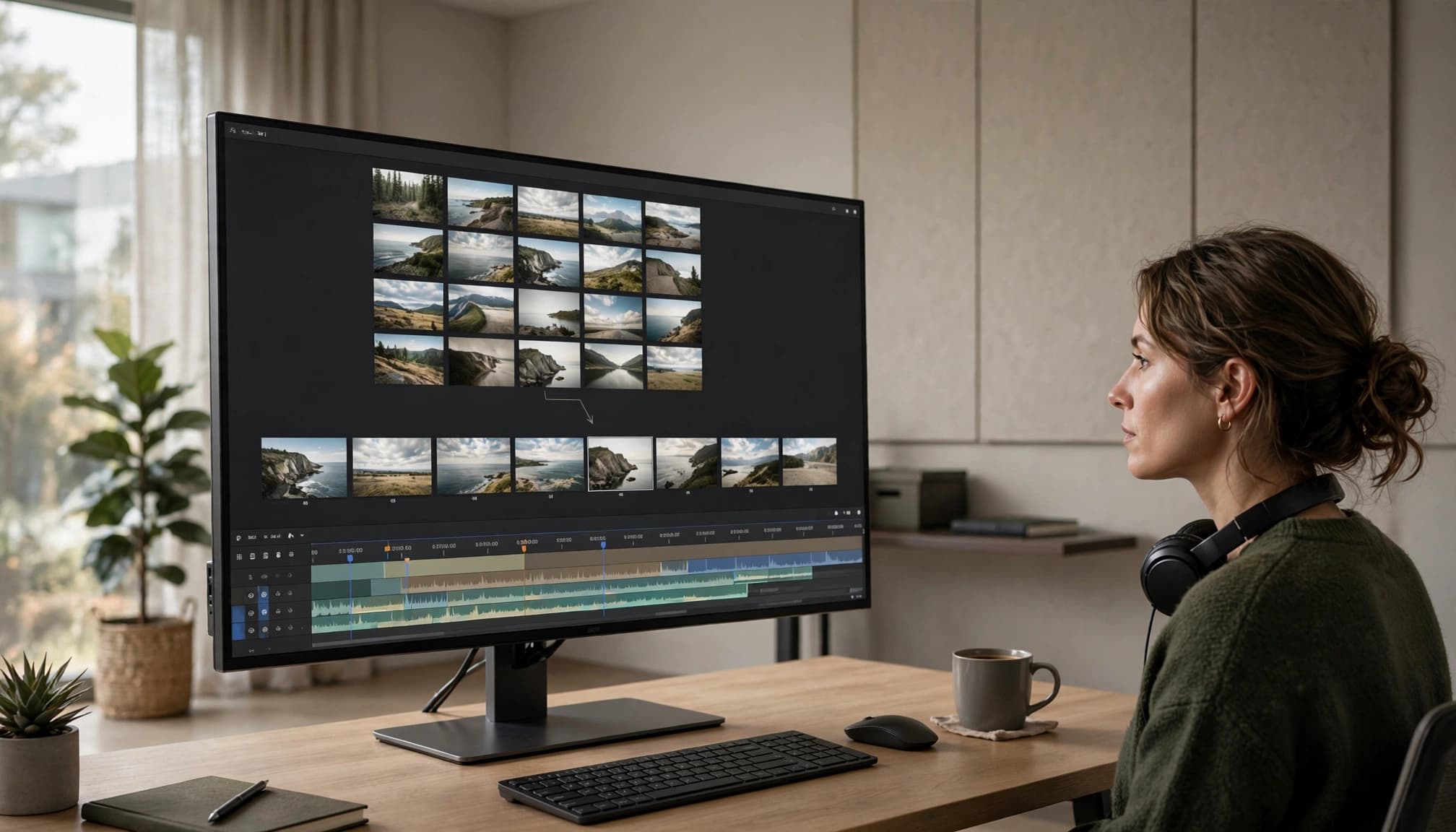
Invideo editor is designed around AI editing agents working alongside a professional editing timeline. Rather than treating AI as a separate generator, the workflow lets creators give agents footage and direction and have them perform assigned editing work inside the project.
One of its central capabilities is agentic assembly. You can upload raw footage, provide a script or transcript when available, and describe the base cut you want. The agent can review the material, identify usable takes, remove repetition, pauses and filler, and assemble the selected footage on an editable timeline.
That approach is particularly useful when the problem is not creating footage but getting from a messy media pool to a workable edit.
Invideo editor also covers footage review, timeline editing, colour and grading, audio post-production, dubbing, localisation, cut-downs and versioning. Its colour workflow, for example, combines AI instructions or reference images with manual controls such as colour wheels, curves, LUTs and waveform scopes.
Best suited to: creators and editors working with raw footage who want to delegate repetitive editing while keeping control of the timeline.
2. Runway
Runway has expanded from generative video into a broader agent-based creative workflow. Its Runway Agent can plan, generate, analyze and edit creative projects, while a built-in timeline allows creators to arrange clips, voiceover and music. The agent can also work with uploaded assets and create multi-clip timelines.
This makes Runway particularly relevant for creators who combine generated media with traditional footage. You can use an agent to develop a concept, create supporting visuals, modify existing shots and assemble a sequence.
Its editing capabilities also extend to transforming existing footage. Runway’s Edit Studio can make prompt-based changes such as replacing backgrounds, modifying elements, restyling footage and adding effects.
Best suited to: visual creators who want an agent that connects ideation, generative video, asset creation and editing.
3. Descript
Descript takes an unusually text-centric approach to AI video editing. Its Underlord agent can read a script, analyze video and execute editing instructions. It can handle tasks such as creating rough cuts, removing filler, selecting clips, styling visuals and adding B-roll.
The underlying workflow remains closely connected to Descript’s transcript-based editing system. Instead of manually searching through a recording for every spoken section, creators can work from the text representation of their footage.
That makes it especially practical for talking-head videos, podcasts, interviews, tutorials and other content where the spoken word provides the structure.
Best suited to: podcasters, YouTubers and educators who work primarily with dialogue-heavy recordings.
4. VEED
VEED’s AI Agent focuses on handling common editing and content-production requests through natural-language instructions. It can add subtitles, remove awkward silences, add music, change aspect ratios, generate footage and prepare videos for different platforms.
The platform is particularly relevant to creators producing frequent social content. A single piece of footage can be adapted for different formats, captioned and refined without manually repeating every step.
VEED has also introduced OpenEdit, an agent-driven, open-source video editing pipeline designed to run through a coding agent. Unlike its standard editor, OpenEdit has no graphical timeline and instead lets an agent handle composition and rendering from instructions.
Best suited to: social media creators, marketers and teams producing recurring short-form content.

5. Adobe Firefly
Adobe Firefly combines generative AI with a timeline-based video editor. Its AI video editor lets creators upload footage, trim and rearrange clips, add audio and titles, generate new scenes and make changes through natural-language prompts.
One useful part of the workflow is the ability to generate additional scenes directly within an existing timeline. This can help when a project has a visual gap that would otherwise require finding or shooting another piece of footage.
Firefly also provides conventional editing controls, so creators can move between AI-assisted operations and manual adjustments. Adobe describes the workflow as one where AI supports creative decisions while the creator retains control over timing, structure and visual style.
Best suited to: creators who want generative video capabilities alongside a more traditional timeline editing workflow.
6. HeyGen
HeyGen takes an agentic approach that is especially focused on presenter-led and avatar-based video. Its Video Agent can take an idea and work through stages such as structuring the story, selecting visuals and adding voiceover. The platform also emphasizes editable production and iteration rather than treating the first generated video as the final result.
This makes it different from tools primarily designed around editing raw camera footage. A creator can start with an idea rather than a completed shoot and use AI to develop a presentation-style video.
For businesses and individual creators producing explainers, educational content, product communication or presenter-led social videos, this type of workflow can remove several production steps.
Best suited to: creators making avatar-led explainers, educational videos, product content and business communications.
7. Captions
Captions combines automated editing, generative media and a chat-based editing workflow. Its current feature set includes AI Edit, a chat-based editor, AI-generated B-roll, music and sound effects, video generation, translation and tools for turning longer videos into shorter clips.
The platform is particularly focused on short-form and creator-led content. Instead of manually building every social video from scratch, creators can use AI editing styles and conversational instructions to handle repetitive production work.
That makes it useful for people who publish frequently and need consistency across a large volume of videos rather than a single highly customized production.
Best suited to: social creators, personal brands and businesses producing frequent short-form videos.
How to choose a video agent that fits your workflow
Start with the work you repeat, not the feature count on a pricing page. A tool that makes convincing generated motion may do little for an editor buried in interview footage. Likewise, fast transcript cuts won’t solve a project that needs new scenes.
Match the tool to your starting point and content type
For dialogue-led work, I’d begin with Descript. For a large set of visually varied recordings, InVideo is the more relevant workflow to investigate. VEED and Captions deserve a look when the recurring job is turning source material into short social videos.
If the project begins with a concept, compare Runway’s visual workflow with HeyGen’s presenter-led output. Firefly fits when you want generated material alongside timeline controls. These are use-case matches, not measured rankings. Our AI video models compared guide provides more context for judging generated motion and prompt adherence; those qualities don’t automatically tell you how good the surrounding editing workflow is.
Check control, review steps, and total cost
Before paying, run a small project using representative footage or a real script. Check whether you can revise a single cut, replace a generated scene, correct captions, and export in the formats you need. Note what requires another generation or render, since repeated attempts can affect both cost and turnaround time.
Compare current plan limits on official product pages. Credit allowances, processing limits, and access to particular features can change. I also wouldn’t claim a time saving until you’ve counted the review and repair work. If your goal is to connect video tasks with other software, AI agent builder tools may be more relevant than buying another video editor.
Frequently Asked Questions
Are AI video agents different from AI video generators?
A generator mainly creates an individual clip or asset from an input. An agentic workflow acts on a broader instruction across several production steps, such as selecting material, editing, and revising a sequence. A product may offer both, so judge the workflow rather than the label.
Can an AI agent edit footage without human review?
It can produce an edit without you making every cut, but I’d review it before publication. Check the story, timing, factual context, visual continuity, captions, and brand fit. An edit can be technically clean while making the wrong point.
Which tools work best with existing footage?
Look first at InVideo for footage-aware assembly and Descript when speech determines the edit. VEED and Captions are relevant when the main job is making shorter, formatted versions. The right fit depends on whether you’re sorting visual material, shaping dialogue, or producing social clips.
Which tools are better for videos made from a script or idea?
HeyGen suits a presenter-led explanation. Runway is more relevant when you need to develop or modify visual scenes, while Firefly offers generation alongside timeline editing. Choose based on what the finished video needs to show, not the amount of automation promised.
Do these tools publish videos automatically?
Don’t assume they do. Exporting a finished file, scheduling a post, and publishing through a platform connection are separate capabilities. Confirm the current options for your destination and plan before building a publishing schedule around any of them.
Conclusion
Video production still takes more than a generated clip. The strongest choice is the tool that handles your most repetitive production work while leaving you enough control to fix what it gets wrong.
I would start with one low-risk project, using footage or a script that reflects your regular work. Review the result as carefully as you would a human-made first cut before relying on it for routine publishing.