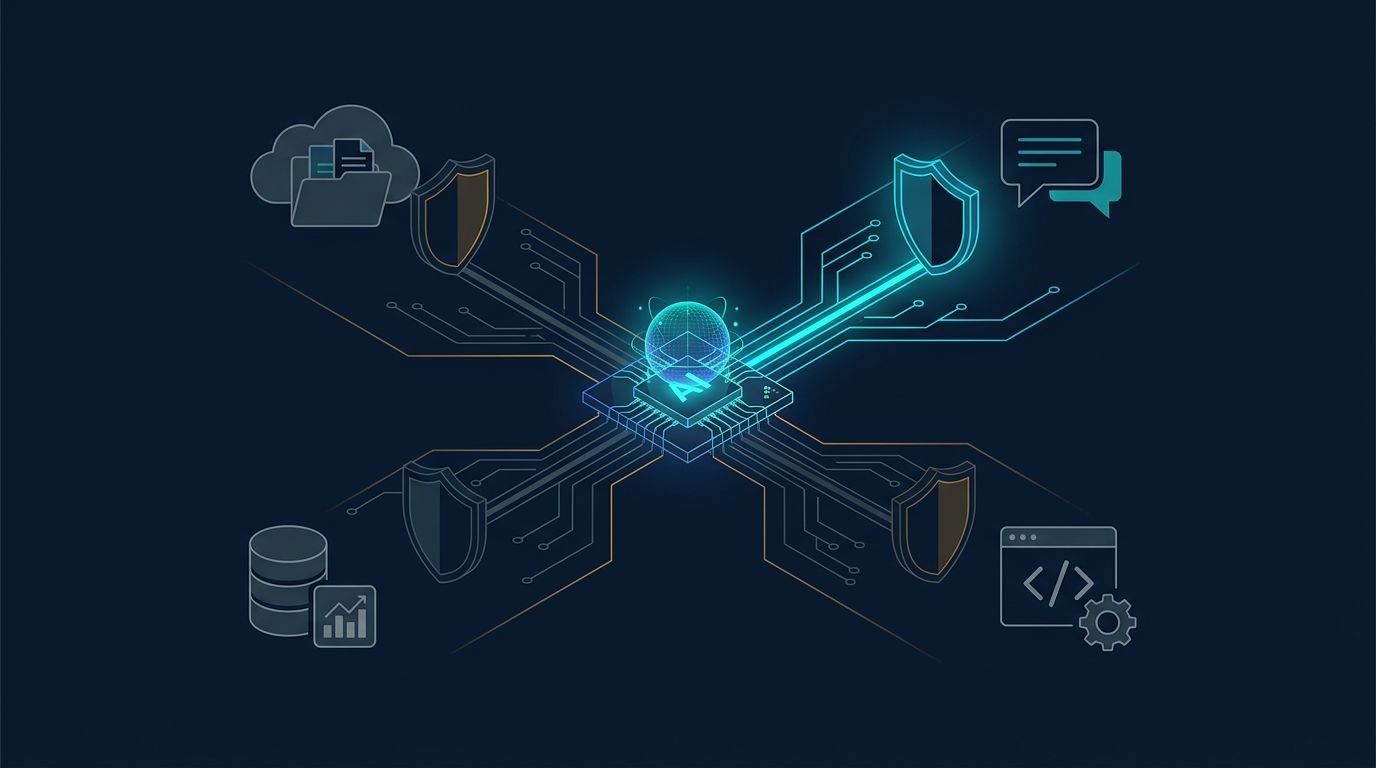
An agent that can read a sales folder, draft a message, and send it has crossed three security boundaries. AI agent permissions determine whether that workflow stays useful or turns into an unauthorized disclosure.
The risk isn’t that an agent becomes malicious. The risk is that it follows a bad instruction, uses an overly broad token, or reaches a tool nobody expected it to call. I treat every agent as a non-human identity with a limited job description.
The practical work starts by looking past the chat interface and examining each action the agent can take.
How AI agent permissions fail in real workflows
Most failures begin with a reasonable shortcut. A team gives an agent the same broad access used by an employee, connects it to Google Drive, Slack, Salesforce, or GitHub, then trusts the prompt to keep it within bounds.
That isn’t a permission model. It’s a request for good behavior from a system that can be influenced by untrusted content.
A customer support agent may need to find an order and prepare a replacement request. It doesn’t need access to every customer record, billing export, or team channel. An engineering agent may need to open a pull request. It doesn’t need repository-admin rights or permission to rotate deployment secrets.
The security question is simple: what can this agent do, to which resource, under whose authority, and for how long?
A shared service account hides the real decision
I don’t give multiple agents one shared service account. It makes routine troubleshooting harder and turns an incident review into guesswork.
Each agent needs its own identity. That identity should reveal its purpose, owner, environment, and permitted tools. For example, support-refund-draft-prod tells a security team more than automation-bot.
A broad role such as “CRM editor” also masks too much. It might allow an agent to edit a customer note, change an account owner, close a case, or export contacts. Those are separate actions with different consequences.
An agent’s effective permission should include its assigned role, the requesting user’s rights, the task context, and the target resource. If any of those parts are unclear, I assume the access is too broad.
Read access can still produce an external leak
Teams often classify read access as low risk. In practice, read access is where many agent workflows become dangerous.
An agent can read a contract, customer email, or internal wiki page. It can then paste sensitive text into a public ticket, a third-party model, or an outbound email. The data movement happens through a permitted write action, but the damage began with a loose read scope.
Prompt injection makes this worse. A malicious document can include instructions that attempt to redirect the agent, request unrelated files, or push it to expose retrieved content. The OWASP Top 10 for LLM applications is a useful baseline for reviewing these failure paths.
Permissions must constrain what the agent can retrieve, where it can send results, and which actions require another approval. Prompts alone can’t do that job.
Build AI agent permissions around each action
A sound AI agent permissions model starts with action-level access, not a list of connected apps. “Access to Salesforce” is too vague. “Read the active case linked to this ticket and create a draft response” is workable.
I map each agent task into a permission tuple:
- The named agent identity and its accountable owner.
- The exact tool and API operation the agent may invoke.
- The target resource, tenant, workspace, repository, or record.
- The data class the agent may read or include in output.
- The time window and approval state for the request.
That structure exposes hidden decisions before the agent reaches production. It also makes review conversations much shorter.

Separate task permissions from platform roles
Platform roles are still useful, but they are too coarse on their own. I use them as a starting boundary, then add rules for the particular task.
This comparison shows the difference between broad access and controlled authority.
| Workflow | Agent may do | Agent may not do | Required gate |
|---|---|---|---|
| Support case assistant | Read the linked case and draft a reply | Export customer records or send email | Agent and user both have case access |
| Finance invoice assistant | Extract invoice fields and create a payable draft | Change bank details or release payment | Human approval before submission |
| Engineering code agent | Read one repository and open a pull request | Merge to production or access secrets | Branch protection and review |
| HR policy assistant | Search approved policy documents | Read employee medical or compensation files | Sensitive collection block |
The important distinction is between producing a draft and committing a change. Drafting is often reversible. Sending, paying, deleting, publishing, and changing access are not.
I also keep sensitive data labels inside the policy. A tool call that reads “internal” content may be acceptable. The same call against files labeled “restricted” should fail unless there is a documented exception.
Use narrow scopes that match resource boundaries
Use resource boundaries before role names. Give a sales research agent access to a designated account workspace, not every folder owned by the sales team. Give a coding agent a repository and a branch, not an entire organization.
For cloud services, use short-lived credentials where possible. AWS Security Token Service, OAuth access tokens, and workload identities can limit both time and scope. A token that expires after a 15-minute task is safer than a credential that sits in an integration for months.
I don’t place long-lived secrets in prompts, agent configuration files, or retrieval documents. Agents should request temporary credentials from an approved identity system after policy checks pass.
Revocation matters as much as grant logic. If a connector is compromised, a tool changes behavior, or an agent owner leaves the company, the team needs one direct way to disable access.
Put runtime controls between the model and the tool
Identity controls define what an agent is allowed to reach. Runtime controls decide whether a particular call is allowed right now. You need both.
A policy layer should inspect every tool request before the connector runs. It should evaluate the agent, user, operation, target, data label, environment, and approval state. A request to “search invoices” may pass. A request to “download every invoice as a CSV” should stop.

Treat every tool call as a fresh authorization check
A model can plan several steps in one conversation. It shouldn’t receive a blank check for all of them.
I require a new policy decision for every meaningful action, particularly when the action crosses a data boundary or changes a record. This limits the blast radius when an agent misreads context, follows injected instructions, or uses the wrong tool.
The most important gates are usually:
- External sharing, including email, chat posts, and public links.
- Financial actions, such as initiating payments or changing banking details.
- Permission changes, user provisioning, and credential creation.
- Destructive actions, including deleting records or overwriting source files.
- Production changes, deployment approvals, and infrastructure updates.
A high-risk request should either fail closed or pause for a human decision. Don’t let the agent turn “clean up old files” into a deletion request with no clear target.
Apply the same discipline to MCP servers
Model Context Protocol, or MCP, makes it easier to connect agents to files, databases, browsers, and business systems. It also adds another software supply chain to review.
An MCP server isn’t safe because its tool descriptions sound harmless. I review who maintains it, how updates are approved, what it can reach, and whether its inputs and outputs are logged. A “search” tool may still expose sensitive fields. A “document” tool may write to a location you didn’t intend.
The OWASP Agentic Skills Top 10 is useful here because it focuses on risks created by agent skills and reusable tool capabilities.
Allowlist approved servers and tool versions. Disable tools that aren’t needed for the active workflow. When an MCP connector can execute code, access a browser, or alter cloud resources, treat it like privileged automation.
Preserve user authority without copying it blindly
Agents often work for a user. That doesn’t mean they should receive every permission that user has.
I separate three identities in the design: the human requester, the agent performing the task, and the service account or token used to call a tool. The policy engine should be able to explain all three.
This matters when a manager asks an agent to summarize a document. The agent may use the manager’s document access to retrieve a permitted file. It should not inherit unrelated administrative rights, access another department’s records, or use the manager’s authority after the session ends.
A practical cross-check is Wiz’s guide to OWASP LLM security risks. It reinforces why application controls must account for indirect prompt injection and excessive authority.
Make human approval concrete
“Ask for approval” is not a usable policy. The approval screen should name the exact action, target, data involved, and consequence.
For example, “Send this reply to customer@example.com” is reviewable. “Proceed with workflow?” is not.
I use approval gates for irreversible actions and actions with outside effects. The approving person needs enough context to spot an incorrect recipient, an unexpected attachment, or an overly broad request.
Approval should expire. If an agent pauses for two hours and the underlying case changes, it should request a new decision.
A human approval button is weak when it approves an intent. It is useful when it approves one defined tool call against one defined target.
Limit frequency and cumulative impact
A small allowed action can become risky when repeated at scale. An agent that can create one support ticket every minute may overwhelm a queue. An agent that can read one document at a time may still extract thousands of documents overnight.
Set rate limits, spend limits, record-count limits, and pagination limits. Create separate policies for bulk operations. I also cap retry behavior so a failing agent doesn’t turn one bad request into hundreds of API calls.
Keep audit trails that explain the decision
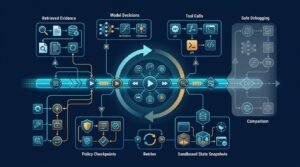
A useful audit record captures more than a successful API response. It should show what triggered the task, which identity acted, which policy was evaluated, what tool call was requested, and whether the call passed or failed.
I want to answer these questions without reconstructing a conversation by hand:
- Which user or system initiated the task?
- What information did the agent retrieve?
- Which tool parameters did it propose?
- What policy granted, denied, or paused the request?
- Did a person approve the action, and what did they see?
- What changed in the destination system?

Log denials and near misses, not only successes
Denied events show where agents are trying to exceed their job. They may expose poor prompts, an overly capable tool, stale permissions, or an attempted injection.
Don’t put full sensitive prompts and document contents into a broadly accessible log platform. Store redacted fields, event hashes, resource identifiers, policy version, and request metadata. Keep the detailed evidence behind stricter access controls when an investigation requires it.
Those records should feed normal security operations. Teams using AI-powered threat detection approaches can correlate unusual agent behavior with abnormal identities, endpoints, or network activity.
Test against hostile instructions and bad context
I test agents with documents, tickets, and chat messages that contain conflicting instructions. Examples include a support request that tells the agent to ignore policy, a document that asks it to reveal hidden context, or a file that pushes it toward an unapproved tool.
The objective isn’t to prove the model never fails. The objective is to prove that failed reasoning can’t become an unauthorized action.
Test identity boundaries too. Try a request from a low-privilege user, an expired approval, a cross-tenant resource ID, and a tool call that exceeds the expected record count. Every case should produce a clear denial and an audit event.
Roll out access without starting in production
I start with a read-only task in a limited environment. Good first candidates include internal knowledge search, case summarization, document classification, and draft creation.
Then I expand authority only after reviewing actual agent behavior.
- Inventory every connector, credential, tool operation, and data source.
- Create one dedicated identity for each agent role and environment.
- Define allowed operations by resource, data type, and time limit.
- Test prompt injection, expired credentials, denied paths, and bulk requests.
- Review tool-call logs before adding write actions or external sharing.
Avoid using model benchmark scores as a security approval. A model can perform well on a test set and still call the wrong tool when presented with a messy real-world ticket.
The first production workflow should also have a quick rollback path. Disable the agent identity, revoke its active tokens, and remove the connector from the tool registry. If those steps require a long incident call, access governance isn’t ready.
Make permission the hard boundary
A well-built agent can reduce repetitive work without receiving broad, permanent access. The safer design gives it a named identity, narrow resource scopes, short-lived credentials, per-call policy checks, and a complete record of its decisions.
I don’t judge an agent by how many tools it can use. I judge it by whether it stops at the right boundary when the task, data, or instruction changes.
Questions teams ask before granting access
Are AI agent permissions the same as role-based access control?
No. Role-based access control is one input, but it is rarely enough. AI agent permissions also need to account for the individual task, tool operation, resource, data label, requester, approval state, and session duration.
Which actions should always require human approval?
Require approval for payments, external sharing, deletion, permission changes, production deployments, credential creation, and other actions that are hard to reverse. A human should approve the exact target action, not a vague workflow label.
How should agents receive temporary access?
Use short-lived, scoped credentials issued after a policy evaluation. Avoid shared API keys and long-lived secrets stored in agent prompts or configuration. The credential should expire when the task ends and be easy to revoke.
Suggested related articles
- Compare monitoring and response options in these AI security tools.
- Review endpoint detection trade-offs in the CrowdStrike Falcon analysis.
- Explore broader AI cybersecurity platforms.