
Best AI Trading & Crypto Tools 2026, Compared by Use Case
AI trading tools can scan markets, test strategies, and automate crypto trades, but they can’t remove market risk or guarantee profits. A polished dashboard is still no substitute for position sizing, risk limits, and a clear plan for what happens when market conditions change.
In this Best AI Trading & Crypto Tools 2026 comparison, I judge TrendSpider, Trade Ideas, and 3Commas by market coverage, automation, strategy testing, pricing, ease of use, and the user each platform actually suits. I’m keeping the shortlist focused on verified capabilities instead of padding it with unsupported products, and I’ll be clear when a tool is unnecessary, expensive, or built for a different market. If you’re still weighing the wider risks, my AI crypto trading guide provides useful context before you automate anything.
The strongest option depends on your goal, so I’ll start by separating chart analysis, stock scanning, and crypto exchange automation.
Key Takeaways
- TrendSpider fits chart analysis, market scanning, backtesting, and strategy development, but pricing varies and native brokerage integration is limited.
- Trade Ideas is the focused choice for US stock ideas and momentum signals, not a general crypto automation platform.
- 3Commas is the strongest fit for crypto bots, exchange connections, DCA strategies, grid trading, and automated execution.
- AI can improve research and workflow speed, but it can’t predict markets or remove risk. Review the SEC’s AI investment fraud alert before trusting automated signals.
Best AI Trading & Crypto Tools for Different Trading Goals
The right platform depends less on its AI label and more on the job you need done. TrendSpider combines analysis and automation, Trade Ideas focuses on US stock discovery, and 3Commas is built around crypto bot execution.
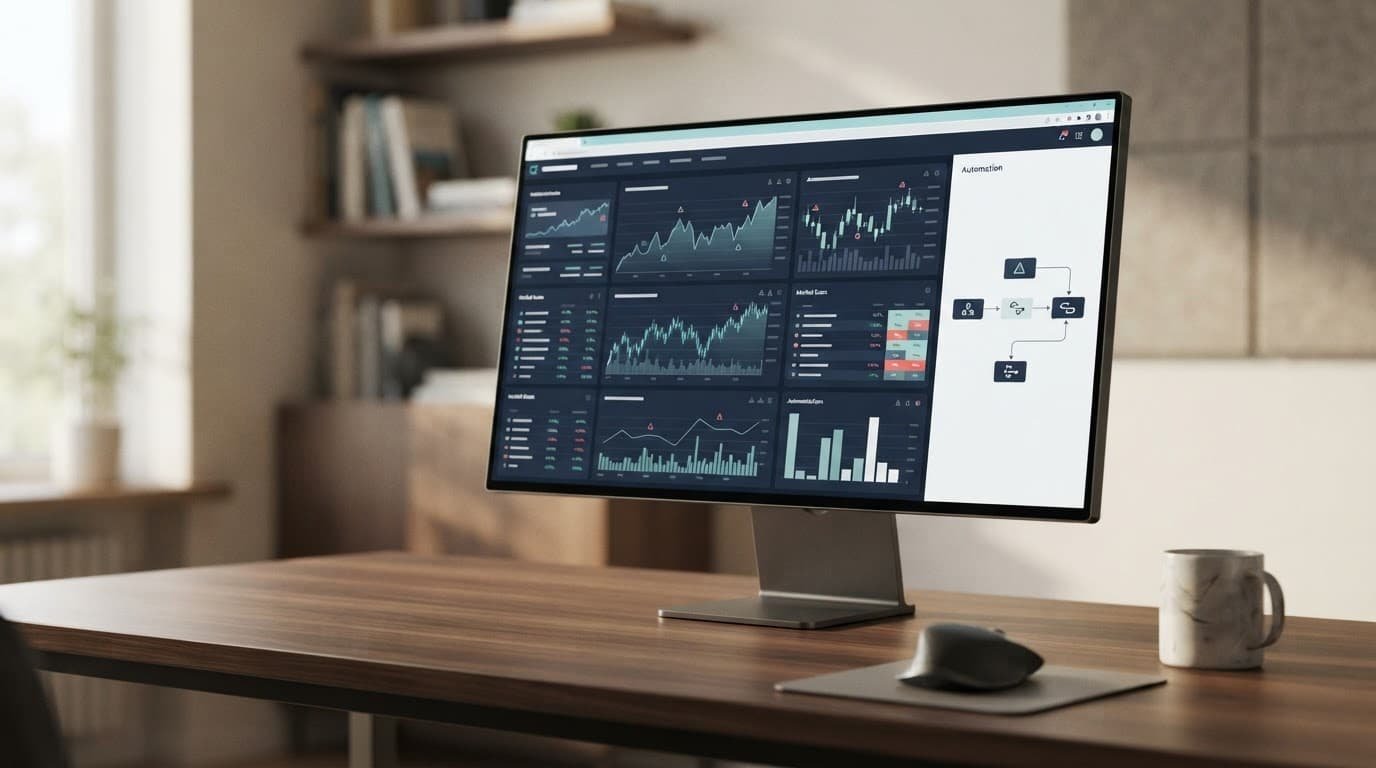
TrendSpider fits traders who want analysis, testing, and automation together
TrendSpider is the strongest hybrid choice for active traders who want one browser-based workflow across stocks, crypto, or forex. Its tools cover multi-timeframe analysis, market scanning, advanced charts, visual backtesting, dynamic alerts, Smart Checklists, pattern recognition, trading bots, and webhook integration.
The appeal is the path from idea to execution. You can define a strategy visually, test it across symbols and timeframes, refine the conditions, then convert it into a bot without writing code. That doesn’t make the strategy reliable, but it removes a technical barrier for traders who would otherwise stop at manual alerts. For deeper company research, I’d still pair chart tools with something like this AlphaSense market intelligence review.
TrendSpider’s official pricing page shows plan and introductory pricing blocks rather than one permanent promotional monthly rate. Standard, Premium, Enhanced, and Advanced tiers differ by limits for workspaces, alerts, bots, scanning speed, backtest depth, symbols, and data retention. Check the current TrendSpider pricing plans before buying.
The drawbacks are clear. The learning curve is real, the useful workflow is focused on paid plans, and backtests still depend on your assumptions about slippage, fees, liquidity, and execution. I would choose it if you want strategy development and automation in the same place. If you only need clean charts or occasional alerts, a simpler tool is easier to justify.
Trade Ideas is built for real-time US stock discovery
Trade Ideas is the focused option for active US equity traders who need fast scans rather than crypto bots. Its Holly AI workflow generates stock ideas from real-time market conditions, while simulated trading, Brokerage Plus features, and symbol handoffs to outside charting platforms support a broader trading routine. Grok’s financial analysis capabilities may help with research, but they aren’t a substitute for a dedicated stock scanner.
The displayed pricing bands are Standard and Premium, with annual billing that changes the effective monthly rate. The official page currently shows annual totals of $1,068 and $2,136, so I wouldn’t present either figure as a simple month-to-month price.
Holly can surface ideas quickly, but you still need to review the setup, position size, exit, and live execution yourself. Beginners should not treat its output as personal financial advice. Trade Ideas is a poor fit for broad crypto coverage or automated exchange trading.
3Commas makes the most sense for crypto bot automation
3Commas is the clearest fit for crypto traders who want rule-based execution across connected exchanges. DCA bots, Grid bots, Signal Bots, SmartTrade, portfolio tools, backtesting, mobile controls, and alerts through the app, browser, email, or Telegram cover more than chart analysis alone. Its workflow also fits readers exploring Web3 automation with smart agents.
Official pricing lists Starter at $20 monthly or $15 annually, Pro at $50 or $40, and Expert at $140 or $110. Currency, VAT, billing terms, and plan limits can vary, so verify the current details before subscribing.
Automation improves consistency, but it can also repeat a bad strategy during a volatile market. Use restricted API permissions, exchange security controls, drawdown limits, and paper testing first. Small positions are sensible when you move to live execution. Choose 3Commas for automated crypto rules. Choose another tool if you only want charts, scans, or technical analysis.
How AI Trading Software Actually Works, and Where It Falls Short
AI trading software is easier to understand when you separate discovery, decision-making, and execution. These are different jobs, even when one platform places them in the same dashboard.
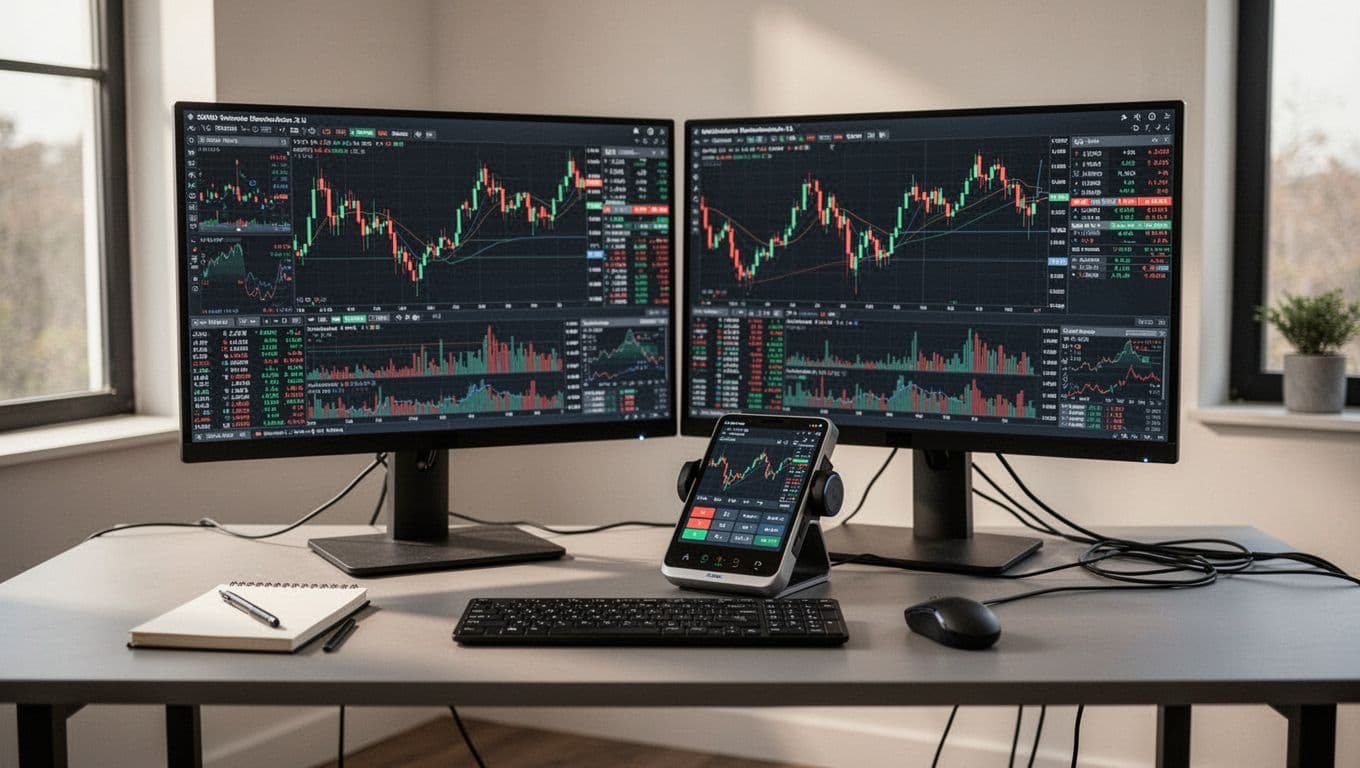
Signals, screeners, and bots solve different problems
Trade Ideas is mainly a stock discovery and signal workflow. It helps surface US equity candidates based on market conditions, but finding a setup isn’t the same as deciding to buy it.
TrendSpider sits further along the process. It combines chart analysis, scanning, backtesting, alerts, and automation, so you can move from a trading idea to a tested rule set. That still doesn’t prove the rule works live. My AI tool testing process follows the same principle: a feature matters less than its accuracy, reliability, and performance in a real workflow.
3Commas focuses on crypto execution through configured bots. DCA bots, grid strategies, and other automation features can place orders through connected exchanges, but the bot follows your settings. It doesn’t understand risk in the way a careful trader does.
A practical workflow might look like this:
- Use Trade Ideas or another scanner to find stocks with unusual volume and momentum.
- Review the chart structure, timeframe, liquidity, entry conditions, and exit rules in TrendSpider.
- Test the rules with conservative assumptions, then paper trade them.
- Use a 3Commas bot only when the strategy, position size, maximum loss, and shutdown conditions are clear.
Buying three platforms that all produce similar alerts won’t necessarily improve your decisions. It may just give you three versions of the same noise. I would rather assign each tool one clear job and compare AI software by features and performance before adding another subscription.
Backtesting cannot prove future returns
A backtest asks what would have happened under historical data. It does not show what will happen when prices, liquidity, participants, or volatility change.
The main problems are easy to miss:
- Survivorship bias can exclude companies or tokens that disappeared.
- Over-optimized parameters can fit the past while failing on new data.
- Missing commissions, spreads, slippage, and market impact can inflate returns.
- Delayed data or unrealistic fills can make entries look better than live execution.
- Look-ahead bias can accidentally use information that wasn’t available at the decision point.
Research on the probability of backtest overfitting explains why testing many variations can produce an attractive result by chance. A clean equity curve is not proof of a durable edge.
I prefer walk-forward testing, conservative fee and slippage assumptions, and paper trading before risking capital. Paper trading checks whether the workflow functions, but it won’t fully reproduce rejected orders, API disconnects, widened spreads, or the pressure of a live account. Keep a record of live results and compare them with the original assumptions. If performance breaks down, reduce exposure or stop the system rather than adjusting every parameter until the chart looks good again.
A useful pre-purchase checklist is simple: What data does the tool use? Are results live or simulated? Can fees and slippage be modeled? Who controls execution? What happens when an API disconnects? My criteria for evaluating reliable AI tools starts with those practical questions, not the size of the feature list.
Pricing, Usability, and Risk Trade-Offs That Matter Before You Subscribe
The right trading tool depends on your market, experience, and tolerance for manual work. I wouldn’t choose based on the word “AI” alone. A subscription can improve research, but a platform that places trades creates a much larger security and monitoring burden.
Which tool is best for beginners, active traders, and crypto users?
I use a simple decision guide:
- Beginners should start with education, simulated trading, and manual review. TrendSpider can make sense if you want to learn chart analysis and test rules visually, but paying for a full automation plan is unnecessary while you are still defining a strategy. A free charting platform and paper account may be enough.
- Active US stock traders should consider Trade Ideas when rapid stock discovery, momentum scans, and real-time alerts are the main need. For example, if you review unusual volume before the opening bell, Trade Ideas is more focused than a general-purpose crypto platform.
- Multi-asset traders should consider TrendSpider for technical analysis, scanning, backtesting, alerts, and automation across markets. A trader building rules for stocks, forex, and crypto may prefer one analysis workflow, even with its learning curve and plan limits.
- Crypto users should consider 3Commas for DCA bots, grid strategies, exchange connections, and rule-based execution. If you only want charts or occasional alerts, the subscription and API risk probably aren’t justified.
The total cost is more than the displayed monthly rate:
subscription + commissions + spreads + data + exchange fees + slippage + monitoring time
Annual billing can reduce the effective rate, but it also increases switching costs. Check trial fees, introductory pricing, alert limits, bot limits, data-feed charges, brokerage or exchange fees, and the time required to learn and supervise the system. My AI tool comparison checklist covers the same buying question from a broader software perspective.
Security and risk controls deserve as much attention as AI features

Before connecting funds, inspect the API permissions, supported exchanges, recovery process, data handling, alerts, kill switches, and failure behavior. Read the official terms, especially around outages, refunds, account suspension, and responsibility for automated orders.
I prefer read-only access first, with withdrawals disabled wherever the platform allows it. Use a separate trading account, strong unique credentials, and two-factor authentication. Test the workflow with simulated data, then use a small amount only after you understand every setting.
No tool protects you from every market loss, platform outage, phishing attack, or bad configuration. The SEC warns about faulty automated systems and misleading AI investment claims. The CFTC highlights crypto volatility and leverage risk, while FINRA warns about social-media promotions, phishing, and account takeovers. Treat those risks as part of the product decision, not fine print to ignore.
For permission design, my guide to AI agent permission controls offers a useful parallel: give software the narrowest access it needs, then add approval gates before high-impact actions. If the tool cannot show clear activity records or alerts, I would not trust it with meaningful capital.
A Safer Way to Choose and Test an AI Trading Tool
I wouldn’t connect meaningful capital to an AI trading tool after watching a polished demo. A safer process starts with a limited test, clear records, and permission to stop. Treat the first month as an audit, not a performance challenge.
A practical evaluation checklist for the first thirty days
Use this checklist before increasing exposure:
- Define the market, strategy style, trading frequency, budget, and required broker or exchange integrations. Confirm the tool actually supports them.
- Create a separate account with two-factor authentication. Start with read-only API access, disable withdrawals, and review every permission before adding trading access.
- Verify the data source, timeframe, symbol coverage, pricing, plan limits, and whether quotes are delayed. The FINRA guidance on AI applications is a useful reminder that efficiency claims don’t prove reliable investment results.
- Document the strategy before testing it. Record entry rules, exits, position size, stop conditions, maximum drawdown, and the exact indicators or model inputs.
- Run historical and walk-forward tests with realistic commissions, spreads, slippage, rejected orders, and missed fills. Save the assumptions and compare live behavior with the original backtest.
- Paper trade before risking money. Check whether alerts arrive on time, signals match the documented rules, and simulated orders behave as expected.
- Track subscription costs, commissions, spreads, exchange fees, and slippage in one record. A profitable chart can turn negative after execution costs.
- Test alerts, API failures, duplicate signals, and emergency shutdowns. Decide what happens if the platform, broker, exchange, or internet connection goes offline.
- Review performance weekly. Track win rate, average win and loss, maximum drawdown, exposure, missed trades, execution errors, and time spent monitoring.
- Record every strategy change, including the reason and date. At day 30, decide whether to keep, downgrade, or cancel the tool.

I also keep an audit trail of signals, orders, permissions, outages, and changes. My guide to AI agent audit logs covers the same principle: if you can’t reconstruct what software did, you can’t investigate a loss properly.
Common mistakes that make AI trading tools look better than they are
Chasing the most profitable backtest encourages overfitting. Use out-of-sample data and conservative assumptions instead.
Changing rules after every loss destroys your baseline. Set a review schedule instead of reacting to individual trades.
Too many indicators can create contradictory signals and hide the real reason for an entry. Start with the smallest rule set that answers your strategy question.
Ignoring fees inflates returns, while unlimited API permissions increase account risk. Model every cost and grant only the access the tool needs.
Anonymous signals provide no reliable accountability. Demand a documented method, verifiable history, and clear risk disclosures. FINRA’s algorithmic-trading guidance also reinforces the need for testing and supervision around automated strategies.
Scaling before proving execution magnifies small flaws. Move from paper trading to the smallest practical position, then increase only after consistent evidence.
Finally, more alerts don’t mean better decisions. If alerts create noise, reduce them and measure whether each one improves your process. Use AI agent test cases as a useful model for testing known failure cases instead of judging a tool by its best-looking outcome.
Frequently Asked Questions
AI trading software can improve research and execution, but it doesn’t remove uncertainty. These are the questions I would answer before paying for a subscription or connecting an exchange account.
Can AI trading tools guarantee profits?
No legitimate AI trading tool can guarantee returns. AI may help with research, pattern detection, backtesting, alerts, or rule-based execution, but market conditions can change faster than a tested strategy.
Implementation risk matters too. Poor data, unrealistic backtests, slippage, API failures, bad position sizing, and incorrect settings can turn a sensible idea into a losing system. I would treat guaranteed-profit claims as a serious warning sign.
What is the best AI tool for crypto trading?
For crypto bot automation, 3Commas is the most directly aligned option among the tools compared here. It supports exchange connections, DCA bots, grid strategies, signals, and rule-based execution, although supported features vary by exchange. Check its current exchange support before subscribing.
TrendSpider may suit you better if your priority is multi-asset analysis, testing, charting, and alerts rather than direct crypto bot management. The right choice depends on exchange support, strategy type, risk tolerance, and how much control you want over each trade.
Is Trade Ideas useful for cryptocurrency markets?
Trade Ideas is mainly built around US stock scanning, Holly AI, simulated trading, and brokerage workflows. That makes it useful for equity traders looking for real-time stock ideas, but it isn’t the natural choice for crypto exchange automation.
If you want crypto bots, compare crypto-focused platforms instead of assuming a stock scanner will manage exchange trades. I would check the official Trade Ideas pricing and features before treating it as part of a crypto workflow.
Do beginners need an AI trading subscription?
Usually, no. I would first learn market basics, use free charting or simulated tools, document a simple strategy, and track results without risking meaningful capital.
A paid plan makes sense only when it solves a clear workflow problem, such as reducing repetitive scanning or enforcing predefined rules. Buying automation before you understand the strategy adds cost without adding judgment.
Are crypto trading bots safe to connect to an exchange?
Safety depends on API permissions, account security, provider reliability, exchange controls, and your configuration. Disable withdrawals, use two-factor authentication, limit the funds in the connected account, and review activity logs regularly.
I also recommend keeping a manual shutdown plan. A platform with unclear permissions or poor audit records isn’t worth connecting to, even if its bot features look attractive. My AI agent sandboxing guide covers the same narrow-permission principle.
How often should AI trading tools and prices be rechecked?
Check official pricing, documentation, supported exchanges, data access, and terms before subscribing. These details can change, and third-party summaries often remain online after the product changes.
After subscribing, review performance, permissions, fees, and plan value at regular intervals. If the tool no longer solves a measurable problem, downgrade or cancel it.
Conclusion
The strongest AI trading tool is the one that matches the job, not the one with the most impressive AI label. TrendSpider is the better fit for multi-asset analysis, backtesting, alerts, and automation. Trade Ideas is more focused on US stock discovery and real-time signals. 3Commas is the practical choice for crypto bot execution through connected exchanges.
My editorial verdict is straightforward: disciplined testing, realistic cost assumptions, security controls, and sensible risk management matter more than automated features. None of these platforms can guarantee profits, and unlicensed trading-robot claims or fixed-return promises deserve immediate skepticism.
Start with the smallest safe test, paper trading where possible, restricted API permissions, and clear shutdown rules. Choose a tool only when its measurable benefits outweigh the subscription, monitoring, execution, and account-security risks. A useful workflow is more valuable than a fashionable AI feature.