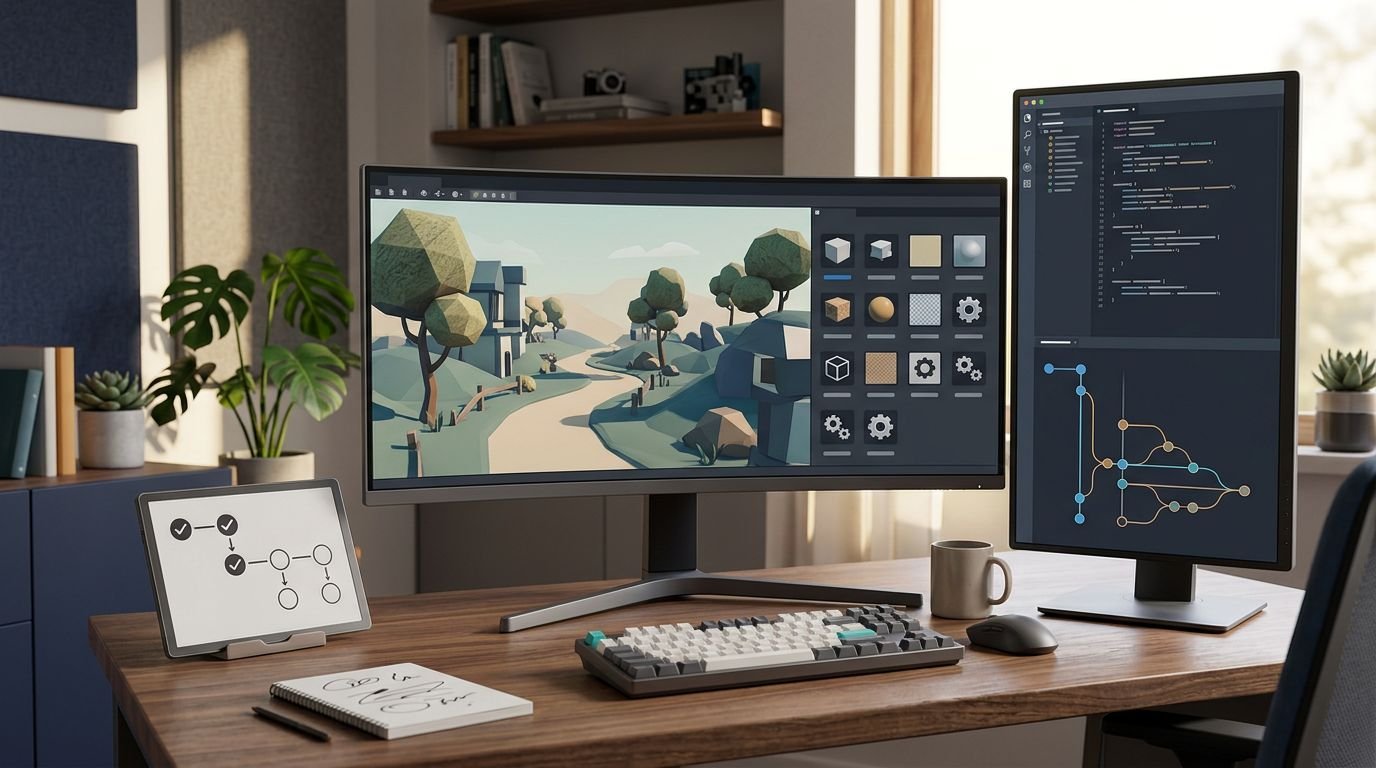
AI can give a solo developer ten rough assets before lunch. It can also produce ten mismatched assets, brittle code, and another monthly bill. The best AI gaming tools reduce a real production bottleneck without creating three new ones.
I don’t rate AI game development tools by the flashiest demo. I judge the bottleneck they remove, the cleanup they create, and their fit with Unity, Unreal, or normal source control. These picks cover the parts of development where AI is useful now, while keeping a human responsible for the shipped game.
Key Takeaways
- Choose AI gaming tools by the production bottleneck they remove, not by the flashiest demo or the number of features they offer.
- Asset generators such as Scenario and Meshy can accelerate drafts, but style consistency, topology, materials, licensing, and technical cleanup still need human ownership.
- GitHub Copilot and Cursor are useful for contained coding tasks and repo-aware changes, but every implementation, diff, and refactor requires review and testing.
- Animation, NPC, and QA tools work best with clear boundaries, stable builds, authored constraints, and measurable test goals rather than as replacements for creative or production judgment.
- Run a narrow pilot, track usable output, cleanup time, failures, spend, and integration friction before adding another AI subscription to the pipeline.
How AI game development tools fit each job
These tools are not one category. A sprite generator, code assistant, animation app, and QA platform solve different problems, including texture generation and regression testing. I picked tools with a defined place in production, not vague “make a game” promises.
| Tool | Best fit | Main caution |
|---|---|---|
| Ludo.ai | Early concept and genre research | Don’t outsource game direction |
| Scenario | Consistent 2D asset directions | Requires tight art review |
| Meshy | Fast 3D props and blockouts | Imported meshes need cleanup |
| GitHub Copilot | In-editor code assistance | Review every implementation |
| Cursor | Repo-aware editing and refactors | Broad edits can touch too much |
| Cascadeur | Character posing and animation polish | Still needs animator judgment |
| DeepMotion | Video-based motion capture | Retargeting takes work |
| Inworld AI | Conversational NPC prototypes | Dialogue needs authored limits |
| Convai | Interactive character experiments | Budget for testing and latency |
| modl:test | Repeatable gameplay QA | Needs stable builds and test states |
Don’t build a stack of all ten. For indie game developers, a 2D roguelite may need Scenario, Copilot, and modl:test. A 3D character game may replace Scenario with Meshy, then add Cascadeur or DeepMotion for character motion.
Before choosing an AI game engine over an open source engine, verify editor integration, export behavior, and source-control compatibility.
The site’s 2025 gaming AI tool guide can help widen a shortlist, but check current plans and product documentation before paying.
Asset generation needs a style owner
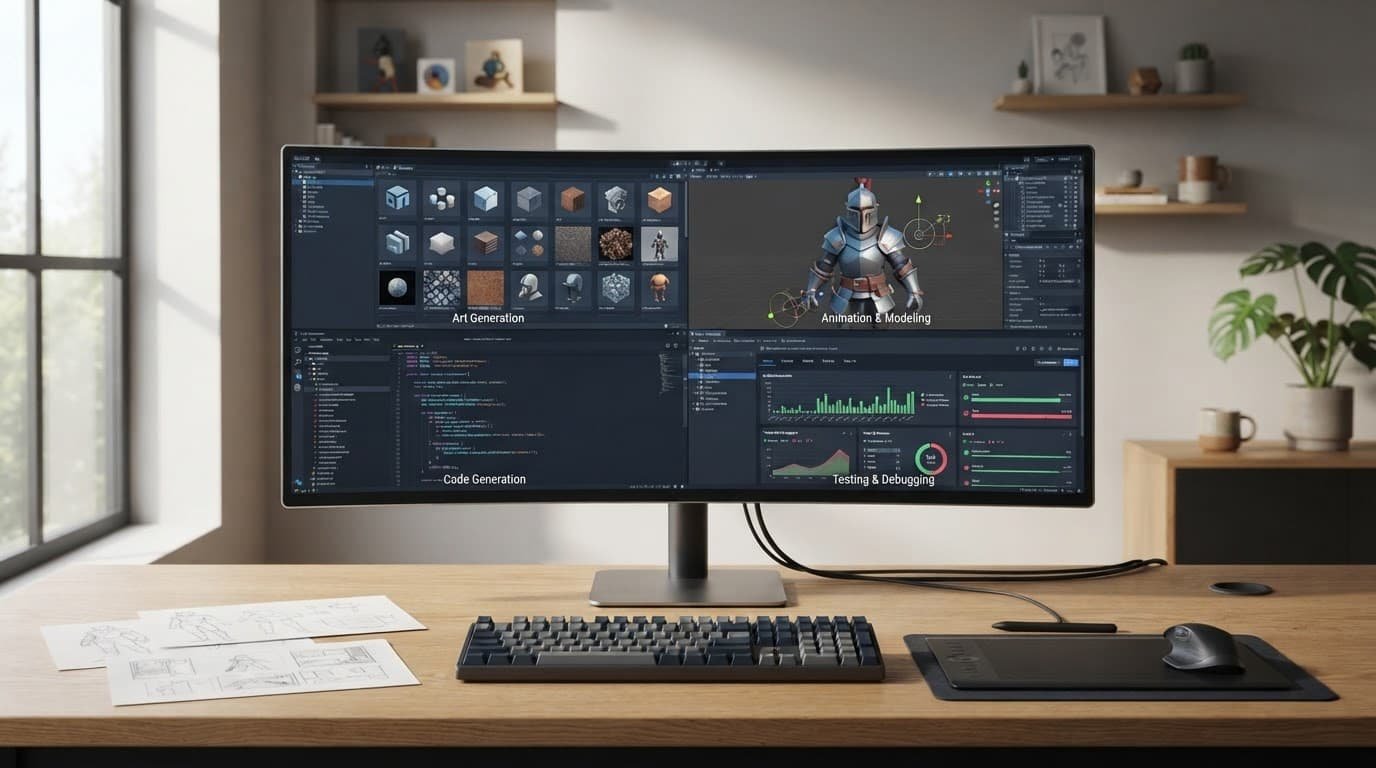
Among AI game development tools, game asset generation has the easiest sales pitch: describe an object and receive a draft. A prop or output from texture generation can look good alone but still clash with your UI, lighting, camera angle, and character silhouettes.
Ludo.ai works best before production starts
Ludo.ai belongs early in the process. Its value is idea exploration, reference gathering, concept work, and checking whether a genre is already crowded.
I wouldn’t make design calls from AI suggestions. I would use them to pressure-test a pitch, explore visual directions, and ask whether procedural content generation belongs in the concept. The tool should inform a short art brief, not determine the game’s direction or replace a runtime content system.
Scenario and Meshy solve different asset problems
Scenario can act as an AI sprite generator for teams that need repeatable 2D visual directions. Meshy is useful for 3D asset creation when a blockout, prop, or rough character mesh is missing.
Neither should bypass a technical artist. Check topology, UVs, scale, materials, collision, and style before import. Meshy’s guide to game generators and asset tools makes a useful distinction here: generated assets can accelerate drafts, but they don’t replace level logic, performance work, or a content pipeline.
For early concepts, Stable Diffusion for game concept art can serve as an AI art generator with more control. It also makes comparing machine learning models, prompt discipline, model selection, asset organization, and licensing your responsibility. Generated assets still need review for production fit and practical limits.
AI code assistants can write fast and fail fast
AI game development tools are useful for boilerplate, API lookups, test scaffolding, and familiar patterns. They don’t understand your game’s economy, networking risk, or frame-time target unless you supply context and inspect the result. Use AI assistance alongside established debugging tools, not as a replacement for them.
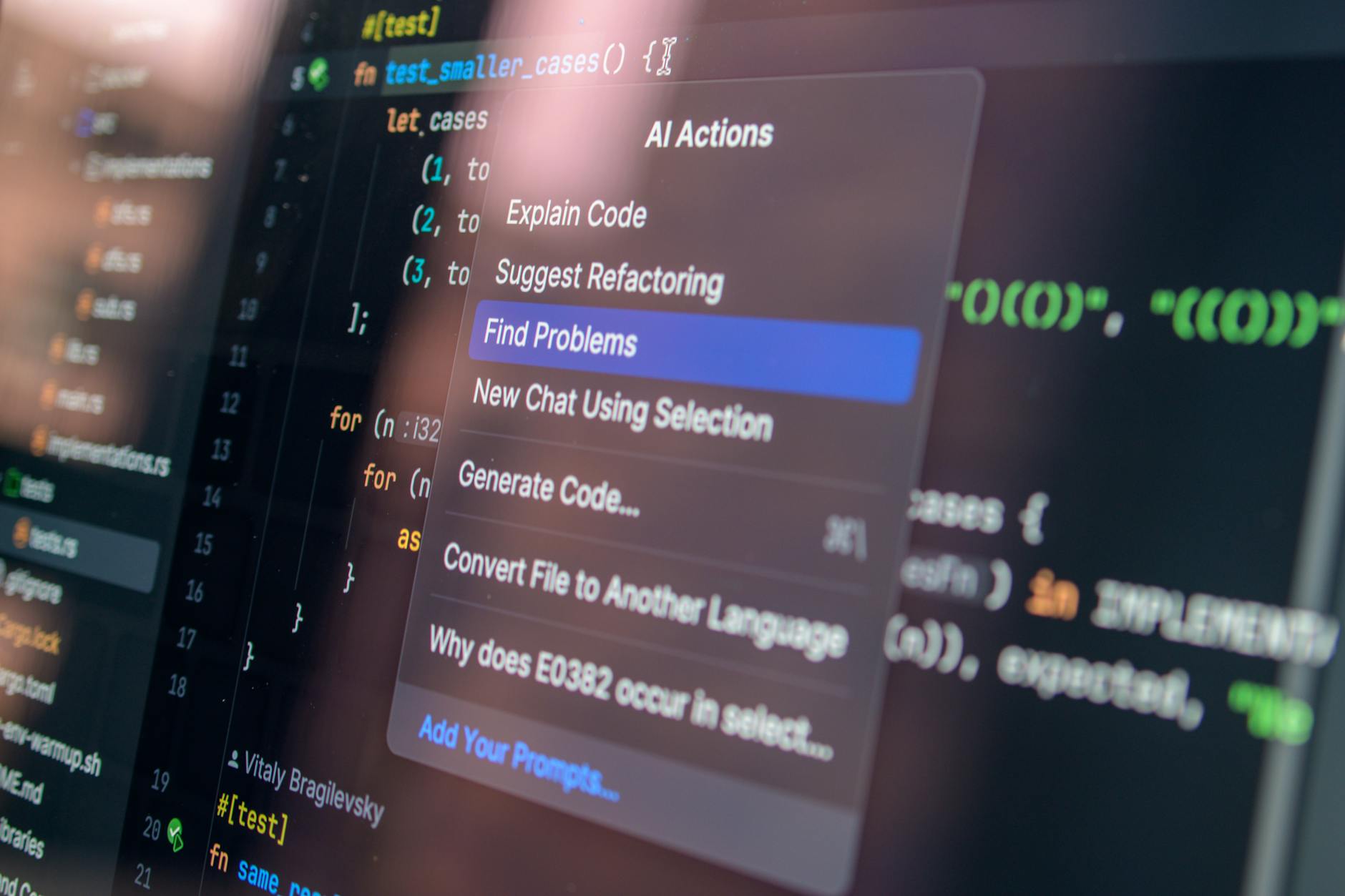
Photo by Daniil Komov
GitHub Copilot is the sensible default
GitHub Copilot is a practical AI code assistant for small implementation tasks. Copilot Free has limits, while Pro costs $10 per month. GitHub moved much of its non-completion usage to AI Credits in June 2026, so agent-heavy work can cost more than the subscription price suggests.
I’d use it for contained functions and tests, then review diffs like code from a hurried junior contributor. Our comparison of AI coding assistants for VS Code covers the broader editor choices.
Cursor is stronger for project-wide changes
Cursor is more appealing when you need repo-aware chat and multi-file edits. Its Hobby plan is free, while Pro is $20 monthly. Pro+ costs $60, and Ultra costs $200.
That range is reason enough to set a budget cap. Broad edits can affect unrelated files. Keep commits small, write tests first, and don’t merge an AI refactor because it looks tidy.
Animation and NPCs need more guardrails
Within AI game development tools, animation and NPC systems can save time during early production. Both categories disappoint when a team treats raw output as final content.
Cascadeur and DeepMotion reduce animation cleanup
Cascadeur is a sensible pick for assisted character posing and animation cleanup. It suits teams that still want direct editorial control. DeepMotion is worth considering when video-based motion capture is more realistic than renting a suit.
Expect cleanup in either path. Foot contact, weapon grips, camera framing, retargeting, and gameplay responsiveness don’t fix themselves. AI character animation saves time on a first pass, not the final pass.
Inworld AI and Convai need firm narrative boundaries
Inworld AI and Convai are useful for conversational NPCs during game prototyping, not a blank check for improvised story content. Keep the NPC dialogue AI bounded with a narrow knowledge scope and authored facts.
Add a refusal path and fallback dialogue, while giving AI voice generation authored limits and human review. Then test it under latency, repetitive questions, hostile prompts, and interrupted quests. The community game developer AI tools list is useful for finding adjacent options, but a public list can’t tell you whether an NPC system fits your narrative budget.
Use modl:test after a playable build exists
modl:test can be a game testing framework once a playable build exists. It works best when the build has reliable states, useful logs, and clear goals an agent can pursue.
Test behavior, then test enjoyment
A specialist testing system can use automation tools to repeat routes and surface regressions between builds. Start with crashes, soft locks, blocked progress, economy exploits, and results that can be compared across builds. Feed each verified issue into the normal tracker.
I wouldn’t buy automated QA for a project that changes its core loop every week. Human players still have to judge clarity, balance, humor, fun, and the feel of its game mechanics.
A bot can run the same route overnight. It cannot tell you a boss is tedious unless you convert that concern into a measurable test.
Build a small AI production pipeline
Poorly planned AI integration becomes expensive when every stage uses a different subscription, credit system, and export format. I prefer one tool per clear bottleneck, with standard file naming, a shared asset folder, and a human owner for every handoff.

Treat cloud outputs as imported assets
Cloud-based tools are convenient, but their output should enter your repository like any other external asset. For texture generation outputs, check current terms for input retention, training use, output rights, export terms, and API limits. Review team access controls before loading private art, code, or player data.
A project may use an AI game engine or an open source engine. Either must fit your repository, export, access-control, and review workflow.
Save prompts, source files, exports, and license records with the project. If a vendor changes plans or removes a model, you need a route back to your own work.
Run a narrow two-week pilot
Use one task, such as 20 environment props, a menu refactor, or a regression route. Track usable outputs, cleanup hours, failures, total spend, and integration friction.
Credit totals don’t predict value. Measure the tool in a real game design workflow and across the broader game development process. Model choice, output type, retries, and your quality bar determine the actual cost. If a tool doesn’t beat the old process after that trial, cut it.
For larger code changes, the Windsurf AI coding assistant review is a useful comparison point before committing to another editor subscription.
Frequently Asked Questions
What are the best AI gaming tools for indie developers?
The right tools depend on the bottleneck and the type of game. A 2D project might start with Scenario, GitHub Copilot, and modl:test, while a 3D character game may benefit more from Meshy, Cascadeur, or DeepMotion.
Can AI tools create production-ready game assets?
They can create useful drafts, blockouts, and visual directions, but generated assets rarely arrive production-ready. Review style, topology, UVs, scale, materials, collision, licensing, and performance before importing them into the game.
Should AI write the game’s code?
AI code assistants are helpful for boilerplate, contained functions, API lookups, and test scaffolding. Review every implementation and diff, keep commits small, and use established debugging and testing practices rather than merging code because it looks correct.
How should a team evaluate an AI game development tool?
Run a focused two-week pilot using a real task, such as environment props, a menu refactor, or a regression route. Measure usable outputs, cleanup hours, failures, total spend, and integration friction before deciding whether the tool earns a place in the pipeline.
Pick tools that remove real work
AI helps most in games when it removes repetitive labor. Creative direction, review, and maintenance should stay with the people building the game. Fast output isn’t progress if it creates inconsistent art, hidden code defects, or assets nobody can maintain.
My recommendation is simple: start with the bottleneck costing your team the most time, and measure the savings. The best AI gaming tools earn their place when they reduce that cost without making the rest of production harder.