Is AI Comic Factory still worth using in 2026? The answer depends on which product you mean, because the name now appears to describe two different experiences: the original open-source project connected to GitHub, Hugging Face, and aicomicfactory.app, plus newer commercial-looking websites such as aicomicfactory.com, aicomicfactory.ai, and aicomicfactory.org.
That distinction matters before you compare features or pay for credits. The original project combines a language model with SDXL to generate comic panels, while the newer sites advertise separate plans, credits, commercial licenses, and features that aren’t clearly tied to the open-source team. I’ll examine the available features, pricing, image quality, character consistency, commercial rights, limitations, and better alternatives, with context from this earlier AI Comic Factory review and Stable Diffusion review. First, let’s identify the exact domain and product version you’re evaluating.
Key Takeaways
- AI Comic Factory refers to an open-source project using an LLM with SDXL, not necessarily every website using the same name. Check the original GitHub repository before signing up or paying.
- The core project can generate comic panels and styles, but consistent characters, readable dialogue, and polished pages remain limitations.
- No standalone AI Comic Factory pricing is confirmed. Model access may require a paid Hugging Face account, so review the Hugging Face project details first.
- For broader comparisons, see these AI image generator alternatives.
AI Comic Factory Review: What the Tool Is and What Changed in 2026
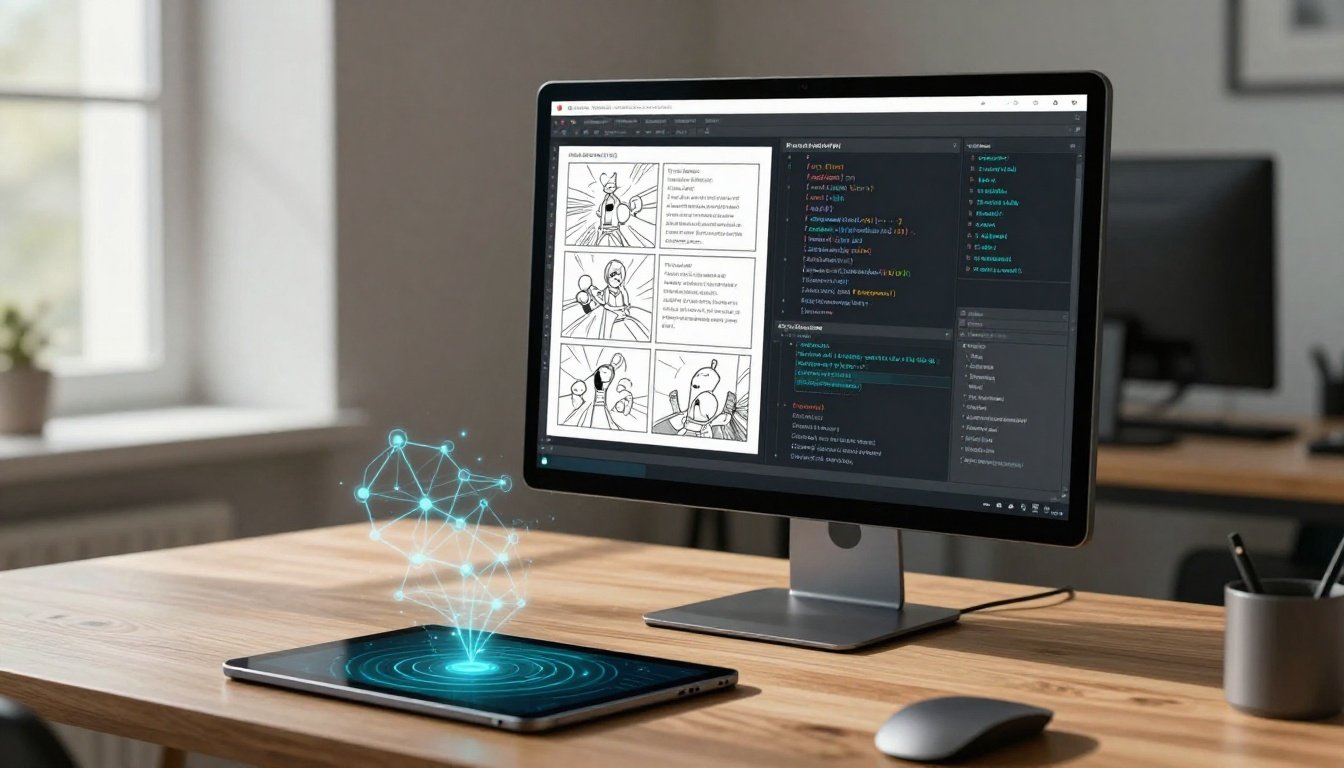
AI Comic Factory is a browser-based prompt-to-comic generator. You enter a story or scene prompt, select an available layout or visual style, and receive comic panels with images and captions. The idea is simple: turn a rough concept into a readable visual draft without drawing every panel yourself.
The problem is that the AI Comic Factory name now appears across several domains and product versions. That makes older reviews less reliable than they first appear.
The legacy project and newer commercial site may not be the same product
The original project is associated with an LLM and Stable Diffusion XL, and its GitHub repository describes comic-panel generation through that workflow. GitHub also shows that the repository was archived on October 31, 2025, making the source read-only.
That doesn’t prove every current AI Comic Factory website is discontinued. A related Hugging Face Space may still be accessible, while newer properties such as aicomicfactory.ai advertise commercial plans, credits, and support options. However, the available information doesn’t confirm whether these domains belong to the same company, a later version, or separate operators using the same name.
I treat this as a buyer-safety issue, not a minor branding detail. Before paying or uploading unpublished work, check:
- The exact domain shown in your browser.
- The current terms, privacy policy, and commercial-use language.
- The account dashboard and credit system.
- The support email and company information.
Don’t assume a review of the archived project explains a newer paid website.
Who gets the most value from a quick prompt-to-comic workflow
The tool makes the most sense when speed matters more than continuity. I can see it helping with storyboards, classroom exercises, joke strips, social media concepts, character ideation, and quick visual experiments. A marketer might test three campaign ideas in an afternoon, while a teacher could turn a short historical scene into a discussion prompt.
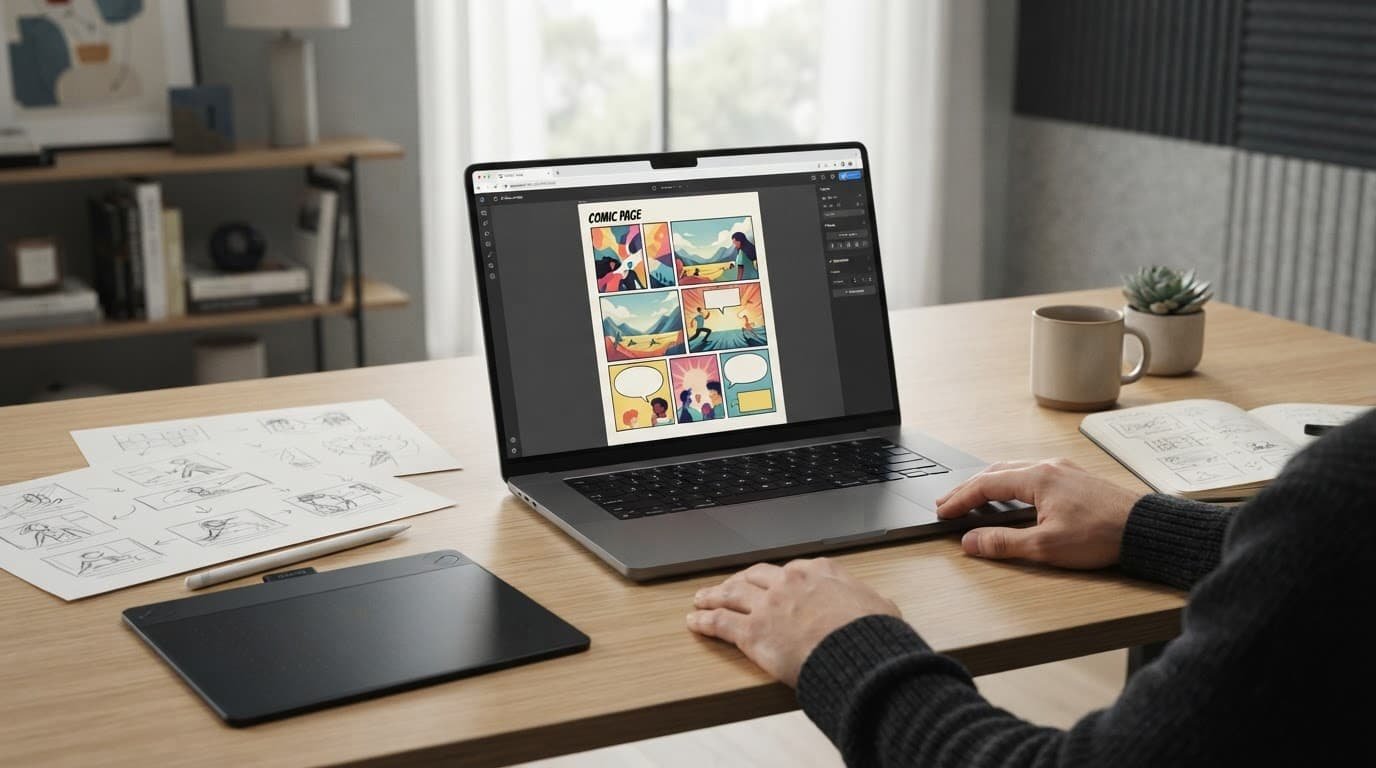
For polished graphic novels, branded campaigns, or print-ready production, I would look elsewhere. Character consistency, lettering, panel control, and final layout still need close review. Better prompts can help, so my guide to refining prompts for image generators is relevant, but prompting won’t fix every production limitation.
Key Features and the Comic Creation Workflow
AI Comic Factory is built around a simple idea: describe a scene, choose a style, and let the system assemble a comic page. The original project documents an LLM plus SDXL workflow, while newer sites reportedly advertise additional model options such as FLUX.1. I wouldn’t treat those as the same product without checking the domain and terms first.
How prompts become panels, captions, and page layouts
A useful prompt should give the generator a clear production brief:
- Characters: who appears and what they look like.
- Setting: where the scene takes place.
- Action and mood: what happens and how it should feel.
- Visual style: comic tradition, color treatment, or rendering approach.
- Dialogue: the intended speech or caption.
- Panel order: what happens first, next, and last.
For example: “Three-panel mystery comic. Panel one shows a detective entering a rainy train station. Panel two shows her finding a red suitcase. Panel three shows the suitcase opening, tense noir lighting, short dialogue, American comic-book style.” That may produce a recognizable page, but it isn’t a guaranteed storyboard.

The convenience is obvious. One prompt can produce panels, artwork, dialogue, and a layout without requiring separate drawing software. The trade-off is control. A one-shot generation may omit a detail, distort the sequence, or produce awkward lettering. For better prompt structure, I use the same principles discussed in this Midjourney V7 prompt control review.
What the tool does well for fast visual drafts
The browser-based workflow has low setup friction. Beginners can test a comic concept without installing a local model or learning a full illustration pipeline. The open-source project is documented through its official GitHub repository, and the Hugging Face version remains the clearest reference for the original tool.
A free or low-cost entry point is useful for storyboards, classroom exercises, social posts, and early campaign ideas. I see it as a sketchbook, not a finished publishing system. If the first draft reveals that the concept works, you can move it into a platform with stronger character consistency tools.
Controls that may be missing for serious comic production
The available primary-source material does not confirm panel-by-panel editing, export formats, layered files, typography controls, reusable character references, or repeatable seeds. Those are unverified gaps, not proven failures. Newer commercial sites may advertise different features, but I couldn’t confirm their relationship to the original project.
That distinction matters for professionals. Layered files allow artwork and lettering to be revised separately. Editable dialogue fixes text without regenerating the image. Seeds and character references help preserve continuity, while page-level revision lets you correct one panel without damaging the rest. Without those controls, AI Comic Factory is better suited to fast visual drafts than dependable comic production.
Pricing, Credits, and Value for Money
AI Comic Factory pricing is difficult to judge because the name appears across different domains and product versions. I wouldn’t treat one pricing table as universal until the domain, billing terms, and available models all match the product you plan to use.
Why the pricing pages deserve a careful check
The clearest pricing shown on aicomicfactory.com lists Free, Starter at $9.99 per month for 600 credits, Premium at $13.99 for 1,200 credits, and Advanced at $34.99 with unlimited credits. The page also says one image or panel uses one credit. A separate aicomicfactory.org page shows much higher annual-credit plans, so these may be separate services rather than competing versions of one plan.

Before paying, I would check:
- The exact domain and billing currency.
- Whether taxes are added at checkout.
- Renewal timing and the actual cancellation process.
- Refund terms, credit expiration, and rollover rules.
- Which models, editing tools, and character features each plan unlocks.
Credit systems aren’t consistent across AI tools. ImagineArt’s credit documentation says unused monthly credits expire, while OpenArt’s help center describes credits that don’t roll over after cancellation. AI Comic Factory’s public pages don’t clearly confirm those rules.
I also save the receipt and take a screenshot of the purchased plan. That gives me a simple record of the price, credit balance, and advertised features if the page changes later.
When a free plan is enough and when paid credits make sense
The free option should be enough for a few concept pages, classroom ideas, or prompt experiments. Paid access only makes sense when better model access, character consistency, or editing controls save enough revision time.
| User type | Likely need | Sensible plan approach |
|---|---|---|
| Casual experimenter | A few draft panels | Free tier |
| Regular creator | Repeated storyboards | Start with the lowest paid tier |
| Production user | Frequent revisions and consistency | Pay only after testing premium controls |
Unlimited generations can still become expensive in practice. If each page needs several rerolls, corrected dialogue, and manual layout work, the subscription doesn’t remove the real cost, which is time. For comparison, I’d review OpenArt’s credit plans, Midjourney’s subscription tiers, and Leonardo AI’s pricing and free tokens before committing.
Image Quality, Character Consistency, and Real Limitations
AI Comic Factory can produce useful visual drafts, but I wouldn’t treat a generated page as publication-ready. Current reviews describe quick page generation, moderate style range, and inconsistent results. The biggest problems appear when the story requires continuity, precise dialogue, or several characters interacting.
### Character continuity remains the biggest creative problem
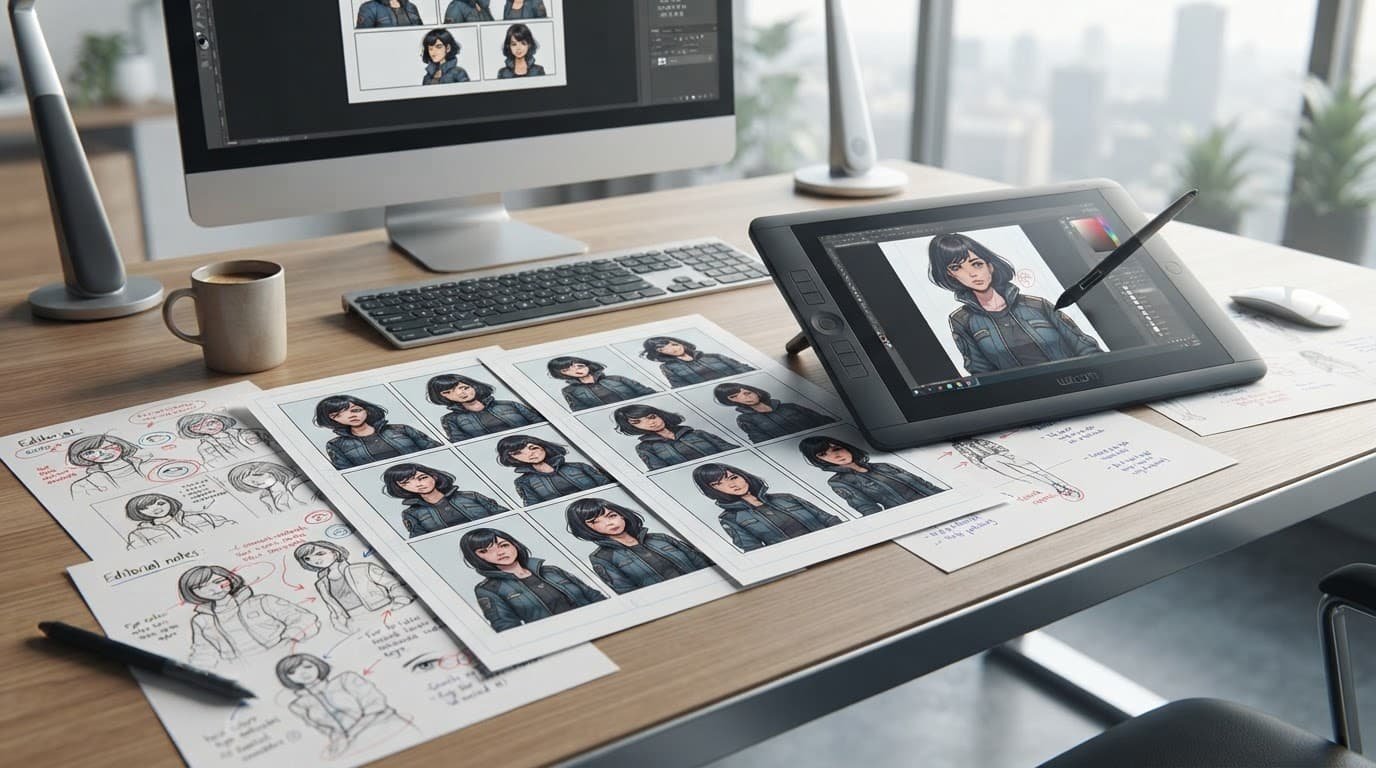
A comic depends on readers recognizing the same character across every panel. If the face, hairstyle, clothing, body proportions, or age changes between scenes, the story becomes harder to follow. Backgrounds can shift too, even when the location is supposed to remain the same.
The practical symptoms are easy to spot:
- A character’s face changes between panels.
- Clothing colors or accessories disappear.
- Hands, props, and body proportions look different.
- A second character gains or loses details.
- Panels ignore part of the requested action.
Each failed panel creates more work. You may need to regenerate pages, repair images manually, crop around mistakes, or rebuild the layout in another editor. Specific prompts and simpler scenes can reduce the problem, but they won’t guarantee a consistent cast. I would save successful prompts, keep character descriptions unchanged, and treat every page as a draft. Tools with stronger AI image editing capabilities may be better for fixing individual assets afterward.
Text, dialogue, and multi-character scenes need human review
Generated captions and speech can contain spelling, grammar, placement, and continuity errors. Check every panel, including who is speaking and whether the dialogue matches the action. Several characters, complex movement, and exact plot beats are harder for a one-shot generator to stage correctly.
I would use the result as a visual starting point, not publish it without proofreading and layout review. A comparison of Leonardo AI and Midjourney also shows why stronger control tools matter when repeatable visuals are important.
Commercial rights and export details are not clear enough to assume
The current AI Comic Factory terms state that paid package buyers own generated comic images and may resell them. That statement doesn’t confirm every permitted use, export format, or restriction for client work, merchandise, paid downloads, or advertising.
Before using an image commercially, read the current terms, confirm ownership, and save the terms, plan details, and generation date. Copyright questions also depend on human contribution, as explained by the U.S. Copyright Office’s AI guidance and this Congressional Research Service copyright brief.
Who Should Use AI Comic Factory and Who Should Choose Something Else
AI Comic Factory makes sense when you need a quick visual draft, not a dependable production pipeline. I would recommend it to beginners, teachers, writers, hobbyists, and creators testing ideas before investing in detailed artwork.
Best fit for storyboards, experiments, and simple comic strips
Speed matters most when the comic is still an idea. You can outline the scene, generate several rough pages, keep the useful concepts, and revise the strongest direction in a design or illustration tool. That workflow helps you test pacing, panel order, character ideas, and tone before spending hours on finished art.
A practical process looks like this:
- Write a short scene outline with the characters, setting, action, and dialogue.
- Generate several rough pages with different layouts or visual styles.
- Select the panels that communicate the idea clearly.
- Rebuild or refine the chosen concept in your preferred design or illustration software.
This is a concept workflow, not proof that AI Comic Factory includes a specific editing integration or export feature. I would treat every generated page as disposable until the story structure works.
### Poor fit for recurring characters, client work, and print-ready pages
Professional projects need more than attractive first drafts. Weak character continuity, uncertain licensing language, and unverified export support can create problems for agencies, publishers, comic artists, and businesses using branded characters.
You may still need to retouch faces and hands, replace unreadable dialogue, add lettering, rebuild page layouts, check bleed and resolution, and proof every panel. Those tasks can erase the time saved during generation. I calculate the real cost by adding my hourly value to the subscription and any editing software, not by looking at the monthly fee alone.
A low subscription price doesn’t make a project cheap if every page needs manual repair.
Alternatives worth comparing before paying
Choose based on your bottleneck, not brand popularity. Anifusion is more relevant when you want a dedicated manga or comic workflow, while Adobe Firefly is stronger for general image generation and controlled creative editing. Adobe also publishes a comic generator workflow and generative AI usage guidelines, which gives commercial users clearer documentation to review.
ComicsMaker.ai, LlamaGen.Ai, Dashtoon, and Komiko App are worth checking for comic-focused features. Canva may suit template-driven pages and quick marketing graphics. Pixton is a better fit for classroom-oriented creation. OpenArt is more useful when you want broader image generation and editing options. I would also compare commercially safe AI image tools when brand consistency matters.
My decision is simple: use AI Comic Factory for fast ideas, then move serious work into a tool with stronger control, continuity, and documented commercial terms.
A Safer Way to Evaluate the Tool Before Committing
I wouldn’t upload an unpublished story or client comic until I understand who operates the exact AI Comic Factory domain and what happens to my files. A quick test with harmless sample material is safer than treating a polished first page as proof that the service is ready for sensitive work.
### Questions to ask before uploading original stories or client material
The current aicomicfactory.com privacy page says prompts and generated images aren’t retained, while the terms say paid users own their comic images and may resell them. However, I couldn’t confirm a clear training-use statement, detailed retention schedule for account records, or complete account-security responsibilities. The page also doesn’t establish that every AI Comic Factory domain follows the same policy.
Before using original or commercial material, check the live privacy policy and terms, or ask support these questions:
- Are uploaded references, prompts, and generated comics kept private from other users?
- Are inputs used for model training, quality review, fine-tuning, or abuse monitoring?
- How long are files, account details, payment records, logs, and support messages retained?
- Do paid users receive commercial permission for client work, advertising, merchandise, and resale?
- Who owns the output, and what restrictions apply to uploaded characters or third-party artwork?
- What protects the account, and how are unauthorized logins handled?
I use the same standard when reviewing AI tool privacy and data security and commercial-use AI image tools. Clearer services publish direct language, as shown in OpenAI’s privacy policy and Canva’s AI product terms.
Start with fake characters and a short test script. Then compare one identical prompt with an alternative, check download quality, inspect dialogue and backgrounds, and generate the same character across several panels. I also verify billing, cancellation, and renewal details. The real test is revision time, not the first attractive image. Until those answers are clear, I wouldn’t upload confidential client material.
Frequently Asked Questions
The main issue with AI Comic Factory is product identity. I would confirm the exact domain, current terms, and active features before relying on older reviews or pricing pages.

### Is AI Comic Factory free in 2026?
An older official pricing page reportedly advertises free use, and the original open-source project is also presented as freely available. That doesn’t confirm the current allowance on every site using the AI Comic Factory name.
Free access, free monthly credits, and a limited trial are different offers. I would check the live product page for credit limits, model restrictions, commercial terms, and whether payment details are required.
Can AI Comic Factory create a full comic page from one prompt?
Yes, available coverage describes a single-prompt workflow that can produce multiple panels, artwork, and captions. That makes it useful for quickly visualizing a short scene.
One-shot generation doesn’t guarantee correct story order, readable dialogue, or accurate panel details. I would treat the result as a rough page draft that needs proofreading and editing.
Does AI Comic Factory keep characters consistent?
Character consistency appears limited according to current review signals. A recurring character may change clothing, facial features, proportions, or accessories between panels.
That can work for exploration and simple concept strips. For a long story, I would review every page carefully or choose a tool with stronger character-reference controls.
Can generated comics be used commercially?
Commercial permission wasn’t verified in the available official material for the original project. Before selling, publishing, or delivering a comic to a client, review the current license and terms for the exact product and plan.
The U.S. Copyright Office’s AI guidance also explains why using an AI-generated image doesn’t automatically settle copyright protection.
Is AI Comic Factory safe to use?
I wouldn’t label it completely safe or unsafe without checking the active service. Verify the domain, privacy policy, payment processor, account requirements, support contact, and handling of uploaded files first.
Don’t share confidential client material or payment details until those basics are clear.
What is the best alternative for professional comic projects?
The right alternative depends on your workflow. Dedicated comic platforms usually offer better layout and continuity, general image tools provide more visual control, and traditional design software remains useful for lettering and final page preparation.
I wouldn’t name one universal winner. Compare the tools against your actual needs, especially panel editing, character consistency, export quality, and licensing. For copyright context, the Congressional Research Service copyright brief is also useful.
Conclusion
AI Comic Factory can still be useful when you need quick, low-stakes comic ideas, simple storyboards, or rough visual drafts. It lowers the barrier to testing a scene, style, or panel sequence, but the result still needs human review for dialogue, character details, page order, and layout.
I wouldn’t give it a confident recommendation for professional comic production. Reports about the archived project, confusion between aicomicfactory.app, aicomicfactory.ai, aicomicfactory.com, and aicomicfactory.org, inconsistent pricing information, weak character continuity, uncertain export details, and unclear commercial terms create too much risk for client work or finished publishing. Creators testing the tool should start with fictional material, verify the exact domain and current terms, compare the advertised credits with the generated output, and test the same character across several panels before paying.
My decision rule is simple: choose AI Comic Factory for speed and experimentation, not dependable continuity or a finished publishing workflow. If revision time becomes longer than creating the page in another tool, the low entry price no longer offers much value.