
Weaviate Cloud review starts with a simple question: can I get great relevance, strict filters, and predictable latency in 2026, all at the same time, for real RAG workloads? That combo is what most teams want, and it’s also where many “vector search” projects quietly fall apart.
In this post, I’ll share what I tested in Weaviate Cloud and what I learned the hard way: hybrid search vs pure vector search, how filtering changes recall, what actually moves p95 latency, and whether Weaviate feels like a good fit for production RAG.
This is hands-on and practical, not marketing. The biggest surprise for me was how much small hybrid tuning and “boring” metadata filters changed what users saw in the top 5 results.
Weaviate Cloud in 2026, what’s changed, who it fits, and what to watch
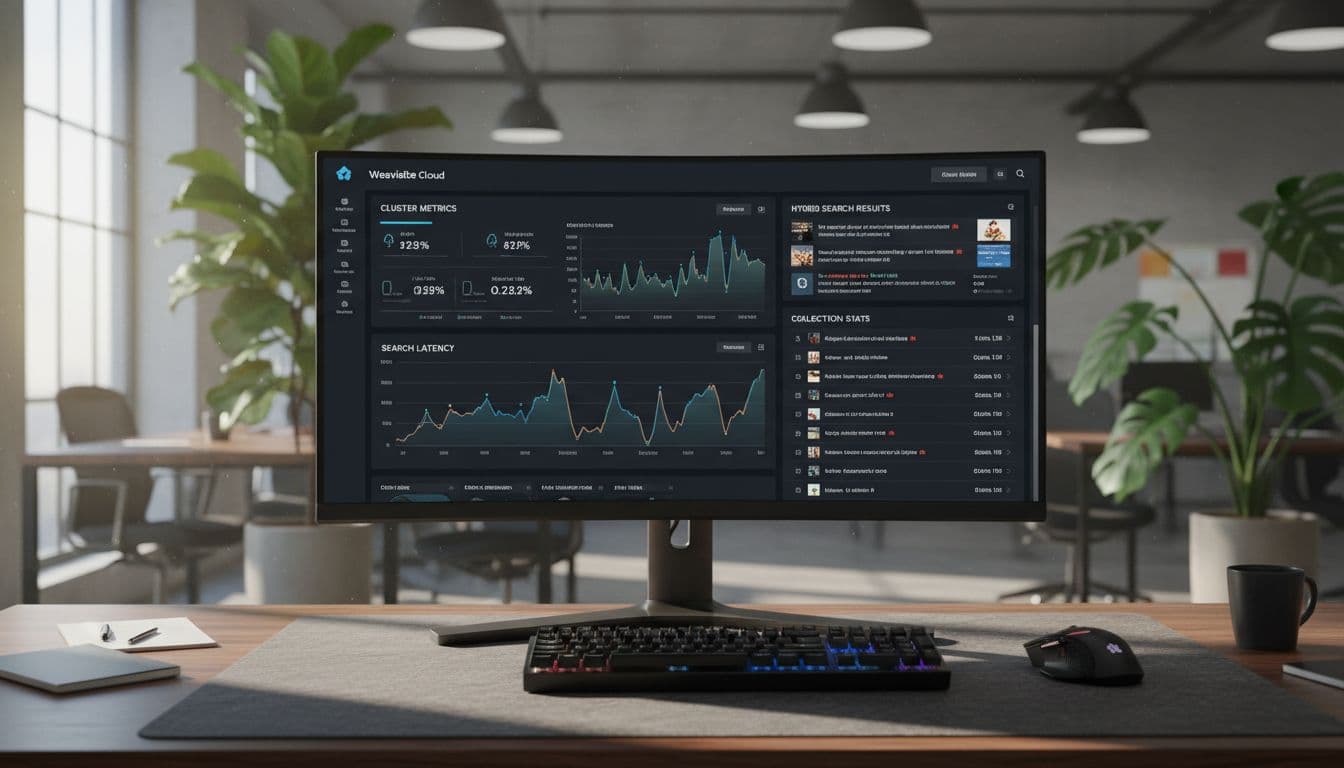
Weaviate Cloud’s packaging is clearer in 2026: Shared Cloud (multi-tenant, lower cost) and Dedicated Cloud (isolated resources, more control). Pricing also maps to that split: Flex (starting around $45/month) is Shared-only, Plus (starting around $280/month with annual terms) can be Shared or Dedicated, and enterprise contracts sit above that.
The other big shift is that HA is now the default. Baseline SLA is 99.5% on Shared tiers, with 99.9% on higher tiers. For me, this matters less as a brag line and more as permission to treat the managed service like a real dependency, not a lab toy.
Recent releases available on Weaviate Cloud also focus on “keep it running” features: faster, smaller backups (zstd compression), stronger observability metrics, and OIDC certificate updates without downtime (handy if your security team rotates things on a schedule). On the performance side, production-ready quantization options can cut storage and memory needs, with an expected tradeoff in accuracy.
Weaviate Cloud also advertises compression on by default for cost control. In practice, my takeaway is simple: compression is great when you’re cost-bound, but you should re-check recall and reranking after you flip it on, because small recall loss can show up as “random” misses.
Shared vs Dedicated, the plain-English difference:
- Shared is for teams who want low ops and a faster start, and can live with multi-tenant variability.
- Dedicated is for teams who need isolation, steadier performance, and a cleaner path for stricter compliance.
Here’s who I think it’s for, and who it’s not for (based on what I’ve shipped and what I tested):
- For: support search and RAG, product search, internal docs search, and teams who don’t want to run Milvus or OpenSearch themselves
- For: teams who care about hybrid relevance and need metadata filtering for scope and permissions
- Not for: workloads that need ultra-fixed latency with zero variance, unless you’re willing to pay for isolation and keep your query shape disciplined
- Not for: teams that want “SQL-first” analytics, where a vector index is only a side feature
- Not for: anyone who hasn’t budgeted time for retrieval evaluation (you can’t outsource relevance)
Operationally, I look for a few basics before I trust any managed vector DB: auth options (OIDC is the common path), backup behavior and restore time, metrics that let me see p95 spikes, plan-based rate limits, and what isolation really means in practice. Cost drivers also show up fast: vector dimensions, stored object count, region choice, backup frequency, and whether you add reranking or hybrid features that pull extra compute.
My quick testing methodology (so the results are believable)
I tested with a medium-sized dataset of documents that look like real app data: text fields plus metadata like product, timestamp, category, and a permissions tag. My query mix included keyword-heavy searches (brand names, plan names), semantic searches (messy phrasing), and hybrid searches.
I tracked recall@k and MRR for quality, and p50 plus p95 latency for speed. To measure latency, I repeated the same queries in warmed runs (cache-friendly) and cold-ish runs, and I compared same-region calls to cross-region calls. This is light benchmarking plus qualitative judging, not a lab report.
The managed features that matter most in production
When I pay for “managed,” I’m buying fewer 2 a.m. surprises. In Weaviate Cloud, that mainly means HA by default, autoscaling tied to resource use, server-side imports for bulk ingest, and upgrades that don’t turn into a weekend project. I also like having collection-level controls and operational features (backups, metrics) that feel built for production.
Compression and quantization are the other big levers. They can reduce memory and storage, which usually reduces cost and can help stability. The tradeoff is that you may lose a bit of recall, so I treat them like a performance feature, not a free lunch.
Hybrid search vs pure vector search in Weaviate, relevance wins, failure modes, and tuning
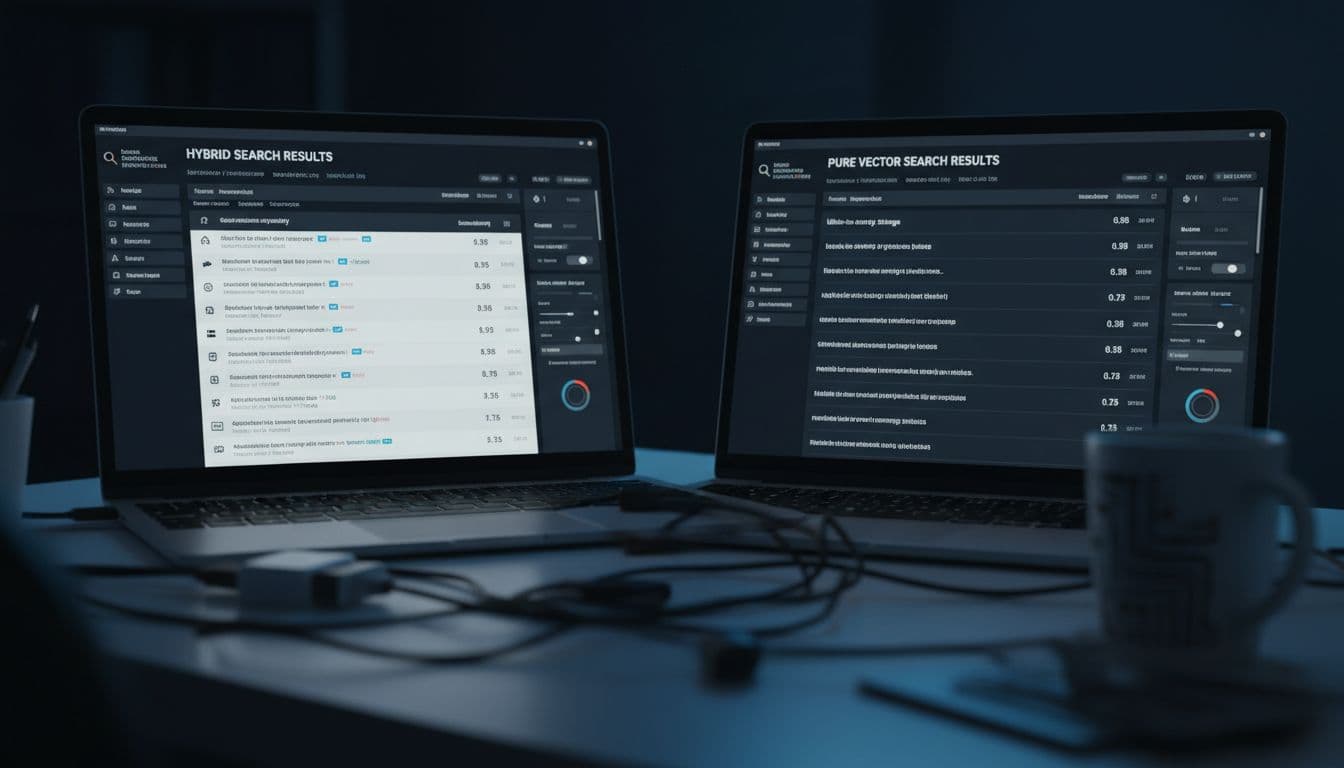
Here’s the clean way I explain it to teammates: pure vector search is like asking, “what feels similar?” while hybrid search is like asking, “what feels similar, and also matches my words?”
Take a query like: “refund policy for annual plan”. Pure vector tends to pull anything semantically close to refunds or billing. That’s great when users write messy questions. But it can miss exact policy wording, or bury it under related content.
Hybrid search usually does better when users include exact terms like “annual plan” or “refund policy.” Weaviate’s hybrid approach blends keyword matching with vector similarity using a weighted mix (you choose how much each side matters). If you want the official mechanics and parameters, the Weaviate docs page on hybrid search is the clearest reference I’ve seen.
When I choose which mode:
- I choose pure vector when phrasing is fuzzy, synonyms matter, and I’d rather over-retrieve then rerank.
- I choose hybrid when users type keywords, SKUs, policy phrases, error codes, or brand names, and exact matches must not disappear.
Common failure modes I hit:
- Hybrid overweighting keywords, so results look like old-school search again.
- Weak or inconsistent embeddings, so “similarity” drifts.
- Very short queries (“refund”, “headphones”) that don’t carry enough meaning.
- Duplicates, where near-identical chunks crowd the top k.
- “Filter-first” narrowing that removes the very doc you needed, then retrieval looks broken.
My tuning checklist is boring but effective: I adjust the hybrid weight (alpha), I try a slightly higher topK to give reranking room, I keep embedding models consistent across collections, and I add a rerank step when ordering matters more than raw recall. For a broader explainer on why vector similarity behaves the way it does, Wikipedia’s overview of the vector space model is still a good grounding read.
How I decide: a simple decision tree for hybrid vs pure vector
If users often paste exact phrases, then I start with hybrid and set keyword weight high enough to “lock onto” exact terms. If users ask vague questions, then I start with pure vector and increase topK so I can rerank later. If filters are strict (permissions, product, region), then I increase candidate count before filters when possible, or I widen the filter scope and tighten after rerank. If my latency goal is tight (say, p95 under 300 ms), then I keep queries simple, reduce reranking cost, and test hybrid weights that don’t explode candidate work. If results still feel off, then I treat it as an eval problem, not a database problem.
Reranking patterns that improved my results fast
Two patterns gave me quick wins. First, a lightweight reranker (often a cross-encoder style model) that reorders the top 20 to 100 candidates. Second, “shortlist then rerank” so I don’t pay rerank cost on a huge set. Hybrid is great for generating strong candidates, reranking is what fixes the order.
When retrieval is weak, hallucinations show up fast in RAG. The model starts “answering” from vibes instead of evidence. I treat reranking as a retrieval quality tool, not a fancy extra.
Filters, latency, and RAG fit, where Weaviate Cloud shines and where you must design carefully
 Photo by Nemuel Sereti
Filters are where “demo search” becomes “app search.” Conceptually, I expect operators like equals and not-equals, numeric and time ranges, set membership (in, not-in), and contains-style checks. Weaviate’s recent work on filtering performance includes strategies like ACORN for faster filtered searches, and newer negation-style operators are useful when you need “must not include X” logic.
Filtering can slow searches for a simple reason: you’re asking the engine to do more work, and sometimes to do it in a less cache-friendly way. Heavy filters also reduce candidates, which can hurt recall and make reranking less effective.
My schema rules are practical: store metadata you will filter on, normalize values (consistent casing, enums), avoid huge unbounded text filters, and denormalize when it makes common queries cheaper. Also watch cardinality. A hot filter with millions of distinct values can be harder than a filter with a small known set.
Latency has a few repeat offenders: region distance, cold starts, index size, hybrid settings that widen candidate work, filter complexity, and reranking overhead. I measure p50 and p95 separately because users forgive average speed, they don’t forgive spikes. My tuning loop is always the same: pick a representative query set, run warmed and cold-ish tests, then change one variable at a time (filter shape, topK, hybrid weight, rerank depth). If you can’t measure it, you can’t fix it.
For RAG fit, Weaviate works well when you treat retrieval like a product feature. Ingestion needs clean chunking, metadata that supports scope, and a plan for “what happens when retrieval is weak.” If you want the canonical definition, Wikipedia’s retrieval augmented generation page is a solid overview, and Weaviate’s own RAG starter guide shows how they frame the workflow.
Image suggestion: A diagram of a RAG pipeline with labeled stages (filename: weaviate-rag-pipeline.jpg, alt text: Weaviate RAG pipeline with ingestion, retrieval, reranking, and citations).
Image suggestion: A screenshot-style graphic of filter chips and latency metrics (filename: weaviate-filters-latency.jpg, alt text: Vector search filters and p95 latency monitoring in Weaviate Cloud).
Here’s how Weaviate compares at a glance (based on typical positioning, not a synthetic benchmark):
| Option | Hybrid search | Filtering flexibility | Latency predictability |
|---|---|---|---|
| Weaviate Cloud | Strong built-in hybrid | Strong metadata filters | Good, best with region + query discipline |
| Pinecone | Strong, mature patterns | Strong | Often strong, depends on index + workload |
| Qdrant Cloud | Good (varies by setup) | Strong | Good, depends on tuning and payload size |
| Milvus or Zilliz Cloud | Varies by stack | Good, can be complex | Good at scale, more tuning surface |
| OpenSearch or Elastic | Strong keyword + hybrid options | Very strong | Predictable, can cost more to run |
| pgvector | DIY hybrid via Postgres patterns | Strong SQL filters | Predictable on small scale, harder at high QPS |
RAG playbook I would ship with: chunking, metadata, grounding, and guardrails
I keep chunk sizes in the 300 to 800 token range for most docs, with 50 to 150 tokens of overlap when context breaks across headings. I store metadata that I can filter and cite: source URL, doc section, timestamp, product or tenant, and permissions tags. If the app has versions (plans, SKUs, policy dates), I store those as first-class fields so I can filter by them.
I use filters to enforce scope before generation (permissions, product, region), then I rerank to improve ordering. My main guardrail is a confidence check: when top scores are low or results disagree, I ask a clarifying question or respond with what I can cite, not a full narrative. For evals, I keep a small query set, judge groundedness, and track citation rate over time.
Where I landed after testing
For enterprise search, I’d pick Weaviate Cloud when strict permissions and hybrid relevance matter, and I’d lean Dedicated if spikes hurt users. For ecommerce search, hybrid is usually the right default, especially with brands and SKUs, and reranking pays off quickly. For support RAG, Weaviate fits well when you invest in chunking, metadata, and filters as a first-class design task. For analytics, I’d only use it when search is the main job, not reporting.
If you’re choosing between Shared and Dedicated, I treat it like this: Shared for learning and early production, Dedicated when you need isolation and steadier p95. This week, test one hybrid query set, one strict filter set, and a p95 target in your real region. Check results again in 1 to 2 weeks in analytics, then plan an update in 3 to 6 months as the product shifts.