If you run a small team in 2025, you probably feel it already. AI is everywhere, and it is fast. That speed is great for output, but without guardrails it can also turn into risky data leaks, bad decisions, or quiet security gaps.
I learned that the hard way on a previous team when someone dropped sensitive customer notes into a random chatbot. No breach, but it was close enough to wake us up. Since then, I have focused on building a safe AI stack first, then adding fancy features after.
In this guide, I will walk you through how I design a safe AI setup for small teams: the tools I pick, the policies I write, and the playbooks I rely on when something feels off. The goal is simple: use AI for real work, stay fast, and still sleep at night.
What “Safe AI Stack” Means For A Small Team
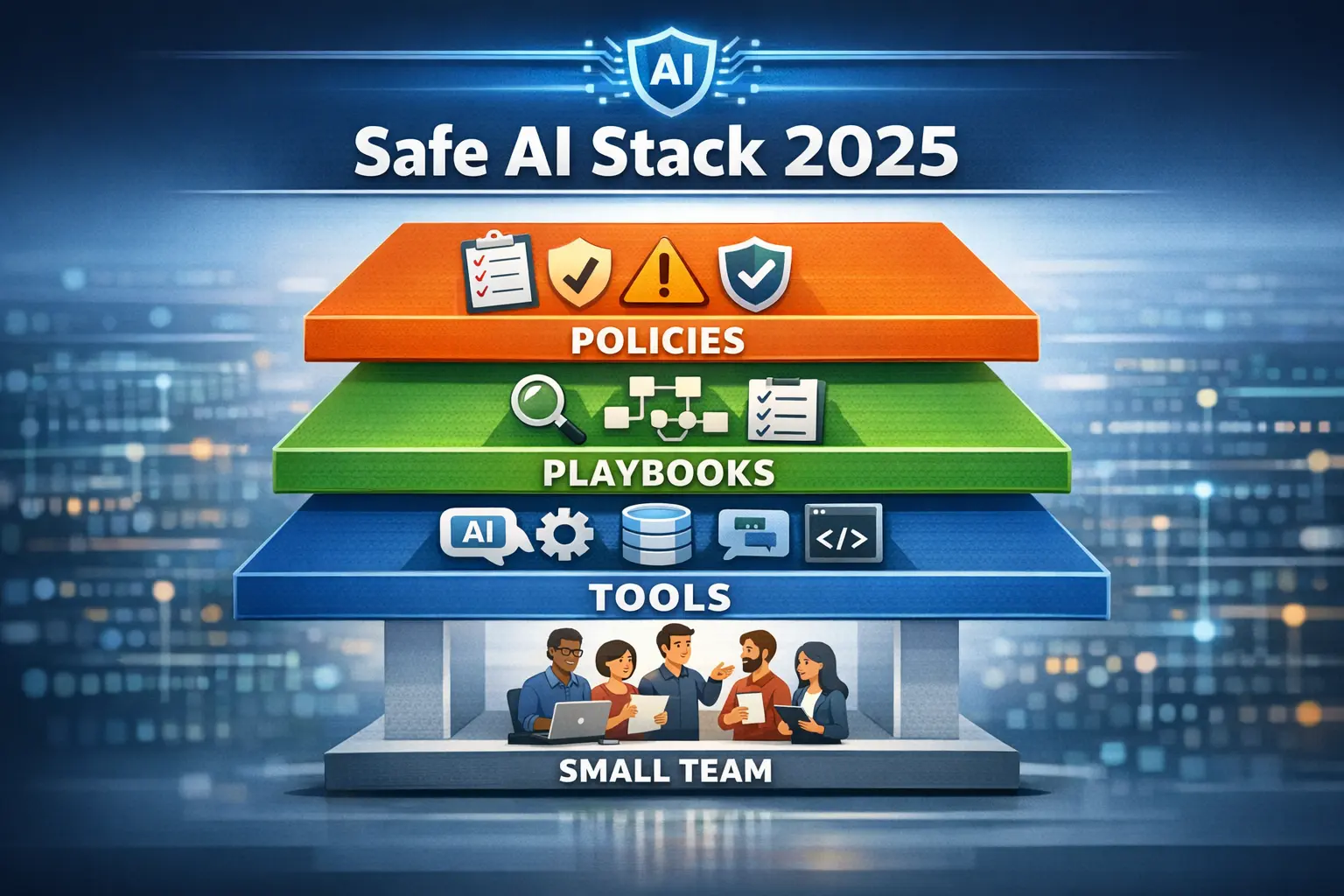
When I say safe AI stack, I do not mean a huge enterprise platform. I mean a small, focused set of:
- Tools that help with writing, coding, research, and automation
- Policies that say what is allowed, what is not, and who decides
- Playbooks that show how to act when things break or go weird
For context, I like how this guide on an AI stack for small teams treats AI as a lean toolkit instead of a toy shelf. I follow the same idea, but I add a stronger safety layer on top.
Security is not optional here. Attackers already use AI to move faster, and large vendors have called this out. If you want a picture of the wider threat picture, I recommend reading Microsoft’s warning about AI vs AI attacks, which I unpack in my article on Microsoft’s 2025 AI vs AI Cyber Warfare Warning.
My simple test is this: if a new AI tool cannot fit into this safe stack, I do not roll it out to the team.
Step 1: Map Where AI Actually Touches Your Work
Before I pick tools, I trace where AI will touch real work. I grab a whiteboard and split use cases into a few buckets.
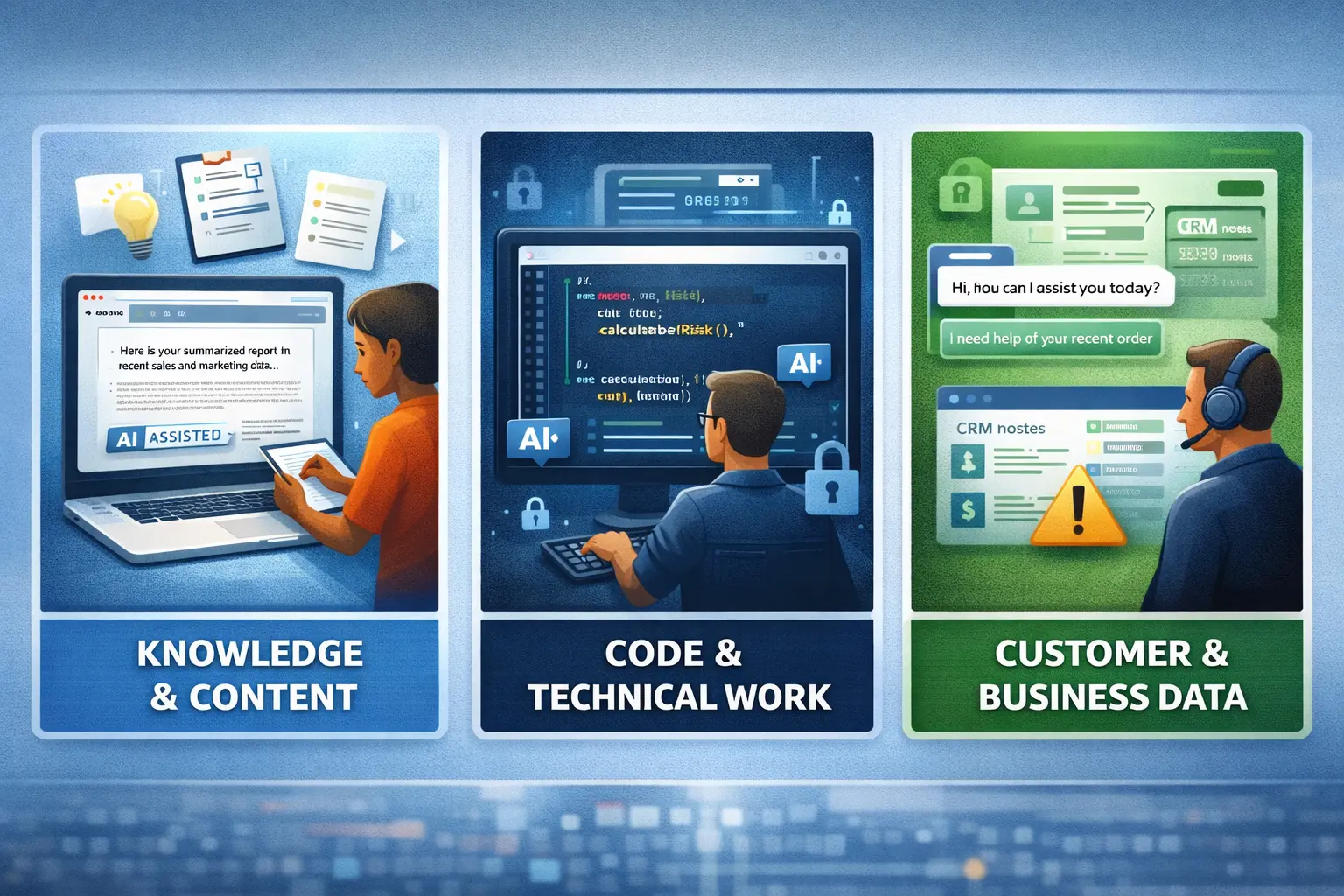
1. Knowledge and content
- Drafting content, emails, reports
- Brainstorming ideas or outlines
- Summarizing long docs and meeting notes
Here I allow more freedom, as long as no sensitive data goes into public models.
2. Code and technical work
- Code suggestions
- Unit test drafts
- Snippet reviews
For this, I often pair AI with a strong security stack, such as the platforms I break down in my guide to Top AI Cybersecurity Platforms for 2025. Code can hide risky patterns, so I treat this track with extra care.
3. Customer and business data
- Support chats
- CRM notes
- Financial data
This is where safety rules have to be strict. If AI will touch any personal or regulated data, I either keep models in a private environment, or I use vendor options with clear data boundaries and strong compliance claims.
Once this map is clear, the safe ai stack almost designs itself. I know where I can be flexible and where I must be strict.
Step 2: Pick A Compact, Defensible Tool Stack
For small teams, too many tools are a risk by themselves. People get confused, data spreads, and nobody knows who turned what on.
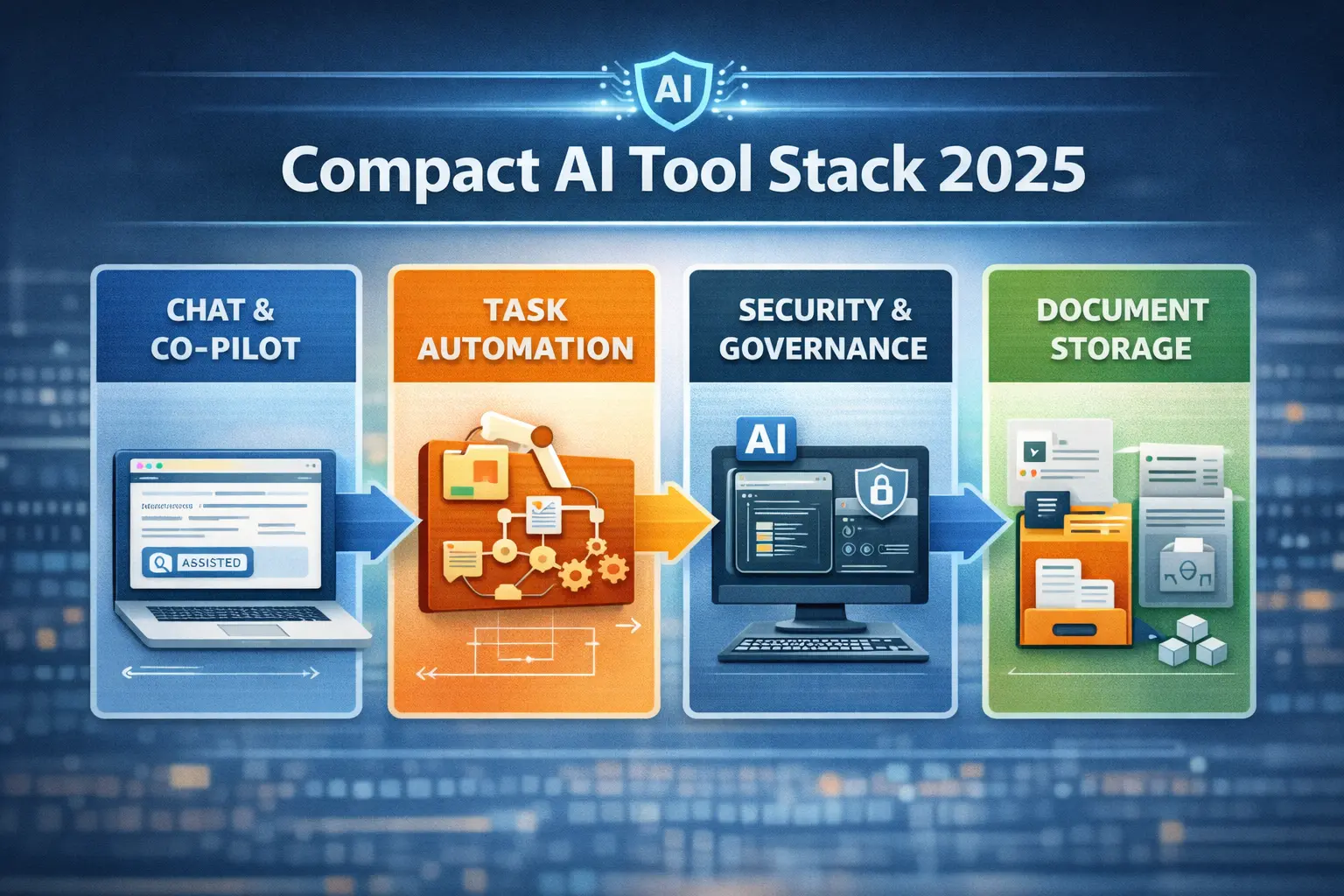
I group my stack into four layers:
| Layer | Example tools or types | Core safety focus |
|---|---|---|
| Chat & co-pilots | General chatbots, writing aids, code helpers | Data use, retention, access control |
| Automation & agents | Workflow tools, AI agents, task bots | Least privilege, audit trails |
| Security & governance | AI firewalls, monitoring, access controls | Threats, misuse, abuse detection |
| Storage & knowledge | Docs, wikis, code repos, vector stores | Who can read, who can change |
When I choose anything for a stack, I ask five simple questions:
- What data does it collect?
- Where is that data stored?
- Who can see or export it?
- How do I turn it off cleanly?
- Can I prove what it did last week?
I also like to cross-check options against roundups such as Slack’s list of AI tools teams actually use or deeper technical guides like SmartDev’s overview of AI tech stacks in 2025. These give me ideas, then I narrow down to a short list that fits our safety needs.
To keep the stack lean, I prefer tools that solve more than one problem. My review of the Top AI Automation & Productivity Tools 2025 covers several that combine task automation, document help, and team features in one place, which cuts both cost and risk.
Step 3: Write Simple AI Policies People Will Actually Follow
A safe ai stack without clear rules is just wishful thinking. But long policy PDFs are just as bad, because no one reads them.
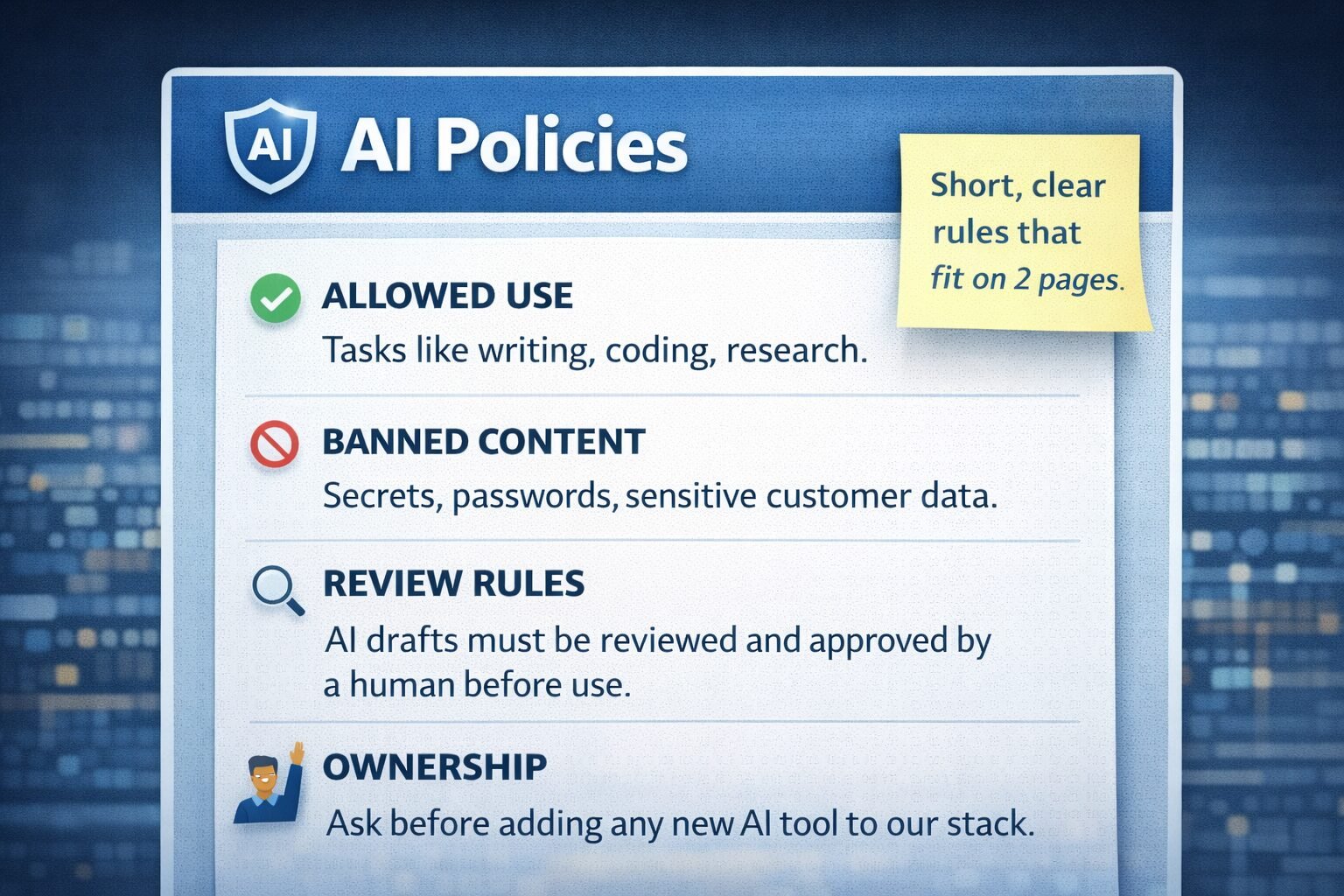
I keep my AI policy short enough to fit on two pages and cover:
- Allowed use: what people should use AI for
- Banned content: what must never be entered into any public AI tool
- Review rules: what must be checked by a human before it goes out
- Ownership: who decides when a new tool is safe to add
For structure, I like looking at AI governance advice like DataGalaxy’s guide to AI governance best practices and templates such as this AI policy guide and template. I do not copy them, but I borrow the skeleton and adapt it to fit the team.
A few lines from my own “fast policy” that tend to land well:
- “Never paste passwords, private keys, or production secrets into any AI system.”
- “Mark any AI‑generated draft as ‘AI‑assisted’ until a human reviews and approves it.”
- “If you are not sure whether data is safe to use with AI, ask before you send.”
The tone matters as much as the content. If people feel judged, they hide mistakes. If they feel supported, they ask questions early, which is what I want.
Step 4: Turn Safety Rules Into Practical Playbooks
Policies tell you what is allowed. Playbooks tell you what to do at 3 a.m. when a prompt goes wrong or a tool behaves in a strange way.
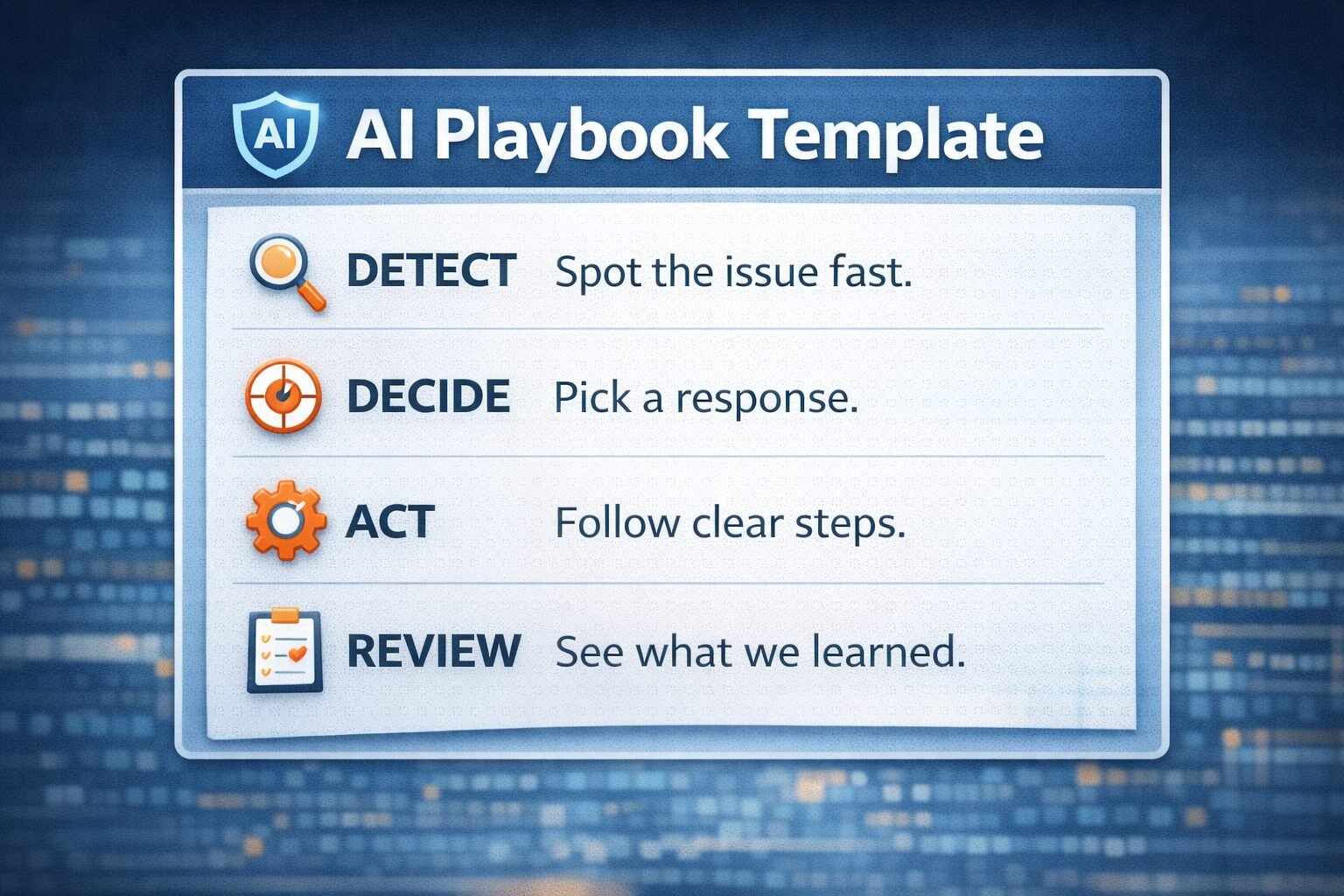
For each AI-heavy workflow, I write one-page playbooks that answer:
- What can go wrong here?
- How would we spot that quickly?
- Who is on the hook to respond?
- What steps do they take, in order?
This lines up well with risk ideas from resources like the NIST AI RMF, which you can see explained in this NIST AI RMF playbook guide. The point is not to copy big frameworks, it is to steal the habit of planning before trouble hits.
A simple example: for customer support chatbots, my misuse playbook includes:
- A quick test prompt list for prompt injection
- A daily check of logs for odd outputs or data leaks
- A rollback plan in case we have to disable the bot fast
For higher level planning, I also like to read security playbooks such as Levo’s AI security playbook for CIOs. Even if your team is smaller, the same patterns apply.
Step 5: Monitor, Train, And Adjust Without Burning Out
A safe ai stack is not a one-time setup. Models change, vendors ship new features, and attackers learn fast.
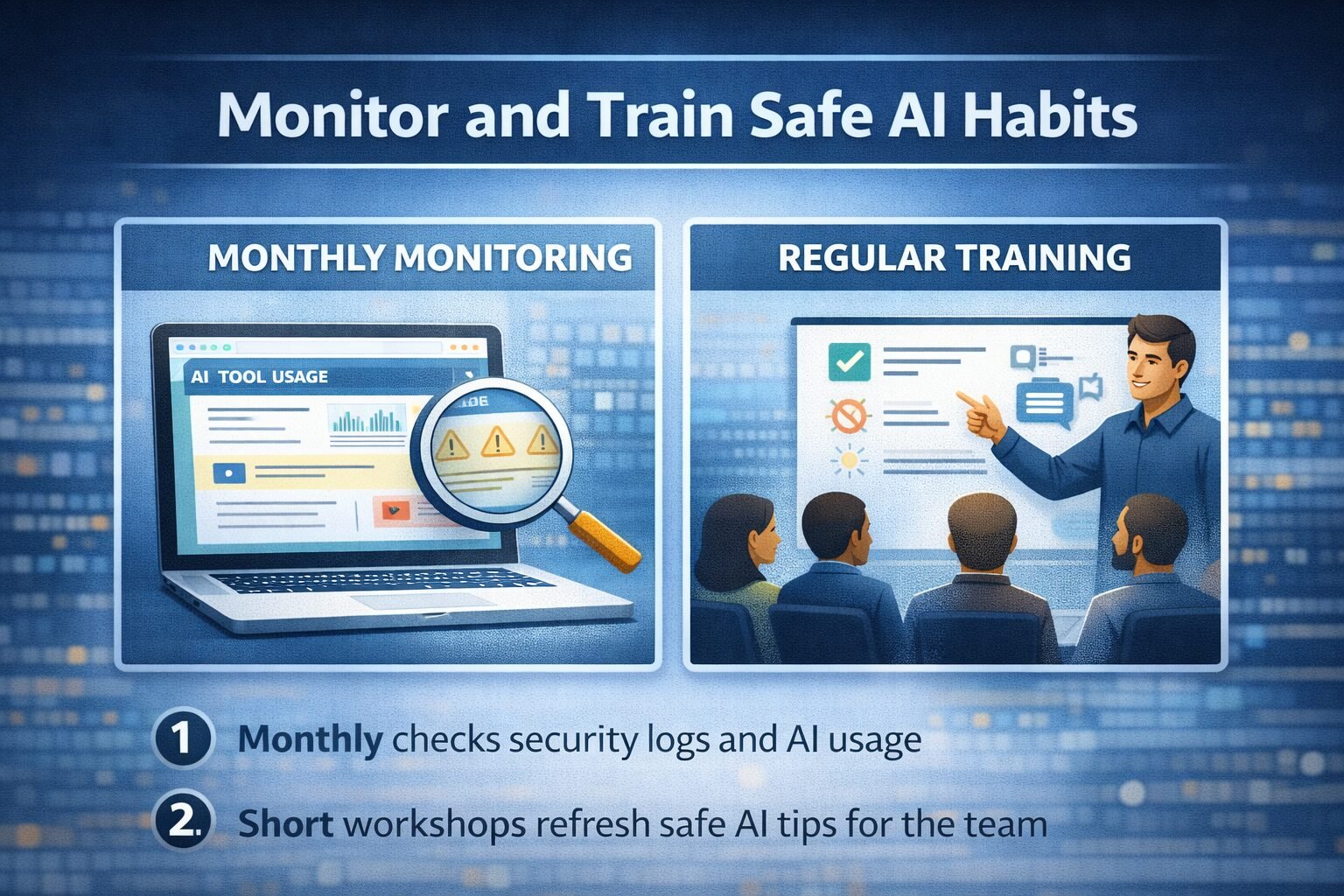
To keep my stack healthy without turning it into a full-time job, I focus on three habits.
1. Basic monitoring
Each month, I check:
- Which AI tools people actually used
- Any export or sharing logs from those tools
- Security alerts tied to AI, such as weird traffic to model endpoints
I line this up with a few security tools that already watch for AI-related threats, which I compare in my guide on Top AI Cybersecurity Platforms for 2025.
2. Short, regular training
Instead of one big yearly “AI safety day,” I run 20‑minute refreshers:
- One session on safe prompts and red flags
- One session on new features that change how data flows
- One session on a past near-miss from our own work or from public news
You can find nice story-style examples of how teams shape their AI habits in articles like the AI Fluency Playbooks templates, which focus on prompt libraries and governance together.
3. Small updates, not big rewrites
Every quarter, I ask just two questions:
- Did any incident show that our policies are unclear?
- Did any tool update break our earlier assumptions?
If yes, I update one page at a time. This way the safe ai stack stays real, not frozen in a slide deck.
Bringing Your Safe Stack To Life
If you remember only one thing from this guide, let it be this: a safe AI stack is not about fear, it is about control. You want AI to feel like a strong assistant, not a wild card.
Start small. Map where AI touches your work, pick a compact tool set, write clear rules in plain language, and back them up with short playbooks. Then keep an eye on how things behave, and adjust in small, steady steps.
Thanks for reading. If you are already running AI inside a small team, what part of your stack feels the least safe right now, and what is one change you could make this week to fix it?