A flashy five-second clip doesn’t tell you whether an AI creative platform will hold up for a real campaign. The choice is really between a broad, credit-based creative workspace and a more focused route into Google’s video tools.
Both can produce useful work. The better pick depends on how often you need images, edits, characters, audio, and video in one project. It also depends on whether you want model choice or a simpler Google-first production path.
Here is how I’d assess each option in a real workflow before adding another subscription.
Key Takeaways
- OpenArt is the stronger choice for mixed-format creative work, combining image generation, video, audio, character tools, editing, upscaling, and lip sync in one workspace.
- Google Flow is better suited to video-led projects built around Google’s Veo models, especially when native audio and a focused production path matter.
- OpenArt’s broad model catalog provides more ways to recover from weak generations, while Flow offers a simpler workflow with less model choice.
- Credit counts are not directly comparable because each platform uses different models, modes, and consumption rules. Track usable assets and revisions from your own workflow before deciding.
- Choose OpenArt for image-heavy campaigns and recurring characters; choose Flow when you already use Google’s ecosystem and mainly need short-form video generation.
OpenArt vs Google Flow: the practical difference
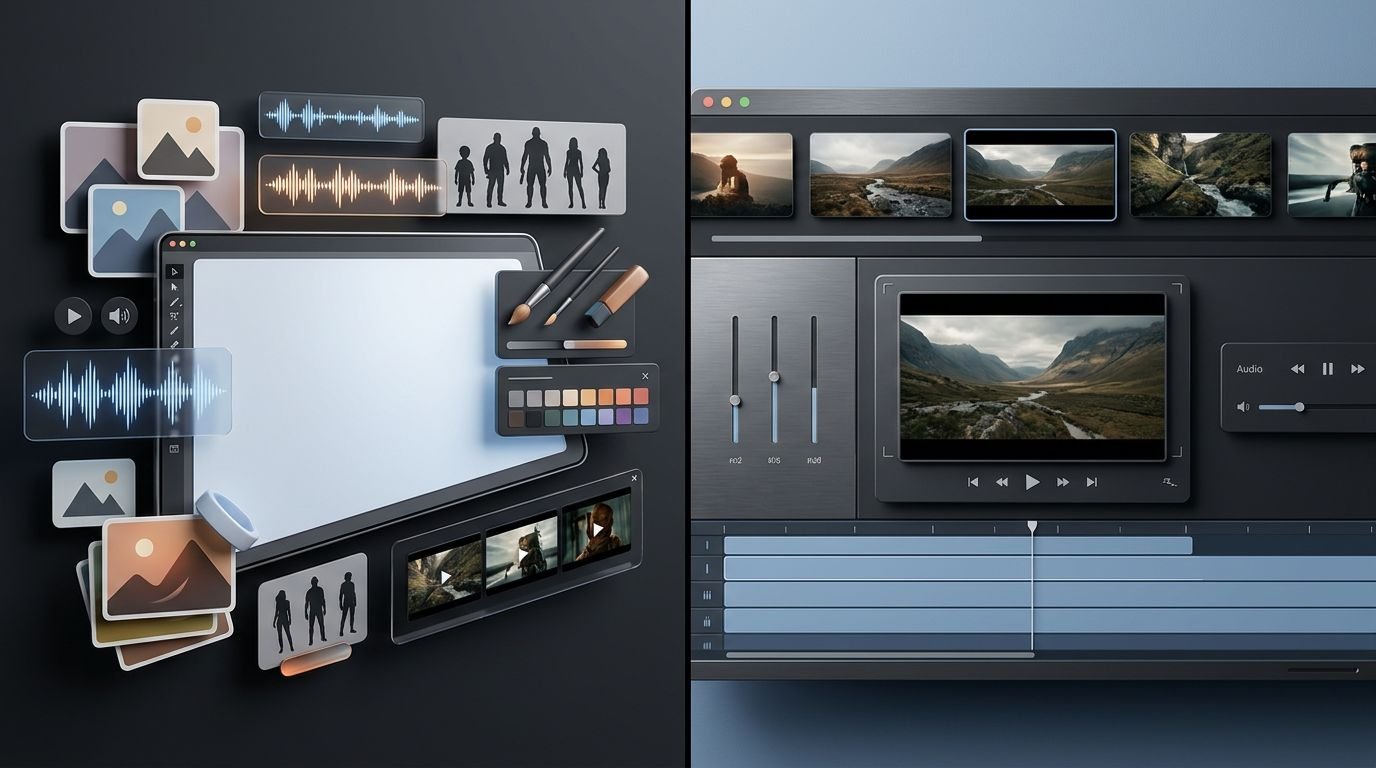
OpenArt AI is built around choice. Its paid plans offer an all-in-one AI art platform with images, video, audio, character tools, editing, and lip sync. Google Flow is a creative studio centered on Google’s own generative media stack, particularly Veo.
That difference affects the workflow more than the feature checklist.
| Decision point | OpenArt | Google Flow |
|---|---|---|
| Main approach | Multi-model creative workspace | Google-first video studio |
| Media scope | Image generation, video, audio, character tools, editing, and lip sync | Video and image creation around Google’s models |
| Model choice | Broad catalog of video models, which changes over time | Tighter integration with Veo and Google tools |
| Usage system | Shared credits across tasks | Flow credits and plan-based access |
| Best fit | Mixed-format production | Video-led projects using Google tools |
The practical takeaway is simple. OpenArt reduces tab-switching when a campaign starts with concept art and ends with a short video. Flow makes more sense when the video itself is the deliverable and you want to stay close to Veo’s intended workflow.
Video generation comes down to control and options
Google Flow is the more direct Veo route
Flow is where I would start if Google Veo 3 is the reason you are subscribing. Google’s Flow creative studio brings its video and image tools into one workspace, while the Veo 3.1 model page highlights text, image, and video inputs plus native audio capabilities.
That matters for short ads, cinematic product moments, and concept clips where sound belongs in the first draft. Dialogue, footsteps, traffic, and atmosphere are easier to evaluate when the model handles visuals and audio together. You can also inspect lip sync and prompt adherence early, though every take still needs review.
The limitation is obvious. Flow is not designed as a marketplace of competing video models. If Veo misses, you can refine the prompt or inputs, but you can’t switch to Kling o1 in that focused workflow.
OpenArt gives creators more routes around a bad result
OpenArt AI’s appeal is optionality. Its pricing page advertises access to more than 100 premium image, video, and audio models, rather than locking your work to one provider. In practice, this makes the platform useful when one model gets motion right but another handles faces, lighting, or product renders better.
The catalog can include prominent options such as Veo and other leading engines, but I would still confirm current model access before subscribing. Model availability, credit cost, regions, and plan rules change often.
For more detail on the broader toolset, see our OpenArt AI platform analysis. My view is that OpenArt’s advantage is not any single model. It is the ability to keep moving when a project needs a different model’s strengths.
A failed generation is cheaper when you can try a different model without rebuilding the project in another app.
Images, edits, and characters change the value equation
OpenArt AI is stronger for image-first campaigns
As an AI art generator, it gives marketers a practical starting point for image-first campaigns.
Many video projects begin with image generation. You may need a product scene, a visual style reference, a character sheet, or ten ad variations before you animate anything.
OpenArt’s workspace combines text-to-image tools with inpainting, object removal, face edits, and character tools. These controls can correct a stray object or weak background, while built-in upscaling prepares high-resolution exports without regenerating the entire image.
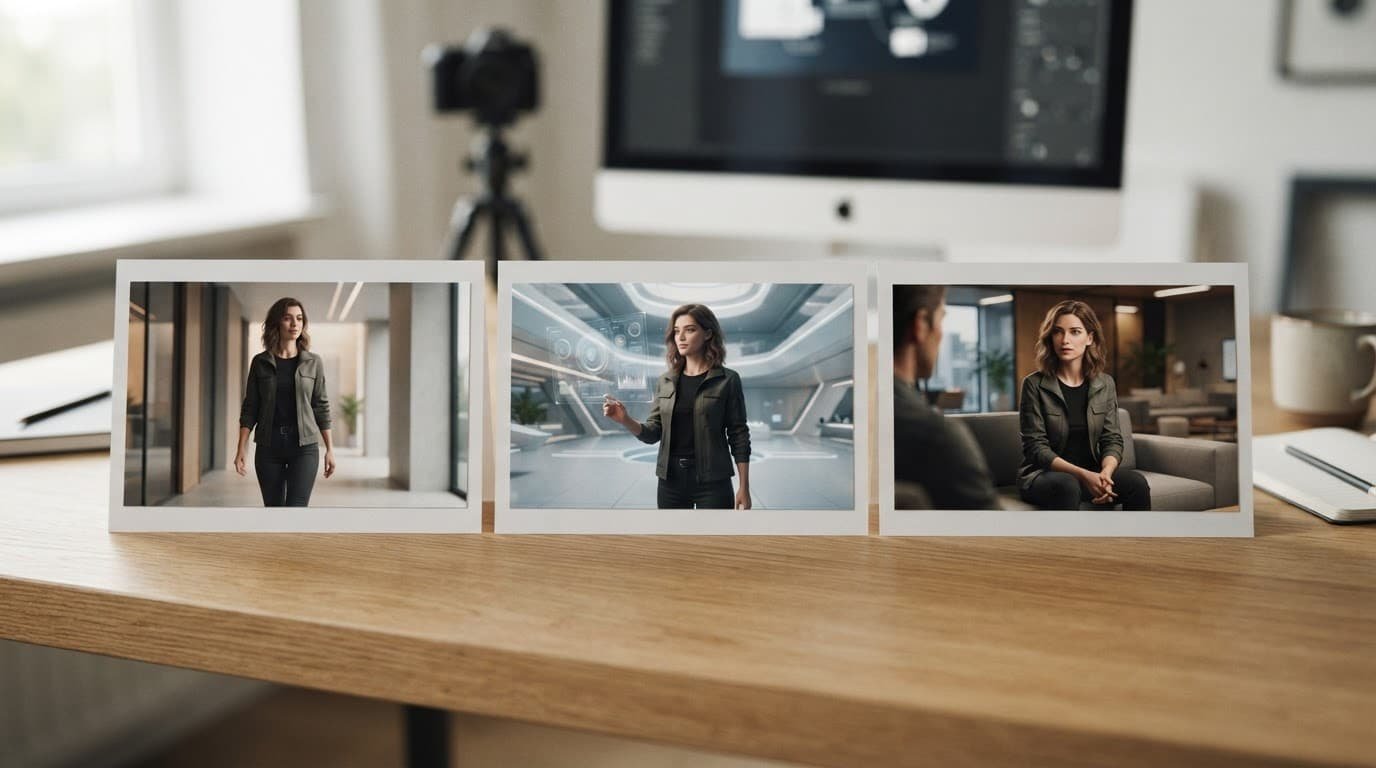
OpenArt’s character tools are especially useful when you need consistent characters for product explainers, children’s content, or recurring social ads. The challenge isn’t producing one attractive frame. It’s preserving character consistency across new scenes, poses, and camera angles, where pose control becomes especially useful.
An image-first workflow may later extend into talking-character content that needs lip sync.
OpenArt’s paid plans list consistent-character capacity, but the exact allowance scales by tier. Treat those limits as production constraints, not minor fine print.
Flow works best when the image supports the video
Flow can use images as creative inputs. In eligible plans and locations, Nano Banana Pro can also help create reference images.
This is useful for setting a scene before sending it into a video tool.
Still, I wouldn’t choose Flow over OpenArt if image correction is a daily task. Flow is most compelling when you can create a strong reference image, generate a video, then move to your usual editor for cleanup and assembly.
If your work is mostly lightweight social motion rather than generative storytelling, Canva’s AI image-to-video tools may be the more sensible benchmark. Paying for a large generation budget to create subtle zooms and basic motion is usually unnecessary.
Credits matter more than headline prices
The credit system and pricing structure matter more than headline prices.
A Google Pro subscription is listed at $19.99 per month in the United States, but verify the current price, region, date, and plan inclusions before subscribing. Google’s plan page includes access to Flow. The important number for regular Flow use is the monthly allocation. Google’s Flow credit documentation lists 1,000 monthly Google Flow credits for AI Pro subscribers.
OpenArt is usually closer to the commonly discussed $30 range, though plan names, discounts, and prices have shifted. Its current pricing page lists paid options, including a 12,000-credit monthly allowance on one subscription tier. The credits are shared across image, video, audio, character, editing, and upscaling tasks.
| Budget question | OpenArt | Google Flow |
|---|---|---|
| What you are buying | A pooled media-generation budget | Google Flow access plus a defined credit allocation |
| Why simple counts mislead | Each model and output type can cost differently | Different modes and output settings affect consumption |
| Biggest risk | Using premium models for every rough draft | Burning credits on repeated high-cost video attempts |
| Smart approach | Draft cheaply, reserve premium models for finals | Plan scenes before generating variants |
I would not compare 12,000 OpenArt credits to 1,000 Flow credits as if they were interchangeable units. They are not. The only useful comparison is how many finished assets your own process produces before you need more credits.
Keep a small project log for one week. Track how many usable results you get from image generation and video generation, along with revisions and total spend. That beats making a decision based on a giant credit number.
Which platform fits your production workflow?
Choose OpenArt AI for mixed creative work
I would lean toward OpenArt AI if you produce recurring visual campaigns and need flexibility. It suits solo creators and small teams that need inpainting, upscaling, character work, and character consistency without several subscriptions. It can also animate selected assets, add lip sync, and handle voice work in a voiceover studio.
It is also the better option when a bad output should trigger a model change, not a new account signup. That flexibility includes trying a model such as Kling o1 when available, but catalog access and credit costs can change. The trade-off is complexity. More models mean more choices, uneven output, and more credit discipline.
For creators comparing wider video workflows, our Runway Gen-4 and Aleph review is a useful next read. Runway may be a better fit when advanced video editing matters more than a broad multi-model catalog.
Choose Google Flow for a Google Veo 3-centered pipeline
Google Flow is the cleaner choice if you already pay for a Google Pro subscription and your work is mainly short-form video generation. Its narrower creative studio can reduce decision fatigue. You spend less time deciding which model to try and more time shaping scenes for Veo, where prompt adherence matters.
I would not choose it for high-volume, multi-format marketing on its own. You may still need a dedicated image editor, voice tool, or design app around it. That can erase the lower entry price quickly.
Frequently Asked Questions
Is OpenArt better than Google Flow?
Neither platform is universally better. OpenArt is more flexible for image-heavy, multi-format projects, while Google Flow is a cleaner choice for video generation centered on Veo.
Which platform offers more model choice?
OpenArt offers a broader catalog of image, video, and audio models, though availability and credit costs can change. Google Flow is more tightly integrated with Google’s own models, particularly Veo.
Are OpenArt credits and Google Flow credits comparable?
No. The platforms use different credit systems, models, and output costs, so a larger credit number does not automatically represent more usable generation. Compare how many finished assets your workflow produces before the budget runs out.
Which platform is better for consistent characters?
OpenArt is the stronger option for recurring characters because it includes character tools, image editing, and consistency-focused workflows. Flow can use reference images, but it is primarily designed around generating video scenes rather than managing a full character pipeline.
Can Google Flow replace OpenArt for a marketing campaign?
It can handle video-led campaigns, especially when the deliverable is a short generative clip. For campaigns that also require image variations, edits, upscaling, audio, and lip sync, OpenArt is less likely to require additional tools.
The better choice depends on what you finish
These platforms are not a universal tie. OpenArt AI offers more ways to repair, reuse, and combine creative assets across formats. It can also support extra media work, such as lip sync.
For image-heavy campaigns and recurring characters, I’d choose OpenArt. For creators already inside Google’s ecosystem, Flow works as a focused creative studio with a narrower path and stronger prompt adherence.
The real cost isn’t the monthly fee. It’s the failed generations, extra subscriptions, and manual fixes that shape your workflow from idea to usable asset.