
Small AI teams rarely fail because the model is weak. They fail because nobody can explain why the app slowed down, why cost doubled, or why one prompt version started hallucinating on Tuesday.
That’s why LLM observability tools matter. If I only have three to six people shipping AI features, I don’t want pretty dashboards. I want traces, evals, cost visibility, and enough context to fix production issues before they become support tickets.
What small AI teams actually need
Observability for LLM apps isn’t the same as old-school APM. A web request usually breaks in a familiar way. An LLM workflow can fail at the prompt, model, retrieval layer, tool call, guardrail, or post-processing step. If I can’t see those hops, I’m debugging by guesswork.
Small teams feel this harder than large ones. There is no dedicated platform group. The same person might own prompt changes, API routing, evaluation, and the incident channel. Every extra layer of setup has a real cost.
For a small team, the best observability tool is the one that turns a bad output into a reproducible trace in under five minutes.
In practice, I look for four basics.
- End-to-end traces that show prompts, model calls, retrieved context, tool steps, latency, and errors.
- Evaluation support so I can score quality over time, not only inspect one bad response.
- Cost tracking at the route, model, or feature level.
- Low operational friction, because nobody wants to babysit observability for the observability tool itself.
That last point matters more than most buying guides admit. The technically richest platform is not always the right call. If setup takes two weeks and the team ignores it after launch, it lost.
How I judge LLM observability tools
I don’t rank these tools by feature count alone. I rank them by how well they fit a small production team with limited time, a real budget, and some exposure to customer data.
My evaluation is simple.
- Setup time matters. If I can’t get useful traces in a day or two, the tool starts in a hole.
- Data model matters. I need prompt versions, model metadata, retrieval context, and feedback tied together.
- Evals matter. Logs tell me what happened once. Evals tell me whether the system is getting better.
- Cost visibility matters. I want token spend tied to traffic patterns and product features.
- Security hygiene matters. Redaction, retention, and access controls stop being optional the moment production traffic includes sensitive text.
A lot of teams also benefit from an AI gateway layer before they buy a bigger platform. If I’m trying to standardize provider routing, failover, and request logs, I usually start by reviewing how AI gateways provide observability and tracing. That often solves half the visibility problem up front.
The other thing I check is data exposure. Observability is useful until it becomes a dumping ground for prompts full of PII, secrets, or internal records. That is why I pay attention to managing sensitive data in GenAI workflows alongside monitoring.

A quick shortlist of the best options
The market in 2026 is crowded, but the shortlist for small teams is not. The same names keep surfacing because they solve the same hard problems: tracing, evaluation, cost control, and fast debugging. If you want a broader market scan, Firecrawl’s 2026 roundup of LLM observability tools is a useful second opinion, even if I wouldn’t use any roundup as my only decision input.
Here’s the compact view.
| Tool | Best fit | Why I like it | Watch out for |
|---|---|---|---|
| Langfuse | Most small teams | Strong balance of tracing, evals, and cost tracking | You still need process around eval design |
| Helicone | Fastest setup | Lightweight logging and quick time to value | Can feel narrower for complex eval-heavy stacks |
| LangSmith | LangChain teams | Deep debugging for agent workflows | Best value appears when you’re already in that ecosystem |
| Arize Phoenix | RAG-heavy apps | Strong retrieval inspection and debugging | Best when retrieval quality is a top problem |
| TruLens | Evaluation-focused RAG teams | Useful quality checks and feedback loops | Less of an all-in-one monitoring layer |
| Datadog / OpenTelemetry-based setups | Existing observability stack | Fits mature infra workflows | Overkill if you’re starting from scratch |
The main pattern is straightforward. Langfuse, Helicone, and LangSmith are the first tools I would evaluate. Phoenix, TruLens, Datadog, and OpenTelemetry-based routes make sense in narrower cases.
The tools I’d actually shortlist in 2026
I wouldn’t ask a five-person team to test fifteen platforms. I’d narrow fast, then run one real workflow through two or three candidates.
Langfuse
Langfuse is the safest default pick I see right now. It tends to fit teams that want a full observability layer without buying into a heavyweight enterprise motion on day one.
What makes it useful is the balance. I can get traces, cost visibility, prompt and response inspection, and evaluations in one place. That matters when the team does not want three separate products for debugging, quality tracking, and spend control.
Its main trade-off is not technical, it’s operational. A good observability setup still needs discipline around tagging, versioning, and feedback loops. Langfuse won’t invent that for you. If the team never defines what “good output” means, the dashboards will stay busy and unhelpful.
Helicone
Helicone is the tool I recommend when speed matters more than completeness. If I need observability this week, not after a platform sprint, Helicone is usually near the top of my list.
I like it for one reason: it gets teams out of the dark fast. You can start capturing request patterns, latency, and spend without redesigning your stack. For early-stage products, that simplicity is a feature, not a missing feature.
The limitation is easy to understand. As workflows get more agentic, or evaluation becomes a first-class part of release management, lightweight logging stops being enough. Helicone still has value there, but the team may outgrow it sooner than with a broader platform.
LangSmith
LangSmith earns its place when a team already builds with LangChain or runs multi-step agent workflows that are hard to reason about. In that setting, the debugging depth is hard to ignore.
I find it most useful when failures hide inside chains, tools, memory, or branching agent paths. Instead of seeing one failed output, I can inspect how the agent moved through the system and where the behavior drifted. That is a different class of visibility.
This is also where measuring LLM agent performance and behavior becomes more important than plain response logging. Agent systems fail in longer loops, and the observability needs to match that.
The trade-off is ecosystem fit. If you aren’t already close to LangChain-style workflows, LangSmith can be more tool than you need.
Arize Phoenix and TruLens
I group these together because they tend to come up for the same buyer: teams with retrieval-heavy systems that need better quality controls, not only better request logs.
Phoenix is strong when the unstable part of the app is retrieval. I reach for it when I need to inspect chunks, relevance, grounding, and the connection between retrieved context and final output. If the app is a RAG product and users complain that “the model ignored the docs,” Phoenix is a sensible place to start.
TruLens is useful when I want tighter quality checks around generated responses and retrieval behavior. I see it as more evaluation-forward than general-purpose observability. That makes it attractive for teams already comfortable building their own feedback loop.
Neither would be my default for a general small-team stack. Both become more compelling when RAG quality is the core problem.
Datadog and OpenTelemetry-based routes
These are not bad options. They are just easy to misuse.
If the company already runs Datadog across infra, logs, and incident response, adding LLM observability there can be sensible. The same goes for OpenTelemetry-based setups. Re-using the stack your engineers already trust has real value.
I would not start there if I were a small team building the first version of an AI product. General observability systems can capture the data, but they do not always give you the LLM-specific workflow semantics you need without extra work. For a startup-sized team, that extra work is often where momentum dies.
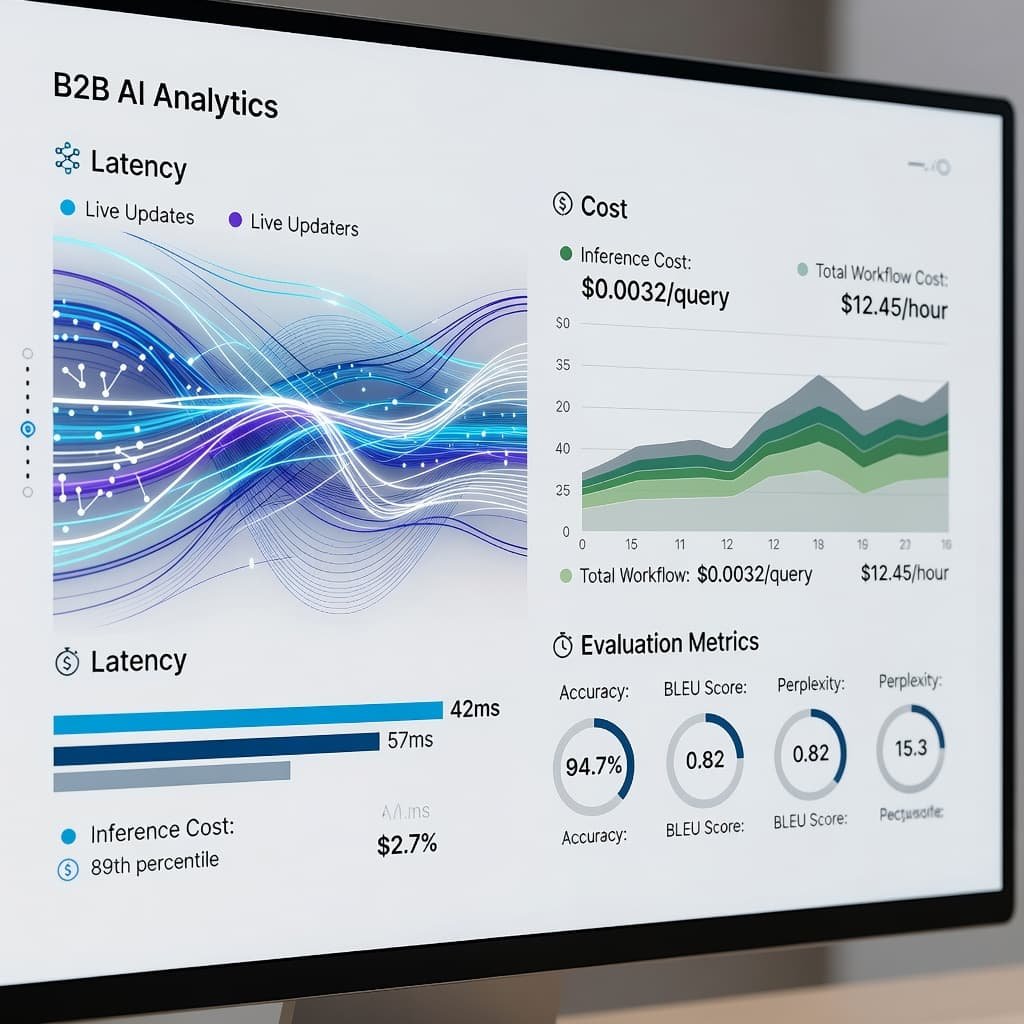
The metrics that matter more than raw logs
I don’t trust raw request logs by themselves. They tell me traffic happened. They don’t tell me whether the product is getting better.
The metrics I watch are more specific:
- Step-level latency, not only total response time.
- Cost per feature, route, or tenant.
- Retrieval quality for RAG apps.
- Tool-call success and failure rates for agent workflows.
- Output quality scores tied to real tasks.
- Prompt and model version drift over time.
This is where teams usually make their first mistake. They measure what is easy, then miss what matters. A dashboard full of token counts looks useful until the support inbox fills up with “wrong answer” tickets.
I also want human feedback wired into the system. A thumbs-up or thumbs-down is crude, but it is better than pretending subjective quality can be inferred from latency alone. Production AI apps need both telemetry and judgment.
The other common mistake is storing too much sensitive text without a policy. Observability data often contains the most revealing version of the user interaction. That is why redaction, access control, and retention rules belong in the same conversation as model quality.
A stack small teams can run without hiring platform engineers
If I were designing a practical setup for a small US AI team, I would keep the stack narrow.
Use an API or gateway layer for routing, provider visibility, and coarse request controls. Add one LLM observability tool for traces, evals, and cost tracking. Then add a simple feedback process that feeds regression testing before releases.
That can look like this:
- Gateway or model access layer for request logging and policy control.
- One observability platform for traces, evaluations, and spend analysis.
- A small eval dataset tied to key user tasks, refreshed every release cycle.
That is enough for a surprising number of teams. The point is not to build an internal observability program. The point is to shorten the time between “something feels wrong” and “I know which prompt, model, or retrieval step caused it.”

What I’d pick in three common scenarios
If I need the fastest win, I pick Helicone. It is the least painful way to stop flying blind.
If I want the best balance of tracing, evals, and cost visibility, I pick Langfuse. For most small teams, that is the center of the market.
If the team already lives inside LangChain or complex agent workflows, I pick LangSmith. The deeper workflow debugging justifies the tighter ecosystem fit.
For RAG-heavy systems, I move Phoenix or TruLens higher in the queue. For teams already standardized on Datadog or OpenTelemetry, I consider fitting LLM data into the existing stack instead of adding a separate platform.
What I would trust in production
The right choice is usually the boring one. I want the tool that the team will keep using after launch, during incidents, and three prompt versions later.
For most small teams in 2026, that means starting with Langfuse, choosing Helicone when speed matters most, or using LangSmith when the workflow is already agent-heavy and LangChain-centered. Everything else depends on a narrower set of needs, not on brand gravity.
FAQ
What is an LLM observability tool?
An LLM observability tool tracks how an AI application behaves in production. That usually includes prompts, responses, traces across workflow steps, latency, token usage, cost, feedback, and quality signals. The goal is simple: make failures reproducible and improvements measurable.
Which option is best for a three-person AI startup?
I would start with Langfuse or Helicone. Langfuse is the stronger all-around choice if the team wants evaluations and deeper analysis. Helicone is better when the team needs quick logging and visibility with minimal setup.
Do I still need observability if I already log API responses?
Yes. Basic response logging is not enough once the app includes retrieval, tool calls, agents, retries, or prompt version changes. Observability adds context, correlation, and historical analysis that plain logs usually miss.
What’s the difference between evaluation and observability?
Observability shows what happened in production. Evaluation scores whether the output was good, useful, or compliant with your standard. A strong stack needs both. One helps you inspect failures, the other helps you reduce them over time.
Related reading on AI Flow Review
- AI Gateway Guide 2026: Control Costs, Logs, Failover
- OpenAI AgentKit Vs Automation Platforms (2025): Which Best?
- Nightfall AI Review 2026: LLM Prompt DLP