
A small support inbox breaks faster than it grows. One vague billing email, one bug report, and one angry renewal message can clog a three-person team before lunch. That’s why I treat AI ticket triage software, the key to effective support ticket triage, as an ops purchase, not a shiny add-on.
For small US teams in 2026, the right tool should boost support team efficiency by doing four things well: read intent, set priority, route cleanly, and fall back to a human when confidence is low. If it can’t do that, it just moves mess around faster.
Why small teams feel triage pain first
When I review support stacks, triage is usually the first bottleneck. Small teams don’t have spare capacity for “just skim the queue” in tier-1 support. Every misrouted ticket creates two costs, slower response times and extra handling time, especially with rising ticket volume.
That’s why I usually start with AI help desk automation for small teams, especially ticket summaries, tagging, and automated ticket routing. Those are low-risk wins. They save minutes on every ticket without handing full control to the model.

In practice, I want the software to perform intelligent triage, not just match keywords. “Charged twice and can’t log in” is both billing and access. Weak tools grab the first phrase and dump it into the wrong queue. Better systems score intent, urgency, and sentiment together, then route with a fallback rule.
I buy routing accuracy before I buy auto-resolution.
If your team is under 10 people, that order matters. Bad auto-resolution breaks trust. Good triage quietly fixes the day.
The features I won’t compromise on
My baseline is simple. I want intent detection, sentiment analysis, priority scoring, rule-based triage, escalation rules, summary generation, and an audit trail. Modern tools rely on natural language processing and machine learning for these tasks. I also want a low-confidence path that sends messy tickets to a human instead of pretending certainty.
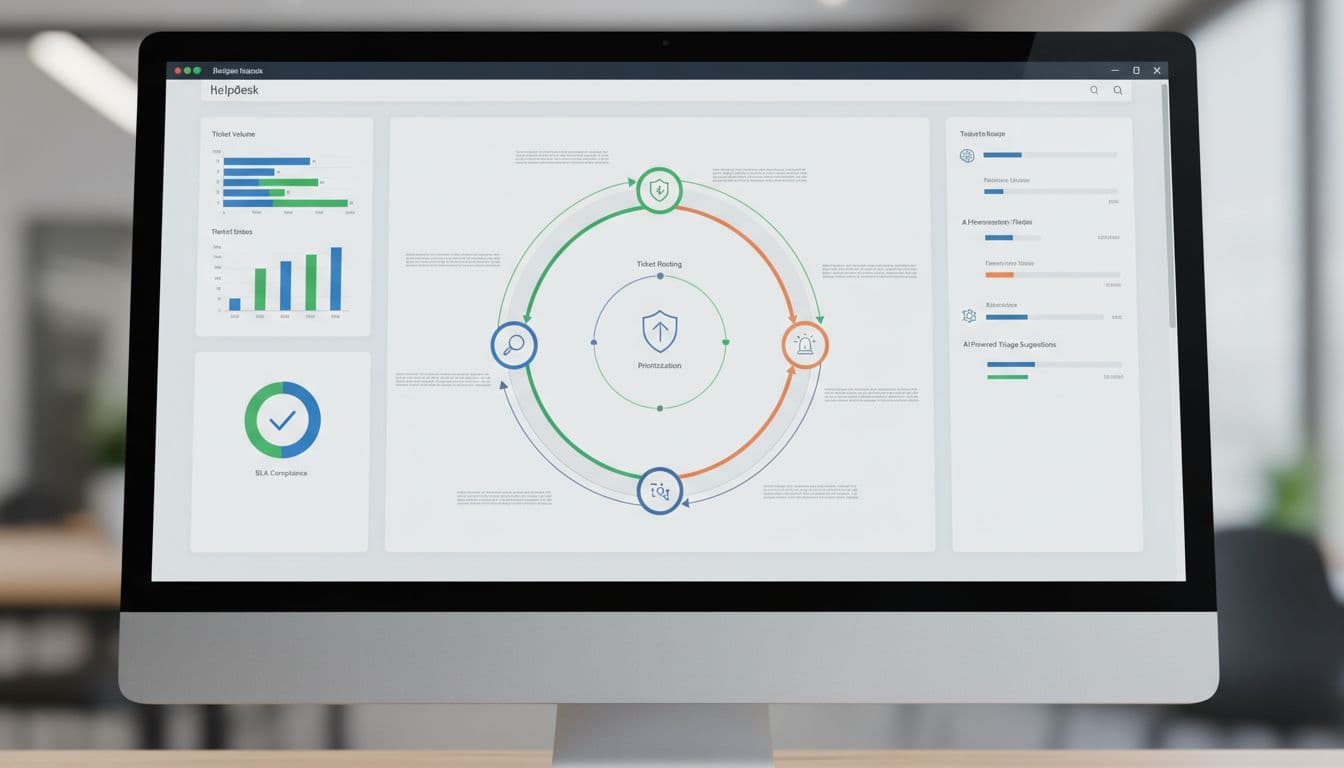
I also check whether the tool offers help desk integration where the team already lives. Gmail-first teams often need less software than they think. Slack-first IT teams need a different model than ecommerce email queues. If I’m digging into a suite with deeper routing and reporting, I cross-check my own Zendesk AI review: bots and intelligent routing.
One more point, pricing can get slippery fast. Some vendors charge per seat, some add AI as a separate module, and some bill per resolution. Even a quick look at Kayako’s ticketing AI pricing shows how different the cost model can be. I always price the tool against real monthly ticket volume, not just agent count.
Which AI ticket triage software I’d shortlist in 2026
Based on public pricing and product direction in March 2026, this is the shortlist I’d start with. These picks factor in syncing with a knowledge base as a potential secondary requirement for effective triage.
| Tool | Public pricing snapshot | Best fit | Main trade-off |
|---|---|---|---|
| Hiver | From $25/user/month | Gmail-based support teams | Less depth than full help desks |
| Zendesk | From $19/agent/month, AI add-on costs extra | Teams that need strong routing, reporting, and omnichannel support | AI spend can climb fast |
| Freshdesk | Lower entry pricing, AI depends on plan mix | Small teams that want guided setup | Advanced triage may require higher tiers |
| monday.com | AI in service setup, pricing varies | Ops teams that want workflow automation tying tickets to broader processes | Not as support-native for every use case |
| Risotto | Contact sales | Slack or Teams-centric IT and internal support | Limited public pricing |

My quick read is this: Hiver is the cleanest starting point for small Gmail-heavy teams and Managed Service Providers with small internal teams. Zendesk is stronger when routing logic and reporting need to hold up under volume. Freshdesk stays appealing when budget matters, especially with its CRM integration options. Risotto stands out if support starts in Slack or Teams, not email.
If I already had a help desk and just wanted smarter routing, I’d also consider layering AI agent copilots and automations from my Zapier AI agents for support triage 2026 notes instead of replacing the whole stack.
How I make the buying call
I use a short filter before I buy anything:
- Start with one queue for ticket categorization: Billing, login issues, and onboarding are good pilots because patterns repeat.
- Test ugly tickets: Mixed intent, angry tone, missing account info, duplicate ticket detection, and long threads expose weak routing fast.
- Track three metrics: Reassign rate, first-response time (key for SLA compliance), and reopen rate tell me more than “AI handled X tickets.”
- Keep humans on money and access: Refunds, account changes, and security issues still need review with full customer context.
- Check the logs: If I can’t replay why a ticket moved, I don’t trust the workflow automation.
For most small teams, assist and route should come first. Deflection comes later. Auto-actions come last.
FAQ
Is AI ticket triage software worth it for a team with fewer than 10 agents?
Yes, if your queue has repeat patterns. Small teams feel misroutes more sharply because there’s less slack in the system, which hurts response times. Even automated tagging, summaries, and routing can free up real hours each week.
What should I automate first?
I start with categorization, priority suggestions, and ticket summaries. Those save time without taking risky actions. I wait on refunds, cancellations, account edits, and self-service deflection powered by a knowledge base until the logs look clean.
Can I trust sentiment to set priority?
Only partly. I use sentiment as a signal for customer satisfaction, not the rule. Angry writing can mask a low-risk issue, while calm writing can hide a serious outage.
What I’d buy if I were starting today
If my team lived in Gmail, I’d start with Hiver. If I needed deeper routing, broader channels, and stronger reporting, I’d trial Zendesk and Freshdesk side by side. If support mostly happened in Slack or Teams, I’d put Risotto, with its conversational AI, on the list early.
My rule is simple: pilot one queue for 14 days with AI-powered triage, then judge routing accuracy before anything else. Fast automation is nice. Accurate support ticket triage is what pays.