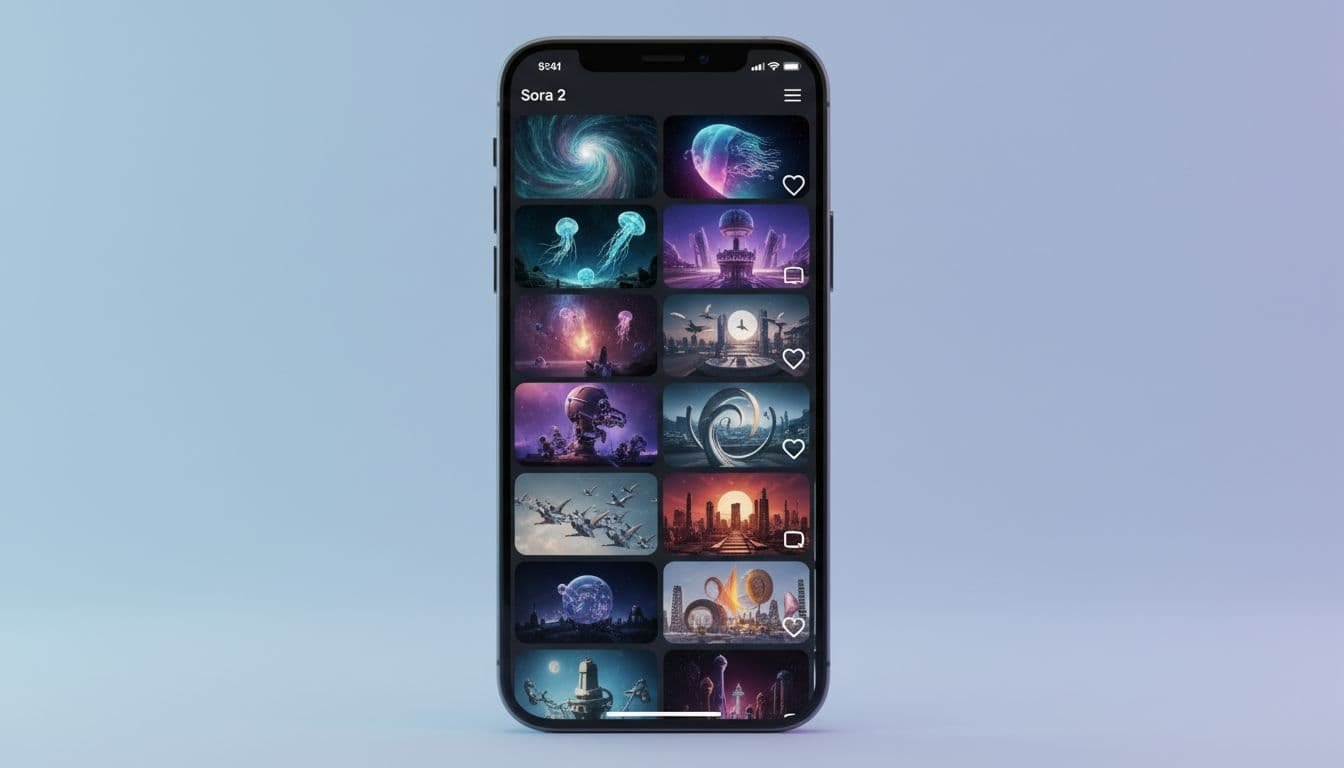
Sora 2, as unveiled by OpenAI CEO Sam Altman, represents a major disruption in content creation. It is not just a model update; it is a full step toward AI-native video creation, complete with sound, editing cuts, and a social app that feels a lot like TikTok-style interfaces. If you care about short-form content, creator tools, or practical AI workflows, this release is worth your attention.
In this guide, you’ll learn what Sora 2 can do, how its new iOS app works, what Cameos are, where Sora 2 Pro fits in, and what to consider before uploading your likeness. You will also see how it compares to the wider field of AI video generation, and how to get started fast.
What is Sora 2?
Sora 2 is OpenAI’s latest text-to-video model built using Generative AI, featuring sound and richer creative control. It generates short videos from prompts, then layers in the kind of polish you expect from popular short-form platforms: cuts, transitions, consistent audio, background music, and timed sound effects. It is designed to produce hyperrealistic content that feels social-ready from the start.
- Key idea: Sora 2 generates and edits, so results look like finished clips, not raw renders.
- Results include synced audio, consistent ambience, and edited sequences that resemble Reels or Shorts.
- The iOS app introduces a social feed with AI-only content and built-in remix features.
Sora 2 is defining the future of AI video generation. For the official breakdown and safety details, see OpenAI’s pages for Sora 2 is here and the Sora 2 System Card.
The Sora 2 iOS app is a social platform
OpenAI shipped Sora 2 inside a standalone iOS app, currently available in the US. The app feels familiar if you have used TikTok-style short videos on platforms owned by Meta like Instagram Reels, but every clip you see is AI-generated. The experience is not just passive viewing. You can prompt, remix, and even insert yourself into scenes.
- Feed of fully AI-generated videos
- One-tap remixes of clips in your feed
- Text prompts to change objects, styles, and scenes
- Insert your likeness using Cameos (more below)
Coverage of the launch makes clear that this is OpenAI testing an AI-native social model, not only a creative tool. VentureBeat’s overview captures the headline features and early impressions in OpenAI debuts Sora 2 AI video generator app with sound and self insertion.
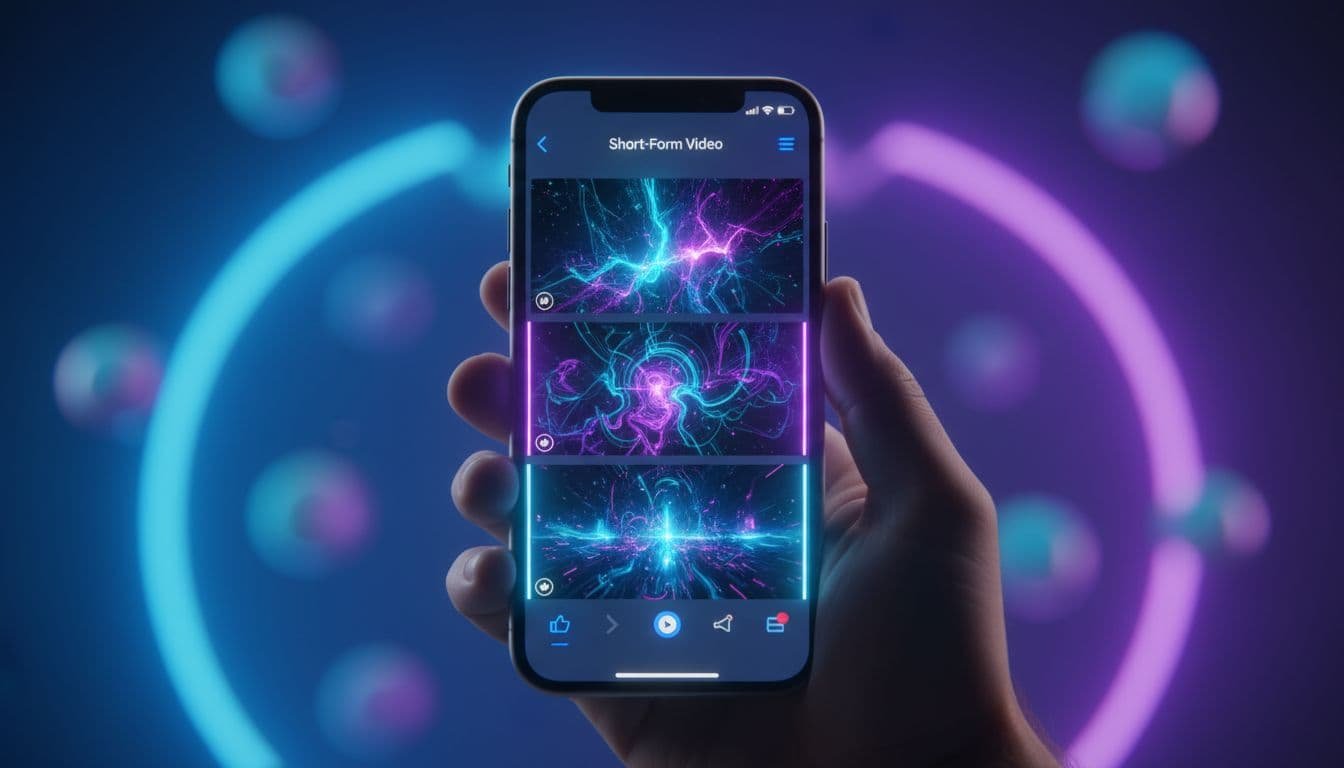
Cameos: Clone your voice and face for AI videos
The standout Cameo feature lets you create a reusable avatar from your voice sample and a short video clip. With it, you can:
- Appear in any generated video, without filming new footage
- Share your Cameo so others can use it with your permission, relying on an explicit opt-in model
- Pair multiple Cameos to make scenes with friends or collaborators
It is powerful, and it raises real privacy questions, including the potential for deepfakes and misusing likeness. You are handing the system a likeness it can reuse in many contexts. If you try Cameos, set clear permissions, keep your account secure, and think through what you are comfortable publishing. The System Card also outlines how OpenAI frames risks and robust safeguards around identity and consent.
Sora 2 vs Sora 2 Pro
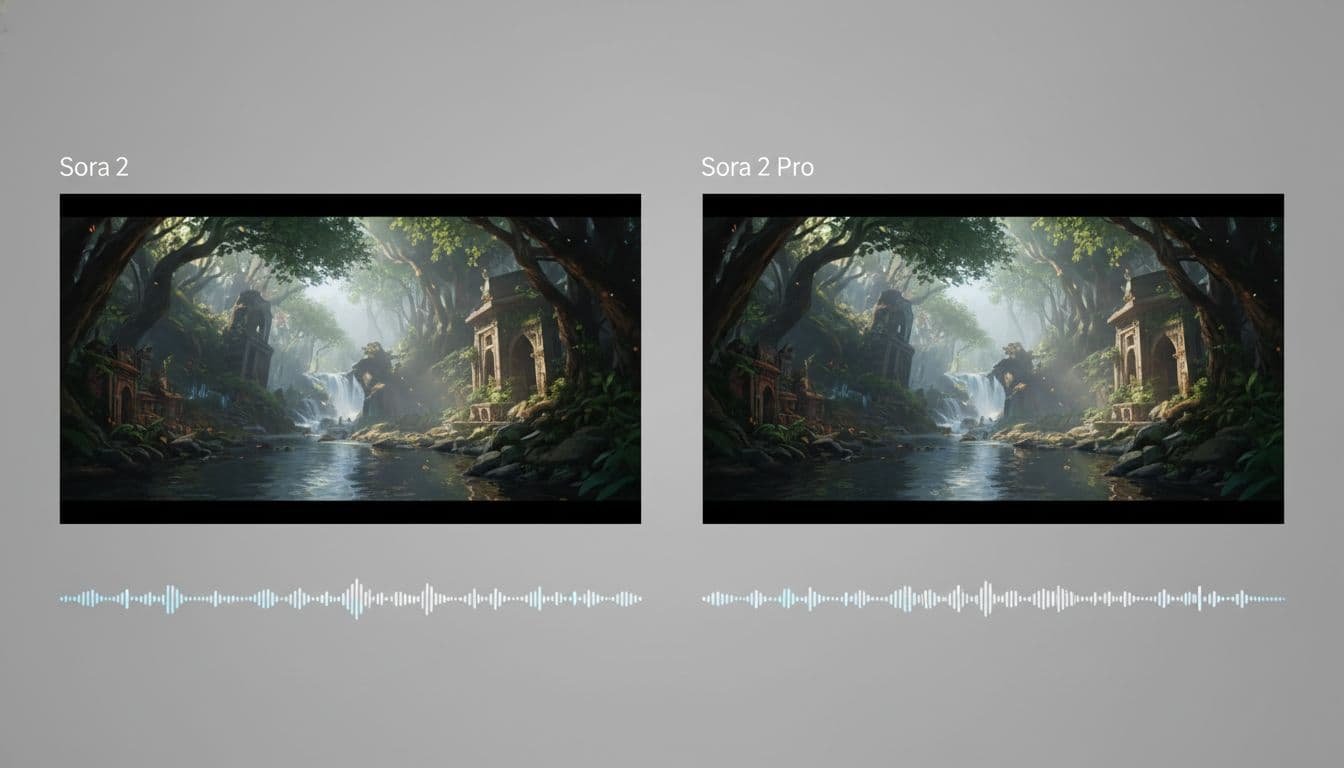
Inside the app, you will see two generation options: Sora 2 and Sora 2 Pro. The difference is subtle but noticeable, likely due to the Pro version requiring greater compute.
- Sora 2 Pro: Offers superior video fidelity with slightly sharper visuals and more consistent detail. It’s optimized for generating hyperrealistic content, while audio quality appears comparable in most tests.
- Sora 2: Baseline quality is already strong, and for many social clips it will be plenty.
If you are pushing for crisp product shots or fine text, go Pro when you can to maximize user satisfaction. For quick social edits or remixes, the standard model usually hits the mark.
It edits, not just generates
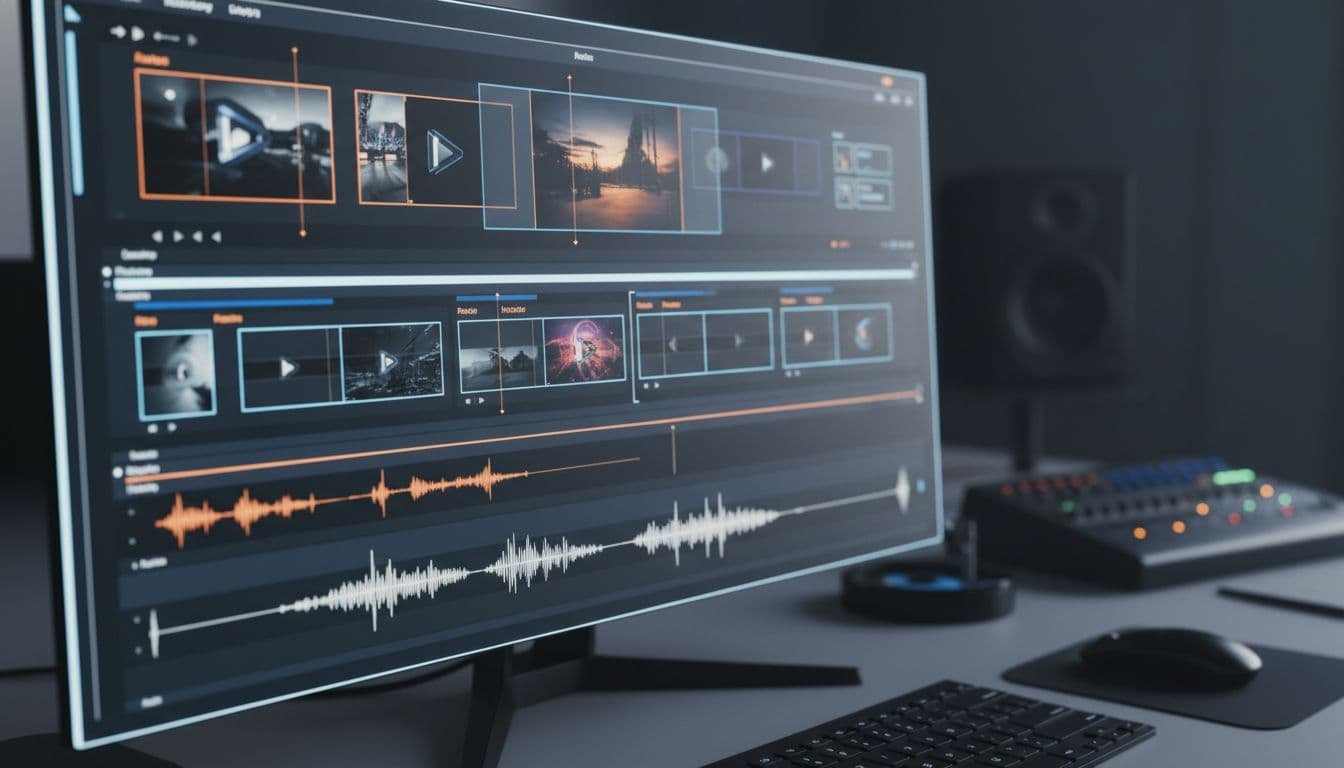
Previous AI video tools often produced a single continuous clip. Sora 2 goes further by building in an edit. You will see:
- Cutaways and camera changes that match your prompt
- Continuous background music across the full clip
- Sound effects that align with actions on screen
- Consistent ambience from shot to shot
This matters because you spend less time stitching together clips in a separate editor—the consistent audio and ambience achieve temporal consistency from shot to shot, resulting in seamless clips. If your goal is high-volume short-form content, Sora 2 moves you closer to posting straight from the app.
Curious how other tools handle this step in the pipeline? Our guide on AI video generators explained breaks down how editing, motion, and style control typically work across top platforms.
Access and availability
Here is what you need to know to try Sora 2 today:
- iOS app availability: US only for now
- Creating the Cameo feature: requires the mobile app
- Access codes: the app and web interface may require invites during rollout
- Non‑US users: some creators report success using a US Apple ID and setting iPhone region to the US for app access
If you only plan to test text prompts and simple remixes, the web experience may be enough. To record and use your own Cameo, you will need the iOS app.

Prompting and remixing tips
Even with strong defaults, the quality of your text prompt still matters. A few simple tips can improve results:
- Be specific with actions. Say “walks across a neon-lit crosswalk in the rain, umbrella tilting in the wind” instead of “walking in a city.”
- Give style and mood. Words like “handheld, shallow depth of field, soft backlight” help the model set the tone.
- Describe sound. Ask for “subtle ambient city hum, soft jazz piano, light footsteps and rain on fabric” if that fits.
- Use Cameos sparingly. When your face or voice appears, keep the scene simple. Too many moving elements can muddy likeness quality.
- Iterate in the feed. Remix directly from clips that are 80 percent right. Small changes often beat brand new prompts.
If you are exploring the wider landscape beyond Sora 2, start with our roundup of the Top AI video tools for 2025. It compares strengths across realism, avatar work, editing control, and pricing.

When to use Sora 2
Sora 2 shines in quick content creation when you need finished, social-ready clips without a manual edit. Good fits include:
- Short-form content for creators and brands
- Concept tests for ad storyboards and creative pitches
- Fast remixing of a visual idea with different styles or props
- Personality-driven clips with Cameos for Q&A, skits, or reactions
If you are doing long-form, scripted projects with tight continuity, you will likely still pair Sora 2 output with a traditional editor. For quick campaigns, product teasers, or meme formats, the app’s workflow feels ideal—and it represents a potential disruption in traditional content pipelines, with speculation around future revenue sharing models that could empower creators even more.

What Sora 2 gets right
These strengths drive high user satisfaction among creators.
- Speed to post: Unlike tools that churn out low-quality initial output full of visual slop, the model adds the finishing touches most others skip, so videos look ready for a feed.
- Voice and identity: Cameos are a big swing. You can show up on camera without filming.
- Creative control: Prompt-based remixes let you iterate in the app, not across multiple tools.
- Audio baked in: The consistent sound bed ties shots together, even when the scene changes.
What to watch closely
- Privacy: Only create a Cameo if you are comfortable with reuse, considering the safeguards in place and the dangers of misusing likeness. Read the settings carefully and keep your account secure.
- Likeness quality: Cameos look best with clear input footage and clean audio. Busy scenes can dilute the effect.
- Licensing and IP: The feed already shows recognizable brand characters and potential copyright characters and brands. Keep your use commercial-safe, check rights to protect rightsholders before publishing ad campaigns, and be mindful of the risks of copyright infringement. OpenAI must use a watermark to combat the potential erosion of trust caused by undetectable AI media.
OpenAI shares technical and policy context in the Sora 2 System Card. It is worth a read if you plan to use Cameos for marketing or client work, ensuring you avoid content violation when using IP.

How Sora 2 fits among AI video tools
Sora 2 is about polish and social fluency out of the box. In the competitive landscape of AI video generation, other platforms shine in different ways: some offer deeper motion control, others focus on talking avatars, and a few prioritize cinematic lighting or storyboard workflows. Comparing to major players in the Generative AI space, Sora 2’s focus differs from competitors, including those released by Meta. If you are comparing options for a specific use case, our primer on AI video generators explained is a helpful starting point, and our comparison of the Top AI video tools for 2025 walks through strengths, weak spots, and best-fit scenarios.
A quick start plan
Want to move from idea to post quickly with Sora 2? Try this:
- Write a concise text prompt with scene, motion, and mood. Include one sentence about audio—it’s key for setting the right tone.
- Generate with Sora 2. If you need more detail, switch to Sora 2 Pro.
- Remix inside the feed. Swap a prop, change lighting, adjust motion.
- Add your Cameo for a final pass. Keep the scene simple to maximize user satisfaction with the final likeness quality.
- Publish and measure. Save your best prompts for repeatable content series.
The bottom line
Sora 2 pushes AI video closer to a one-stop shop for short-form content. It generates, edits, and scores your clip in one flow, then lets you remix inside a social app that already understands the format. The Cameo system is bold and useful for creators, but it also requires clear guardrails around identity, consent, and potential copyright infringement.
If you create short videos for work or fun, try Sora 2 for concepting, quick tests, and fast posts. Keep your prompts tight, your scenes simple, and your permissions clear. For a deeper technical look at the model and its safety guardrails, start with OpenAI’s overview in Sora 2 is here, then skim the Sora 2 System Card. For context on how this fits into the broader market of AI video generation, our guides to AI video generators explained and the Top AI video tools for 2025 can help you pick the right stack for your next project.
What will you make first?