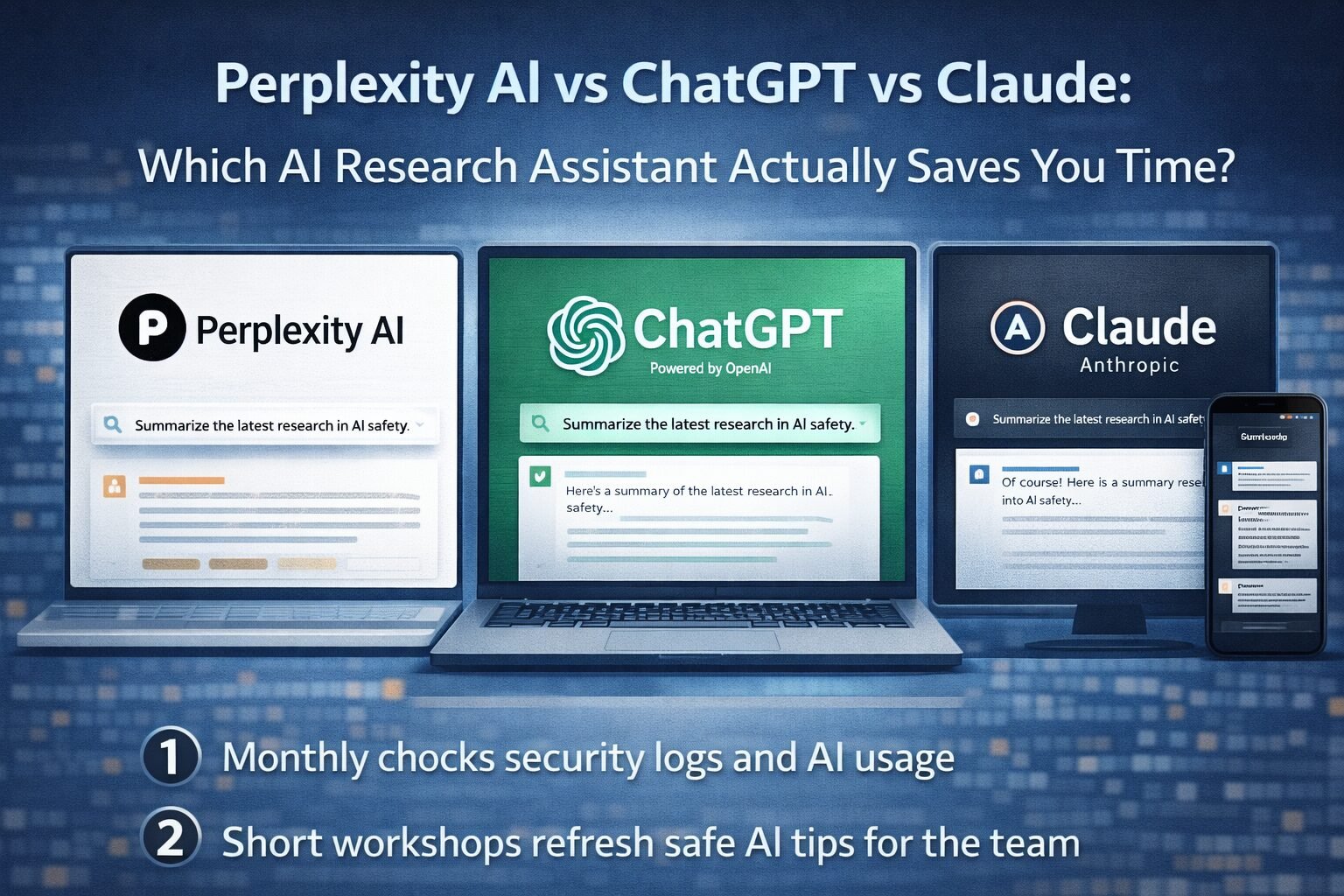
I still remember when “research” meant 30 open tabs, a fried brain, and three half-finished notes docs. Now I can ask an AI to scan sources, explain ideas, and even outline my report. The catch is that not every assistant actually saves time in real projects.
If you are comparing Perplexity ChatGPT Claude and wondering which one should be your main research partner, you are in the right place.
In this guide I will walk through how each tool handles real research work, where they slow you down, and how I use them together when I care about speed and accuracy.
At a glance: how Perplexity, ChatGPT, and Claude really differ
Here is the simple mental model I use when I reach for one of these tools.
| Tool | Best for | Big strengths | Common friction points |
|---|---|---|---|
| Perplexity | Fast web research and source scanning | Live web, citations, deep research mode | Can misread sources, limited formatting control |
| ChatGPT | Drafting, coding, ideation, “general purpose” assistant | Flexible, creative, tool ecosystem | Web access needs setup, can hallucinate |
| Claude | Long documents, careful reasoning, human friendly tone | Huge context, clear explanations | Region limits, fewer native integrations |
When I test tools for AI Flow Review, this pattern repeats. Perplexity behaves like a research engine, ChatGPT feels like a swiss-army assistant, and Claude plays the role of thoughtful co-writer. You can see that split in my Top AI chatbots of 2025 list, where each one lands in a slightly different niche.
Perplexity AI: research sprinter with receipts
Perplexity is the one I open when I want live, source-backed answers in minutes, not hours. It searches the web in real time, then shows citations directly inside the reply. That small design choice changes everything for research.
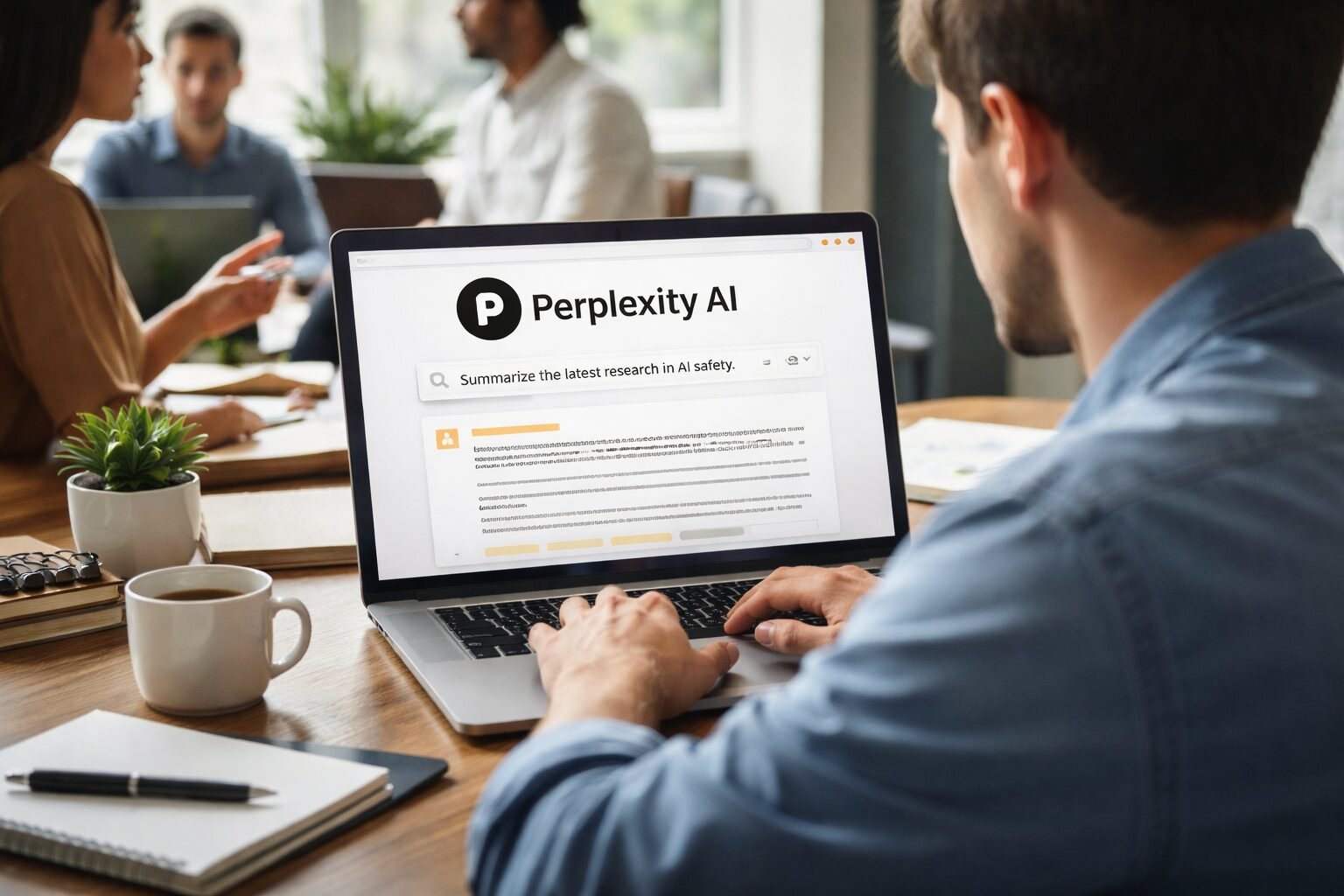
Instead of guessing where a claim came from, I can:
- Scan the summary.
- Hover or click the source list.
- Jump straight into the most relevant articles.
If you want a deeper feature breakdown, my Perplexity AI detailed review 2025 walks through things like Deep Search, file uploads, and “focus” controls for academic sources or forums. For neutral background, I also like Wikipedia’s overview of Perplexity AI, which shows how it positions itself as an answer engine instead of a plain chatbot.
Where Perplexity actually saves time
Perplexity shines when:
- You need a quick literature scan on a niche topic.
- You want to compare multiple products, APIs, or papers.
- You care about seeing several viewpoints instead of a single summary.
My typical flow looks like this:
- Ask a narrow question, for example “Compare Perplexity, ChatGPT, and Claude for SEO research workflows.”
- Skim the structured answer and the citation list.
- Open three to five sources that look trustworthy.
- Ask a follow-up like “Summarize key disagreements between these sources.”
That flow compresses what used to be 45 minutes of reading into roughly 10. It is not perfect, and I still fact-check, but the jump-start is huge.
Where Perplexity can slow you down
Perplexity still has blind spots:
- It can confidently misinterpret a source.
- Some cited pages are thin or spammy.
- It sometimes repeats surface-level points instead of deep synthesis.
I treat it as a research launchpad, not the final report writer. If what I am doing touches academic integrity or grading, I pair it with guidance like the study on AI writing tools and academic integrity so students know how far is too far.
ChatGPT: flexible workhorse for drafting and coding
If I had to pick one assistant to leave open all day, it would still be ChatGPT. It is not always the fastest at pure research, but it is the most adaptable.

OpenAI’s own ChatGPT capabilities overview gives a sense of the range: writing, coding, image understanding, document uploads, and more. In my Comprehensive ChatGPT 2025 review, I found that GPT‑5 models handle:
- Long form outlines and drafts with consistent tone.
- Code explanations and refactors.
- Multi-step reasoning across longer chats.
Recent upgrades like ChatGPT 5.1 improved reasoning and safety while keeping speed high, which matches reports such as this ChatGPT 5.1 features overview from InfoWorld.
Where ChatGPT saves real time
I lean on ChatGPT when:
- I already know the topic, but I need drafts or examples.
- I am stuck on code and want clear, guided explanations.
- I need to turn messy notes into structured outlines or emails.
A practical example: I might use Perplexity to collect four or five strong sources about AI search engines, then paste key quotes into ChatGPT and say:
“Turn these into a 1,200-word article outline for senior SEO managers, with clear sections and bullet ideas.”
In a few seconds I have a solid skeleton that would have taken me 40 minutes to shape by hand.
Where ChatGPT falls short as a researcher
On its own, ChatGPT is not a research engine:
- You have to turn on browsing or use special tools for live data.
- It still hallucinates citations or makes up URLs.
- It may lean too hard on training data instead of recent sources.
This is why so many people search for “Perplexity ChatGPT Claude” together. They notice that ChatGPT is amazing for writing and coding, but not always the fastest way to gather fresh, source-backed facts.
Claude: patient thinker for long and complex work
Claude feels like the colleague who reads the whole report before speaking. It is slower in a good way, because it tends to keep context and tone steady across long answers.
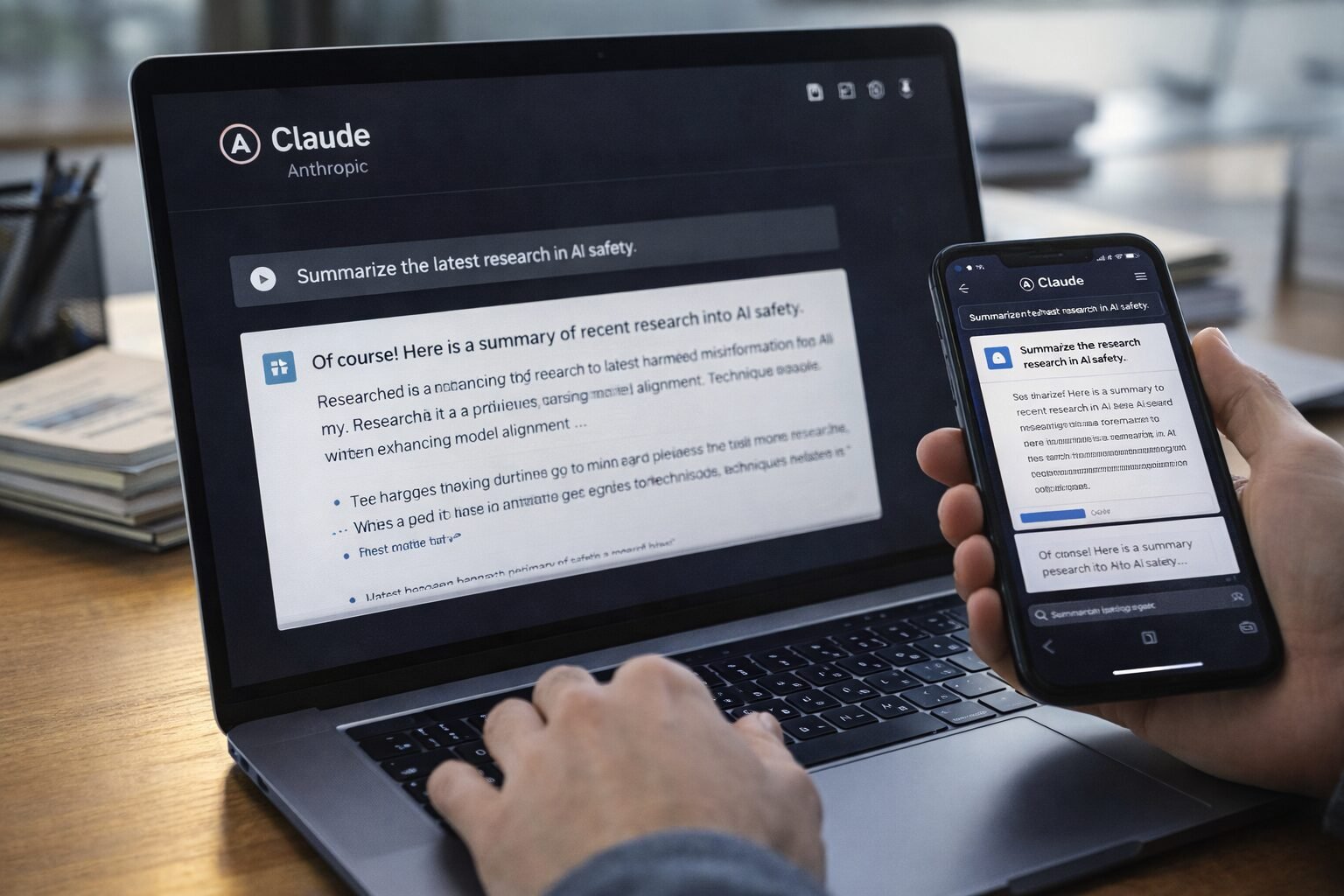
Anthropic designed Claude for safety, reliability, and extended context, which you can see in IBM’s overview, What is Claude AI. In my own Claude AI 2025 comprehensive review, I found Claude especially strong when:
- Digesting very long PDFs, transcripts, or books.
- Keeping a stable voice across multi-section reports.
- Doing step-by-step reasoning with few “jumps.”
If you care about automation, the browser agent upgrade I covered in Claude Sonnet 4.5 browser agent release also helps Claude run repeatable research actions inside your tabs.

Where Claude saves time in research
Claude is my pick when:
- I have a 50-page white paper and need a 1-page brief.
- I want a “teacher” style explanation that stays calm and clear.
- I am stitching together insights from many notes and chat logs.
A simple but powerful workflow is:
- Paste a long document or several excerpts.
- Ask Claude to group ideas into themes.
- Then ask for “two paragraphs of synthesis per theme, no fluff.”
Claude tends to keep structure tight and logic careful, which means less editing for tone and clarity.
Where Claude can feel slow
The trade-offs are real:
- Access and pricing vary more by region and plan.
- There are fewer one-click integrations compared to ChatGPT.
- It is not as strong as Perplexity at fast, citation-heavy web scans.
If I only need quick links and stats, I open Perplexity first. Claude becomes the trusted editor that shapes those findings into something a human would be happy to sign.
Choosing the right research assistant for your use case
Instead of hunting for a single “winner,” I match each tool to a job.
For SEO and content research
- Use Perplexity to gather live examples, SERP snapshots, and competing opinions.
- Move to ChatGPT or Claude to structure content briefs, outlines, and drafts.
- For a broader framework on this mix, my Best AI chatbot roundup featuring Perplexity walks through how I stack these tools in real writing work.
For academic or policy work
- Perplexity works well as your map of sources, but always check the originals.
- Claude is great for deep summaries, argument maps, and careful paraphrases.
- ChatGPT helps rewrite for tone and audience, for example “explain this to first-year students.”
For coding and technical research
- ChatGPT usually gives the fastest and most flexible coding help.
- Claude is strong when you want a long codebase explained, or a careful refactor.
- Perplexity can help you discover docs, GitHub issues, and blog posts that match a specific bug or pattern.
When I mix all three, I save the most time. Perplexity finds, Claude understands, ChatGPT produces.
Bringing it all together
If I had to sum it up in a single line, I would say: Perplexity finds answers, ChatGPT builds things, Claude keeps you honest and clear.
For pure research speed, Perplexity is hard to beat, especially when you want citations and fresh sources. For everyday work across writing, coding, and ideation, ChatGPT still feels like the default tab. For long, thoughtful projects where quality and tone matter more than raw speed, Claude quietly becomes the star.
You do not need to marry one tool. Start by picking the assistant that matches your main bottleneck right now, then add the others as “specialists” in your stack. If you keep that mindset, each new upgrade or model release becomes an extra time-saver, not another shiny distraction.