
Most AI image generators and AI art generators can spit out a pretty picture. The harder job is generating usable product mockups that hold up across a whole campaign: the same lighting logic, the same materials, the same “brand feel”, and changes that don’t break the scene.
In this Leonardo AI review, I’m focusing on what matters in real production work in 2026: mockup workflows, style consistency, and prompt control. I’ll also call out the failure modes I still hit in creative workflows when generating photorealistic images, because that’s where timelines get burned.
Product mockups in Leonardo AI: where it’s genuinely fast (and where it isn’t)
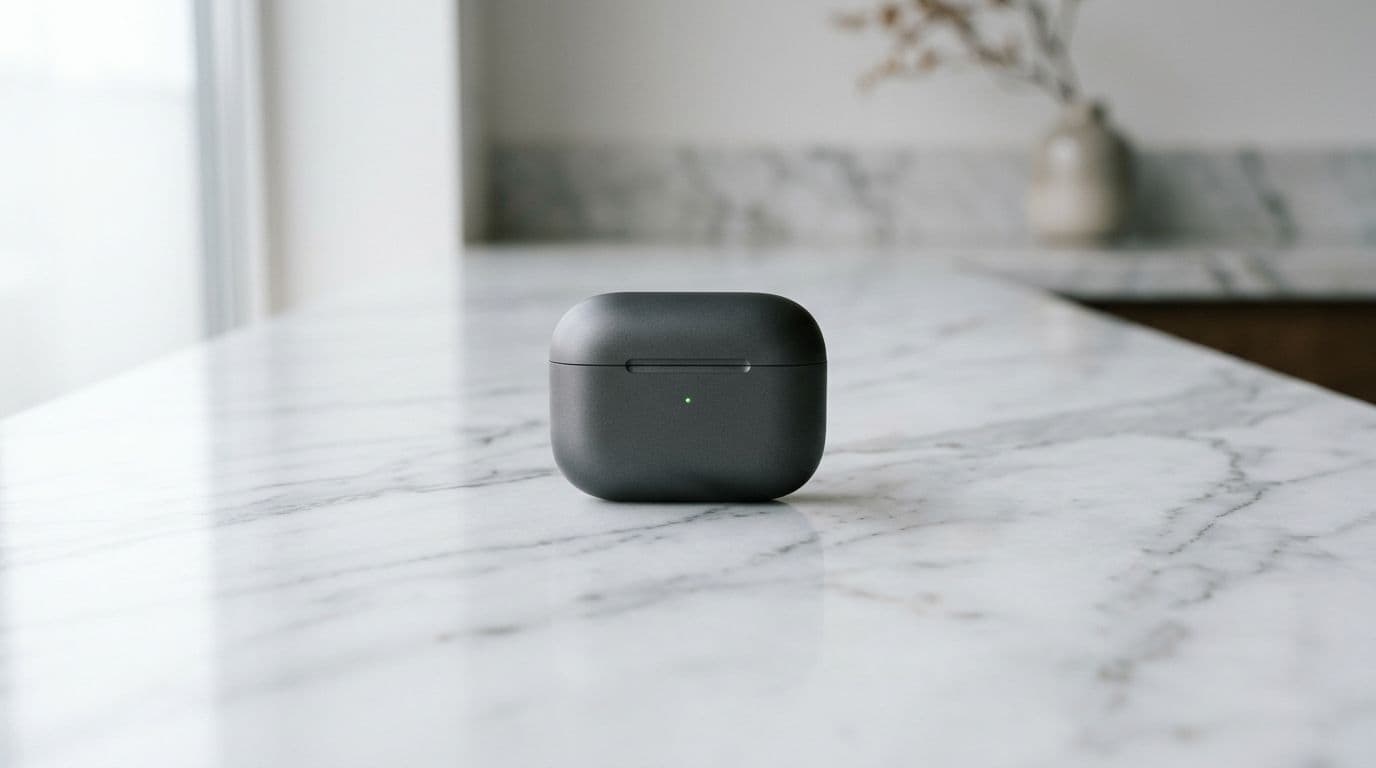
For mockups, I care less about “wow” and more about iteration speed. In 2026, Leonardo’s Canvas Editor workflow (inpainting and outpainting) is the reason I can move quickly without restarting every time.
Here’s where I see the biggest practical wins:
- Photo-to-mockup edits: I can upload a base product photo, mask the label area, then prompt a material swap (matte to gloss) or colorway change. That beats rerolling ten generations.
- Edge fixes without collateral damage: When a reflection looks wrong, I target that patch instead of regenerating the entire image and losing the composition I liked.
- High-res finishing: The Universal Upscaler is useful when I need crisp texture and clean edges for a landing page hero.
The catch is predictability. If the base image has complex specular highlights (chrome, glossy plastic), edits can introduce “physics drift”, and complex edits require tokens. I treat the Canvas Editor as a surgical tool, not a magic wand.
If you want a broader platform-level view before you commit, I’d pair this with my older baseline notes in Leonardo AI Review 2025, then map what changed in your workflow since then.
My rule: I only trust AI mockups when I can isolate edits. If I can’t mask it, I expect rework.
Style consistency for brand sets: the real test is the tenth image

“Style consistency” gets marketed as a switch. In practice, it’s a discipline. In Leonardo, consistency is strongest when I treat it like a system with inputs I control.
What works best for me in 2026:
Use Image Guidance for a reference-first workflow (not adjective soup)
Instead of rewriting “soft studio lighting, editorial, premium, minimal” on every prompt, I keep one strong reference image and reuse it as the style anchor. If I need to generate more shots, I start from that reference, then vary only one dimension (angle, prop, background).
Train fine-tuned models when the brand look is non-negotiable
Leonardo’s custom model training (often feasible with a modest set of images) is still the most direct path to “same look, new scene”. It’s not instant, and it’s not free in time or credits, but it reduces drift when a client wants repeatable imagery for brands or character consistency.
Use “Describe” to stabilize your own prompts
When I land a good output, I use a describe-style prompt extraction to capture what the model thinks it made. Then I reuse that structure. This avoids the common trap where my human description doesn’t match the latent style the tool actually executed.
If you’re comparing consistency approaches across tools, my practical benchmark remains, “How much work does it take to keep a set coherent in image quality?” For context, I’ve documented how Midjourney approaches this in Midjourney V7 Review 2026.
Prompt engineering in 2026: fewer rerolls, more targeted corrections
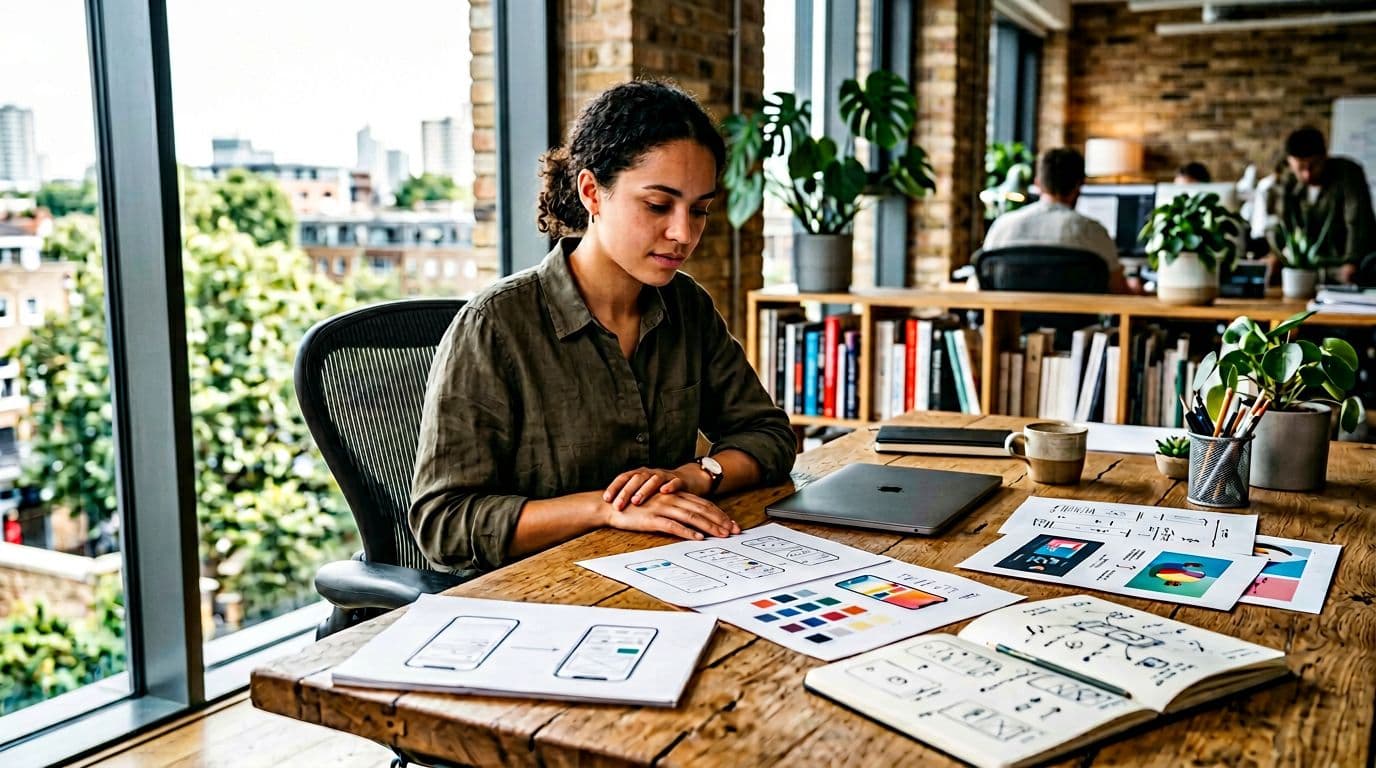
Leonardo’s prompt engineering story in 2026 is less about secret syntax and more about reducing ambiguity. Between newer model options (including the Phoenix model and Alchemy Refiner powered by advanced diffusion models with improved prompt adherence) and prompt helper features, I spend less time “guessing what it wants”.
Three controls I actually rely on:
Negative Prompts (used narrowly)
I don’t write a long blacklist. I keep it tight and specific to the failure I’m seeing, for example: “no warped label edges, no extra caps, no melted typography.” That often stops repeat defects without flattening creativity.
Prompt improvement (as a quick sanity check)
I rarely accept the rewrite as-is, but it catches missing constraints. For mockups, that usually means: camera angle, lens feel, background surface, and light source.
Time-saving prompt edits for variants
When I need a set (same product, different color, different background), I keep a locked prompt skeleton and only swap a small token group, since generating variants consumes tokens. That gives me clean A/B comparisons.
For prompt structure help, I cross-check Leonardo’s own guidance when needed, mainly to validate phrasing patterns and Negative Prompts habits: Leonardo’s AI image prompt-writing guide.
One warning: text-in-image is improved in 2026, but it’s still not a guarantee. If the label copy must be perfect, I generate the mockup without final typography, then add real text in a design tool. When I try to force exact text, I waste time.
Leonardo vs other tools for mockups: how I choose (quick table)
If you’re building mockups at scale, tool choice comes down to control surface and failure recovery. Here’s the decision frame I use, now expanded to include DALL-E for a fuller picture.
| Need | Leonardo AI (2026) | Midjourney (V7 era) | DALL-E (latest) | OpenArt (suite approach) |
|---|---|---|---|---|
| Fast product mockup iteration | Strong, especially with Canvas edits | Good for exploration, less “surgical” | Quick generations with basic edits | Good if you want one workspace |
| Style consistency across a set | Strong with references and custom training | Strong with reference habits, can drift | Reliable via prompts and seeds | Strong if you use character and pose systems |
| Fixing one problem area | Best-in-class when masking works | Can be slower if you must reroll | Decent inpainting, prompt-dependent | Solid editing options, varies by model |
| Team-friendly workflow | Excellent web interface and organized | Workflow differences can add friction | Seamless in ChatGPT environment | Consolidation reduces tool switching |
| Subscription plans | Flexible subscription plans with a free plan | Tiered subscriptions, no free tier | Tied to ChatGPT Plus | Free tier plus paid subscription plans |
If you want deeper head-to-head context, I’ve already mapped some trade-offs in Leonardo AI vs Midjourney 2025 comparison and my notes on a consolidated “many-tools-in-one” approach in OpenArt AI Review (2025).
FAQ: Leonardo AI mockups, consistency, and control
Is Leonardo AI good for Amazon-style product images?
It can be, if you keep the scene simple and iterate with targeted edits. I still do final compliance checks manually, because small artifacts can fail strict image guidelines.
How do I keep a consistent product style across 20 images?
I reuse a single reference, keep the prompt skeleton stable, and change one variable at a time. For brand-critical work, I train a small custom model so lighting and materials don’t drift.
Does Leonardo AI handle text on packaging in 2026?
It’s better than older models, but it’s not reliable enough for exact label copy. I generate the packaging look, then add real typography afterward or export finalized assets to Canva.
What’s the quickest way to reduce bad generations?
Use tight negative prompts tied to the defect you’re seeing, then fix small areas with masking instead of rerolling the whole image.
What’s included in the Leonardo AI free plan?
The free plan provides 150 free tokens daily, with tokens used to measure usage for generations and other features. It also unlocks capabilities like the AI video generator and 3D textures for added value.
Where I land in 2026 for real mockup work
Leonardo AI is one of the few tools I trust for production mockups because it supports targeted correction. That matters more than raw image quality when deadlines hit. Style consistency is achievable, but only if you work reference-first and treat prompts as reusable specs, not one-off ideas.
If your workflow is “generate once and ship”, you’ll be disappointed. If your workflow is “generate, inspect, correct, and standardize”, it fits.
In conclusion, my Leonardo AI review positions it as a top-tier AI image generator and AI art generator, with real-time generation and the community feed serving as key workflow boosters. For serious production commitment, its subscription plans deliver the image quality needed to excel.