
Most small teams don’t need more call recordings. They need fewer missed follow-ups, better coaching, and a clearer record of what customers said. That’s where conversation intelligence software earns its keep.
By 2026, this category has split in two. Some tools are lightweight note takers with search and summaries. Others are full revenue systems with coaching, deal inspection, and forecasting signals. I buy based on workflow pressure, not vendor ambition. That’s the frame I use here.
What small teams are really buying
When I evaluate conversation intelligence tools, I start with one question: what behavior should change next week?
The good versions of this software record calls or meetings, transcribe them, pull out action items, and make conversations searchable. Better versions add coaching signals, objection tracking, keyword monitoring, talk-time patterns, and CRM updates. The best ones help managers review calls faster and help reps follow up with less admin.

That still doesn’t mean every small team needs a full platform. If your pain is mostly internal meetings, light summaries, and searchable notes, start with a meeting assistant. I’ve already broken down the difference in this guide to reliable AI notes and conversation analytics. I see teams overspend when they buy sales-grade analytics to solve a note-taking problem.
The line is simple. Buy a note taker if you need memory. Buy conversation intelligence if you need coaching, inspection, or repeatable process control. Buy revenue intelligence only when your deal motion is mature enough to use trend analysis across a real pipeline.
Mainstream CRM vendors have pushed in this direction too. HubSpot’s conversation intelligence overview is a good example of how call insights now sit closer to the CRM, because that’s where coaching and follow-up happen. For a small US team, that matters more than flashy dashboards.
The criteria that matter in 2026
Workflow fit beats feature depth
I don’t start with the feature grid. I start with the call path.
If reps live in Zoom, Google Meet, and HubSpot, I want capture there with minimal extra behavior. If support works in Teams and tickets, I want clips, summaries, and tags that map back to cases. A tool can look strong in a demo and still fail if reps have to remember new buttons, new logging steps, or a separate review workflow.
For small teams, low-friction capture wins more often than “complete platform” thinking.
Accuracy on messy calls matters more than demo quality
Most products look clean on a vendor webinar. Real calls are not clean. People interrupt each other. Customers use brand nicknames. Reps mumble. Audio drops. Two speakers share one room mic.

I test three things: speaker labeling, action-item extraction, and recall. Can I find the exact moment a customer raised pricing, security, timeline, or competitor concern? If not, the transcript is a nice artifact, not an operating tool.
This is also where support teams should check language coverage and sentiment with caution. Sentiment features can be useful for triage, but they still misread sarcasm, stress, and industry language. I treat them as a prompt for review, not a source of truth.
CRM sync, permissions, and recording controls are make-or-break
A lot of tools fall apart in admin, not AI.
For US teams, recording controls matter because consent rules vary by state. I want clear controls for bot naming, exclusions, retention, sharing, and deletion. For support-heavy environments, I also look for redaction, user permissions, and auditability before I care about coaching scores.
CRM sync matters for a simpler reason. If summaries, tasks, or call links don’t land where reps already work, adoption drops fast. The best small-team tools remove copy-paste work. They don’t create another place to maintain records.
Manager workflow decides whether the tool pays off
This is the missed step in a lot of buying decisions. Reps may like summaries. Managers pay for pattern detection.
If the tool can’t help a manager review five calls in 30 minutes, surface repeat objections, and coach from clips, it won’t change the team. That doesn’t mean every team needs deep analytics. It means the review loop has to be realistic.
Price has to follow that same logic. I care less about sticker price than about who truly needs a paid seat. Many small teams only need broad recording coverage plus a few manager seats with review depth. Others need every rep on a plan because CRM write-back, templates, or team analytics sit behind paid tiers.
Conversation intelligence tools compared for small teams
Here’s the short comparison I would use to build a first shortlist. Pricing is directional as of 2026 and often shifts with annual contracts or quote-based packaging.
| Tool | Best fit | Starting price | Where it works well | Main limitation |
|---|---|---|---|---|
| tl;dv | Small sales or support teams that want low-friction rollout | Free, paid from about $20/user/mo | Fast adoption, clips, meeting coverage across major platforms | Lighter coaching depth |
| Avoma | Teams that want notes, coaching, and CRM support in one system | Free, paid from about $19/user/mo, higher tiers for revenue features | Strong all-in-one setup, better structure for managers | Can feel heavy if you only need summaries |
| Fireflies.ai | Distributed teams that need searchable transcripts fast | Free, paid from about $10/user/mo | Good search, broad integrations, easy onboarding | Less depth on deal inspection |
| Fathom | Founder-led sales and low-budget teams | Free, team plans from about $19/user/mo | Quick summaries, easy habit formation, fast clips | Limited analytics for coaching at scale |
| Gong | Mature revenue teams with dedicated ops support | Often $100+/user/mo plus platform fees | Deep call inspection, coaching, pattern analysis | Too expensive for most small teams |
| Chorus or Wingman | Teams already tied to ZoomInfo or Clari workflows | Quote-based, often much higher than SMB tools | Ecosystem fit, forecasting ties, structured sales review | Cost and suite dependency |
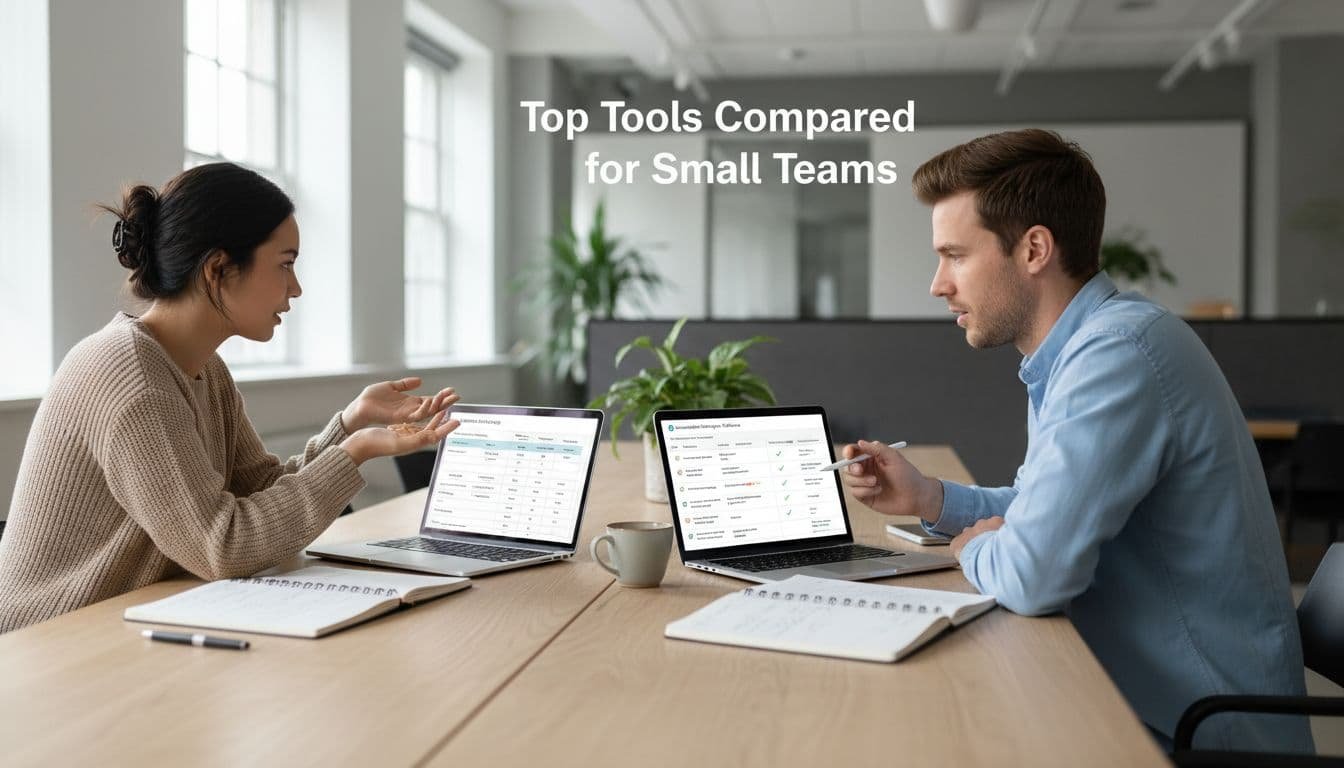
My read is pretty simple. tl;dv, Fireflies.ai, and Fathom win when speed, cost control, and easy adoption matter most. Avoma is the better step-up choice when I want one tool to handle notes, coaching structure, and CRM-adjacent workflow. Gong, Chorus, and Wingman can be excellent products, but I rarely put them first on a small-team shortlist unless the team already has strong process discipline and real budget.
The 2026 shift is that AI summaries are no longer the differentiator. Most decent tools can summarize a call. The real difference is what happens after the summary. Does it produce usable coaching? Does it reduce admin? Does it expose repeated objections or risk signals? That’s where the buying decision should sit.
The right pick depends on your team shape
If you run a HubSpot-centered sales team
I usually start small here. If your reps already work inside HubSpot, the first move is often native capture plus a specialist tool only where the gap is obvious. That’s often call coaching, follow-up structure, or better review workflow. My breakdown of HubSpot-native AI and call coaching covers that hybrid path in more detail.
For a five-to-15 person team, the wrong move is buying enterprise analytics before fixing CRM hygiene. If reps still forget next steps, contacts, or follow-up timing, fix that first. Conversation intelligence becomes more useful once the basics are already in place.
If you have founder-led sales or a mixed GTM team
This is the most common small-team setup I see. A founder handles larger calls, one or two reps run demos, and someone in marketing or customer success also touches pipeline. In that environment, I want a tool that creates a searchable record, makes clips easy to share, and doesn’t need a RevOps owner.
That usually points me toward Fathom, Fireflies.ai, or tl;dv. They cover the core need without forcing a heavy rollout. If you’re thinking about the broader stack around follow-up and routing, this guide to AI sales tools for small teams is the right companion read.
If support or success owns a lot of customer conversations
Support teams buy this software for different reasons. They care about QA, escalation review, coaching consistency, and customer language patterns. They also hit privacy and retention questions faster than sales teams do.
In that case, I care less about revenue dashboards and more about search, tagging, permissions, and the ability to find exact moments across many calls. Avoma and Fireflies.ai tend to make more sense here than a large revenue platform. If a support manager can’t quickly review recurring failure points, the tool won’t justify its cost.
Mistakes that waste money fast
The biggest mistake is buying a platform for the roadmap instead of the current team.
I see four patterns over and over:
- Teams buy enterprise depth when they only need searchable notes and better follow-up.
- Leaders test on clean demo calls, then get bad results on noisy real conversations.
- Managers never adopt the review workflow, so clips and insights pile up unused.
- Buyers ignore admin controls until legal, security, or customer-facing friction shows up.
If managers never review the calls, you didn’t buy intelligence. You bought expensive transcription.
Another common miss is seat design. Small teams often overpay because they assume every user needs full analytics access. In practice, broad recording plus a few review-heavy seats can be the better model. I pressure-test that before I sign anything.
The 30-day pilot I trust before a contract
I keep pilots simple and a little unforgiving.
- Run the tool on 20 to 30 real calls, not polished demos.
- Score transcript quality on names, next steps, competitor mentions, and speaker labels.
- Check whether summaries and tasks land correctly in the CRM or ticket system.
- Have one manager use it for actual coaching, not a mock review.
- Model the monthly cost using your real meeting volume, storage, and paid seat needs.
Minute caps and higher-tier limits can distort the true cost. Before I commit, I compare the likely bill against usage patterns, not headline pricing. This is where a practical pricing benchmark helps, and the breakdown of AI meeting notes pricing in 2026 is useful if you’re weighing lighter tools against coaching-oriented platforms.
If the pilot doesn’t change behavior inside 30 days, I move on.
What I’d buy at three budget levels
With a tight budget, I would start with Fathom, Fireflies.ai, or tl;dv. The goal is fast capture, usable summaries, and a low-friction habit the team will keep.
With a moderate budget and a manager who will coach from the system, I would look hard at Avoma. It covers more of the workflow without jumping straight to enterprise pricing.
With a larger budget, and only if the team already runs disciplined sales review, I’d start testing Gong or adjacent enterprise options. I don’t buy that class of tool early. I buy it when the team is ready to use the extra depth every week.
The smallest tool that changes behavior wins
Small teams don’t get paid for owning the most software. They get paid for closing cleaner deals, coaching faster, and missing fewer customer signals.
That’s why I treat conversation intelligence as an operations purchase, not a category purchase. If the tool improves follow-up, coaching, and visibility in real calls, it’s worth keeping. If it only produces nicer summaries, the cheaper option usually wins.
FAQ
What is conversation intelligence software?
It records and analyzes calls or meetings, then turns them into transcripts, summaries, searchable moments, and coaching signals. The stronger products also track objections, talk patterns, next steps, and deal risk across conversations.
Do small teams need Gong or Chorus?
Usually not at the start. Those tools make more sense once the team has enough call volume, a manager-led review process, and budget for higher seat costs or platform fees. Many small teams get better ROI from lighter tools first.
How is conversation intelligence different from AI meeting notes?
AI meeting notes tools focus on capture, summaries, and search. Conversation intelligence adds coaching, call inspection, trend analysis, and workflow support for sales or support teams. The overlap is real, but the operating use case is different.
What features matter most for US support teams?
I prioritize search, permissions, recording controls, retention settings, speaker accuracy, and useful tagging. For support, privacy and QA usually matter before advanced sales analytics do.