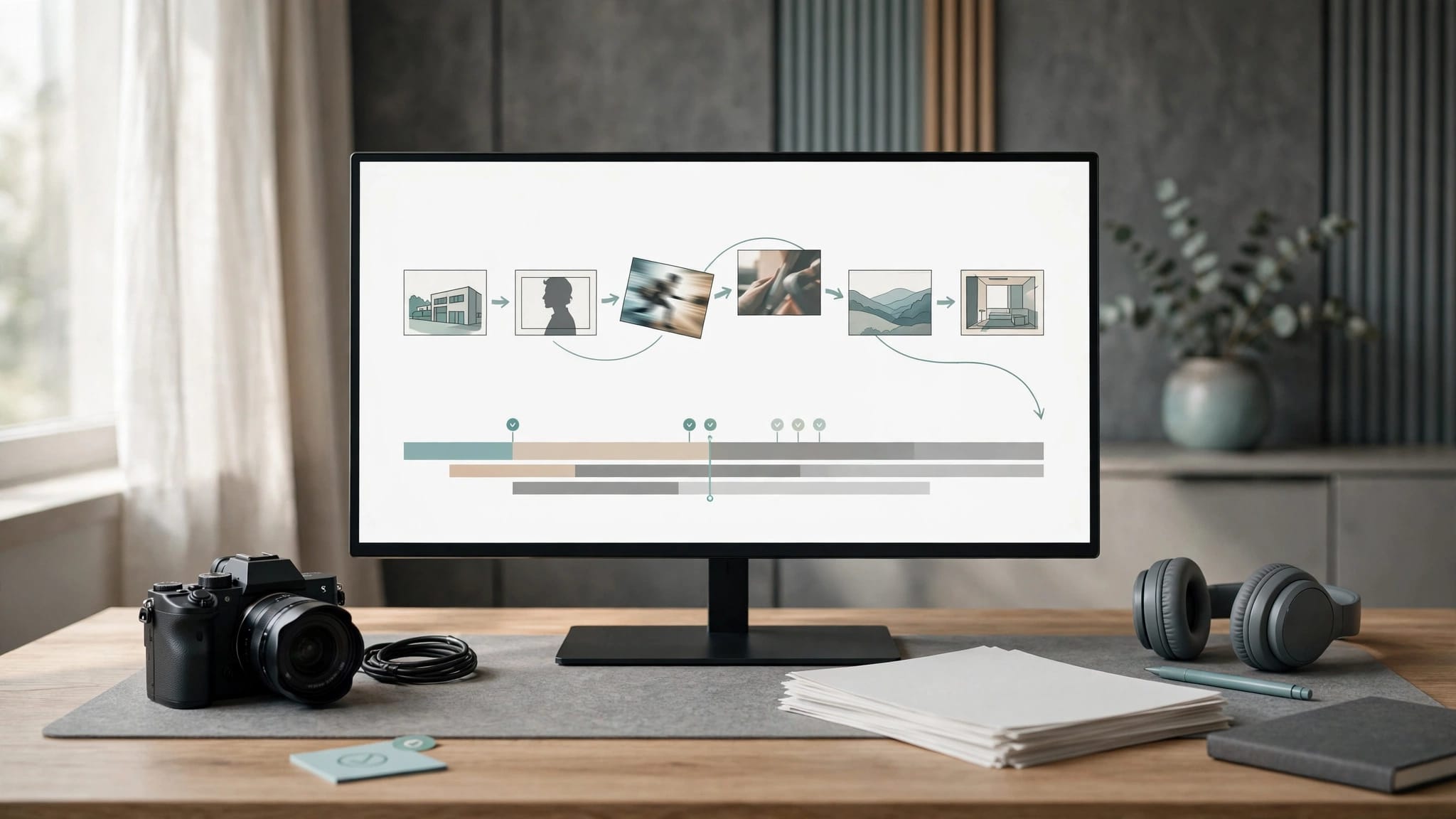
An effective AI video production workflow starts with an approved script and shot list, generates footage against that plan, and ends with a human-controlled edit. For a small team, I recommend approval gates before generation, final editing, and release.
The expensive mistake is treating attractive clips as progress while the story, audio, and delivery requirements remain unresolved. This is a recommended production process based on documented capabilities, not a workflow validated through hands-on testing.
Start by defining what the finished video needs to communicate.
Key Takeaways
- Approve the script, visual references, and delivery format before spending generation credits.
- Match tools to individual production jobs rather than expecting one application to handle everything.
- Budget for rejected attempts, editing, sound, rights review, and export, not simply generated footage.
For a visual companion, Jason Gandy’s Firefly tutorial follows a video-editing workflow:
Plan the Video Before Generating It

Approve the Message and Script
Write a brief identifying the audience, intended action, publishing channel, approximate runtime, and required claims. Separate facts that need evidence from visual choices that are open to interpretation.
For a software tutorial, record the actual interface. Generated interface footage can misrepresent product behavior. For an educational explainer, distinguish illustrative sequences from demonstrations viewers might treat as evidence.
I recommend approving narration before generating supporting footage. Read the script aloud at the intended pace. If it doesn’t fit the runtime, rewrite it before asking an editor to compensate with rushed cuts.
Turn the Script Into a Shot List
Give every planned shot an ID, purpose, approximate duration, source type, and acceptance criteria. Identify whether it needs recorded footage, licensed stock, motion graphics, or generation.
A shot should support a particular statement or transition. “Something visually interesting” isn’t a useful production requirement.
Include the required opening and closing composition. Editors need footage that joins other shots, not merely a strong middle frame. Record continuity requirements such as wardrobe, object placement, lighting, and camera direction.
The deliverable at this stage is an approved script and shot list that another team member can follow.
Choose Tools by Production Job
I would start with one generator and one editor. Add another service only when a documented limitation blocks a required shot or delivery.
These options occupy different parts of the workflow:
| Tool | Production Job | Main Trade-Off |
|---|---|---|
| Runway Gen-4 | Generate individual video shots | Rejected attempts consume credits |
| Adobe Firefly | Generate footage using text prompts | Generated shots still need editorial review |
| Premiere Pro or DaVinci Resolve | Assemble, mix, and finish the video | Requires editing skills and project management |
| CapCut | Edit caption-heavy social videos | Template-driven output can look repetitive |
Adobe’s Firefly video generator supports text-to-video creation. Adobe also describes outputs generated with its Firefly model as safe for commercial use. That is Adobe’s claim, not blanket clearance for assets you supply.
Before choosing a model, identify the controls the shot requires: image input, camera direction, clip duration, aspect ratio, resolution, and audio handling. A higher resolution doesn’t compensate for incorrect motion or a changed product shape.
Our explanation of what AI video generators do covers the distinction between generating footage and editing existing material.
Assign Owners and Prepare the Inputs
A two-person team can divide responsibility between a producer who approves messaging and a creator who generates and edits footage. One person can hold both roles, but the approval decisions should remain separate.
Keep scripts, reference images, source recordings, permissions, and approved assets in a shared project folder. Store generated originals separately from editing proxies and final exports.
Use a consistent naming convention such as A03_Gen4_v02.mp4. Keep the shot ID unchanged across revisions so feedback refers to an identifiable asset.
Prepare reference images before animation. A clean source image gives the model fewer conflicting details, but it doesn’t guarantee consistency. Record the intended appearance in continuity notes rather than relying on memory.
Rights belong in preparation, too. Obtain permission for recognizable people and voice cloning, and document music and asset licenses. Commercial permission and copyright protection are separate questions; the U.S. Copyright Office’s AI report addresses copyrightability of generative outputs.
Don’t upload confidential footage simply because a tool accepts the file. An approved production asset isn’t automatically approved for external processing.
Generate Shots With Control

Constrain Each Generation
Build prompts around the subject, action, setting, camera behavior, and visual constraints. Keep each attempt focused on one shot.
For image-to-video, describe the movement you want rather than asking the model to redesign the reference. Avoid combining several camera moves, multiple character actions, and a scene transition in one request.
Generate the most difficult recurring shot early. If the central character or product cannot remain stable, find that out before building the surrounding sequence.
Save the model name, settings, prompt, reference asset, and output beside the shot record. Change one major variable per revision so the reason for improvement remains understandable.
Judge Usability, Not Visual Appeal
Review motion, prompt adherence, physical interactions, object permanence, and the beginning and end of each clip. Watch at normal speed before inspecting individual frames.
A distorted object visible for several frames can invalidate an otherwise attractive shot. A clean clip can still fail because its camera direction clashes with the next scene.
I recommend a preset revision limit. After repeated failures on the same requirement, simplify the shot or use recorded footage, stock, or graphics.
Our guide to combining multiple AI video models examines a more deliberate iteration process. Switching tools should address an identified failure, not become another round of unstructured experimentation.
Budget for Rejected Takes and Waiting Time
Generation credits measure activity, not finished production value.
According to Runway’s Gen-4 Video documentation, Gen-4 uses 12 credits per second. A five-second generation costs 60 credits; ten seconds costs 120. Gen-4 Turbo is listed at five credits per second.
At the Gen-4 rate, ten five-second attempts consume 600 credits. That’s a calculation of attempted footage, not a prediction of usable output.
Adobe’s Firefly plan page lists Standard at $9.99 per month with 2,000 generative credits. Credit totals aren’t directly comparable across providers because generation costs and included operations differ.
Track credits spent, accepted footage, review time, editing time, and waiting time. Queue delays and regeneration can interrupt a schedule even when the subscription cost looks manageable. There’s no universal render-time estimate that applies across models and workloads.
An accepted five-second generation may contribute only two seconds to the edit. Budget around usable timeline seconds, not downloaded clip duration.
Set a spending ceiling for each difficult shot. Without one, a small team can spend its production budget chasing a minor visual detail.
Edit Around the Story and Sound
Build a Rough Cut Before Polishing
Assemble the narration, essential footage, and temporary graphics first. Confirm that the sequence communicates clearly before adding transitions or detailed color work.
Trim weak beginnings and endings. Generated shots don’t need to appear at their full duration. If only a short section works, use that section.
Match adjacent shots for exposure, color, motion direction, and subject scale. A polished individual clip can look misplaced beside real footage with different lighting or camera movement.
Our AI-assisted professional editing workflow covers the wider editing process. Automated assistance is most useful when the editor can inspect and change its decisions.
Treat Audio as Separate Production
Intelligible narration isn’t necessarily natural narration. Review pronunciation, emphasis, pauses, emotional delivery, and consistency across regenerated lines.
Approve the voice track before making fine timing adjustments. Replacing a sentence late can disturb captions, cut points, and music cues.
Treat generated dialogue synchronization as a quality requirement, not an assumed capability. Watch mouths and listen for timing errors. Use voice-over when visible speech adds little value but creates substantial risk.
Music needs its own licensing record, even when generated. Keep dialogue intelligible on laptop speakers and headphones. Add captions, then correct names, technical terms, punctuation, and timing manually.
Review, Finish, and Publish

Run a Human Quality Pass
Review the complete sequence for factual accuracy, continuity, visual defects, sound, and accessibility. Someone other than the person generating footage should approve important claims when team size permits.
Inspect text and logos closely. Add essential wording and branding in the editor rather than trusting generated frames to preserve them.
Look for changing faces, disappearing objects, inconsistent reflections, and clothing changes. Also review whether illustrative footage could mislead viewers about a real person, event, product, or result.
Finish the review with uninterrupted playback. Frame inspection catches defects; full playback reveals pacing problems and unclear explanations.
Export for the Destination
Set resolution, frame rate, aspect ratio, and audio format according to the delivery brief. For common social deliverables, 1920 by 1080 landscape and 1080 by 1920 vertical are practical targets.
Reframe vertical versions deliberately. Automatic cropping can remove a product or separate captions from the action. Keep important content clear of platform interface overlays.
Review the exported file, not only the editing timeline. Inspect captions, audio synchronization, color, and compression artifacts.
YouTube’s AI-content guidance requires disclosure for realistic altered or synthetic content covered by its policy. AI assistance doesn’t automatically make every video subject to the same disclosure requirement.
Archive the project, approved source assets, licenses, and final export together.
Measure the Workflow Before Expanding It
The useful outcome is a publishable video that meets the brief. Generating more footage isn’t a performance metric on its own.
Track the proportion of attempts accepted, credits per usable second, revision rounds, and time spent fixing generated defects. Separate generation time from total turnaround time.
Record why shots failed. Poor motion, unstable characters, weak prompt adherence, and incompatible framing call for different remedies. A tool that works for abstract backgrounds may remain unsuitable for close-up product demonstrations.
I would evaluate a second generator only after this record reveals a repeated limitation. Another subscription adds switching, permissions, file handling, and review work.
Repurposing should follow the same discipline. Our guide to AI content repurposing for small teams addresses adapting existing material. Each version still needs a clear opening, readable captions, and its own export review.
Three Follow-Up Workflows to Develop
Once the basic process is repeatable, I would prioritize three focused extensions:
- Build a reference-based character continuity workflow for recurring presenters and serialized videos.
- Develop a generation-cost worksheet that compares credits, rejected attempts, editing time, and usable footage.
- Create a multi-format delivery workflow for adapting one approved edit into landscape, vertical, and captioned versions.
These are separate production problems. Solve the one creating the most rework before expanding the tool stack.
Frequently Asked Questions
Can AI Generate an Entire Finished Business Video?
Some products combine scripting, footage, narration, and assembly. That doesn’t establish that the output is accurate, properly licensed, coherent, or ready to publish.
For business work, I recommend retaining human approval over claims, branding, pacing, audio, and the final export, even when one application performs several production steps.
Is Image-to-Video Better Than Text-to-Video?
Image-to-video can be useful when the starting composition or subject appearance matters. Text-to-video is useful for exploring scenes without an approved reference.
Neither guarantees continuity or accurate motion. Choose according to the control the shot needs, then judge the result against the same acceptance criteria.
Should Small Teams Generate Everything in 4K?
No. Higher resolution increases pixel dimensions, but it doesn’t repair inconsistent objects, poor timing, or incorrect movement.
Choose generation and export settings around the destination and available footage. A coherent lower-resolution shot can be more useful than a sharper clip with visible structural defects.
When Should a Team Stop Regenerating a Shot?
Stop when the preset revision or spending limit is reached, or when attempts repeat the same failure.
Simplify the action, shorten the required segment, or replace the shot with recorded footage, stock, or graphics. I wouldn’t let a nonessential generated scene delay the entire project.
Build a Workflow That Survives the Edit
An AI video production workflow earns its place when the footage supports the story and remains usable through editing, review, and delivery. Attractive generations alone don’t establish production readiness.
I recommend starting with one approved brief, one generator, and one editor. Measure usable output and the work required to finish it.
Expand only when a recurring production need justifies the added cost and complexity.