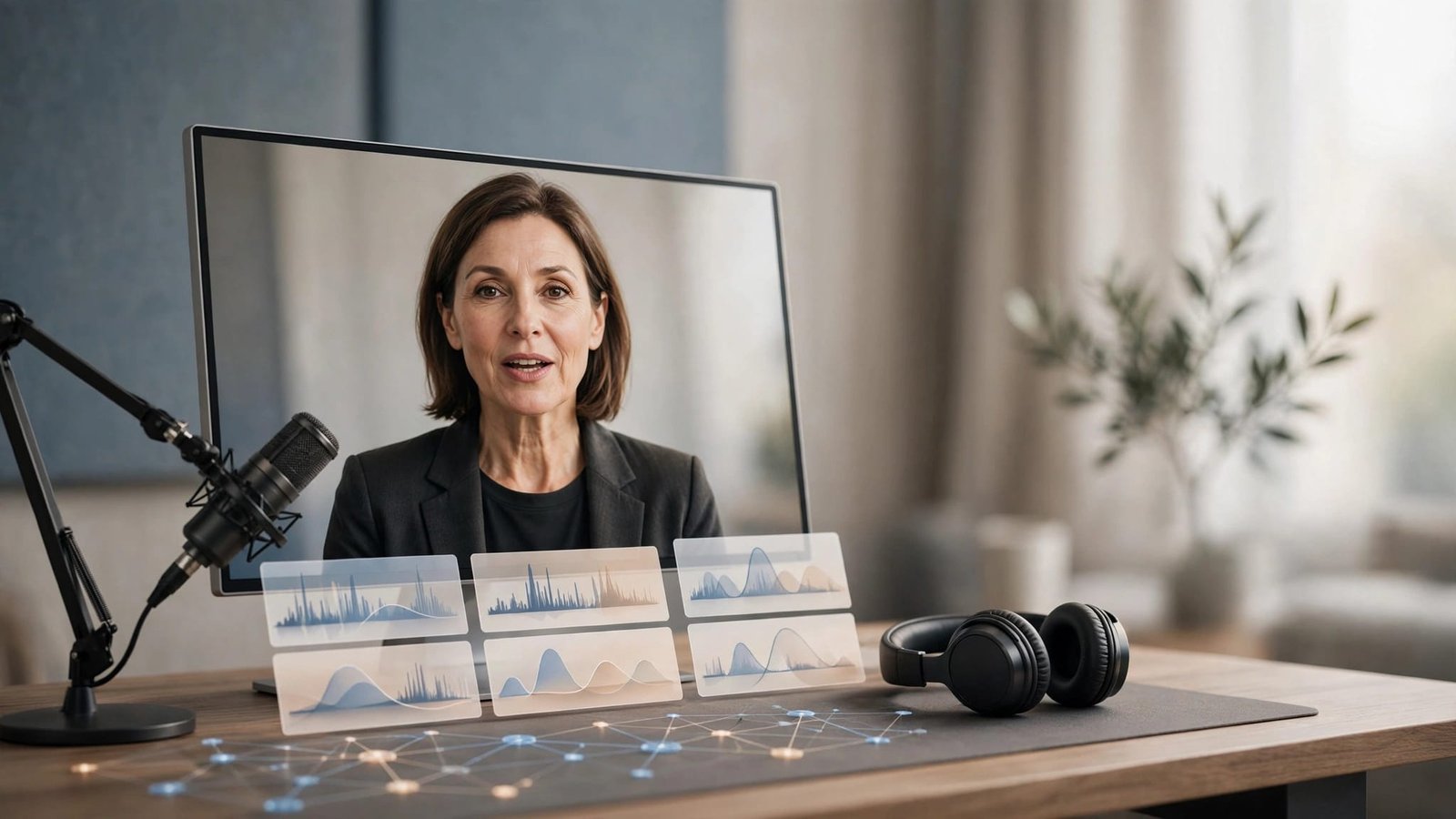
A good dub should make a viewer focus on the idea, not the technology. If the translated voice sounds flat, mispronounces a name, or drifts away from the speaker’s mouth, your video loses trust fast.
The strongest AI video dubbing tools can help YouTube channels reach new markets without recording every video again. Automated translation and voice generation use artificial intelligence, but generative AI output still needs editorial judgment. The wrong tool can create more editing work than it saves, especially when videos depend on personality, timing, and technical language.
Key Takeaways
- AI video dubbing can help YouTube channels reach new markets, but automated translation and voice generation still need human review for pronunciation, pacing, cultural phrasing, and accuracy.
- YouTube automatic dubbing is the sensible free baseline, while ElevenLabs is strongest for voice-led channels and HeyGen is better suited to presenter-heavy videos where visible lip sync matters.
- Choose languages based on audience data, then test one representative video before localizing an entire back catalog or committing to multiple target languages.
- Price the complete workflow, including language count, credits, revisions, quality settings, editing time, licensing, and native-speaker review—not just the advertised cost per minute.
- Use only voices you have permission to clone, keep the original audio available, and use traditional dubbing or deeper human direction for comedy, emotional storytelling, regulated subjects, and other high-stakes content.
How AI video dubbing tools handle a YouTube video
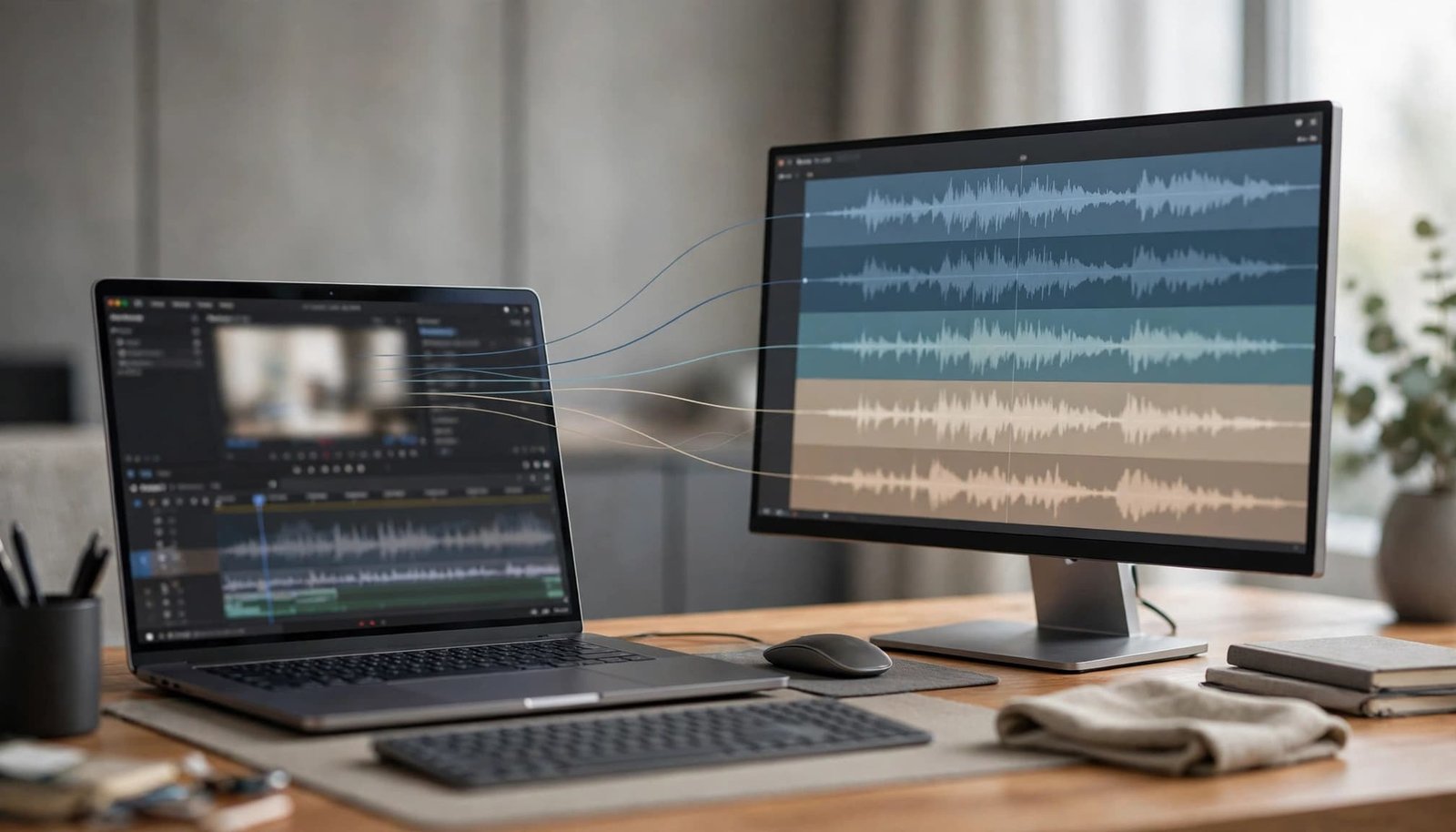
AI dubbing is more than replacing English audio with another language. The workflow begins by transcribing the source and separating each original speaker.
The transcript is translated into the target language, then generative AI handles voice generation. The system aligns that performance with the video’s timing and may attempt lip sync, changing mouth movements to match the translated words. Editors review pronunciation, tone, and pacing before exporting the translated video with its final audio track and subtitles.
Most creator tools process uploaded files rather than live streams. Don’t assume real-time AI dubbing is available; verify it before planning a live workflow.
A translation is not automatically a usable dub
Literal translation is the common failure point. A good dub preserves intent, pacing, jokes, product names, and calls to action. A 10-second English sentence may need 14 seconds in another language.
That creates a timing problem. Some platforms shorten phrasing or adjust audio speed. Others export a translated track that needs manual editing. Neither approach is always wrong, but you should know which workflow you’re buying.
Audio-only translation has a place
Visual mouth alignment isn’t mandatory for every upload. Screen-recorded tutorials, narrated slides, podcasts, and B-roll-led explainers can work well with audio translation and a strong translated voiceover.
I wouldn’t pay a premium for visual mouth alignment on a channel where the presenter is barely on screen. Put that budget into translation review, pronunciation fixes, or better captions instead.
The quality test is simple: if a native speaker watches the dub without reading on-screen text, does the video still sound like it was made for them?
The short list of AI video dubbing tools in 2026
The best option depends on what you publish and how much control you need. I would start with tools that document their capabilities clearly, then confirm current details on official product pages instead of chasing the highest language count in a landing-page headline.
| Tool | Strongest fit | What to watch |
|---|---|---|
| YouTube automatic dubbing | Channels seeking a free native starting point | Check current language coverage, translation direction, and channel availability in YouTube’s official documentation |
| ElevenLabs Dubbing | Voice-led channels that prioritize natural speech and speaker detection | Verify current pricing, language support, voice quality, output limits, licensing, and data handling |
| HeyGen Video Translation | Face-to-camera videos where lip sync matters | Confirm current lip-sync modes, credit rules, quality options, editing, exports, licensing, and privacy terms |
| Synthesia | Avatar-led business videos and corporate training | Check current dubbing scope, language support, editing and export workflow, licensing, and data handling |
| Rask AI and Papercup | Potential options for larger localization workflows | Verify current language support, pricing, credit rules, exports, licensing, and privacy directly before purchase |
This table is a starting point for video localization, not a final buying recommendation. It stays intentionally short because I would rather recommend documented options with clear trade-offs than treat every platform as equally well-supported.
Synthesia remains relevant for teams producing scripted business videos with avatars and language variants. If that is your workflow, see our Synthesia AI review before treating it as a direct replacement for a dedicated dubbing platform. Its broader AI video generator overview also shows why video production and localization are related, but not identical jobs.
ElevenLabs works best when the voice carries the channel
For podcasts on YouTube, commentary channels, founder videos, and education content, natural delivery can matter more than pixel-perfect mouth movement. ElevenLabs is a strong option for this voice-first AI dubbing workflow, especially when multilingual dubbing must preserve the narrator’s identity.
Its Dubbing Studio publicly lists dubbing in more than 90 languages. The documented workflow includes uploading media, detecting speakers, translating voices, reviewing the dub, and exporting audio, as described in its dubbing product documentation.
Voice preservation is the main attraction
The platform’s broader voice features include Instant and Professional Voice Cloning. Instant is available on Starter, while Professional is available on Creator and above, according to the ElevenLabs pricing page.
That can help a creator retain recognizable delivery across languages. Even strong voice matching can’t replace review of pronunciation, stress, meaning, and cultural phrasing.
These features don’t grant permission to imitate another person. Professional cloning requires verification, and users remain responsible for consent and usage rights.
Before uploading recordings, review ElevenLabs’ current privacy and data-retention terms, including how recordings are stored, deleted, or used for model training.
Budget per language, not per video
ElevenLabs uses plan credits, and dubbing usage is calculated for each output language. A five-minute video dubbed into five languages creates five billed outputs, or 25 minutes of dubbed material.
The pricing page lists commercial rights for paid plans, while free use has restrictions. Check your plan before publishing monetized videos.
I’d use it first on proven videos with international demand. Start with one or two markets. Don’t dub your entire back catalog before you know whether viewers in those markets are watching past the first minute.
HeyGen is the stronger option for visible lip sync
HeyGen Video Translation focuses on multilingual localization while keeping the original speaker visible. That makes it a direct fit for product demos, sales videos, interviews, and creator-led tutorials where voice matching and facial timing build trust.
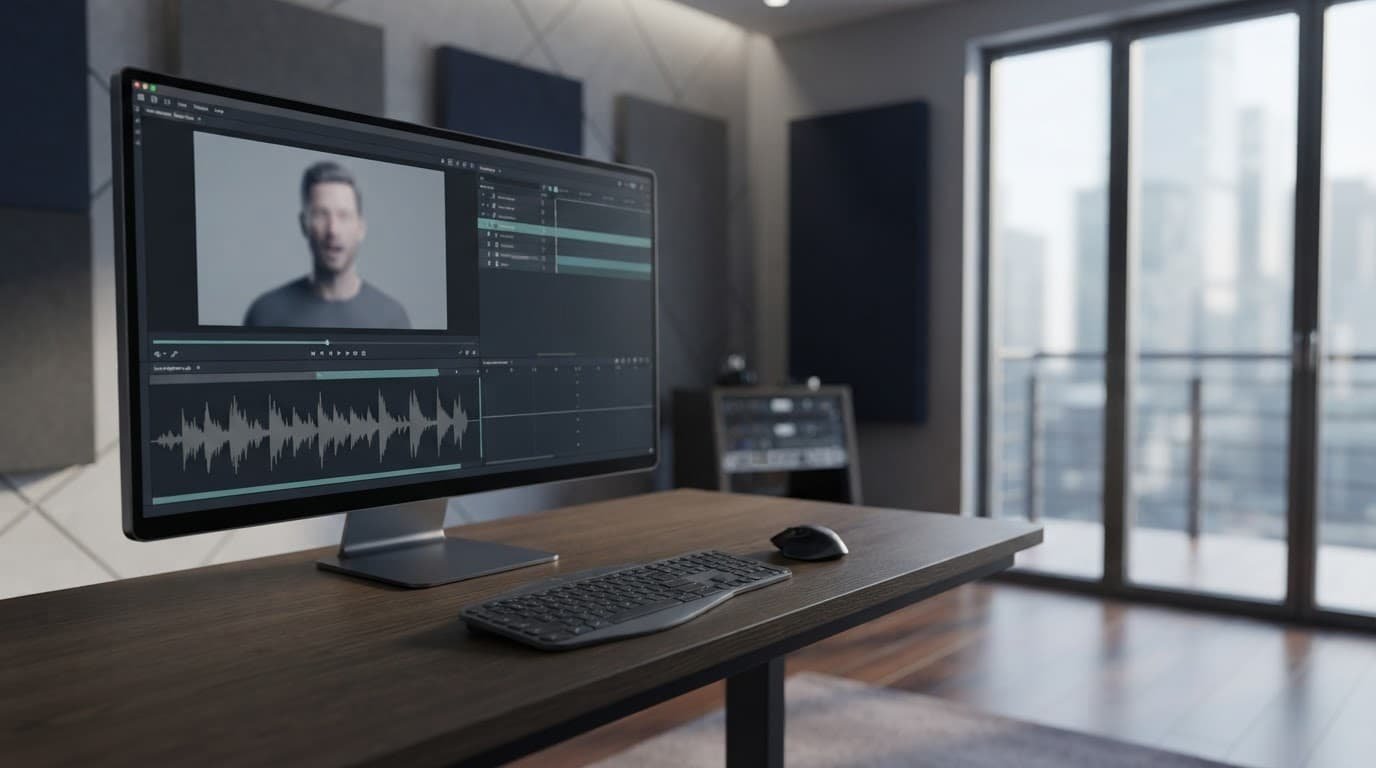
Its current documentation describes three processing options: Audio Only, Speed, and Precision. Audio Only leaves visual synchronization off. Speed and Precision align facial movement with the translated audio, with Precision positioned as the higher-quality choice.
The quality setting changes the real cost
The three modes can use different credit amounts or per-second rates, depending on your HeyGen plan. That difference matters if you publish long tutorials every week.
Pricing, plan allowances, supported languages, and export rules can change. Check the current HeyGen multilingual content documentation before buying credits. Then review the relevant plan terms for watermarks, licensing, and privacy.
Precision is not always worth it
For a 30-second YouTube Short where the presenter fills the frame, Precision can be easier to justify. Viewers notice facial timing immediately.
For a 20-minute product walkthrough with slides, screen recordings, and B-roll, I’d test Speed first. Paying more for visual alignment viewers rarely see isn’t a sensible production decision.
YouTube automatic dubbing is the free baseline
YouTube’s own automatic dubbing should be the first option many creators check. It’s free, lives inside the platform where videos already live, and offers a practical AI dubbing baseline without another service.
YouTube’s current guidance describes automatic dubbing as available to all creators and lists 27 supported languages. Its Expressive Speech update reports more natural delivery for supported language pairs.
Language support is direction-dependent
Twenty-seven languages doesn’t mean every source language can translate into every target language. The available audio translation paths depend on the language you upload and the audience language you choose.
That’s why I’d open YouTube Studio and inspect the available tracks for a real upload. Don’t build a publishing plan around a language pair the channel can’t access yet.
Native access doesn’t remove quality control
YouTube’s automatic dubbing is useful for testing international interest. Studio provides preview and track-management controls. Those controls don’t replace reviewed localization for legal claims, medical advice, financial guidance, or product instructions.
Keep the original audio available. Preview the dubbed version before publishing, and ask a native speaker to review it when the video carries business risk. You should also pair dubs with readable subtitles. Our guide to the best AI subtitle generators for YouTube can help when YouTube’s built-in captions aren’t enough.
Voice cloning needs consent and clear boundaries
Generative AI can help preserve a channel’s identity with a familiar synthetic voice. Your audience may know your pacing, accent, and emphasis as well as your face. An unrelated generic voice can make a localized upload feel disconnected.
Still, synthetic voice generation creates responsibilities that many tool pages treat too casually.
Use only voices you have the right to use
Get explicit written permission before creating a synthetic version of an employee’s, guest’s, client’s, actor’s, or partner’s voice. A verbal agreement isn’t enough, so review the tool’s current consent, privacy, and commercial use terms before uploading a recording. The agreement should cover the speaker’s identity, approved languages, duration, distribution channels, commercial use, who can access it, revocation, and deletion.
A cloned voice is also an editing tool
A cloned voice can help beyond full multilingual dubbing. It can repair a mispronounced product name, replace an outdated call to action, or add one missing sentence without scheduling a new recording.
For that narrower repair work, a full multilingual dubbing platform may be unnecessary. Our Descript voice cloning review covers a creator-focused workflow for fixing and extending recordings.
I’d keep those edits narrow. If the clone starts replacing a creator’s judgment, personality, or approval process, the channel can sound polished while becoming less trustworthy.
Traditional dubbing still wins in high-stakes cases
AI dubbing is fast because it removes much of the recording and coordination work. Traditional dubbing uses human translators, voice actors, directors, and editors, especially for multilingual dubbing. It costs more and moves slower, but it can better handle performance-heavy material.
Comedy, emotional storytelling, luxury brand campaigns, regulated subjects, and scripted entertainment often need human direction. This matters when cultural adaptation or performance direction carries high risk. The issue isn’t that AI cannot generate a usable voice. The issue is that a usable voice may still miss the intended feeling in marketing content.
Keep people in the review loop
A practical middle ground is AI-assisted localization with human review. Let the tool create the transcript, first translation, timing draft, and voice track. Then ask a native speaker to review the script and final video.
That workflow is far cheaper than rebuilding every video from scratch. It also catches mistakes that an English-speaking editor may never notice.
Watch for culturally wrong calls to action
A phrase that works in the US can sound pushy, vague, or confusing elsewhere. Measurement units, date formats, brand references, humor, and examples may also need adaptation.
Don’t translate “subscribe below” if there’s no visible subscribe prompt in the localized viewing context. Don’t retain a US-only pricing claim in a video aimed at viewers who can’t buy the product. These are localization problems, not voice problems.
Price the workflow before choosing a platform
Most AI video dubbing tools use credits, minutes, or subscription allowances. That sounds easy until you account for language count, long-form uploads, revisions, and quality settings.
A creator posting four 15-minute videos per month has 60 source minutes. Each target language is a separate production unit, so four languages create 240 dubbed minutes before revisions. Premium voices, export limits, and quality modes can increase the bill again.
Test one representative video first
Choose a video with your normal format, speaker style, jargon, and editing pace. Run it through the free option or trial, then have native speakers assess the translated video on a few clear points:
- Can they understand every key claim without subtitles?
- Does the translated voice match the pace of the visuals?
- Are names, numbers, and product terms correct?
- Does visual alignment distract from the message?
- Would they watch a second video in the same format?
This test gives you a useful cost-per-published-video number. Marketing pages rarely do.
Don’t confuse cheap output with low production cost
The lowest price per minute can become expensive when video production requires an hour of repairs for every dubbed version. A more costly service may be better value if it creates fewer timing, visual alignment, or translation issues.
My rule is simple: compare the cost of a finished, reviewed localized video. Don’t compare a credit pack with a monthly subscription and call it a meaningful analysis.
Build a practical localization workflow for YouTube
Start with videos that already show clear signals of international interest. Check audience geography, comments, subtitles, search demand, and watch time. Your strongest evergreen tutorials are often safer bets than fast-moving news uploads when testing AI dubbing.

Pick languages based on evidence
English-to-Spanish is a common starting point, but it may not fit your channel. Audience data matters more than a generic language list when you’re building a global audience.
I would begin with one language where your analytics already show demand. Add a second only after the first dubbed version holds attention and brings useful traffic, subscribers, leads, or sales.
Localize the page around the video too
A dubbed audio track is only part of YouTube discovery. Translate the title, description, thumbnail text, chapters, pinned comment, and linked resources where the platform allows it.
Keep terminology consistent across every element. Don’t assume an upload-based tool supports real-time AI dubbing or live translation. If the video says “AI voice cloning” but the title uses a different translated term, viewers may struggle to connect the search query with the video they found.
For broader channel planning, this overview of AI for YouTube production is useful. It reinforces that dubbing works best within a deliberate video production system, not as a one-click growth tactic.
Frequently Asked Questions
What is the best AI video dubbing tool for YouTube?
There is no single best option for every channel. YouTube automatic dubbing is a useful free starting point, ElevenLabs fits voice-led content, and HeyGen is a stronger match for face-to-camera videos where lip sync matters.
Is YouTube automatic dubbing good enough for publishing?
It can be a practical way to test international interest, but native access does not remove the need for quality control. Preview the track, keep the original audio available, and have a native speaker review videos containing important claims, instructions, or business-sensitive content.
Should I choose audio-only dubbing or lip sync?
Audio-only dubbing often works well for screen recordings, narrated slides, podcasts, and B-roll-led explainers. Lip sync is more useful when the presenter fills the frame and facial timing affects viewer trust, but it may not justify the extra cost for videos with frequent slides or screen recordings.
How much does AI video dubbing cost?
Costs usually depend on source length, number of target languages, plan credits, voice features, quality settings, revisions, and export limits. Calculate the cost of a finished, reviewed localized video rather than comparing a credit pack with a monthly subscription.
Can I clone a creator’s or employee’s voice for dubbing?
Only clone a voice when you have explicit permission and the necessary commercial and distribution rights. The agreement should cover approved languages, access, duration, commercial use, revocation, and deletion, and you should review the tool’s current consent and privacy terms before uploading recordings.
Final thoughts on AI video dubbing for YouTube
The right AI dubbing tool makes a dubbed version sound credible in the target language at a repeatable cost. YouTube automatic dubbing is the sensible low-risk test. ElevenLabs fits channels where voice quality leads, while HeyGen suits presenter-heavy videos with visible on-screen speakers.
Before publication, verify these generative AI recommendations and any real-time AI dubbing workflow against official 2026 documentation. Check capabilities, pricing, language support, voice quality, editing workflow, licensing, and privacy documentation too. Judge the result by a native-speaker review, viewer retention, and repeatable cost, not by the platform’s language count.