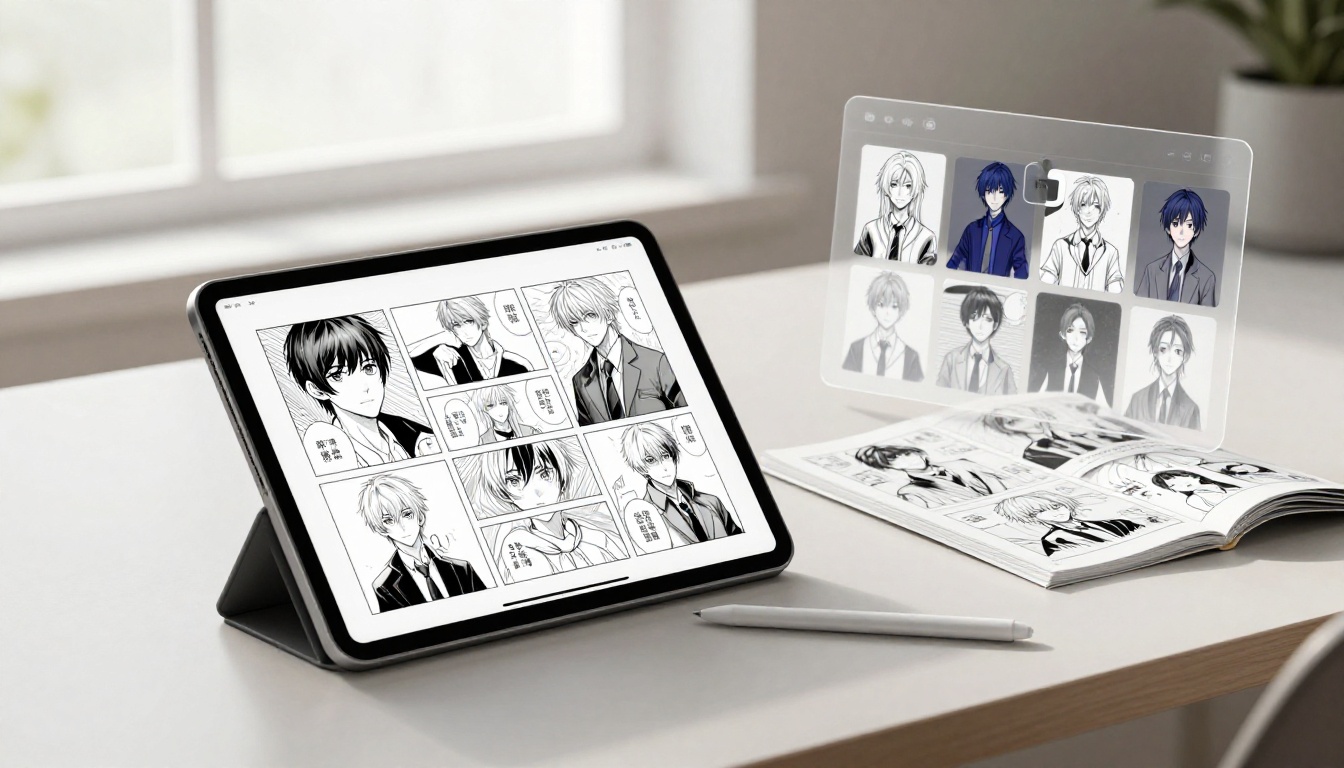
A convincing manga panel tells you little about whether a tool can finish your story. Among comic generators for manga, NovelAI and Midjourney document reference controls, while comic-focused products need closer checks on layouts and continuity.
My comparison is research-based, not a firsthand test, and separates documented features from provider claims using evidence available through October 8, 2026. Prices, features, and plan limits can change; attractive sample pages don’t establish reliable results across a full story.
Start by separating three requirements: manga-style images, readable page assembly, and recurring-character control.
Key Takeaways
- NovelAI documents anime-focused image generation and Precise Reference, but that doesn’t establish a complete comic-page editing workflow.
- Midjourney’s reference options depend on the model version; references guide identity rather than guarantee exact continuity.
- ComicsAI publishes panel allowances, while Dashtoon’s consistency statement remains a provider claim rather than verified performance.
- Anifusion documents credit costs and claims commercial-use permission, but its plan prices aren’t established here.
- Budget for retries, lettering, layout repairs, and export checks before judging a subscription’s value.
How comic generators for manga compare on control
I assess these tools against three separate tasks: image direction, page construction, and repeated-character guidance. A product can document one without establishing the others.
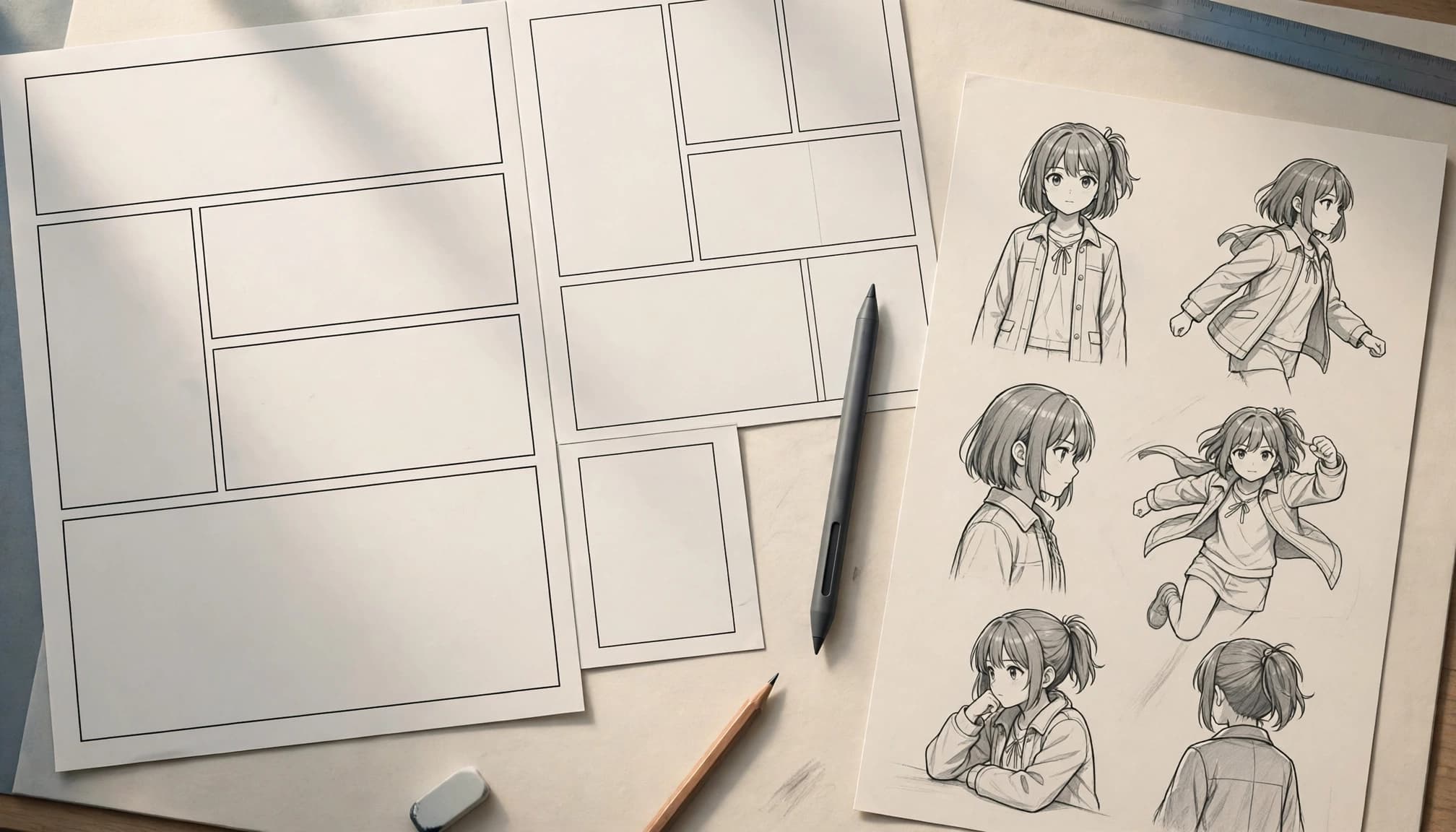
Manga style control differs from page-making control
NovelAI documents anime-oriented image generation. Anifusion positions itself around manga and anime, while Midjourney offers broader image creation.
Prompts and references can guide linework, shading, composition, and visual tone. They don’t establish that all three products include complete comic-page editors. I also wouldn’t interpret style controls as evidence of reliable reproduction of a named artist’s work.
Panel layouts and dialogue need separate checks
Panel order determines whether an action reads clearly. Gutters, balloon placement, pacing, and dialogue accuracy matter even when individual images look convincing.
The documentation available for this comparison doesn’t verify specific page-layout controls for Anifusion, NovelAI, or Midjourney. That gap doesn’t prove those controls are absent. Before paying, confirm that you can rearrange panels, correct lettering, and preserve the intended reading flow.
Character references guide rather than lock identity
NovelAI’s Precise Reference documentation describes guidance based on an input image, including visual style.
Midjourney’s older Character Reference documentation applies to V6 and Niji 6. V7 uses Omni Reference, which supports one reference image and consumes twice the GPU time of regular V7 generation.
Neither establishes perfect identity matching. Dashtoon’s consistency statement is a provider claim, not independently demonstrated story-length performance. For broader context, AI Flow Review’s Midjourney V7 review examines prompt and reference controls.
Which AI manga comic generator fits your budget?
I would choose by the production bottleneck, not the most impressive gallery. The following details reflect provider information available through October 8, 2026.
Choose NovelAI for anime-focused reference experiments
NovelAI documents image generation and Precise Reference, rather than a dedicated comic-page editor.
Its official FAQ lists Tablet at $10 per month, Scroll at $15, and Opus at $25. The trial allows 30 images up to 1024 × 1024, with no ongoing free tier.
Check current reference-generation charges and Anlas requirements before estimating output. A subscription doesn’t guarantee continuity across a page.
Compare ComicsAI, Dashtoon, and Anifusion for comic-focused needs
ComicsAI at comicsai.org lists custom character creation on Pro and Premium. Its documentation doesn’t establish a consistency guarantee or specific reference-image controls. Don’t confuse it with similarly named Comicai products or the separate Comics AI app at comicsai.com.
Dashtoon describes a character maker allowing one creation daily for free users and up to five for premium users. Its continuity claim remains unverified.
Anifusion’s pricing page lists image-generation costs of 5 to 100 credits, depending on the model. The provider also claims commercial use is included. I couldn’t establish plan prices or specific layout and reference controls from the available documentation.
Count editing time in the real cost
Subscriptions and credits cover only part of production. Retries, panel repairs, manual lettering, continuity review, and page assembly consume time.
I would compare tools using the cost of an accepted panel, including revisions, rather than the advertised cost of a generation.
ComicsAI pricing: what the panel allowances cover
ComicsAI publishes unusually concrete panel allowances. That helps with budgeting, but an allowance measures available generations, not the number of publication-ready panels you’ll receive.
Its provider-stated pricing, recorded as of October 8, 2026, lists these terms:
| Plan | Monthly billing | Annual-billing rate | Listed allowance |
|---|---|---|---|
| Hobby | $0 | Not applicable | One free generation credit |
| Pro | $15.90 | $8 per month | 1,500 panels per month |
| Premium | $59.90 | $50 per month | 6,000 panels per month |
| Max | $159 | $125 per month | Panel allowance not verified here |
Hobby’s free credit is limited to the first 1,000 users each day. Annual-billing rates shouldn’t be read as month-to-month prices.
I wouldn’t upgrade for volume alone. A large allowance offers limited value if you’re repeatedly replacing unusable panels or rebuilding pages elsewhere.
Confirm whether revisions consume the stated allowance and whether the required models or character features are included. Check taxes, renewal charges, cancellation rules, and any credit-expiration policy at checkout. Save the purchased plan description so you have a record if the public page changes.
A practical workflow for a consistent manga page
These are general production steps, not features guaranteed by every tool. I would start with one short scene and keep its visual direction stable before attempting a chapter.
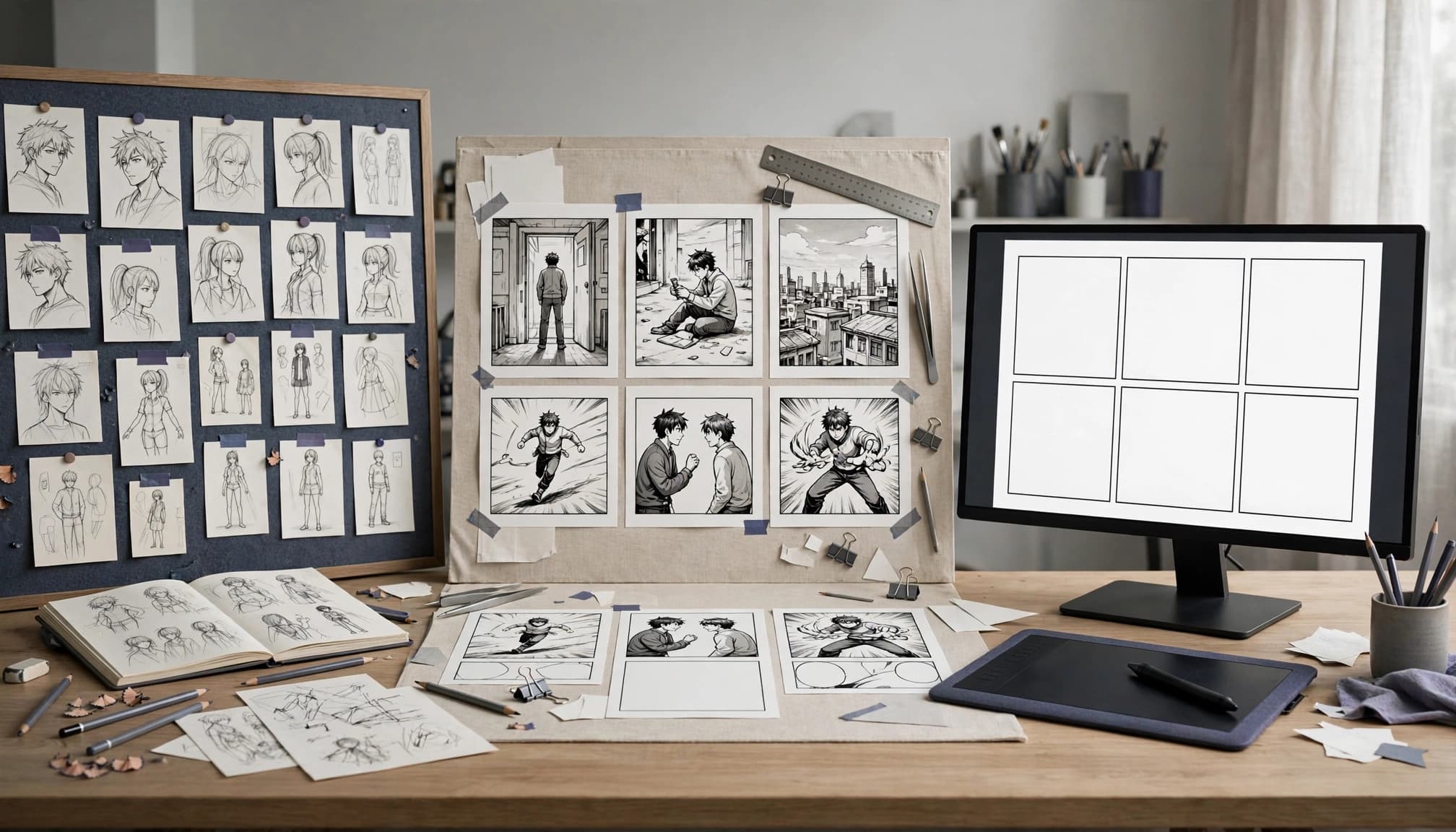
- Define the character sheet. Record hair shape, facial features, proportions, clothing, and recurring accessories. Use approved reference material where the product supports it. Describe fixed traits separately from poses and expressions.
- Write the scene beats. Give each panel one clear action or reaction. Draft dialogue before generation so you know how much space the lettering needs. Choose the reading direction and rough panel sequence.
- Generate a small test. Include a close-up, a wider view, and a changed pose. Keep character descriptions stable. A portrait alone won’t reveal whether the tool handles body proportions or clothing reliably.
- Review continuity and revise. Compare faces, hairstyles, outfit details, accessories, and surroundings. Adjust prompts or references when supported. Keep approved panels rather than regenerating the entire page whenever one image fails.
- Repair text and assemble the page. Use an illustration or layout editor, such as Clip Studio Paint, for lettering and page construction when needed. Fix speaker attribution, balloon placement, panel spacing, and distracting visual errors.
- Inspect the exported file. Read the page at its intended display size. Check panel order, text legibility, cropped artwork, resolution, and the printer’s requirements if the destination is print.
Track retries and editing time during this test. Those measurements make later budgeting more useful than a gallery screenshot.
A visually acceptable panel can still fail the page if its pose or dialogue contradicts the adjacent panel.
Check exports and privacy before committing
I would treat download quality and file handling as purchase requirements. A page preview doesn’t establish that the exported file will suit your publishing workflow.
Verify the actual output
Download a test rather than judging only the browser preview. Inspect resolution, compression, watermarks, and available formats.
Also check whether you can export individual panels or retain editable lettering. These are questions to verify, not capabilities established for every product here. AI Flow Review’s AI Comic Factory assessment discusses why generation and production readiness deserve separate scrutiny.
Keep sensitive material out of early trials
Before uploading an unpublished script, client character sheet, or licensed artwork, review retention, training-use, visibility, and deletion policies. Commercial-use permission doesn’t answer those privacy questions.
For an initial evaluation, use material you can safely share. If a provider doesn’t explain what happens to uploaded references, I wouldn’t assume those files remain confidential.
Frequently Asked Questions
Can an AI comic generator keep a manga character consistent across every panel?
References can guide repeated generations, but they don’t guarantee identical facial structure, clothing, proportions, or accessories. I would review changes in camera angle and expression especially carefully. Full-story consistency requires panel-by-panel oversight.
Which tools in this comparison have documented character references?
NovelAI documents Precise Reference. Midjourney documents Character Reference for V6 and Niji 6, while V7 uses Omni Reference. The available evidence doesn’t verify reference-image controls for every comic-focused product, so check the exact version and plan before subscribing.
Do manga AI generators create finished comic pages?
Some products advertise page-generation workflows, but image generation and complete page assembly are separate capabilities. Confirm current panel arrangement, dialogue editing, and export tools. I would treat a generated page as a draft until its story sequence and lettering pass review.
Can generated manga art be used commercially?
Check the provider’s current terms and the specific plan you intend to purchase. A commercial-license statement isn’t legal advice or a guarantee of copyright protection. Review restrictions affecting uploaded references, third-party characters, client work, and redistribution.
Is a free plan enough to test an AI manga tool?
Free access can reveal basic output quality, but credits, daily quotas, image counts, and availability may prevent a meaningful continuity test. I would test the exact workflow and download requirements first. If free access can’t cover that test, don’t assume paid access solves the limitations.
Choose the tool that addresses the production bottleneck
I would prioritize the feature that limits your project most: manga-style image control, page assembly, or recurring-character guidance. A tool with stronger images can still be unsuitable if every page needs extensive reconstruction.
Verify current features, plan limits, and commercial terms before committing. Budget for human editing, and judge value by usable pages rather than attractive samples.
The strongest choice is the one that reduces your actual production workload without hiding essential control behind unverified claims.