Adding captions to video sounds simple until you’re dealing with heavy accents, technical jargon, or a pipeline that needs to process thousands of files a week. The best auto caption APIs handle those pressures without falling apart, but picking the wrong one means wrestling with high Word Error Rate (WER) scores, slow processing, and technical headaches that eat up engineering time. After reviewing dozens of platforms across the video technology space, this guide covers six options that genuinely hold up under real production demands.
Behind the ranking
Each platform was evaluated using publicly available information from user reviews, feature documentation, case studies, and official product pages. Only tools with a verifiable track record in video technology made the cut.
→ See the full research breakdown
- ZapCap – Best for content creators, video marketers, and multilingual video production
- Creatomate – Best for video automation and personalized video generation
- Json2video – Best for video automation and e-commerce product marketing
- fal – Best for developer-first video and generative media applications
- Veed – Best for video creation and browser-based content production
- ReelWords – Best for short-form video captioning
The Real Impact of Auto Caption APIs
Choosing the wrong caption API doesn’t just slow your team down. It quietly breaks things: accessibility fails, accuracy drops on technical vocabulary, and slow processing causes live captions to fall behind the speaker.
The challenge is that most audio in the wild is messy. Accents vary, speakers overlap, and domain-specific terms rarely show up in standard training data. A general-purpose transcription model might handle clean studio audio just fine but fall apart on a podcast recorded in a noisy room.
Well-chosen APIs address exactly that. They’re built with edge cases in mind, not just the ideal scenario.
Lower WER percentages mean fewer manual corrections. A strong real-time factor (RTF) keeps live captions on pace with speakers. Faster caption processing speed means your pipeline moves more media minutes per minute, which matters at any meaningful scale.
6 Top Picks at a Glance
Note: All data in this table is sourced from review platforms and the official websites of the listed companies.
| Company | Established | Headquartered In |
| ZapCap | 2023 | Sydney, Australia |
| Creatomate | 2020 | Netherlands |
| Json2video | 2022 | Barcelona, Spain |
| fal | 2021 | San Francisco, CA |
| Veed | 2018 | London, UK |
| ReelWords | – | – |
1. ZapCap – Best for Multilingual Video Production at Scale
What Services and Products Does ZapCap Offer?
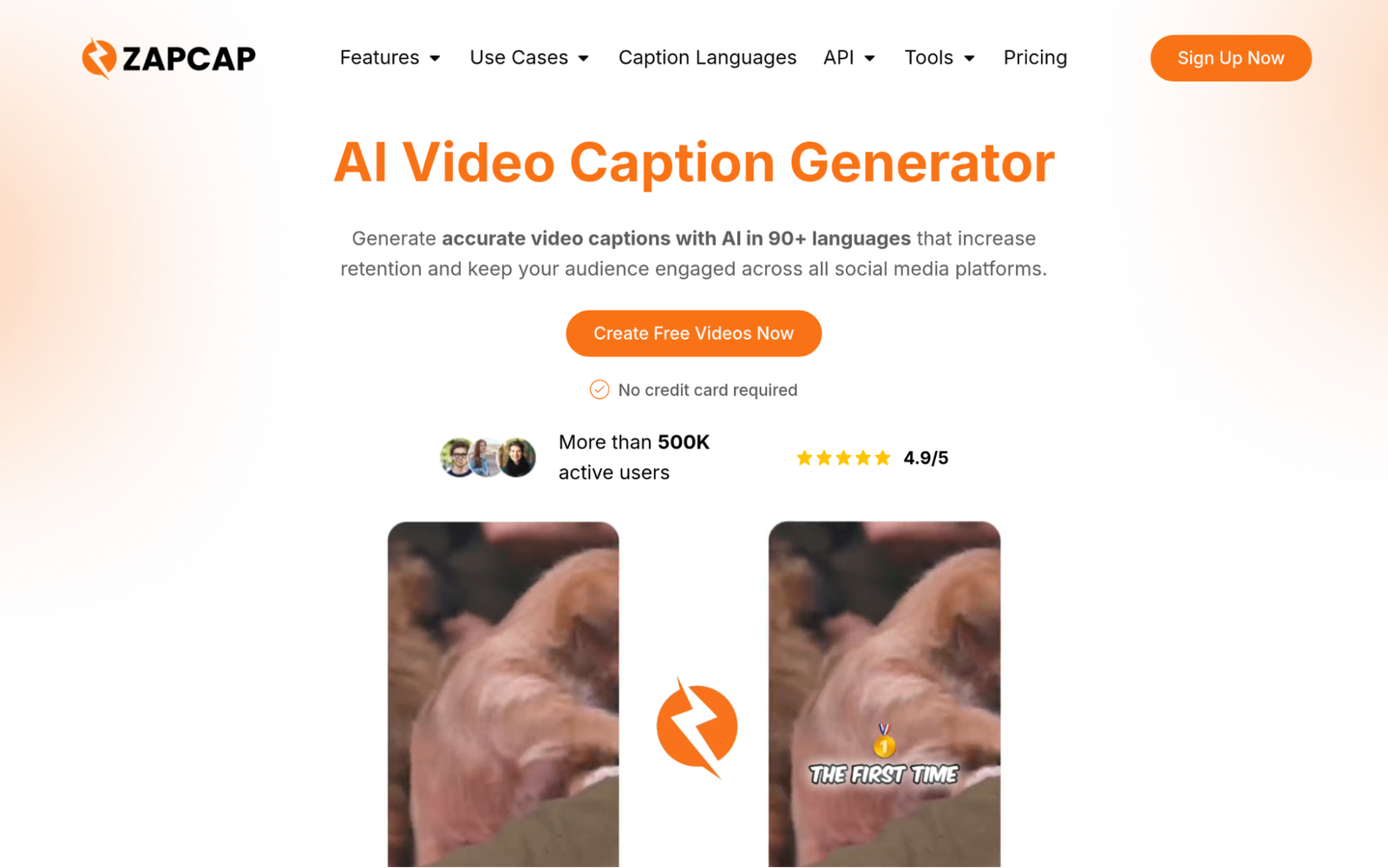
ZapCap is a video editing and caption generation platform that supports 90+ languages with frame-accurate timing. Their API processes up to 60+ video formats at 4K resolution and handles caption generation, B-roll selection, auto-cuts, sound effects, and auto-generated descriptions in a single workflow. API access is priced at $0.10 per audio minute, which is a genuinely accessible entry point for teams that need to scale without committing to enterprise contracts right away.
Why Is ZapCap a Contender for Auto Caption APIs?
ZapCap solves the problem of fragmented video production workflows by combining transcription and editing automation in one pipeline, which cuts the back-and-forth between tools that slows most content teams down. Their multilingual coverage and frame-accurate caption timing make them a strong fit for any team shipping video content across multiple platforms and languages.
Real User Sentiment:
ZapCap has built a following among creators like Ali Abdaal and Vanessa Lau, which says something about reliability at volume. Users consistently point to time savings and accuracy across languages as the two biggest wins. Over 176,000 hours saved across the platform is hard to argue with.
2. Creatomate – Best for Automated and Personalized Video Generation
What Services and Products Does Creatomate Offer?
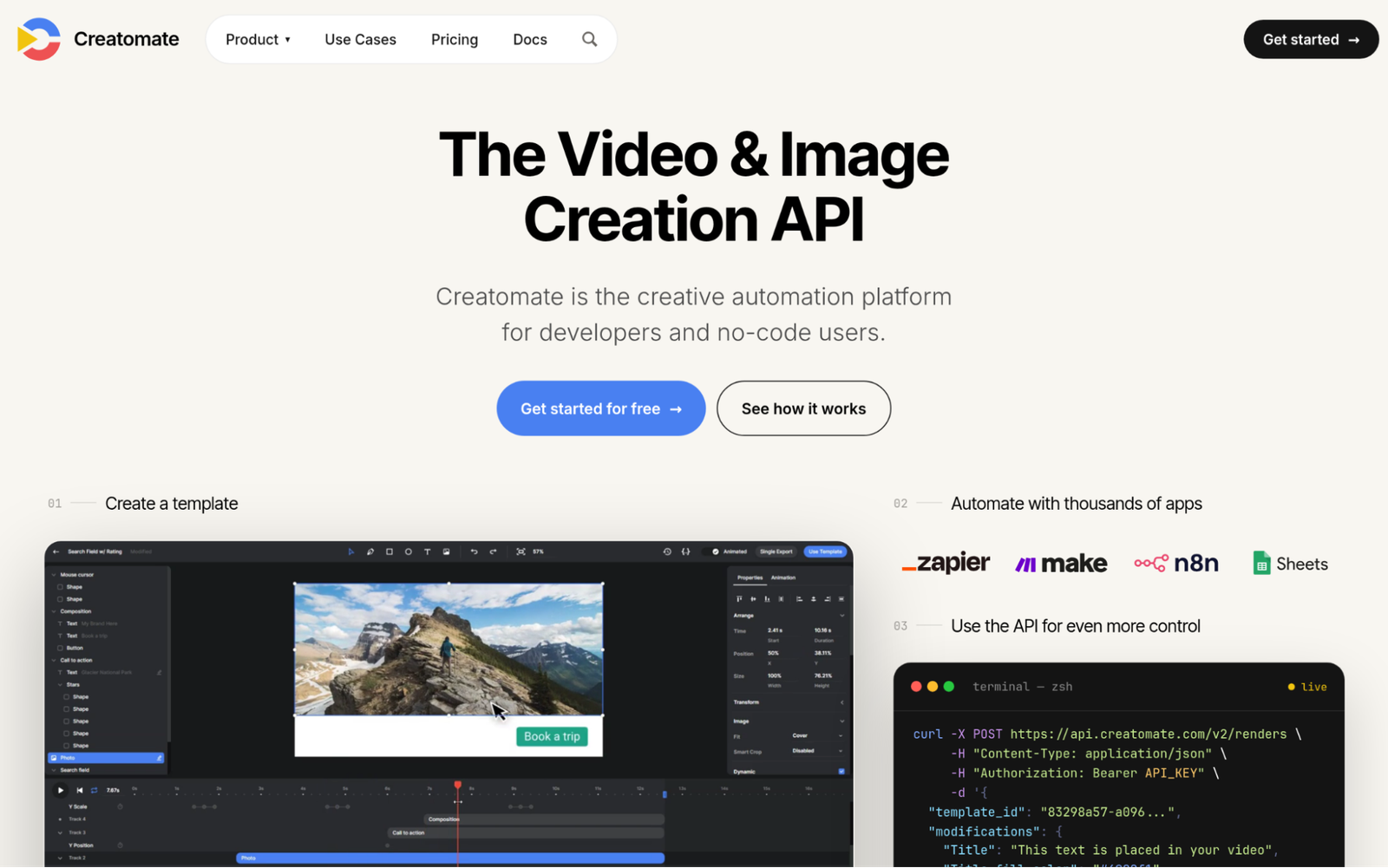
Creatomate is a video generation API built for developers and no-code users who need to produce video at scale through reusable templates. The platform includes a browser-based template editor, a REST API, a JavaScript Preview SDK, and direct integrations with Zapier and Make. It covers social media content, personalized video, e-commerce, and advertising across video, banner, and image formats. The combination of developer tools and no-code options is rare and genuinely useful for mixed teams.
Why Is Creatomate a Contender for Auto Caption APIs?
Creatomate bridges the gap between engineering teams that need API control and non-technical teams that need to move fast without writing code. That dual-mode flexibility means fewer bottlenecks when production workflows change, which in video technology happens constantly.
Real User Sentiment:
Reviews consistently highlight ease of use and strong customer support as standouts, especially for a two-person team (honestly impressive given the product’s depth). Developers appreciate the API’s reliability, and non-technical users appreciate not needing a developer to get things done.
3. Json2video – Best for Video Automation and E-Commerce
What Services and Products Does Json2video Offer?
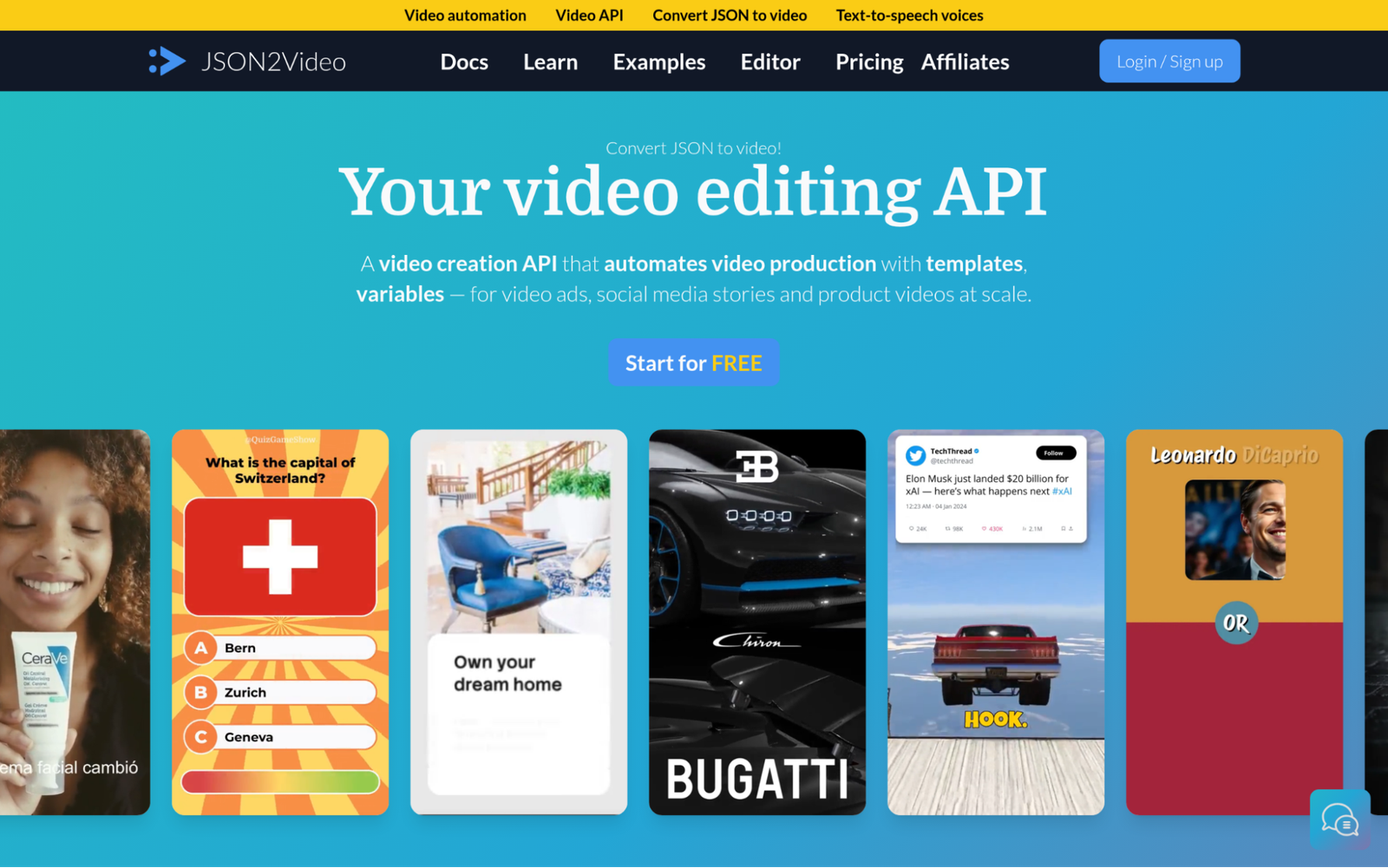
Json2video is a video automation API that handles scene composition, voiceover creation, caption addition, and rendering in a single pipeline. Based in Barcelona, the platform serves real estate, e-commerce, used car sales, and news publishing use cases. It supports real HTML5+CSS elements and a built-in animations library, and integrates with IFTTT, Make, and Zapier. Their reported 99.9% API availability and sub-2-minute average render times make this a serious option for production environments.
Why Is Json2video a Contender for Auto Caption APIs?
Json2video addresses the problem of scaling video production without scaling headcount, which is the real challenge for e-commerce and media teams that need hundreds of videos created automatically. Their lean operation producing over 10 million videos is a strong signal that the infrastructure actually holds up under load.
Real User Sentiment:
Json2video carries a 4.9/5 rating on Capterra (not many reviews, but the consistency stands out), and their HackerNoon Startup of the Year recognition adds credibility. A bootstrapped team building something at this scale with this kind of availability earns real attention from practitioners.
4. fal – Best for Developer-First Video AI Applications
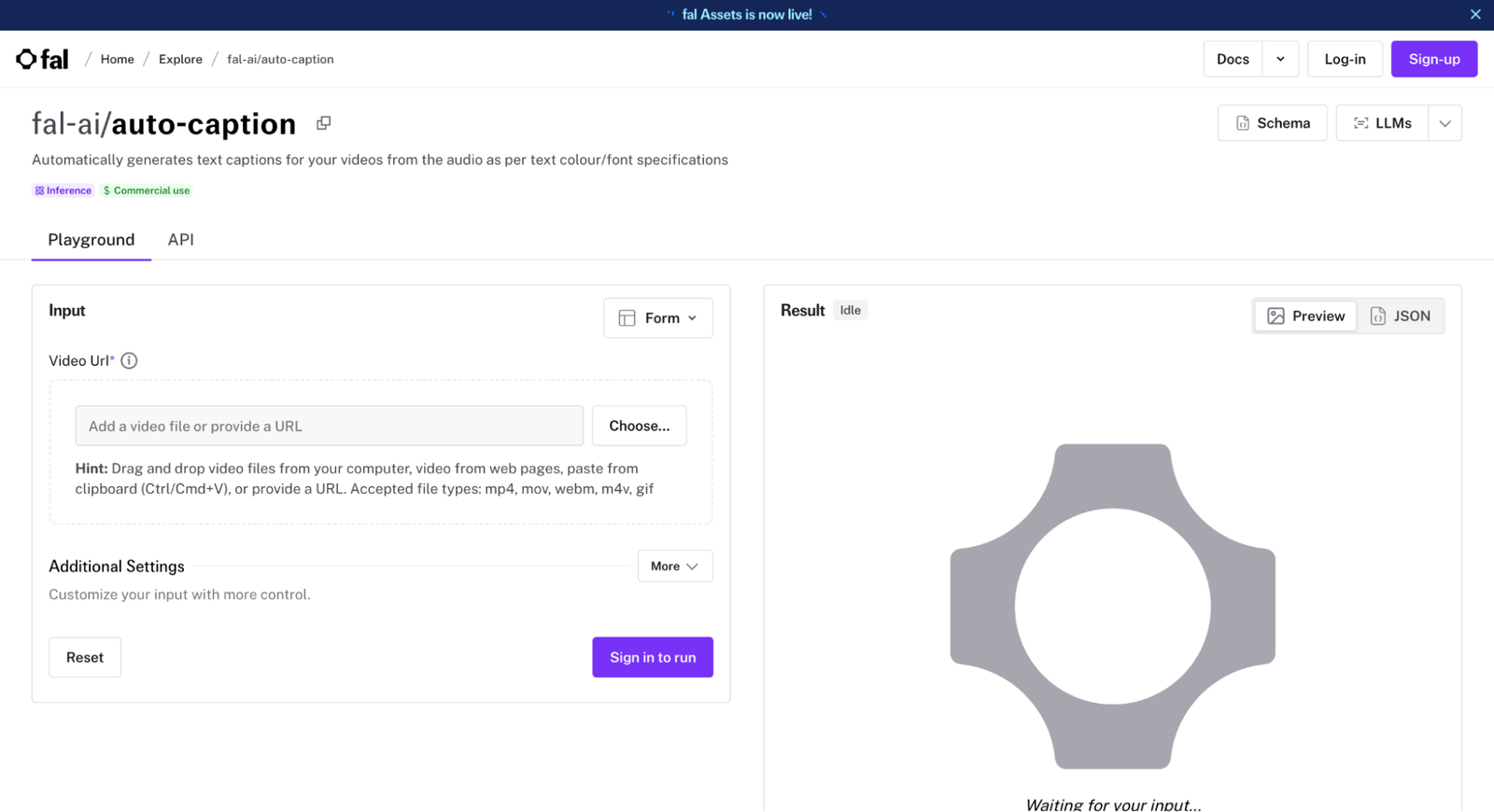
What Services and Products Does fal Offer?
fal is a generative AI infrastructure platform offering 200+ hosted models for image and video generation, including an Auto-Captioner model that generates text captions from audio with customizable formatting. Their proprietary inference engine is built for speed, and the platform scales from prototype to 100M+ daily inference calls. Enterprise clients include Adobe, Canva, and Shopify (not cheap to get into at that tier, but the reliability reflects it). Founded in 2021 and now valued at $4B, they’ve grown fast.
Why Is fal a Contender for Auto Caption APIs?
fal solves the infrastructure problem that haunts AI-heavy video pipelines: models that are accurate but slow under load. Their inference engine’s speed advantage means caption processing doesn’t become a bottleneck as API call volume scales up.
Real User Sentiment:
With over a million developers on the platform and 99.99% availability, the trust signal is clear. Developers stay because the performance holds up at scale rather than just in demos. That kind of consistency is rare at this level of processing speed.
5. Veed – Best for Browser-Based AI Video Creation and API Access
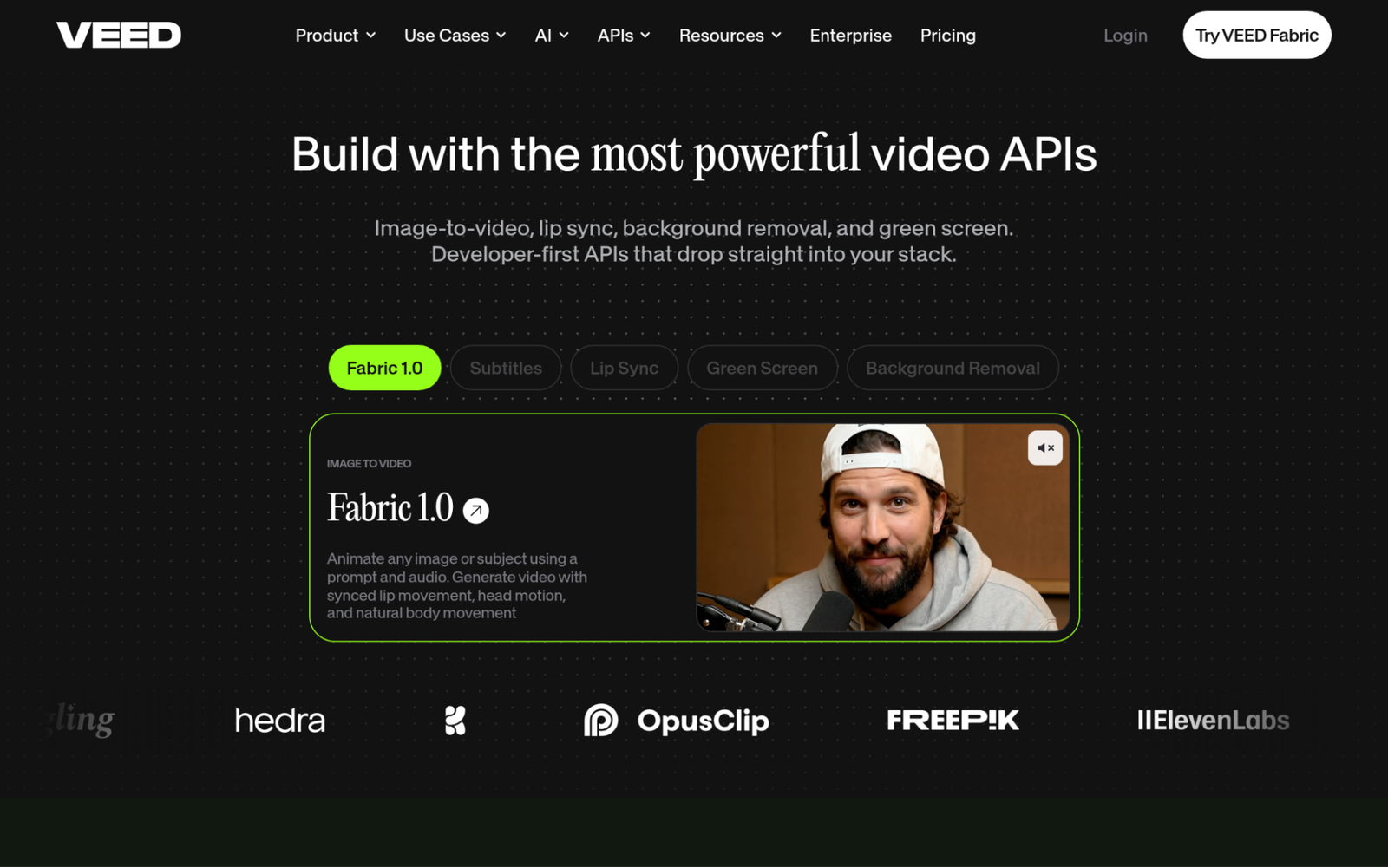
What Services and Products Does Veed Offer?
Veed is a browser-based AI video creation platform that combines timeline editing with automated subtitles, video generation, lip sync, green screen removal, and background removal. Their developer API lets third-party platforms embed video processing directly into their own products, which opens up a different set of use cases than a pure captioning API would cover. Backed by Sequoia and used by P&G, Pinterest, and Visa, the platform has real enterprise traction alongside its 12 million monthly users.
Why Is Veed a Contender for Auto Caption APIs?
Veed addresses the need for video processing capabilities that don’t require users to leave their existing platform, which matters for product teams building caption features into their own applications. Their Trustpilot rating of 4.6/5 across 3,000+ reviews suggests the product holds up for a wide range of use cases, not just edge cases.
Real User Sentiment:
Enterprise adoption from brands like Visa and P&G carries weight. Users value the fact that everything works in the browser without special hardware or software, and developers appreciate the API’s flexibility for embedding into third-party products. That dual audience is a tricky balance to get right.
6. ReelWords – Best for Short-Form Video Caption Styling
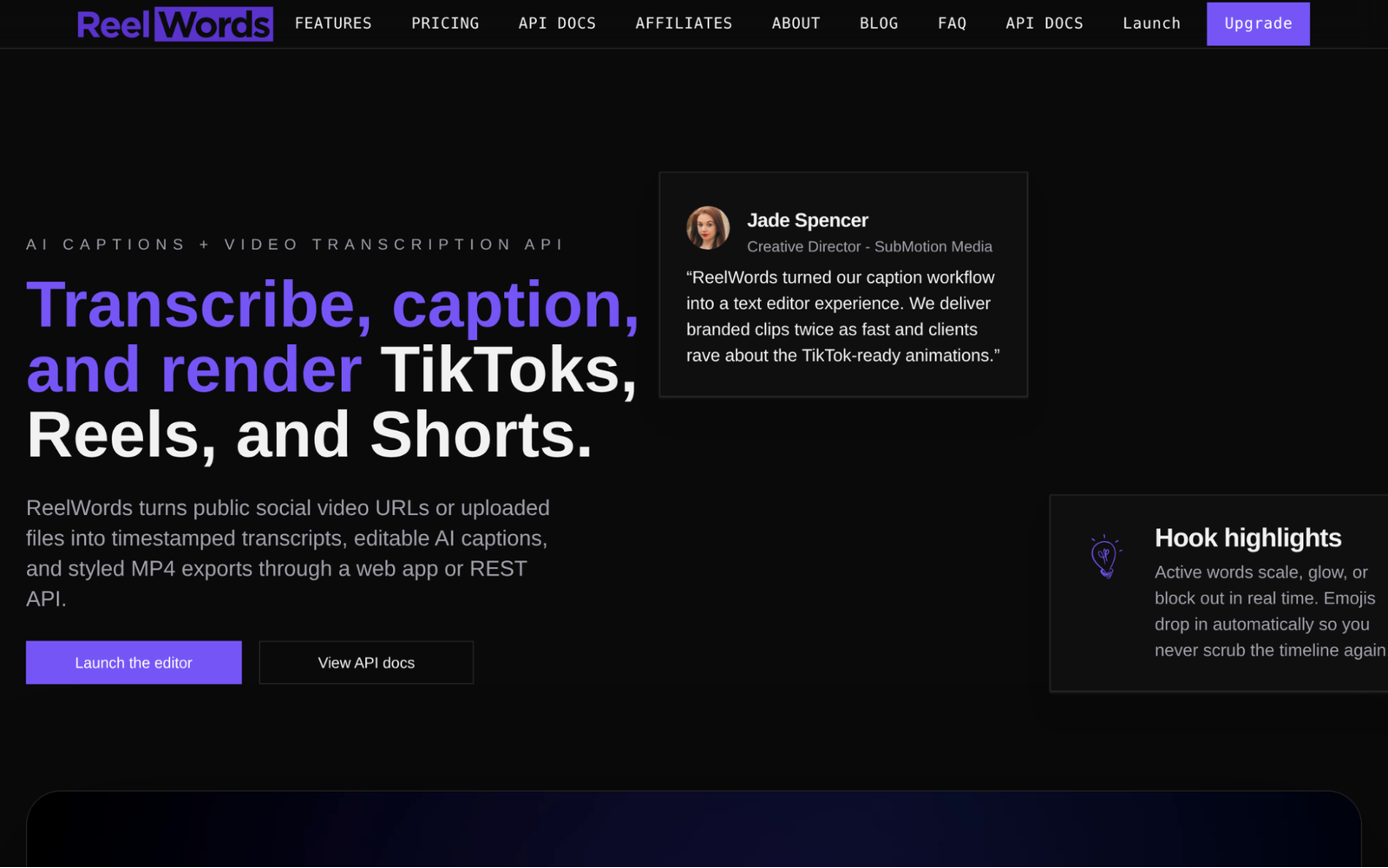
What Services and Products Does ReelWords Offer?
ReelWords is a caption generation platform built for short-form video content on Instagram Reels, TikTok, and YouTube Shorts. The platform automatically generates styled caption overlays with animated effects, word emphasis controls, and mobile-safe text placement. The workflow is straightforward: upload a clip, generate captions automatically, export the finished video. For teams focused on short-form platforms, this focus is actually an advantage over general-purpose tools that treat mobile as an afterthought.
Why Is ReelWords a Contender for Auto Caption APIs?
ReelWords solves the problem of captions that look accurate on desktop but break on mobile, which is a real issue for creators who publish across vertical video platforms. Their mobile-optimized placement and platform-specific formatting removes the manual adjustment step that wastes time in short-form production workflows.
Real User Sentiment:
Public review data for ReelWords is limited at this stage, so it’s harder to draw patterns from user comments compared to more established platforms. That said, the specificity of their focus on short-form vertical video is the kind of product decision that tends to earn loyal early users who need exactly that and nothing else.
How These Were Chosen and Verified
Step One: Data Assembly and Preparation
The research started by pulling together a broad list of auto caption API platforms from developer directories, product review sites, and publicly available case studies. Feature pages, documentation, and product announcements were collected to build a baseline picture of what each platform actually does versus what it claims.
The Shortlisting Pass
From that initial list, options without verifiable public track records were removed. Review patterns were analyzed across platforms like Capterra, Trustpilot, and G2 to identify which tools had consistent feedback from real users rather than sparse or one-sided testimonials. Platforms where the review evidence was too thin to draw conclusions were either flagged or removed entirely.
Verification Pass
Each shortlisted platform was cross-checked by comparing the claims on their official product pages against what users reported in reviews and public discussions. Where a platform claimed high availability or fast processing, those figures were checked against available third-party corroboration rather than taken at face value.
Industry Recognition and Authority
Recognition signals were also factored in, including awards, appearances in developer community discussions, and mentions in industry publications. Platforms that had earned recognition from credible sources in the video technology space were weighted more heavily than those relying solely on self-reported metrics.
Evidence Specific to Auto Caption APIs
Finally, each platform was evaluated for its captioning capabilities. Dedicated service pages, real-world captioning use cases, verified reviews from teams with captioning-specific workflows, and relevant case studies were all examined. Platforms that only touched on captioning as a side feature rather than a main capability were deprioritized in favor of tools where captioning accuracy and API accessibility were clearly central to the product.
What to Look For When Choosing Auto Caption APIs
Picking a caption API isn’t just about accuracy scores. The right fit depends on your workflow, your scale, and what you’re actually building.
- Industry/Domain Experience: Look for platforms with documented experience handling your content type. A tool trained on podcast audio may struggle with medical lectures or legal depositions.
- Features and Service Options: Check whether the API covers your full need, including multi-speaker handling, timestamping, language support, and export format flexibility.
- Pricing Structure: Cost per audio minute adds up fast at scale. Understand the pricing model before you build a pipeline around it (some platforms look cheap at low volume and get expensive quickly).
- Results Measurement: Ask how accuracy is measured and reported. WER benchmarks and response time metrics should be available for any platform you’re considering seriously.
- Industry Knowledge and Compliance: If your content touches ADA, WCAG 2.1, or FCC captioning standards, confirm the platform supports compliant output formats before you commit.
Final Take
Auto caption APIs are no longer a nice-to-have for video teams. The right one cuts manual correction time, keeps accessibility compliance from becoming a last-minute scramble, and scales with your production volume without breaking your budget. From developer-first infrastructure like fal to creator-focused tools like ZapCap, the options in this space have matured fast. As video content volume keeps growing, the teams that pick the right API now will build workflows that hold up later.