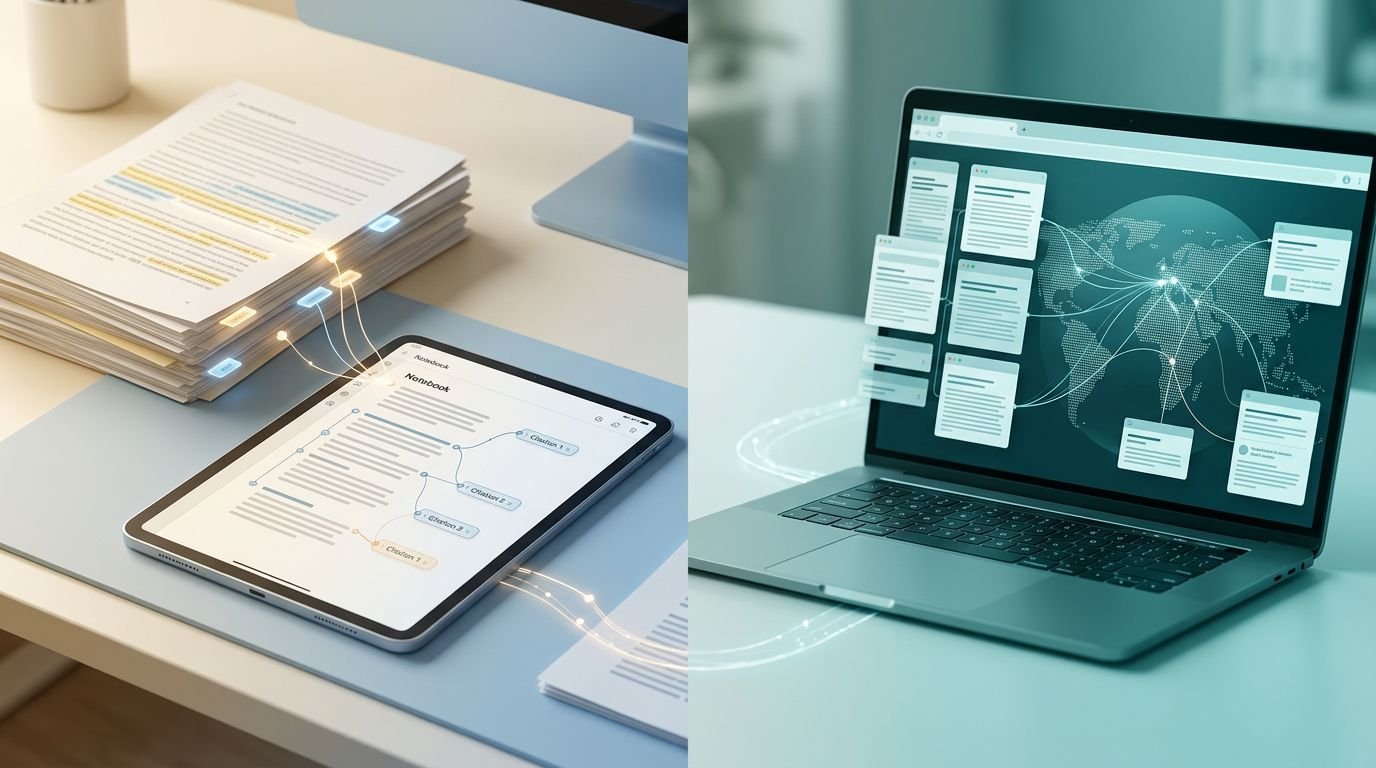
The more important question isn’t which AI research tool writes a nicer answer. It’s whether you need discovery or source-bound synthesis.
NotebookLM vs Perplexity is a comparison between two different research jobs. Google NotebookLM helps you interrogate a defined source set. Perplexity helps you find and assess information on the live web.
If you use the wrong one first, you’ll either miss fresh evidence or create unnecessary source-preparation work. That boundary should drive the decision.
Key Takeaways
- NotebookLM is best for source-grounded synthesis when you already have a defined collection of documents.
- Perplexity is best for discovering current web information, finding primary sources, and starting research from a blank page.
- A practical workflow is to use Perplexity for discovery, import verified original sources into NotebookLM, and return to Perplexity for a final freshness check.
- Citations improve traceability but do not replace source verification. Always inspect the original passage, date, authority, and limitations before relying on a claim.
- Start with the free plans and pay only when recurring source, usage, or output limits block real work.
NotebookLM vs Perplexity: the practical difference
These tools overlap in one obvious way: both answer questions with AI. That similarity hides the decision readers actually need to make.
| Research need | NotebookLM | Perplexity |
|---|---|---|
| Working with reports, PDFs, notes, and internal documents | Strong fit | Useful for focused questions on selected files |
| Finding new sources online | Limited | Strong fit |
| Keeping answers within a fixed source set | Strong fit | Less predictable as web results change |
| Reviewing current news, vendors, products, or search results | Limited by provided material | Strong fit |
| Turning documents into study aids, spoken summaries, and a slide deck | Strong fit | Not its main strength |
| Starting a research project from a blank page | Requires source preparation | Fast starting point |
NotebookLM is a source-grounded document workspace. You load material, ask questions, and inspect citations tied to that material. Perplexity is a web research assistant that finds sources, summarizes them, and shows links you can follow. Its project-style workspace terminology has changed, so current and older guidance may refer to these spaces as Perplexity Spaces.
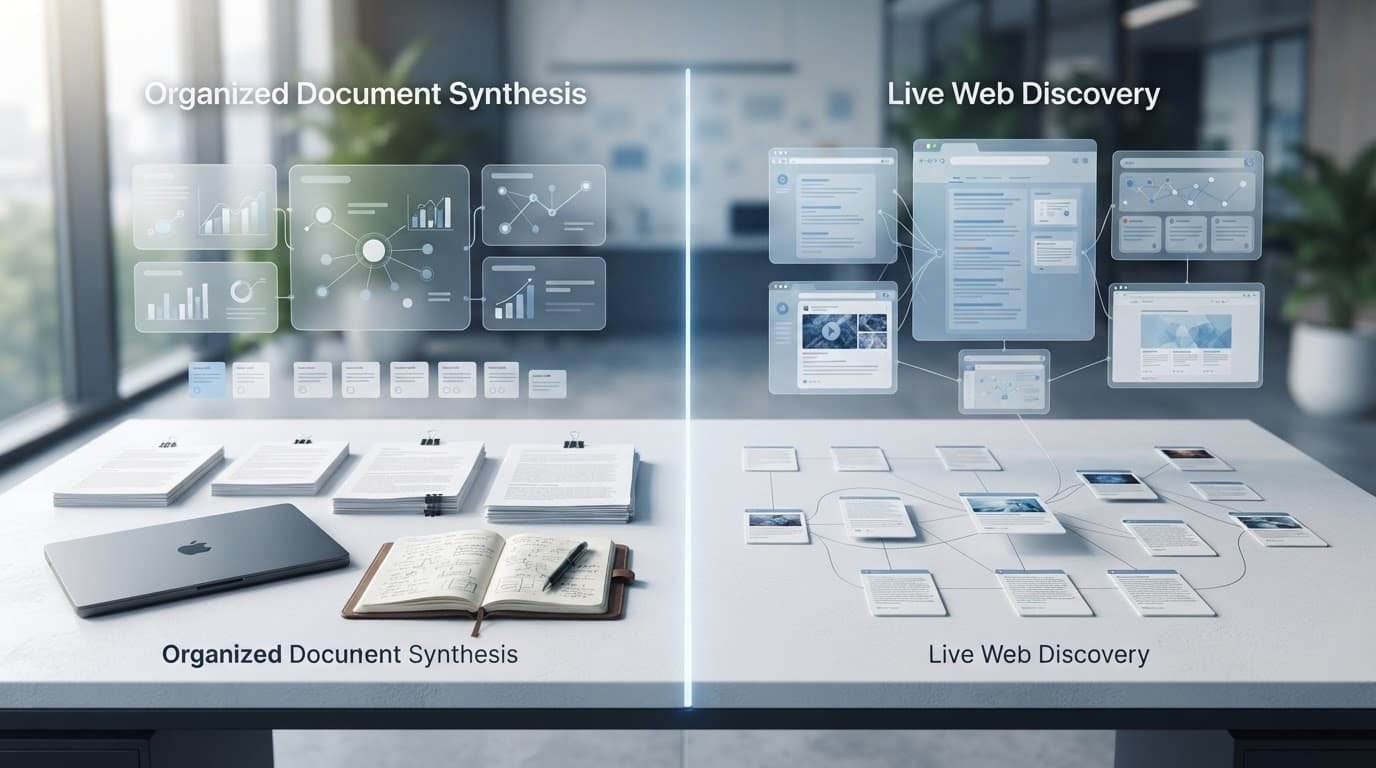
The decision gets simple once you separate discovery from synthesis. Use Perplexity to locate evidence, then use NotebookLM when the evidence set is known and needs careful analysis. The same boundary applies on the free plan.
Source grounding changes the kind of answer you get
NotebookLM’s central advantage isn’t that it makes hallucinations disappear. No AI product can promise that. Its advantage is a clear evidence boundary, making it a source-grounded AI workspace.
A bounded source set reduces drift
A NotebookLM notebook can include PDFs, Google Docs, a slide deck from Google Slides, web pages, and supported transcripts. When you ask it to compare two policies or summarize a 70-page report, it works from those uploaded documents and stays anchored to that fixed source set.
That makes it useful for research briefs, customer interviews, internal documentation, legal-review preparation, course material, and document analysis. I would choose it when a missing source is a bigger problem than a missing web result.
The limitation is just as important. A clean answer based on outdated, incomplete, or weak documents is still weak, because source quality shapes output quality. Source grounding improves traceability. It doesn’t validate the underlying source.
Citations only help when you inspect them
NotebookLM can provide inline citations to supporting passages, which is far better than accepting polished prose on trust. Google’s NotebookLM plan page also shows that the free plan and higher tiers have different source limits, with current per-notebook capacity ranging from 50 to 600 sources.
A citation tells you where the model looked. It does not prove the source is current, primary, or correctly interpreted.
For high-stakes research, I would open the cited passage and check the surrounding paragraph. A model can summarize one sentence accurately while missing a condition two lines below it.
Perplexity is built for research discovery
Perplexity is a research assistant that combines real-time web search with an AI search engine interface. Ask about newly released AI models, a competitor’s pricing change, a government policy, or a current search trend, and it can gather material without you building a library first. Its free plan is suitable for lighter discovery work.
That speed is useful for SEO work and content creation. It helps you find web sources, official documentation, recent reporting, product updates, and primary research for a brief or slide deck. It also surfaces questions worth investigating before you draft.
For a wider view of that use case, see our Perplexity AI research review.
Treat citations as a starting point
Perplexity’s citation links are convenient, but I wouldn’t treat them as a finished evidence trail. Open the source. Check its date, author, methodology, and whether it supports the exact claim in the answer.
Search results can also blend first-party documentation, reputable publications, affiliate pages, scraped material, and low-quality summaries. The interface makes them look equally neat. They aren’t equally reliable.
For example, a prompt about software pricing should lead you to the vendor’s own pricing page. A prompt about a health or legal topic needs authoritative institutions or primary research, not a confident blog recap.
Deep Research has a different job
For a focused query, Pro Search offers a quicker route through current results. Perplexity’s Deep Research mode is better suited to broad questions that require multiple searches and a longer synthesis. It can be a productive first pass for market landscapes, product comparisons, or content outlines.
Still, it isn’t a substitute for a research method. Break vague questions into smaller checks. Ask for publication dates. Request primary sources. Then verify claims that will appear in client work, published content, or business decisions.
Documents and projects create different knowledge hubs
Both products can work with files, but they organize source material differently. NotebookLM centers on curated notebooks, while Perplexity uses project-style workspaces labeled Projects or Perplexity Spaces.
Perplexity Spaces keep web and file context together
Perplexity Spaces are useful when research combines web discovery with a small set of internal files. Perplexity’s Projects documentation says persistent files can be added individually, as folders, or through connected file sources.
Its file uploads support text files, code, PDFs, images, audio, and video, with a 40 MB limit per file. That covers many reports, slide decks, and working documents, but it restricts long recordings, large scans, and archives. Lighter file-based work may also fit within a free plan.
NotebookLM rewards source curation
NotebookLM is a better fit when you want a deliberate, reusable knowledge base around one subject. I’d use one notebook for a product launch, another for a research report, and another for an internal policy set.
Don’t add everything. Large source piles can turn a notebook into a junk drawer with citations. Add documents that answer a defined question, remove duplicates, and keep versions clear.
If most of your material is PDF-based, our guide to the best AI PDF summarizers for research covers lighter options for one-off document work.
Audio Overviews are NotebookLM’s standout feature
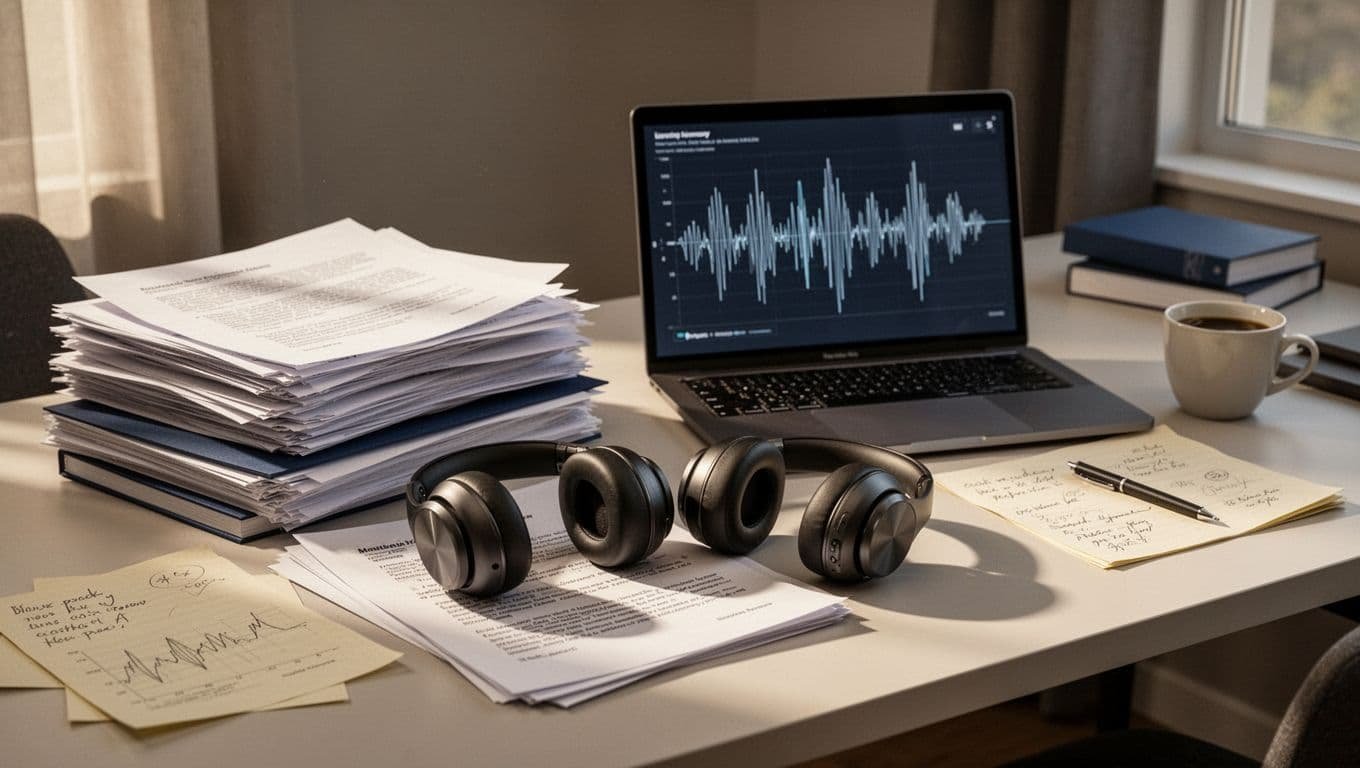
Reading a dense source set takes time. NotebookLM’s Audio Overviews offer a different route through the material by creating a discussion-style spoken summary based on sources in the notebook.
Google describes these as AI-host discussions and supports background generation, so you can continue working while an overview is created. Its documentation also includes an interactive listening mode, where you can join the discussion with questions. Current plan limits vary, and Google’s upgrade table lists daily allowances from 3 to 100 across tiers, including the free plan.
Good for orientation, not final verification
Audio Overviews can help you understand a report’s major themes while commuting, walking, or preparing for a meeting. They can complement study guides and quickly orient you to a slide deck. That’s useful when a dense source pack feels intimidating.
I wouldn’t use one as the last review step for precise research. Spoken summaries naturally compress qualifications, numbers, and source disagreements. Use audio to orient yourself, then return to the original text for claims that matter.
Perplexity favors written investigation
Perplexity can produce readable research summaries, but its strength is written discovery and a clear path back to live pages. NotebookLM is more useful when the challenge is absorbing a fixed document collection.
That distinction matters for content teams. One tool finds the material. The other helps you understand what your selected material says.
Pricing, limits, and value in 2026
These pricing plans are enough to understand the basic workflow. Paid tiers make sense only when research volume, higher quotas, or premium access affect your actual work. Prices and limits can change, so check official pages before paying.
| Plan | Public price in August 2026 | What to consider |
|---|---|---|
| NotebookLM free plan | $0 | Useful entry point, with lower source limits and output allowances |
| NotebookLM paid tiers | Varies by Google AI plan | Higher source caps, higher daily output allowances, account eligibility can differ |
| Perplexity Free | $0 | Suitable for lighter web research and basic discovery |
| Perplexity Pro | $20 per month | More usage and broader premium access |
| Perplexity Max | $200 per month | Built for heavy individual use, not casual searching |
Perplexity’s official pricing page lists Free, Pro, and Max offerings. The Pro tier costs $20 as a monthly subscription, while Max costs $200 per month. That is a serious gap, and most individuals won’t need Max.
Buy the constraint you keep hitting
Don’t pay because a tool has an impressive feature list. Pay when a recurring limit blocks a real project.
The free plan is usually enough for light testing. NotebookLM’s paid value is mostly capacity-oriented, especially when larger research libraries or repeated audio summaries support your weekly workload. Perplexity Pro is easier to justify when daily current-web research requires higher usage and premium access.
For small teams comparing more than two options, our AI research assistant buying guide adds useful context around cost, citations, and workflow fit.
Privacy, permissions, and offline limits need scrutiny
Both tools appear to process research through cloud servers. Neither product’s public materials confirm an offline workflow, so I would assume you need an active connection and shouldn’t plan around disconnected access.
Sharing is not the same as governance
NotebookLM notebooks have sharing controls, and Perplexity has consumer and enterprise offerings. That does not answer every business question.
Before uploading customer data, internal financial information, legal material, or unreleased strategy documents, check the current terms for data privacy, data handling, retention, training use, account administration, exports, and access controls. Those details can differ by product tier and organization agreement.
Keep sensitive material out of casual workspaces
A useful rule for file uploads is simple: don’t upload a document unless you can explain why that service needs it. Remove unnecessary personal data, use approved work accounts, and restrict sharing before you start asking questions.
If you plan to turn internal documents into customer-facing answers, our guide to building an AI help center covers the guardrails that matter before launch.
A practical Perplexity and NotebookLM workflow
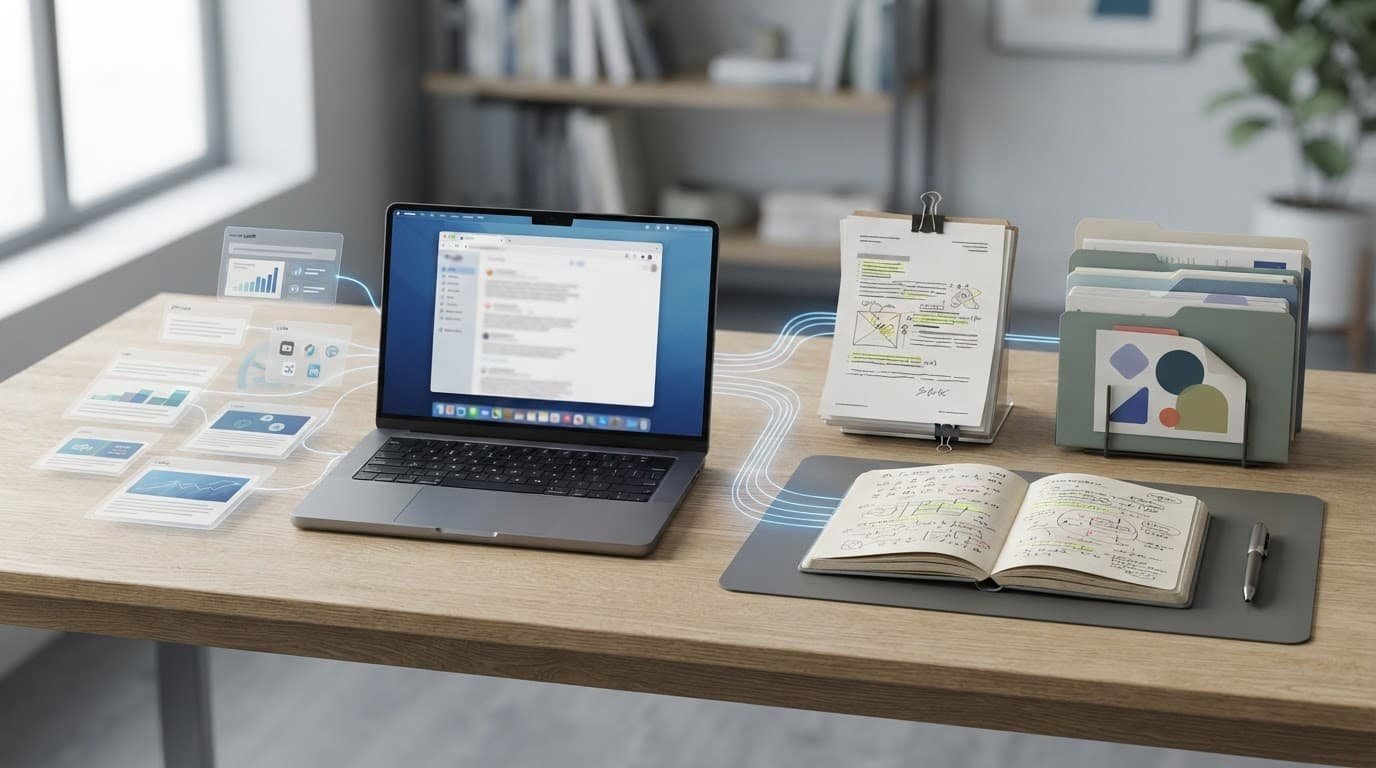
A small pilot on a free plan can test this AI research workflow: discover, vet, import, analyze, and refresh.
Using both tools isn’t required. When you do use them together, Perplexity handles discovery and NotebookLM handles synthesis.
Build a source log before importing anything
For a larger project, I would start in a Perplexity Spaces workspace and use Pro Search for a narrow question, such as “What official US guidance changed for AI-generated advertising disclosures in 2026?” Then I would open the cited results and keep only sources that pass a basic quality check.
For every web source worth keeping, record:
- The publisher, title, URL, and publication or revision date.
- The claim it supports and the relevant section or page.
- Whether it is a primary source, original research, or secondary reporting.
- Any limitation, conflicting evidence, or older version that changes the conclusion.
This small step prevents a common failure: treating an AI-generated summary as the source. It isn’t. The original document is the source.
Import evidence, not the answer
Next, use file uploads to add the approved original files to NotebookLM. Don’t upload a Perplexity response as the central evidence unless it’s only a note pointing to original links.
Then use NotebookLM for document analysis. Once the notebook becomes a reusable knowledge base, ask focused questions: “Which requirements apply to small businesses?” or “Where do these sources disagree?” Request a briefing, FAQ draft, comparison table, slide deck, or Audio Overviews once the notebook has a clean source set.
Finally, return to Perplexity for a freshness check before publication. Search for updates released after your main sources. This last pass catches changed prices, new product features, revised guidance, and major developments that an older notebook cannot know.
Who should choose each tool
NotebookLM is the better first choice for students, analysts, consultants, researchers, and teams who already have the documents. It is also strong for turning a closed source pack into notes, study guides, briefings, and explainers.
Perplexity is the better first choice for marketers, SEO specialists, founders, journalists, and researchers who need current discovery. It is useful for content creation and finding the first useful trail, but it doesn’t remove the responsibility to assess sources.
Pick NotebookLM when accuracy depends on your files
Choose NotebookLM if the answer should come only from a defined collection. Think internal strategy docs, interview transcripts, product research, annual reports, academic readings, and policy manuals.
I would not choose it as my only research tool if freshness matters. A notebook is only as current as its newest source.
Pick Perplexity when the web is part of the question
Choose Perplexity if the project starts with “What changed?” or “What credible sources exist?” It is often the faster option for early-stage research, competitor checks, and identifying content gaps. A free plan lets you test either workflow before upgrading.
For many serious research workflows, the right answer to NotebookLM vs Perplexity is both. Perplexity finds and filters the trail. NotebookLM helps you reason through the material you chose to trust.
Frequently Asked Questions
Is NotebookLM better than Perplexity for research?
It depends on the research job. NotebookLM is better for analyzing a fixed set of trusted documents, while Perplexity is better for discovering current information on the web.
Can NotebookLM search the live web?
NotebookLM can work with selected web pages and other supported sources, but it is not primarily a live web search tool. If freshness and broad discovery matter, use Perplexity first and then bring the verified sources into NotebookLM.
Is Perplexity’s research reliable enough on its own?
Perplexity can quickly find useful sources, but its answers and citations still need checking. Open the original links, confirm the publication date and authority, and verify that each source supports the exact claim.
Should I use NotebookLM and Perplexity together?
For many serious research projects, using both is the strongest workflow. Use Perplexity to discover and vet current sources, NotebookLM to synthesize the approved evidence, and Perplexity again to check for updates before publication.
Which tool is better for PDFs and internal documents?
NotebookLM is usually the better choice when the work centers on PDFs, reports, notes, transcripts, or internal documentation. Perplexity can handle files too, but its main strength is combining web discovery with focused file-based research.
Final recommendation
NotebookLM and Perplexity solve different parts of the same research problem. One controls the evidence boundary. The other gives you reach and freshness.
Start with each tool’s free plan to test the workflow before paying. Upgrade only when a recurring limitation justifies the cost.
My recommendation is to choose NotebookLM for trusted source synthesis and Perplexity for current web discovery. When the work matters, use both in that order and verify every claim before it leaves your notes.