
A weak search bar is expensive. Shoppers who type into search are telling you what they want, and if your store still answers with irrelevant results, slow filters, or a dead-end “no results” page, you’re wasting high-intent traffic.
When I evaluate shopify site search tools, I don’t care much about AI branding on its own. I care about relevance, control, speed, and how the tool behaves when a real catalog gets messy.
Why smart search deserves more attention
Search traffic is different from casual browsing. A shopper who types “black running shoes size 10” is already halfway to checkout. On a Shopify store, that intent is easy to miss if search only matches exact words and ignores spelling, synonyms, stock status, or product attributes.
Search traffic is purchase intent in plain text.
That matters even more for US stores with large mobile traffic. People search with fragments, shorthand, and messy queries. They type “gift for dad under 50,” “2 pack whey vanilla,” or “sofa covers pet hair.” Basic search breaks on those inputs. Good AI search doesn’t need perfect phrasing. It interprets intent, cleans up typos, and pushes the shopper toward a usable result set fast.
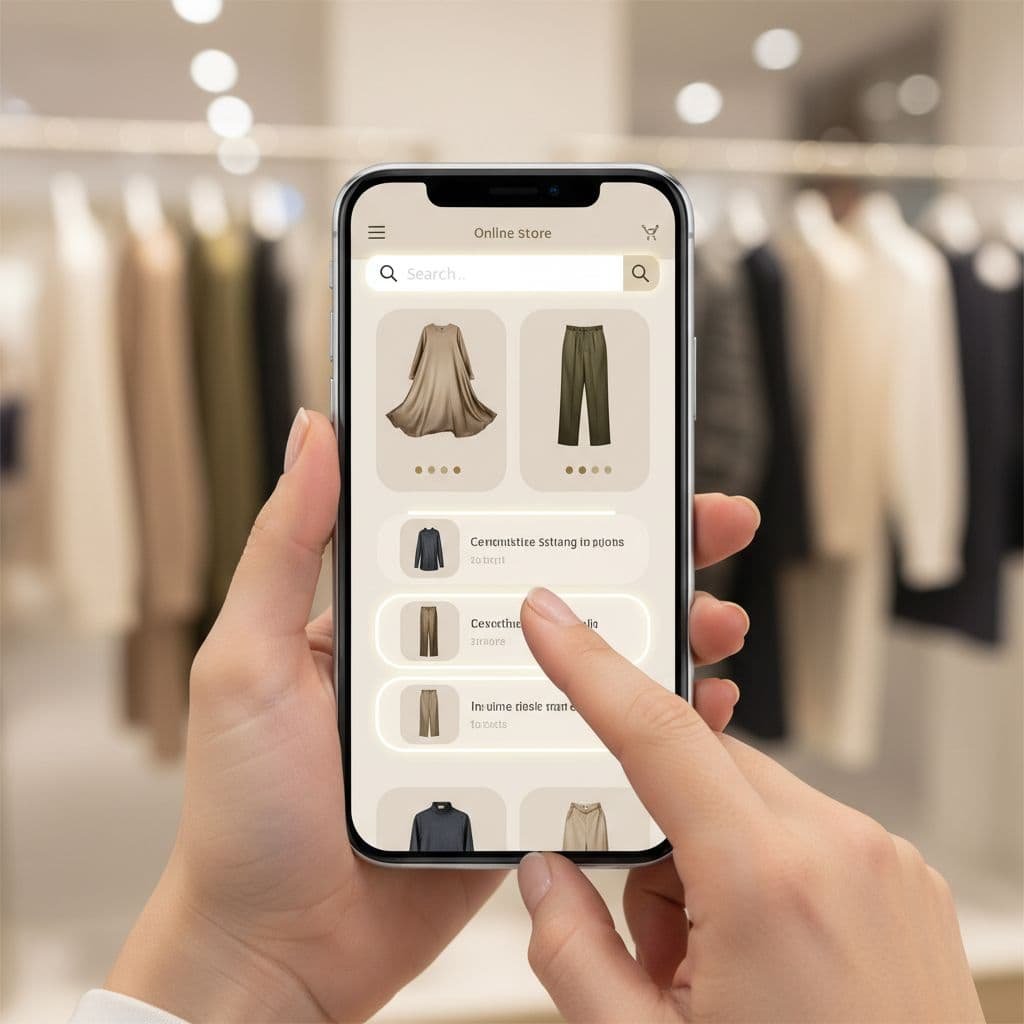
I also treat search as a merchandising layer, not only a utility feature. Results ranking, autocomplete, facet filters, product boosts, and fallback behavior all shape revenue. If search keeps surfacing out-of-stock variants, low-margin items, or the wrong collection, it can quietly hurt conversion.
A lot of stores over-invest in homepage polish and under-invest in discovery. That’s backwards. Once a catalog gets past a few dozen SKUs, search quality starts acting like store infrastructure.
What I evaluate before I trust a search app
I don’t pick a search tool by feature count. I pick it by failure behavior. Plenty of apps look impressive in a demo. The hard part is how they perform when your catalog has weak titles, duplicate attributes, seasonal inventory changes, and inconsistent tagging.
The first thing I check is query understanding. Can the tool handle typos, synonym groups, and natural-language phrases? Can it interpret “under $75” or “red waterproof jacket” without forcing the customer into exact-match logic? If the answer is no, the AI label doesn’t matter much.
The second thing I watch is catalog awareness. Search only works as well as the product data behind it. If your titles, tags, metafields, and variant attributes are thin, search quality drops fast. That’s one reason I pair search cleanup with stronger merchandising data and, when needed, better catalog copy.
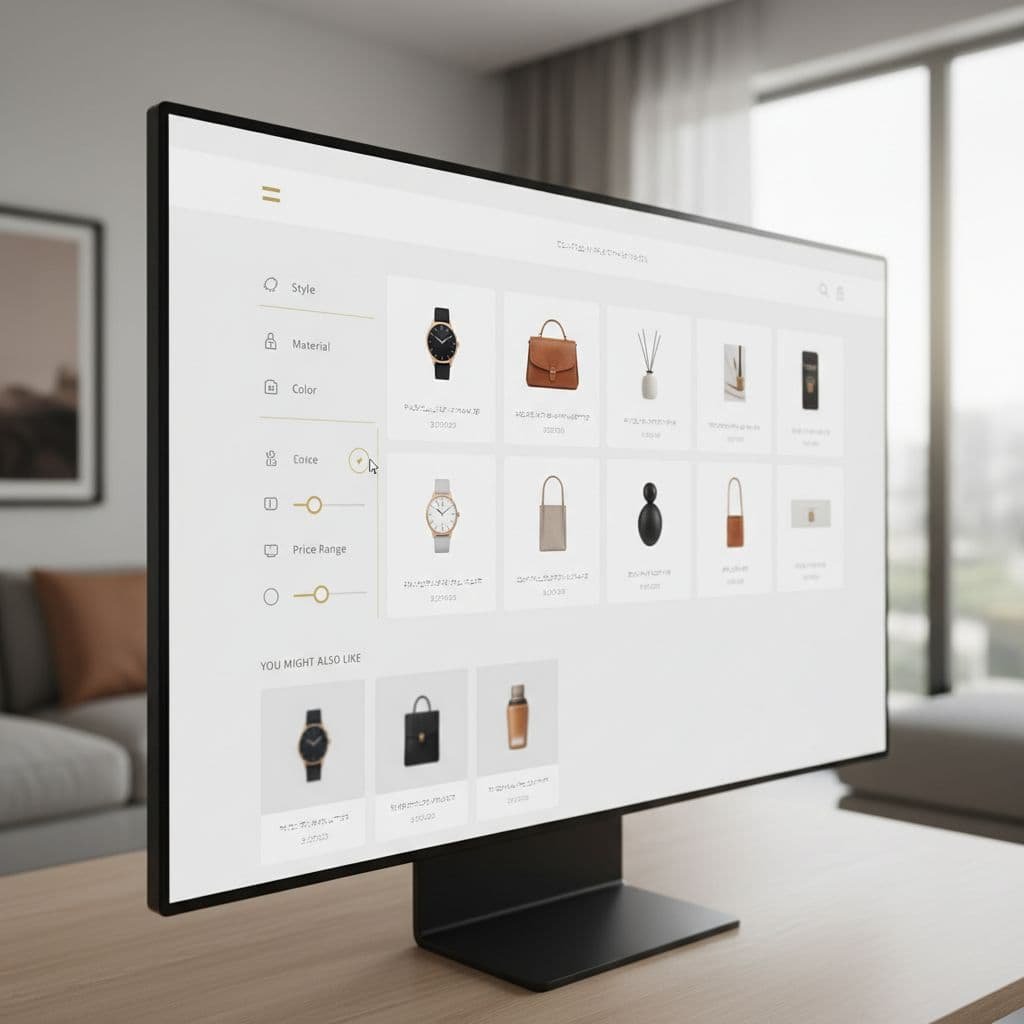
The third area is control. I want ranking rules, product boosts, exclusions, synonym editing, and decent zero-result handling. I don’t want a black box that “learns” while I lose weeks figuring out why the wrong SKUs keep floating to the top.
After that, I look at operations:
- How fast does it sync inventory and catalog updates?
- Does it slow the theme or search overlay?
- Are filters flexible enough for size, color, price, brand, and metafields?
- Can I review analytics by query, click, and zero-result rate?
If I can’t answer those questions, I don’t install it yet. Search problems are often data problems in disguise. For many stores, better search also overlaps with merchandising, personalization, and support. I’ll touch those connections again in the FAQ.
Best AI search tools for Shopify in 2026
The field is better than it was a few years ago. More apps now handle semantic matching, typo tolerance, live suggestions, and catalog-level filters without a heavy custom build. The differences show up in scale, controls, and how much manual tuning the store team still has to do.
Here’s the quick comparison I use before going deeper.
| Tool | Best fit | What stands out | Watchout |
|---|---|---|---|
| Algolia AI Search & Discovery | Large or fast-scaling catalogs | Strong relevance, AI synonyms, dynamic re-ranking, scale | Cost can climb with search volume and records |
| Wizzy AI Search & Filter | Merchandising-heavy stores | Deep filter logic, keyword redirects, real-time sync | More tool than a small store may need |
| RS: AI Search Bar & Filter | Small to mid-size stores | Quick rollout, typo tolerance, semantic search, boosts | Less enterprise depth than Algolia |
| Ryzo AI Search & Visual Search | Visual catalogs like fashion or home | Text, voice, image search, low entry price | Newer option, less established than older stacks |
| Motive Commerce Search | Large catalogs focused on discovery | Strong filters, autosuggest, better search than Shopify default | Pricing and ecosystem depth are less visible |
| Shopify Magic | Early-stage merchants | Built-in AI features, low friction | Not a full dedicated search platform |
My short take is simple. If I need scale and control, I start with Algolia. If filters and merchandising logic are the main pain point, I look at Wizzy. If I want a faster, lighter deployment, Rapid Search is easier to justify.
Algolia AI Search & Discovery
For bigger catalogs, Algolia AI Search & Discovery is still one of the strongest options on Shopify. What I like is its maturity. The feature set looks like it was built for real merchandising teams, not only for a demo screen.
Its current Shopify App Store listing highlights AI synonyms, dynamic re-ranking, personalization, and high-volume capacity. Entry pricing also references 10,000 search requests per month and up to 1 million records, which gives a sense of its scale orientation.
The trade-off is cost and setup depth. I wouldn’t pick Algolia for a 60-product boutique unless search is central to the business model. But for larger apparel, beauty, parts, electronics, or multi-collection stores, it’s one of the few tools that still makes sense as the catalog grows.
Wizzy AI Search & Filter
Wizzy AI Search & Filter is the option I look at when discovery depends as much on filters as on search ranking. That’s common in apparel, footwear, furniture, supplements, and any catalog with a heavy attribute layer.
Its app listing points to dynamic filters across tags, sizes, colors, brands, vendors, inventory locations, plus keyword redirects and real-time sync. It also frames 404 recovery as a merchandising opportunity, which I like. Dead-end pages don’t have to stay dead ends.
Wizzy fits stores that want more control over how browsing and search work together. The caution is complexity. If your catalog structure is weak, advanced filters won’t fix that on their own. You’ll still need clean tags, usable metafields, and some time spent tuning ranking logic.
RS: AI Search Bar & Filter
RS: AI Search Bar & Filter has a more practical feel for small and mid-size Shopify teams. I like it when the goal is clear: better search, better filters, minimal theme disruption.
Its listing leans on typo tolerance, semantic understanding, autocomplete, synonym groups, product boosts, personalized search, and broad filter support. It also pushes theme safety and page-speed awareness, which matters. A search app that improves relevance but drags page performance isn’t a clean win.
If I were rolling out search without a large dev team, Rapid Search would be high on my shortlist. It covers the features most stores need, and it does so without feeling like I need a search engineer to operate it.
Ryzo AI Search & Visual Search
Ryzo is interesting because it reaches beyond text search. Based on recent app data, it supports text, voice, image search, and filters, with a free plan and paid tiers starting around $9 per month. It also carried a 4.8 out of 5 rating from 18 reviews in the source I checked.
That makes it appealing for smaller stores that want a more modern discovery layer without enterprise pricing. Fashion, home decor, accessories, and gift stores are the obvious use cases. Visual search can help when the shopper doesn’t know the exact product name but knows the style.
My caution here is simple. I want to test depth before I rely on it. Image and voice search sound good, but the real question is whether the ranking and filtering hold up once the novelty wears off.
Motive Commerce Search
Motive Commerce Search is the kind of tool I consider when the default Shopify search clearly isn’t enough and the catalog is already big enough to justify a dedicated upgrade. The current summaries around it point to better typo handling, smart filters, and stronger auto-suggestions.
What I like is the focus on product discovery rather than flashy AI claims. That’s usually a good sign. Search is one of those areas where boring competence wins. If the tool consistently returns relevant SKUs, supports filters well, and gives the merchant ranking control, that’s enough.
The main issue is visibility. Compared with bigger names, there is less public detail around pricing and the wider ecosystem. I wouldn’t rule it out, but I’d want a hands-on trial before making it my core search layer.
The right fit depends on catalog size and merchandising needs
If I run a small Shopify store with fewer than 200 products, I don’t start with the most advanced search stack. I start with the tool that fixes the obvious friction fast. For that case, Rapid Search or Ryzo usually make more sense than a heavier enterprise option. Shopify Magic can also work as a low-friction starting point, but I treat it as helpful built-in AI, not as a full replacement for dedicated search software.
For a mid-size store, I care more about ranking control and filter logic. That’s where Wizzy starts to look attractive. The bigger the catalog gets, the less I can rely on simple keyword matching. I need strong collection filtering, better synonym handling, and a reliable way to stop irrelevant SKUs from polluting results.
For large catalogs, I care about scale, analytics, and operational control. That’s why Algolia stays in the conversation. Once traffic and product volume rise, search isn’t only about the bar at the top of the page. It’s about data sync, merchandising rules, personalization hooks, and query analytics that tell me where money is leaking.
One rule holds across every store size: don’t buy more search than your catalog quality can support. Weak product data can make a good tool look bad.
Common failure points I keep seeing
Most search rollouts don’t fail because the app is broken. They fail because the store never cleaned up the inputs.
The first mistake is ignoring product data. If color, size, material, use case, and compatibility info live only in messy descriptions, search has less to work with. The second mistake is failing to review zero-result queries. Those are direct clues about what shoppers want and can’t find.

I also see stores skip ranking governance. They let search learn from clicks, but never correct it when the tool boosts low-stock products, old items, or poor-margin variants. That creates bad habits in the system.
Another common issue is testing with perfect queries. Real shoppers don’t search like your internal team. I test with misspellings, partial phrases, mobile shorthand, brand-plus-attribute searches, and intent-heavy prompts like “gift under 25” or “sensitive skin fragrance free.”
I don’t trust vendor conversion claims unless I can check query logs, zero-result rates, click-through, and search-assisted revenue after launch.
Where I’d start today
If I had to make a practical pick today, I’d match the tool to the store’s complexity, not to the loudest AI promise. Rapid Search is the easiest recommendation for smaller teams that need a meaningful upgrade without a long implementation cycle. Wizzy is strong when filters and merchandising logic do a lot of the selling. Algolia is still the serious option when scale, control, and analytics matter most.
The best choice isn’t the one with the most AI language. It’s the one that makes product discovery faster, cleaner, and easier to manage after launch.
FAQ
What is the best AI site search tool for most Shopify stores?
For most small to mid-size stores, I think Rapid Search is the easiest place to start. It covers the basics well, including typo tolerance, semantic search, filters, boosts, and autocomplete, without pushing the merchant into an overly heavy setup.
Do small Shopify stores need a paid search app?
Not always. If the catalog is small and easy to browse, the default experience may be enough for a while. I usually add a paid search app when shoppers depend on search, product attributes matter, or the store has started to outgrow simple collection navigation.
Can AI search replace good navigation and collection filters?
No. It should work with them. Search catches high-intent queries, while navigation helps shoppers browse. The best stores treat search, filters, collection structure, and merchandising rules as one connected discovery system.
What improves search relevance the most?
Better product data does. Clean titles, useful tags, structured metafields, variant attributes, and accurate stock status all matter. AI helps interpret intent, but it still needs strong catalog inputs.
What else should I optimize alongside site search?
These three topics usually improve search performance the fastest: