
Messy spreadsheet data steals time in small chunks. A broken date here, duplicate customer there, five phone number formats in the same column, and half the afternoon is gone.
By May 2026, the better AI data cleaning tools can fix a lot of that inside Excel and Google Sheets. The problem is that some tools clean data, and some tools quietly rewrite meaning. I care about that difference more than the demo.
What I look for before I trust a cleaner with real data
When I test spreadsheet AI, I don’t start with flashy prompts. I start with failure modes. Can it standardize dates to US format without wrecking international rows? Can it trim whitespace, split names, normalize states, and flag near-duplicates without pretending that “good enough” is the same as “correct”?
Most spreadsheet cleanup is repetitive, not complex. The work is boring but high-risk. A tool that changes “St. Louis” and “Saint Louis” to one value is useful. A tool that merges two different vendors because the names look similar is a problem.

Here’s the short version of my checklist:
- I want a preview, or at least a way to inspect changes before they overwrite the sheet.
- I want column-level cleanup, not one-cell-at-a-time novelty.
- I want the tool to stay close to the workbook, unless file-based processing is the whole point.
- I want reversibility, clear prompts, and enough visibility to audit what changed.
- I want it to handle US business data well, dates, ZIP codes, phone numbers, addresses, currencies.
If a tool can’t show me what it changed, I don’t use it on production data.
This is also why I separate “spreadsheet assistant” from “data cleaner.” A good assistant may write formulas and summarize tables, but cleanup has its own standards. If you need the broader picture, I already mapped that in this AI spreadsheet assistant guide for Excel and Sheets.
The strongest options at a glance
This is the shortlist I think matters in 2026.
| Tool | Works in | Best fit | What I like | What I watch | | | — | — | — | — | | GPT for Work | Excel, Google Sheets | Large cross-platform cleanup jobs | Bulk column processing, strong categorization, flexible model choices | Needs tight prompts on ambiguous fields | | Gemini in Google Sheets | Google Sheets | Teams already in Google Workspace | Native workflow, low setup friction, good first-pass cleanup | Less control on complex multi-step normalization | | Microsoft Copilot / Agent Mode | Excel | Microsoft-heavy teams | Workbook-aware help, multi-step task planning, native context | Rollout, licensing, and plan limits still matter | | Numerous.ai | Google Sheets | Quick natural-language cleanup | Fast text cleanup and formatting fixes inside Sheets | Less ideal when you need strict audit history | | NowExcel | Excel | One-off analyst cleanup in Excel | Plain-English commands, easy entry point | Narrower ecosystem and governance footprint | | RowTidy | Excel, CSV files | Batch standardization and schema mapping | Good when vendor files arrive in different shapes | Better for import pipelines than daily ad hoc work |
The table hides one important point. Built-in tools win on convenience and governance. Third-party tools still win when I need more control, faster bulk processing, or cross-platform work.
The AI data cleaning tools I’d actually shortlist
As of May 2026, I don’t think one tool wins every scenario. I think the right pick depends on where the data lives, how often cleanup happens, and whether the business can tolerate even small classification errors.
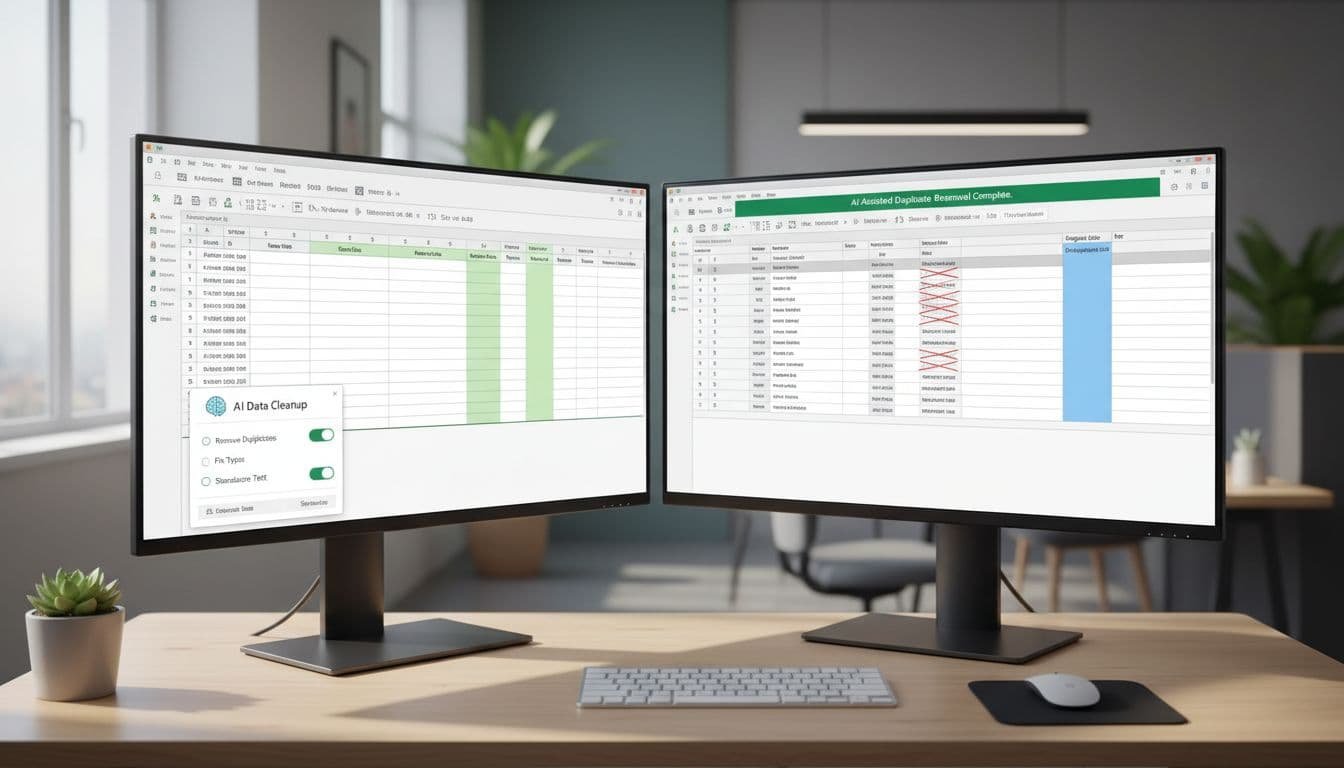
GPT for Work is still the most practical all-around choice
If I had to pick one tool for both Excel and Google Sheets, this is the one I’d test first. The reason is simple. Most teams don’t live in one spreadsheet app forever. They bounce between Microsoft files, Google Sheets, CSV exports, and shared ops tabs. Cross-platform support matters.
What I like most is the column-scale mindset. It fits real cleanup work. You can standardize phone numbers, normalize categories, fix capitalization, fill missing labels, and classify free-text rows without building a maze of formulas. That saves more time than “ask AI anything” interfaces.
The trade-off is the same trade-off I see in most prompt-driven tools. If the rule is vague, the output can drift. “Clean these customer names” is weak. “Convert to proper case, keep legal suffixes, don’t merge records, flag likely duplicates in a new column” is much safer. In practice, the tool is strong, but the instructions still matter.
Gemini in Google Sheets is the best built-in option for Workspace users
If your team already pays for Google Workspace, starting with Sheets is rational. Less setup. Fewer permissions questions. Less resistance from admins. Google’s own Gemini in Google Sheets overview makes clear that data structuring, formula help, and inconsistency spotting are now core use cases, not side features.
I like Gemini most for first-pass cleanup. It handles pattern recognition well enough for date formatting, whitespace cleanup, simple category normalization, and formula generation. For many small teams, that gets them 70 percent of the way without another add-on.
I still don’t treat it as my first choice for heavier normalization across many tabs or repeated batch processes. It’s better when the analyst is present and checking the work. If you’re deciding whether Google’s broader ecosystem fit matters for spreadsheet work, my Google Workspace Gemini review covers that context.
Microsoft Copilot and Agent Mode are the native Excel path to watch
For Excel-first teams, native context is the whole point. Copilot understands tables, formulas, ranges, and charts in a way generic chat interfaces usually don’t. That matters when cleanup is tied to workbook logic, not just text cleanup.
Agent Mode is more interesting than standard prompt assistance because it can plan a multi-step task. That means it can inspect data, propose corrections, build a helper sheet, and re-check the result. When it works, it feels closer to a junior analyst than a text generator.
I still treat it with the same caution I apply to every workbook agent. Native doesn’t mean infallible. If the workbook has hidden assumptions, weak headers, or mixed-purpose tabs, the agent can still misread intent. I covered the current behavior and rollout in more detail in my piece on Microsoft Agent Mode in Excel.
Numerous.ai is good when speed matters more than process formalism
Numerous.ai earns its place because it stays useful. That’s different from being flashy. In Google Sheets, quick natural-language cleanup often beats a more powerful tool that no one bothers to open.
I like it for lightweight operations work. Think trimming spaces, fixing case, standardizing short text fields, converting dates, or cleaning a sheet before handoff. It doesn’t ask much from the user, and that keeps adoption friction low.
Where I get more cautious is auditability. If the sheet supports finance, compliance, or customer reporting, I want stricter controls around how the changes are reviewed and documented. For lighter business ops, it’s fine. For high-trust environments, I usually move back toward native tools or more controlled batch processors.
NowExcel and RowTidy solve narrower problems better
Not every team needs an all-purpose assistant. Some teams need one thing done well.
If I wanted a plain-English Excel helper for analyst-led cleanup, I’d look at NowExcel. It makes sense for people who live in Excel and want to avoid formula gymnastics for common cleanup tasks. I see it as a productivity layer, not a full data quality system.
If the real pain is inconsistent inbound files, different vendor formats, mismatched columns, recurring schema cleanup, then RowTidy is more interesting. That’s a different category of work. You’re not just fixing cells. You’re mapping messy inputs into a repeatable structure. For operations teams importing data from many outside sources, that can be a better fit than a general spreadsheet copilot.
Where these tools pay off fastest
The best use case is usually the least glamorous one. AI spreadsheet cleanup pays off when the task repeats, the rule can be stated clearly, and the output can be reviewed fast.

I see the fastest return in finance ops, sales ops, and catalog work. Finance teams use it to standardize vendor names, transaction labels, date formats, and account text before reporting. Sales teams use it to clean CRM exports, normalize states and phone numbers, and group messy lead-source fields. E-commerce teams use it to clean titles, attributes, sizes, colors, and marketplace exports.
Where people get into trouble is confusing formatting cleanup with business judgment. AI is usually safe on whitespace, punctuation, case, basic date conversion, and obvious duplicates. It gets weaker when the sheet depends on hidden rules, customer-specific naming, or exceptions that only one analyst knows.
A simple pattern works best. Keep the original column. Create a cleaned column next to it. Ask the tool to explain the rule. Review edge cases before overwriting anything. That sounds cautious because it is. Good cleanup is less like magic and more like controlled bookkeeping.
This is also where workflow matters. Many teams don’t stop at cleanup. They extract data from PDFs, normalize it in Sheets or Excel, then push summaries to Slack, email, or downstream systems. The spreadsheet step is only one link in the chain.
What I’d choose right now
If I needed one recommendation for mixed Excel and Google Sheets environments, I’d start with GPT for Work. It has the best balance of scale, flexibility, and day-to-day usefulness. If I already lived inside one suite and wanted lower governance friction, I’d start with Gemini in Google Sheets or Microsoft Copilot.
The strongest rule is simple. Pick the tool that makes changes visible and reversible. Fancy prompts matter less than control. In spreadsheet cleanup, the best tool isn’t the one that sounds smartest. It’s the one that lets me trust the result.
FAQ
What is the best AI data cleaning tool for both Excel and Google Sheets?
For cross-platform work, I think GPT for Work is the strongest current option. It fits bulk cleanup better than most spreadsheet-native assistants and doesn’t force a Microsoft-only or Google-only workflow.
Are built-in tools like Gemini or Copilot enough for data cleaning?
Often, yes. They’re enough for first-pass cleanup, simple normalization, formula help, and workbook-aware analysis. I switch to a third-party tool when I need heavier batch work, stricter control, or the same workflow across both Excel and Sheets.
Can AI remove duplicates safely in spreadsheets?
It can remove obvious duplicates safely. Near-duplicates are harder. I trust AI to flag likely matches, but I still review records before merging customers, vendors, or products that only look similar.
Is it safe to use AI data cleaning tools on sensitive business data?
Sometimes, but the answer depends on the tool, your workspace settings, and company policy. Native tools inside Microsoft 365 or Google Workspace are often easier to approve, but I still check admin controls, data retention, and whether prompts or sheet content leave the tenant.
Suggested related internal articles