Bad meeting notes don’t fail during the call. They fail the next morning, when nobody remembers the owner, deadline, or next step. That’s why I judge ai meeting notes apps by one standard: do they turn a Zoom meeting or Google Meet session into work that actually moves.
As of March 2026, the field is more defined. Granola, Fireflies.ai, Otter.ai, Fathom, and Cirrus Insight stand out for different reasons. I wouldn’t choose by feature count alone. I choose by setup friction, speaker accuracy, quality of action items, and how easily the notes leave the ai meeting assistant.
What I look for in ai meeting notes apps
In practice, most tools can transcribe audio. The real gap shows up later. I want four things: stable speaker labels, useful summaries, action items with owners, and a clean path into slack integration and crm integration, or project tools. If the notes stay trapped inside the meeting app, the value fades fast.
I also separate bot-based capture from local capture. Bot joins are visible and easy to audit for platforms like Zoom, Google Meet, and Microsoft Teams, but some clients hate them. Local capture feels lighter, and that shift shows up in newer tools and in Read AI’s 2026 meeting assistant overview. If you want the full buying framework, I break those trade-offs down in my AI meeting assistant buyer’s guide.
The best AI meeting notes apps I’d use in 2026
This is the quick comparison I’d use before I commit a team to one tool.
| App | Best use case | Zoom and Meet fit | Main trade-off |
|---|---|---|---|
| Granola | Bot-free note capture | Strong on both | Less admin depth |
| Fireflies.ai | Search and integrations | Very good on both | Can feel heavy |
| Otter.ai | Live transcripts | Strong, especially live | Speaker drift on overlap |
| Fathom | Fast free setup | Easy on both | Fewer advanced controls |
| Cirrus Insight | Salesforce teams | Good for sales workflows | Too sales-focused for general teams |
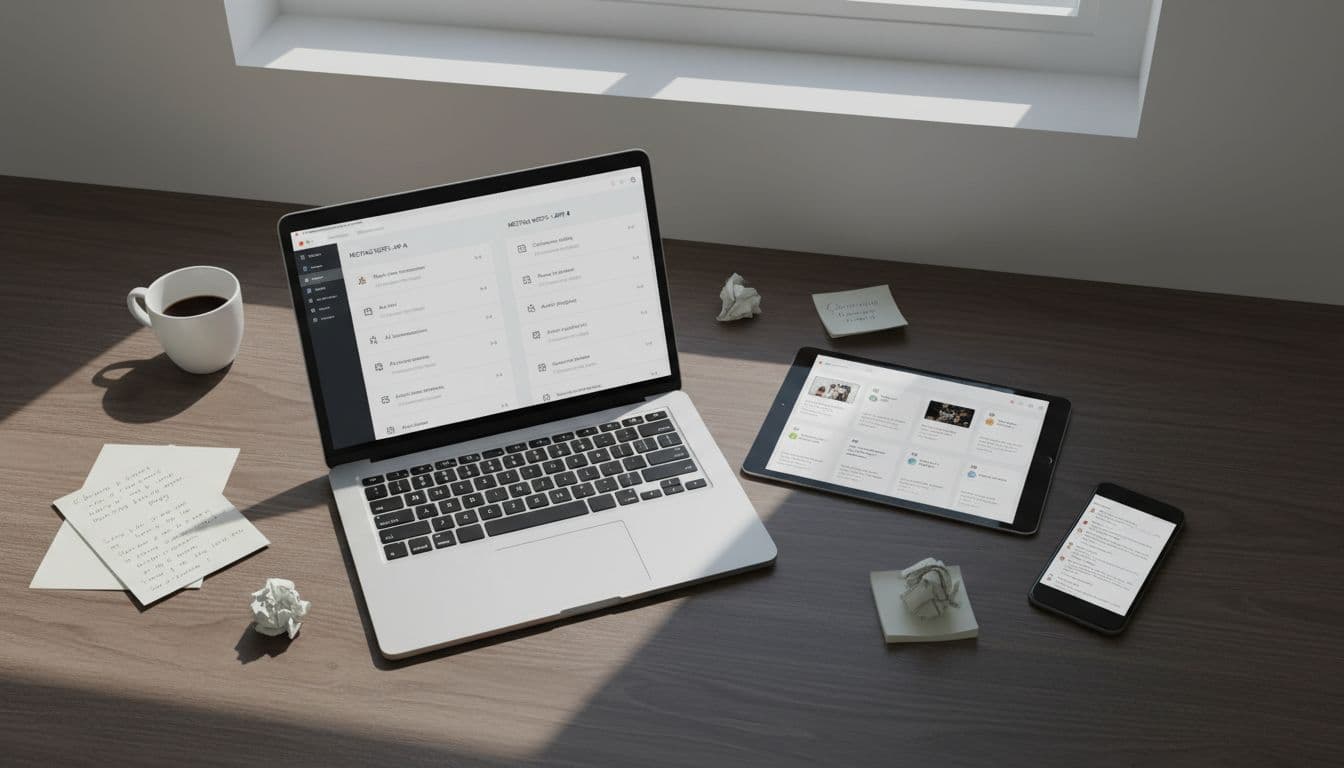
Granola is my first pick when I want low-friction notes and meeting summaries. It avoids the awkward bot join, works across Zoom meetings and Google Meet, and turns rough notes into a polished recap. I like it most for client meetings and mixed in-person calls.
Fireflies.ai is the strongest choice when search matters, especially with its searchable transcripts and conversation analytics including sentiment analysis. If I need to pull a line from last month’s pipeline review, it gets me there fast. It also fits well with Slack and CRM-heavy teams while supporting Zoom meetings and Google Meet.
Otter.ai still earns a place because live transcription matters during the meeting, not only after it. When audio is clean, it’s dependable for meeting summaries. Once people talk over each other, I still verify the output. My Otter AI 2026 transcription test gets into that speaker-label issue in more detail.
Fathom is the easiest starting point. The free tier is strong, setup is quick, and the summaries are readable without much cleanup. For founders, consultants, and small teams, that’s often enough with easy support for Zoom meetings and Google Meet.
Cirrus Insight is the one I reserve for sales teams. If meeting notes need to push into Salesforce and support follow-up, it improves sales efficiency via Salesforce sync. For general internal meetings, it’s usually more tool than I need.
Zoom and Google Meet are close, but the friction shows up differently
Zoom-first teams usually get the easiest rollout when the ai notetaker has mature bot behavior or native meeting support. Google Meet is also solid, but invite rules and account permissions create more edge cases, especially on external calls.
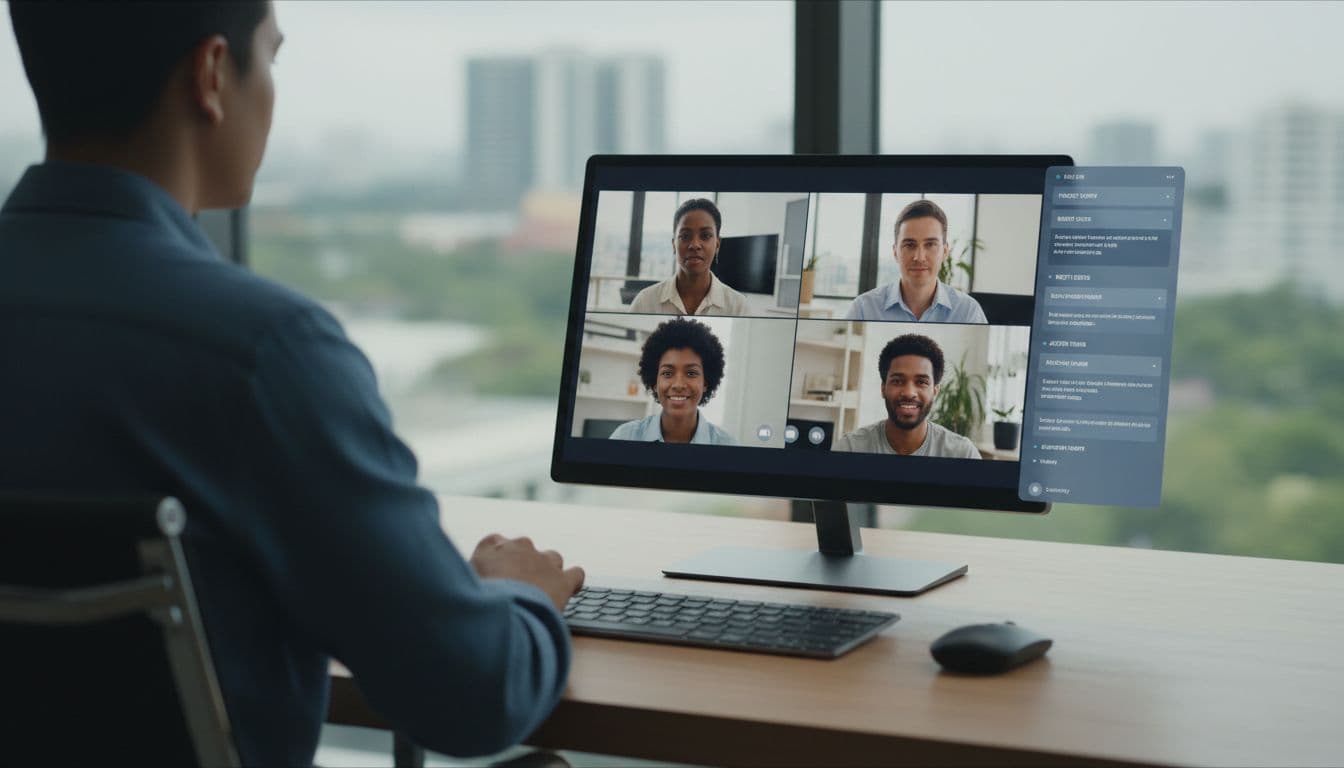
That is why bot-free capture keeps gaining ground. Granola avoids the “assistant joined” moment. Meanwhile, Otter and Fireflies work well when I want meeting recordings for a visible record and a clear audit trail; noise cancellation improves transcription accuracy for these tools. For client-facing meetings, I prefer the least disruptive setup. For internal ops calls, I care more about searchable history and quick follow-up.
If the tool makes attendees focus on the ai notetaker instead of the conversation, adoption drops fast.
If my team splits time between video conferencing software like Zoom, Google Meet, and Microsoft Teams, I usually pick a third-party app with consistent output across them. If the team is Zoom-only, a built-in option can be enough, but cross-platform flexibility drops.
How I’d roll this out on a US team
Rollouts fail when teams automate everything on day one. I start with one recurring internal meeting and one external meeting. Then I measure one thing, do the notes create action items and key decisions?

Four rules keep the rollout sane:
- Confirm owners live: AI catches explicit tasks well, but implied ownership still slips.
- Pick one system of record: I want approved notes to flow into the same stack as my AI project management software for small teams through automated workflows.
- Prioritize data privacy: US teams must address varying state regulations on recording and data handling to avoid compliance risks.
- Use a standard consent script: US recording rules vary by state, so I want the same calendar notice and verbal reminder every time.
If automated recaps and follow-up emails for action items and key decisions never leave the transcript, the app didn’t save time. It only moved the mess.
Quick FAQ
Which app is best if I hate bots?
I’d start with Granola. Local capture feels less intrusive, and it works well across Zoom meetings and Google Meet.
Which app is best for live transcripts?
Otter.ai is still the best fit when I need real-time transcription during the call, not just a summary after it ends.
Are free plans enough for a real team?
For a pilot, yes. Fathom and Fireflies are good test beds. Once I need admin controls, longer history, or heavier usage, I move to paid.
Do these apps replace human notes?
No. They remove most of the typing and often include multi-language support for global teams. I still do a quick review before I send notes or create tasks.
My short list for 2026
If I needed one tool for mixed Zoom and Google Meet use, I’d start with Fireflies.ai as a search copilot for team search across meetings or Granola for low-friction capture. Otter remains strong when live transcript matters, while Fathom is the easiest free entry. In the end, adoption beats feature count. The best app among these productivity tools is the one your team still trusts after week two, delivering reliable meeting insights.
When choosing your AI meeting notes apps and AI meeting assistant, focus on what drives lasting team trust.
Suggested related articles
If you’re exploring options beyond note-taking software, check out these: