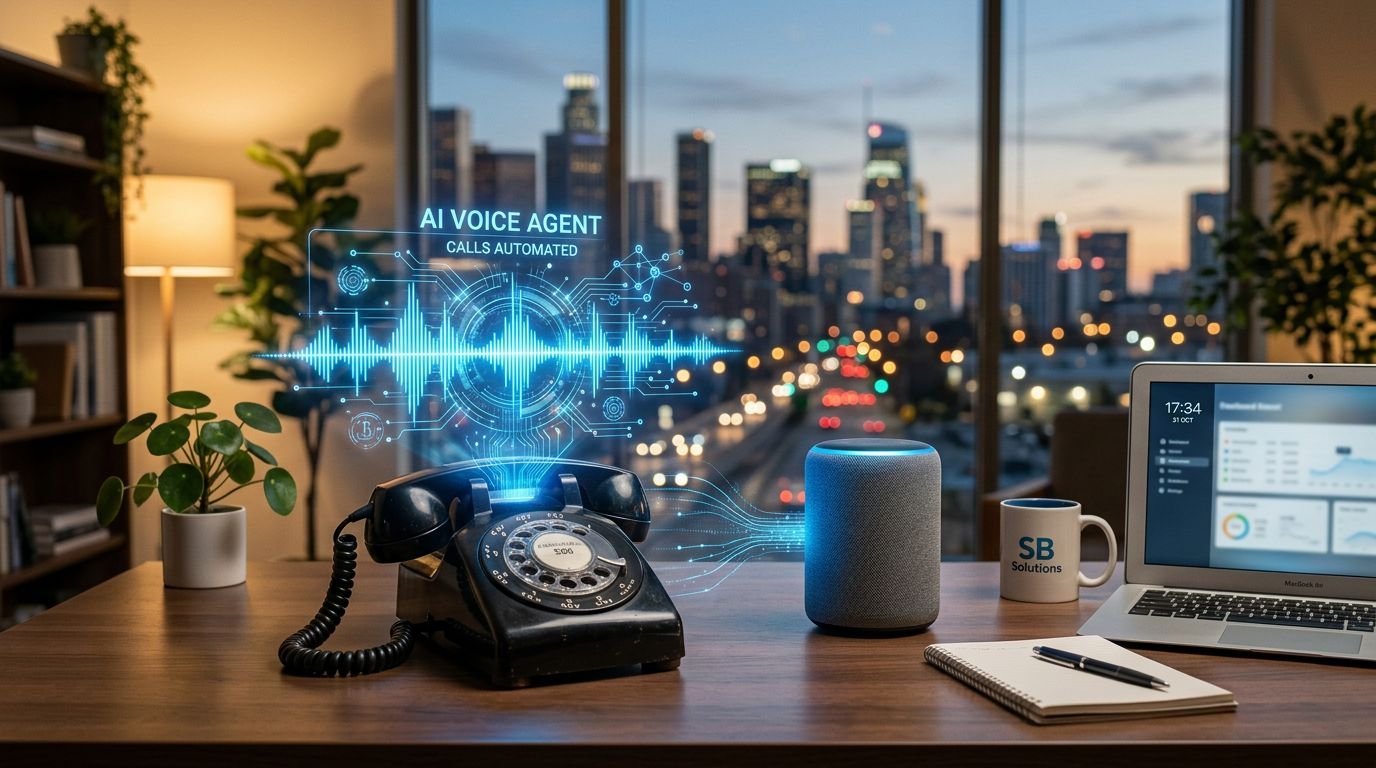
Missed calls aren’t just annoying, they’re revenue leaks. In 2026, I treat artificial intelligence and modern AI voice agents as a first-line ops hire: they represent the next level of phone call automation, answering, qualifying, routing, and booking, even when my team is busy or the office is closed.
The trick is picking a voice agent that behaves well on real calls. Demos are polite. Customers aren’t. Below is how I evaluate voice agents for small US businesses, which tools fit common SMB jobs, and how I’d roll one out without creating a support mess.
What I require from AI voice agents before I’ll trust them

When I test AI voice agents, I’m not looking for “human-like.” I’m looking for predictable. A phone agent is closer to a cashier than a poet. It needs to do the same core moves correctly, all day.
Here’s what tends to decide success for SMB deployments:
- Turn-taking and barge-in: Callers interrupt. If the agent talks over people, trust drops fast. Low latency matters, but natural language processing and speech recognition performance, specifically “does it stop speaking when interrupted?”, matters more.
- Tight task design: The best agents win by staying narrow. “Book an appointment” beats “handle any question.” I design calls like a flowchart with one primary goal.
- Escalation paths: Every call needs a clean handoff. I want warm transfer to a person, voicemail capture, or a text follow-up, depending on the scenario.
- Integrations that reduce double work: If the agent books, it should provide seamless CRM integration for customer support teams, logging the call, creating the lead, and tagging intent. Otherwise, I’ve just moved the work.
- Pricing I can forecast: Per-minute pricing can work, but only if dashboards make usage obvious and I can cap spend during testing, and I’ll evaluate the quality of the text-to-speech engine powered by machine learning.
- Basic compliance posture: US call recording and consent rules vary by state, and outbound calling has TCPA risk. I don’t deploy until the agent can announce recording (if needed) and I can review call logs.
My quickest red flag is an agent that “handles anything” but can’t show me exactly why it took an action. If I can’t audit decisions, I can’t operate it.
The best AI voice agents for small businesses in 2026 (by real use case)

I don’t think of “best” as one winner. I map tools to jobs, then I pick the smallest conversational AI system that can reliably handle phone call automation. In practice, most SMBs fall into four buckets: appointment booking, inbound calls for support triage, outbound calls for lead follow-up, and after-hours coverage.
Here’s a comparison I’d actually use when advising a small team:
| Platform | Best fit for SMBs | Why I’d consider it | Watch-outs I’d test first |
|---|---|---|---|
| Retell AI | Developer-led teams that need fast, natural phone flows | Strong call feel when tuned well, good control for building and iterating. My deeper notes are in my Retell AI Review 2025. | Requires technical ownership, cost depends on call length and model choices |
| Synthflow | Non-technical teams building straightforward agents | Good for quick no-code platform setup, especially for simple appointment scheduling and FAQs | Complex edge cases can get messy, watch escalation behavior |
| Fin Voice (Intercom) | Teams already standardized on Intercom support | One support brain across channels (phone and support workflows) | Great for common requests, less ideal for complicated multi-system tasks |
| SquadStack AI | Sales-heavy orgs focused on connecting with leads | Built around sales automation, outbound and conversion workflows | Make sure data sync and messaging rules match your compliance needs |
| CloudTalk (AI features) | Businesses that want voice inside a broader calling stack | Useful when you already want a calling platform and AI on top | Validate how much is true automation vs assisted calling |
One practical note: if you’re pricing options, I always check minute-based costs and included usage before I run a real pilot. As an example of transparent, public pricing structure, see the byVoice pricing details and compare it to your expected call volume and average handle time.
How I’d deploy an AI voice agent in a small business without creating chaos

A good deployment feels like adding a new teammate with a strict script. If it helps, I think of it like training a front-desk temp: you start with the easiest shift, then expand.
This is the rollout pattern I use:
First, I pick one call type for lead qualification with a clear definition of done. For a dental office, it’s “book, confirm insurance type, then text the appointment details.” For an HVAC company, it’s “capture address, issue type, and urgency, then dispatch or schedule” as part of contact center automation.
Next, I wire the agent into the system that prevents drop-offs. Modern agents built on large language models excel at structured lead intake. That usually means calendar plus CRM plus a ticket queue. If the agent can’t write back into those systems, I’ll add automation around it. For teams that need reliable app-to-app handoffs, I typically build guardrails in Make, and I’ve documented how I structure those checks in my Make.com AI automation review.
Then I add two safety rails that reduce ugly failures:
- A forced escalation rule when confidence is low, the caller is angry, or the request touches billing or cancellation.
- A short “confirm and repeat” step before booking or collecting sensitive details (name spelling, call-back number, appointment time).
These rails ensure a positive customer experience even when the AI hits a limit.
Finally, I treat week one like a controlled experiment. I review recordings, categorize failures, and tighten the script. If you want a simple way to push call outcomes into your tools (Slack, HubSpot, Google Sheets), lightweight automations help with phone call automation, and my reliability notes are in the Zapier AI review.
FAQ: AI voice agents for small businesses (2026)
Are AI voice agents worth it for very small teams?
Yes, if you miss calls or repeat the same answers all day. The value comes from captured leads through API integration for customer support and fewer interruptions, not the novelty of humanlike voices.
What’s the biggest mistake when setting up an AI voice agent?
Making it too broad. I’ve had the best results when the agent has one primary goal per real-time conversation, plus a clear handoff.
Can an AI voice agent replace a receptionist?
Unlike legacy IVR systems, it can cover a large share of routine calls, especially after hours. Still, I keep a human option for billing issues, complex complaints, and VIP customers.
How do I keep the agent from making things up?
I constrain the job to real-time conversations, keep the knowledge base short, and require “I can connect you” behaviors when the request goes off-script.
Where I land in 2026
For most small businesses, AI voice agents work best as focused operators in omnichannel communication: answer, qualify, book, route, and log. If you start narrow, measure outcomes, and keep escalation tight, you’ll usually see value quickly without upsetting customers.
If you’re choosing this month, I’d pilot one use case, run it for two weeks, then expand only after the call logs, backed by sentiment analysis and call transcription, look boring.
For small businesses prioritizing HIPAA compliance and virtual phone numbers, this phone call automation with conversational AI delivers quick wins.