
If your team leaves meetings with fuzzy owners and half-finished follow-ups, you don’t have an “automated notes” problem. You have a reliability problem.
A good AI meeting assistant fixes that by turning talk into something you can act on. In 2026, most tools can transcribe and summarize. The difference is whether you trust the output enough to build a workflow around it.
Below is how I evaluate meeting assistants for small US teams (roughly 5 to 20 people), what to watch for, and what I’d buy depending on your video conferencing software stack.
What an AI meeting assistant should handle (and what it still gets wrong)

In practice, I only care about four outputs from the meeting summaries:
- Who said what: Speaker labeling has to stay consistent across interruptions and fast back-and-forth, which requires reliable speaker recognition.
- What you decided: Decisions should read like commitments, not vague “discussed X” filler.
- What happens next: Action items need owners and deadlines, or they won’t survive Monday.
- Where the record lives: Notes must land in the tools your team already uses (calendar, Slack, CRM, project manager).
Where these tools still fail is predictable. Cross-talk breaks speaker attribution. Problems achieving accurate transcripts create “word salad.” Live transcription helps catch errors early, but it’s not always perfect. Ambiguous statements become fake tasks. Also, bot attendance can annoy clients if you don’t set expectations.
I treat meeting AI as a draft generator. The best setups require a light human pass, usually under two minutes, to confirm owners and dates.
If you don’t move action items into your task system, you didn’t save time. You just changed where the mess lives.
My buyer checklist for small US teams (the things that decide success)
Most teams shop by features. I shop by failure modes. Here’s the short list I use when evaluating AI meeting assistant tools.
Accuracy under stress: Don’t test on a clean one-on-one. Test on your messiest weekly call. For a concrete example of what I mean by diarization and action item quality, my notes align with how I tested Otter AI speaker diarization accuracy in real meetings.
Privacy and recording consent: If you work with clients, healthcare, finance, or legal, your tool choice narrows fast. You need enterprise-grade security and data privacy controls for retention, exports, and admin access. You also need a policy for notifying attendees.
Calendar and meeting platform fit: The lowest-friction tools are the ones that match your platform. Zoom-first teams should prioritize Zoom-native options. Google Meet-heavy teams should validate the bot join flow and invite rules. Microsoft Teams-dominant teams should ensure seamless bot participation too.
Integrations that close the loop: I want action items to become tasks automatically, not copied into tickets by hand, with CRM integration to platforms like Salesforce. If your workflow already lives in ClickUp for task management, a built-in assistant can reduce app-hopping, see how that plays out in ClickUp AI for team workflows.
One adoption trend matters here: more people are letting tools attend meetings on their behalf, but the trade-offs are real (missed context, privacy concerns, and social friction). The quickest overview I’ve seen is this Forbes piece on AI attending meetings and trade-offs.
2026 comparison: which AI meeting assistants fit small teams
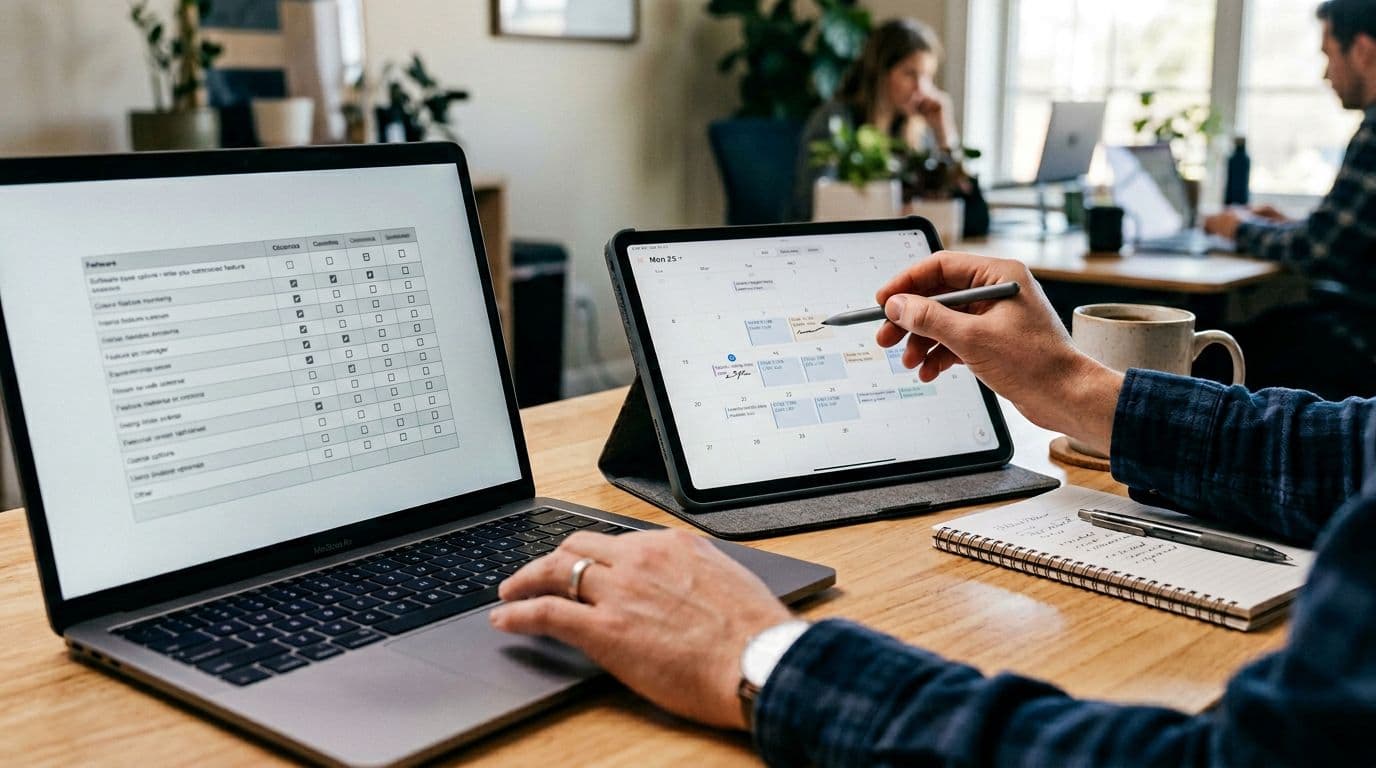
This table is intentionally practical. It reflects what usually matters for small US teams: cost, setup friction, and whether outputs like meeting recaps turn into work.
| Tool (2026) | Typical starting point | What it does well | Watch-outs for small teams |
|---|---|---|---|
| Fathom | Free for many core features | Fast setup, clean summaries, good “highlight” workflow | Free tools can still have limits on admin controls |
| Fireflies.ai | Free tier, paid plan often around $10/user/mo | Strong AI-powered search across meetings, useful task extraction, integrations with Zoom, Google Meet, and Microsoft Teams | Speaker labels vary with audio quality |
| Zoom AI Companion | Included with eligible paid Zoom plans | Lowest friction for Zoom-heavy teams, in-meeting help | Less useful if you split across platforms |
| Otter.ai | Paid tiers for higher volume and admin | Solid transcripts with multi-language support, decent action items when phrasing is explicit | Cross-talk can cause speaker drift |
| Avoma | Often positioned around $24/user/mo | Strong for sales coaching and structured call review | Can be “too much tool” for internal standups |
| Reclaim.ai | Pricing varies by plan | Great if your pain is calendar overload, not notes | Not a pure note-taker, it’s schedule-first |
My quick read: Fathom is the easy starting point when budget is tight. Fireflies is a strong value when you need searchable meeting memory. Zoom AI Companion is the obvious pick if Zoom is your operating system.
A week-one rollout that actually sticks (without annoying your team)
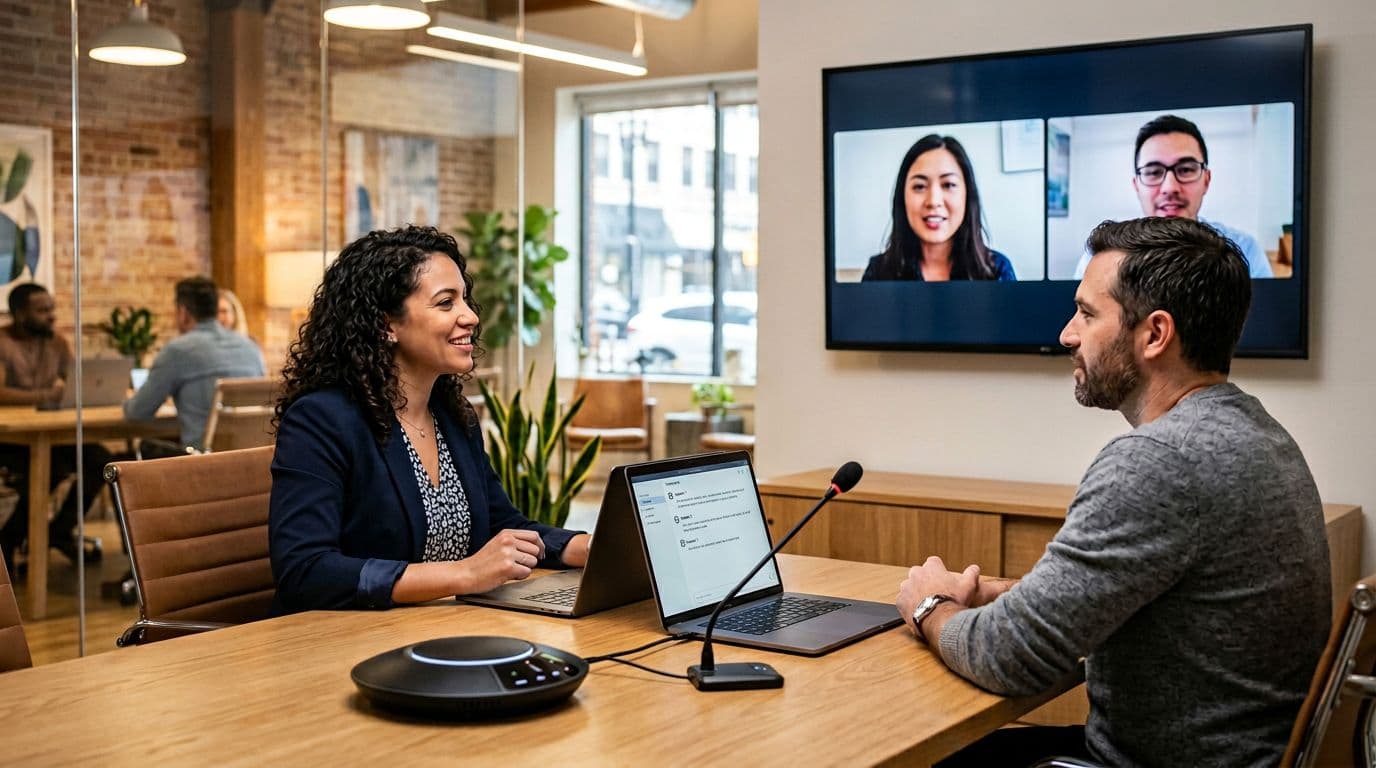
Rollouts fail when you deploy it everywhere at once. I start with two meeting types: one internal recurring meeting (weekly ops, sprint planning) and one external (client check-in). Then I tighten the loop.
- Pick one “system of record” for capturing key insights and action items (ClickUp, Notion, Jira, Asana). Don’t let tasks live inside the meeting tool.
- Define a naming rule for action items (“Owner + verb + due date”). Tools extract better when humans speak clearly.
- Add a 90-second closeout: last agenda item is “confirm action items.” The AI output becomes a checklist, not the final word.
- Automate only after trust: once outputs look stable, push action items into your tools.
For automation, I’m careful with agent-style actions. I’ll let automations create draft tasks, but I avoid auto-sending client emails. Some teams use these tools to generate draft follow-up emails after the meeting ends. If you want to build that pipeline, my reliability-oriented notes on Zapier AI agent actions match what I’ve seen across small teams.
Gotcha: recording laws and consent rules for meeting recordings vary by state. Set a standard script and calendar notice, then stick to it.
FAQ: AI meeting assistant buying questions (US teams)
Do I need an AI meeting notetaker “bot” to join meetings?
Not always. Some tools work inside the meeting platform. Bots can be the fastest setup, but they add consent friction.
How do I judge transcription quality quickly?
Test real-time transcription on one noisy call, one fast-talking call, and one call with interruptions. Spot-check speaker labels around overlaps.
How does conversation analytics help?
Conversation analytics tracks team engagement by analyzing participation and talk time distribution.
Are action items reliable in 2026?
They’re reliable for explicit tasks (“Alex send the deck Friday”). They’re weaker with implied work (“we should revisit pricing”).
What’s the fastest win for a small team?
Use summaries to cut status-meeting time, then push confirmed action items into your project tool.
What I’d buy for a 5- to 20-person US team right now
If I needed the safest pick, I’d choose an AI meeting assistant that matches our meeting platform first, then I’d optimize for task capture and integrations. In other words, friction beats fancy features like sentiment analysis (unless necessary for the team’s specific goals).
Start small, measure whether tasks get created, and only then expand to every meeting. That’s how an AI meeting assistant becomes infrastructure for the company’s knowledge base, enabling smart search, not another app people ignore.