
A Wix site usually loses the sale at the quietest moment, when a visitor has one question and no fast answer. That’s why Wix AI chatbots matter more in 2026 than they did a year ago.
I don’t judge these tools by the demo. I judge them by transcript quality, policy accuracy, handoff behavior, and whether they still help after week two. If a bot can’t answer from your own pages, it becomes a risk, not a feature.
What I check before installing a chatbot on Wix
When I test a chatbot on Wix, I start with four filters.
- It has to learn from real site content, not guess from the open web.
- It needs a clean fallback to live chat, email, or a form.
- It should capture leads without turning every visit into an interrogation.
- Pricing has to hold up when traffic rises.
For US small businesses, mobile behavior also matters. Many Wix visits happen on phones, so a slow or intrusive widget hurts more than it helps. I also check whether the bot can respect policy pages, because refund and shipping answers are where weak setups fail fast.

The Wix AI chatbots I’d shortlist first
Recent 2026 comparisons keep surfacing the same names. Here’s the short list I’d use before I test anything live.
| Tool | Best fit | Main strength | Main limit |
|---|---|---|---|
| Ultimo Bots | Most Wix sites | Fast setup, strong answers, lead capture | Less ideal for deep custom logic |
| Tidio | Ecommerce teams | Live chat plus AI, agent takeover | Costs can rise with volume |
| AnveVoice | Voice sales flows | Fast multilingual voice AI | Voice is overkill for many sites |
| Asyntai | Custom installs | Flexible embed and advanced control | Better for technical teams |
| Wix Chat | Basic starter use | Built into Wix | Limited AI depth |
For most sites, I’d start with Ultimo Bots or Tidio. If voice is central to the buyer journey, AnveVoice becomes more interesting. If I need tighter control and don’t care about app-market simplicity, I’d look at Asyntai.
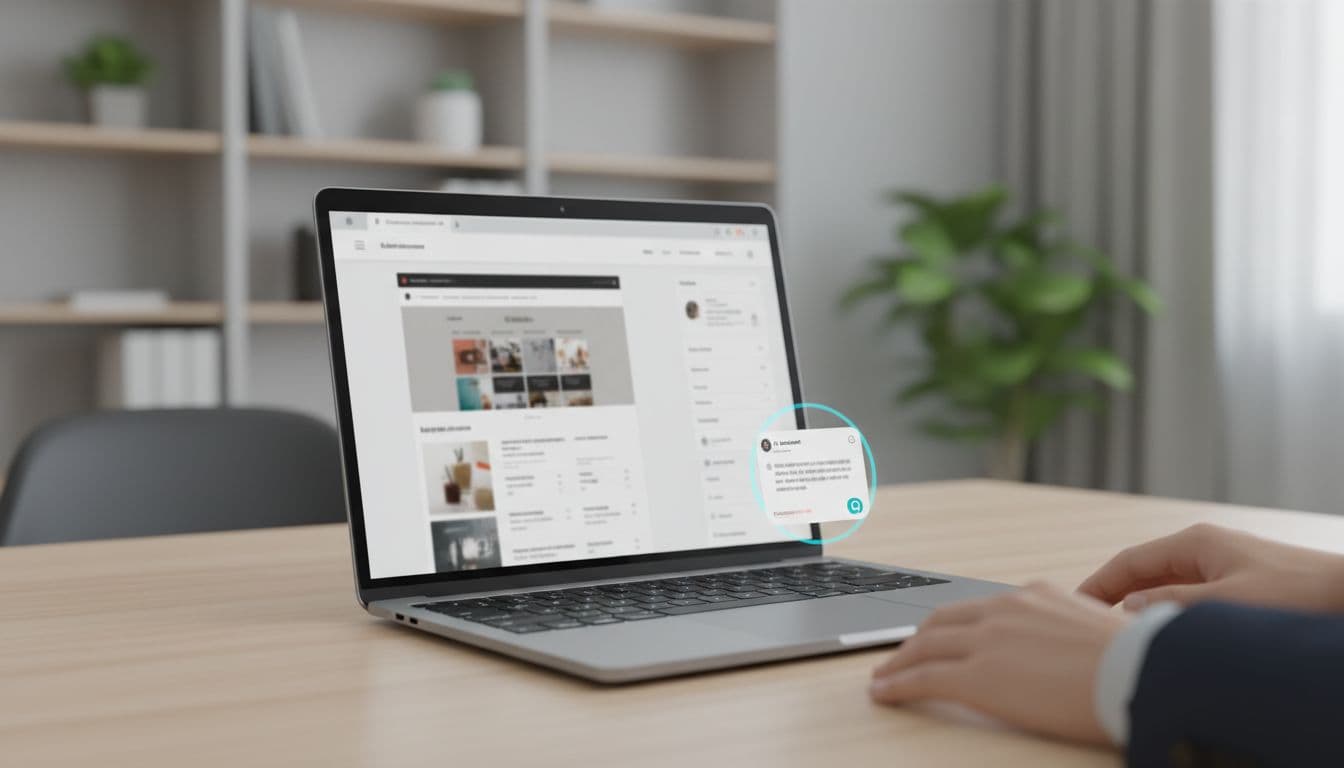
Why Ultimo Bots leads my list
Ultimo Bots looks strongest for the average Wix deployment. It installs quickly, scans site content fast, and supports lead capture without much setup friction. I also like that recent testing points to source-based replies, which matters when policy accuracy is the real job.
Where Tidio still wins
Tidio is still the safer pick for support-heavy stores. Live chat, AI replies, and agent takeover live in one system, so small teams get fewer moving parts. However, I’d watch usage costs closely once chat volume grows.
When AnveVoice makes sense
AnveVoice is the niche pick with a real use case. If your site sells by phone, demo, or guided product selection, voice can reduce friction. If your traffic is mostly low-intent browsing, I’d skip voice and keep the experience lighter.
For a lower-cost example of the site-trained model, Boei’s Wix chatbot page is a useful reference point.
Where these bots help a Wix site most
The best results usually come from narrow jobs, not broad promises. On a service site, I want the bot to qualify the lead, collect basic facts, and route the visitor. On a store, I want it to answer product, shipping, and return questions without inventing policy.
That’s also why I separate “lead bot” from “support bot” in my own reviews. If your main goal is qualification, my guide to top AI website chatbots for leads gives the broader picture. If you sell products and need order-aware support logic, my Shopify support bots guide shows where ecommerce needs get harder.
In practice, I like page-specific behavior. A pricing page bot should help close uncertainty. A blog-page bot should answer and route softly. Same widget, wrong job, bad outcome.
The rollout mistakes I still see on Wix
Most failed chatbot installs are boring failures. The bot trains on thin copy. No one tests edge cases. Then it starts answering refund questions with guesswork.
If a bot can’t ground answers in your policy pages, don’t let it discuss policies.
I also see too many chat widgets firing too early. Give visitors a few seconds. Trigger on page intent or exit behavior, not on every page load. Then review the first 50 to 100 chats by hand. Transcript review tells me more than any setup wizard.
FAQ
Can I add an AI chatbot to Wix without code?
Yes, usually. Most hosted tools install through the Wix app flow or a small embed snippet. The no-code part is easy. The hard part is training and testing.
What’s the best option for a Wix store?
For most small stores, Tidio is the practical starting point because it mixes AI chat with live support. If the store needs stronger knowledge grounding, Ultimo Bots is worth testing first.
Are Wix AI chatbots safe for customer data?
They can be, but I never assume it. I check where logs are stored, how long data stays there, and whether the vendor uses chat data for model training.
The pick I’d make today
If I had to launch on Wix this week, I’d start with Ultimo Bots for a standard business site and Tidio for a support-heavy store. Both solve real problems without pushing me into a custom build too early.
The best Wix AI chatbots don’t win by sounding smart. They win by staying accurate, moving buyers forward, and knowing when to hand the conversation back to a human.