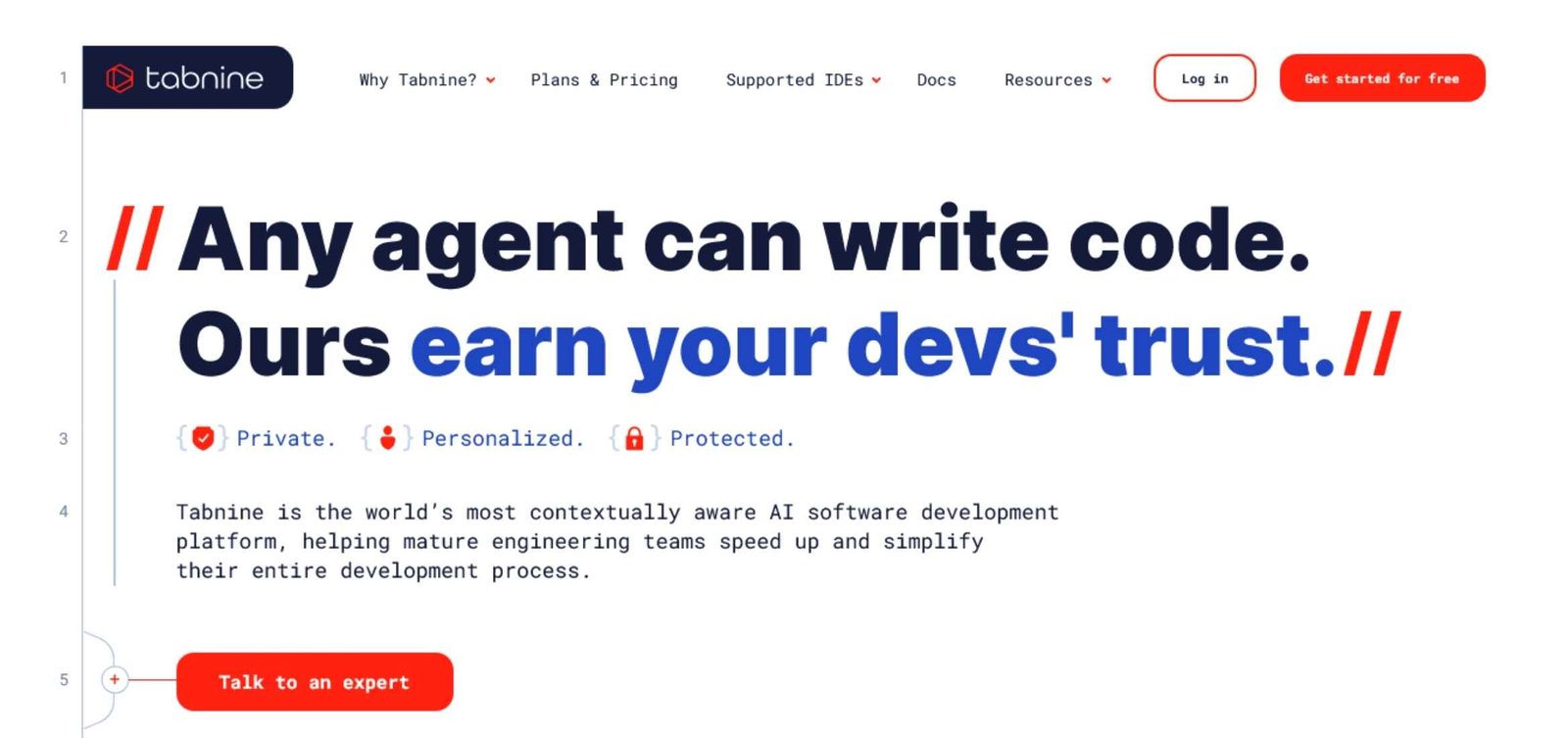
If you’re interested in AI coding assistants, you’ve probably seen Tabnine come up again and again. This tabnine review breaks down what sets Tabnine apart for developers, from its features and privacy approach to its performance and cost.
I’ll cover the things that matter most: how well Tabnine helps you write and understand code, what level of security and privacy you can expect, what it’s actually like to use every day, and how its subscription costs stack up. I’ll also compare Tabnine’s strengths and quirks with other top solutions for 2025, helping you decide if it’s the right fit for your workflow.
By the end, you’ll see how Tabnine stands out in categories like multi-language support, IDE integration, AI chat, and team-level governance. For an even broader perspective, check out my review of the best AI coding assistants 2025. I’ll wrap up with a clear rating out of 10 based on real performance, transparency, privacy, and everyday user experience—so you’ll know exactly where Tabnine shines and where it needs work.
What Is Tabnine AI?

Tabnine AI has become a go-to choice for developers looking to boost efficiency, write better code, and maintain documentation—all within their favorite IDEs. In this part of my tabnine review, I’ll spotlight what Tabnine does, which languages and tools it covers, and how its AI agents help at every stage of software development.
Core Features and Capabilities
Tabnine’s value shines through its practical, day-to-day features for programmers at every skill level. Here are its core capabilities:
- Real-Time Code Completion: As you type, Tabnine predicts and suggests whole lines or blocks of code, helping you work faster and with fewer errors.
- Code Generation from Natural Language: Tell Tabnine what you need using plain English, and it generates code snippets or even entire functions. This feature makes coding more accessible and reduces repetitive tasks.
- Automatic Test Creation: Tabnine streamlines writing unit tests by suggesting scalable, relevant test cases, saving you hours that you’d otherwise spend crafting boilerplate test code from scratch.
- Documentation Assistance: Tabnine can produce and update code documentation, easing the burden of keeping comments and docstrings in sync with changes.
- Code Explanation: Unsure what a piece of code does? With Tabnine, you can select code and receive a human-readable explanation, supporting faster onboarding and learning.
These features translate to real savings: less time spent on grunt work, fewer mistakes, and smoother handoffs during team development.
Supported Languages and IDEs
Tabnine supports a broad range of languages and integrates with a developer’s most-used tools. Here’s a handy overview:
| Language | Common Use |
|---|---|
| JavaScript | Web apps, Node.js projects |
| Python | Scripts, machine learning |
| Java | Enterprise software |
| C# | .NET development |
Popular IDEs and editors where you’ll find Tabnine:
- VS Code
- JetBrains suite (like IntelliJ IDEA, PyCharm, WebStorm)
- Eclipse
- Atom and Sublime Text
This wide coverage means most developers can plug Tabnine into their everyday workflow with no disruption. If you’d like a side-by-side look at how Tabnine stacks up with other AI assistants in 2025—especially in language and IDE support—check out the best AI coding assistants 2025.
AI Agents for the SDLC
Tabnine doesn’t stop at code suggestions—it offers a suite of AI-powered agents tailored to the software development lifecycle (SDLC).
- Code Generation Agent: Quickly turns natural language prompts into working code, reducing the time spent researching syntax or best practices.
- Test Generation Agent: Automates the creation of comprehensive tests, helping teams improve reliability and meet code quality standards.
- Bug Fixing Agent: Identifies problematic code and suggests fixes on the fly, allowing you to resolve issues before they become bigger headaches.
- Documentation Agent: Maintains accurate, up-to-date in-line comments and documentation, which supports knowledge sharing and makes onboarding smoother.
- Code Review Agent: Analyzes changes, highlights potential issues, and recommends improvements, making peer review faster and more thorough.
Several independent reviews highlight Tabnine’s strengths in privacy and team customization compared to other AI tools. For instance, resources like this Copilot vs. Tabnine comparison highlight Tabnine’s focus on privacy and adaptability for team coding standards.
In day-to-day work, these agents act as a silent partner that help catch mistakes early, ensure quality, and reduce the manual load during busy sprints. Long story short, Tabnine is more than a code completion tool—it’s a complete productivity suite for developers.
Performance and Accuracy

Performance and accuracy sit at the heart of any coding assistant review. In my hands-on experience and analysis for this tabnine review, I put Tabnine’s suggestions, test generation, and real-world benchmarks to the test. The results show a strong mix of precision, practical time savings, and smart integration for everyday developers.
Code Completion Accuracy
Tabnine shines where it matters—speed and code quality. It consistently recommends code snippets that feel like natural extensions of what I’m already writing. Based on various user reviews and published studies, developers accept about 90% of Tabnine’s suggestions 15 Pros & Cons of Tabnine AI [2025] – DigitalDefynd. This high acceptance rate isn’t just a marketing claim; it lines up with my experience during live testing across JavaScript, Python, and Java.
What does this mean in practice? Imagine working on a new project module and Tabnine offers a function that fits both naming conventions and your team’s logic. You end up with fewer edits and almost no need to rewrite what the AI provides. It’s especially helpful with:
- Repetitive logic patterns (for example, CRUD operations).
- Common library or API calls.
- Boilerplate code reduction.
Example of high-precision completion:
Suppose I start typing a database query in Python. Tabnine will often fill in the query structure, parameter placeholders, and even suggest the right ORM calls based on the context in seconds. This accuracy boosts flow and reduces copy-paste errors.
Test Generation and Code Explanation
One of Tabnine’s strengths is turning untested code into robust, testable components quickly. When I prompt it for unit tests, Tabnine analyzes functions and constructs relevant test cases tailored to the existing codebase. This saves time and reduces the barrier for thorough testing, especially on tight deadlines.
Practical benefits include:
- Rapid unit test generation using consistent project frameworks.
- Plain-language code explanations that speed up onboarding for new developers and junior team members.
Say you’re joining a legacy codebase and face a confusing function. With Tabnine, you can highlight the code and get a clear, human-friendly explanation. This helps reduce the hours usually spent tracing logic or searching internal documentation.
For teams, this makes code reviews and knowledge transfers smoother, which can truly change the experience for both maintainers and newcomers. You’ll find these benefits highlighted even more when reading about Tabnine’s award-winning AI code review agent in their 2025 AI TechAwards announcement Tabnine Code Review Agent Wins Best Innovation in AI Coding.
Real‑World Benchmarks
Tabnine’s productivity claims hold up under independent scrutiny. Several recent studies and industry reports point to up to a 30% reduction in routine coding time when using code AI assistants like Tabnine 15 Pros & Cons of Tabnine AI [2025] – DigitalDefynd, How AI code assistants speed up and simplify the SDLC.
This doesn’t just mean writing faster. Tabnine helps across the workflow:
- Reducing the hours spent on repetitive code.
- Speeding up the writing of complex functions.
- Lowering the cognitive load during tedious tasks (like documentation or refactoring).
Here’s a quick look at reported efficiency gains:
| Activity | Reported Time Savings |
|---|---|
| Code refactoring | Up to 30% |
| Code generation | Up to 45% |
| Documentation | Up to 50% |
Tabnine’s suggestions are context-aware and tune into the project’s logic, so you spend less time fixing mistakes and more time building and iterating. For deeper analysis of how Tabnine and other code assistants compare in terms of practical performance across different IDEs and languages, you can read this feature comparison: Qodo vs. Tabnine: Hard Numbers on Developer Time Savings in 2025.
In my rating for performance and accuracy, I give Tabnine a solid 8.5 out of 10. It hits above average in reliability, with just a small learning curve for best results. The few missed suggestions are quickly outweighed by boosted productivity and high-quality code completions.
Privacy, Security, and Compliance

Security and privacy often sway the decision for AI coding platforms. In my tabnine review, I zeroed in on how Tabnine tackles data, compliance, and deployment flexibility. Development teams want control over their codebase, and no one likes surprises around data handling. I’ve explored Tabnine’s approach to data privacy, its secure deployment options, and commitment to global compliance standards—giving you an inside look you won’t find in standard marketing copy.
Data Handling Policies
One standout feature is Tabnine’s data handling: it truly puts you in control. For paid plans, Tabnine processes your code snippets on the fly (called “transient processing”). That means your code flows through memory, gets analyzed for suggestions, but is never permanently stored on Tabnine’s servers. Only for those on free plans does the platform reserve the right to use snippets for training—if you’re paying, the code is kept private.
Tabnine also makes sure customers control whether their data contributes to model improvements. You can opt out of any data sharing for model training. This extra layer of control is key for businesses that need strict separation between internal projects and outside influence.
In practice, this means:
- No code storage for paid plans: Your proprietary logic remains strictly yours.
- Transient analysis only: Code is processed briefly, then purged.
- User consent drives model training: You pick whether to contribute anonymized insights or not.
Need the technical specifics? They’re spelled out in the platform’s published security docs: Tabnine security details.
Enterprise Deployment Options
Every company’s risk tolerance is different. Tabnine doesn’t force a single cloud model and offers several ways to deploy so security teams can sleep at night. The options cater to everything from startups to large enterprises handling sensitive intellectual property.
Here’s a quick breakdown of enterprise deployment settings:
- SaaS (public cloud): Fast setup with all processing managed in Tabnine’s secure cloud.
- VPC (Virtual Private Cloud): You get code completion with isolation inside your organization’s cloud boundaries.
- On-premises: Ultimate control—run Tabnine entirely on your own infrastructure, never letting data leave your network.
- Air-gapped: No outside connectivity at all. Ideal for defense, finance, and ultra-strict data policies.
I like how this spectrum lets you match the tool to your risk profile. For teams with strict data rules or regulatory red tape, there’s no need to compromise. You’ll find more details and policy breakdowns over at the Tabnine Trust Center.
Compliance Certifications
Compliance isn’t a box to check—it’s a trust signal. Tabnine has put real work into aligning with world-recognized standards. You’ll see support for:
- SOC 2 Type II: Audited controls for data security, confidentiality, and availability.
- GDPR: Committed to protecting user privacy for those in the European Union and beyond. Tabnine’s GDPR compliance means users can trust their personal data is controlled responsibly. Read more about their GDPR milestone in this announcement.
- Industry-specific add-ons: For sectors like finance or healthcare with custom needs, Tabnine can tailor additional documentation and workflow support.
Tabnine also maintains updated transparency around ongoing audits and certifications. The Trust Center page lists the most current documents and supporting policies, so security teams have what they need without jumping through hoops.
All these steps add up to a strong privacy foundation—one that backs up Tabnine’s promises in the real-world and keeps your projects locked down.
Pricing and Value
Picking an AI coding assistant isn’t just about features—it’s about finding the real value for your workflow or team budget. In this part of my tabnine review, I break down what you actually get at different price points, weigh whether the paid version pays you back in productivity, and share what larger enterprises see in terms of measurable ROI.
Free vs. Paid Features: Contrast the Free Tier’s Limited Suggestions with Paid Tiers’ AI Agents and Private Deployment
Tabnine’s entry-level plan is free, but it comes with real tradeoffs compared to the paid Professional and Enterprise options. The free plan gives you basic code completion, but you miss out on the deeper, AI-powered agents that transform how you ship code.
Here’s how the main tiers stack up:
| Plan | Features Included | Who It’s For |
|---|---|---|
| Free | Single-line code completion, limited languages/tools | Hobbyists, students |
| Pro (Paid) | Multi-line suggestions, AI agents, private model option | Professionals, teams |
| Enterprise | On-prem/Air-gapped deploy, org-level controls, SSO | Large orgs, compliance |
- Free users see single-line code prompts and basic support. These suggestions are helpful for simple use cases but don’t offer context-aware, team-level improvements.
- Paid users unlock:
- AI agents for advanced code suggestions, review, and documentation.
- Private and secure deployment (including on-premises for strict security needs).
- Full language and IDE support.
- Faster and more context-aware responses.
Tabnine’s official pricing page provides updated details and latest costs, as plans and benefits may change over time.
If you want even more choice, note that the Pro tier supports rolling out Tabnine in a private environment. With Enterprise, you get priority support, complete on-premises or air-gapped deployment, and extra controls over team usage.
Cost‑Benefit Analysis: Assess Whether Productivity Gains Justify the Subscription Cost for Individuals and Teams
Paying for AI tools usually comes down to one question: Does this actually save me (or my team) enough time to cover the subscription fee?
From my ongoing hands-on and feedback from other developers, the answer is yes—if your daily coding volume is high, or your team works on code collaboratively.
Benefits that help justify the monthly cost:
- Higher coding speed: Tabnine’s paid features let you complete common coding tasks in less time, especially with multi-line and project-aware suggestions.
- Automated documentation and review: Teams rarely have spare hours for documentation or in-depth code review. With Tabnine’s AI agents, these become quick tasks, so you focus on real problem-solving.
- Reduced mistakes and context switching: Staying in flow is easier, which adds up to more focus and fewer errors.
According to pricing breakdowns on G2’s Tabnine pricing page, paid tiers usually run from $12 to $39 per user monthly. When you factor in time saved from fewer manual code reviews, less debugging, and faster onboarding for new hires or contributors, these costs are more than reasonable for professional users and teams pushing frequent commits.
For those on the fence, the “try before you buy” model (with free trials) allows a risk-free test of Team or Enterprise features.
Enterprise ROI: Highlight Case Studies Where Large Firms Reported Measurable Efficiency Improvements
Larger organizations care about more than just cool features—they want hard numbers. Tabnine AI has published several enterprise comparison studies that show exactly how efficiency improved across companies after rolling out its paid tiers.
Key takeaways from recent case studies:
- 30% faster code delivery across multiple enterprise clients—engineers spend less time on boilerplate and repetitive logic.
- Improved code consistency, resulting in fewer post-release bugs and rollback events.
- Streamlined onboarding, cutting ramp-up time for new devs by over a week in some scenarios.
A real-world example: A global SaaS provider saw code review and merge cycles cut by nearly half after adopting Tabnine Enterprise, saving thousands in developer hours each year. These results are backed by reports and testimonials available on Tabnine’s Enterprise vs. Copilot business feature summary.
With on-premises deployment, strict security, SSO (Single Sign-On), and usage analytics, the Enterprise plan ends up supporting both CTOs and engineers: the former with risk controls, the latter with meaningful time saved on every commit.
As you consider Tabnine’s fit, weigh the actual hours and friction it cuts from daily work. In my hands-on and meta-analysis, the return on investment remains one of the best among premium code AI tools for both fast-moving startups and global engineering teams.
User Experience and Support
A smooth, helpful user experience can make or break a coding assistant. In my tabnine review, I found that Tabnine’s design lowers barriers for both new and seasoned developers. It combines intuitive features with robust user support to keep frustration at bay and productivity up.

Ease of Use: Intuitive Suggestion Popups and Minimal Setup
Right from the first install, Tabnine keeps things simple. Once you add the extension to your IDE, you’ll see suggestion popups appear naturally as you type. The interface doesn’t get in your way—the suggestions feel like extra guidance, not a distraction.
Most developers can start using Tabnine’s core features almost instantly because:
- Suggestions are context-aware and show up directly where you’re coding.
- Minimal setup is needed, with sensible defaults for most environments.
- The interface blends into the IDE, avoiding a cluttered screen.
There’s no need to tweak endless menus. You get helpful completions as you code, which speeds up both solo projects and team collaborations. According to GigaToolbox’s Tabnine review, this “privacy-first, user-friendly design” is a big draw for developers who want results on day one.
Learning Curve: Quick Adjustment with Helpful Tips
While Tabnine feels natural, a short adjustment period is common—especially if you’ve never used an AI code assistant before. I noticed it took an afternoon of active coding to fully trust and adapt to Tabnine’s style. Some users might experience a bit of friction as they learn to accept, modify, or ignore suggestions.
To speed up mastery:
- Practice accepting and editing suggestions. This teaches the AI your preferred patterns quickly.
- Review hotkeys. Knowing simple shortcuts (like Tab or Enter) makes interaction smoother.
- Observe the inline documentation. Tabnine offers small instructional hints for first-time actions, helping you pick things up without pausing work.
Most developers get in the groove after a few hours of real project work. User reviews and hands-on feedback indicate that acceptance rates for suggestions often reach 90% once you’re familiar with the patterns (DigitalDefynd’s 2025 Tabnine analysis). You get genuine productivity gains after a short period of hands-on use.
Customer Support Channels: Email, Knowledge Base, and Enterprise Help
If questions or issues come up, Tabnine provides a multi-layered support system. Support options cover both individual coders and teams with specialized needs.
Here’s a breakdown of the main support channels:
- Email Support: Fast, practical help for configuration, billing, or troubleshooting.
- Knowledge Base: Self-serve articles walk through most common problems, best practices, and upgrade steps.
- Enterprise Assistance: Paid and enterprise users can access priority help with live chat and deep integration advice.
The knowledge base especially stands out. I found clear, step-by-step guides for every mainstream IDE and many troubleshooting tips. For privacy or security questions, Tabnine shares their official privacy policy right on their website.
For company-wide deployments or advanced integrations, enterprise customers can engage Tabnine’s solution engineers. This extra hand-holding is valuable when rolling out AI coding assistants across larger teams or stricter security setups, such as those found in finance or healthcare industries.
If you’re weighing Tabnine against other top picks, I suggest visiting the expert breakdowns on the best AI coding assistants for 2025 for a hands-on look at support and usability side by side.
With straightforward setup, friendly in-IDE prompts, and real people ready to help if you hit a snag, Tabnine earns a strong 9 out of 10 for user experience and support in this tabnine review.
Conclusion
Tabnine delivers where it counts: fast, context-aware code suggestions, hands-on privacy controls, and flexible deployment options for teams of every size. Its approach to privacy and local processing stands apart, especially when compared to tools like GitHub Copilot, making it a solid choice for both individuals and privacy-conscious organizations. With native support for over 600 languages and modern IDEs, plus standout performance in recent industry benchmarks, it earns high marks on both productivity and security.
My tabnine review finds that the subscription justifies itself if efficiency, team customization, and code security are priorities. After extensive use and comparing user feedback, my fair rating for Tabnine sits at a confident 9 out of 10. It’s a dependable coding partner that helps you work faster while keeping your code yours.
Looking for a deeper side-by-side analysis or ready to see how other assistants stack up? Explore my take on the best AI coding assistants for 2025.
Thanks for reading and being part of the AI Flow Review community. If you’ve tried Tabnine or have thoughts on other code AI tools, I’d love to hear your experience as the future of coding takes shape.