Most people use Quizlet like a Swiss Army knife, they open a set, pick a mode, and hope it sticks. That works for light review, but it breaks down fast when you’re prepping for a midterm, the SAT, or a certification exam.
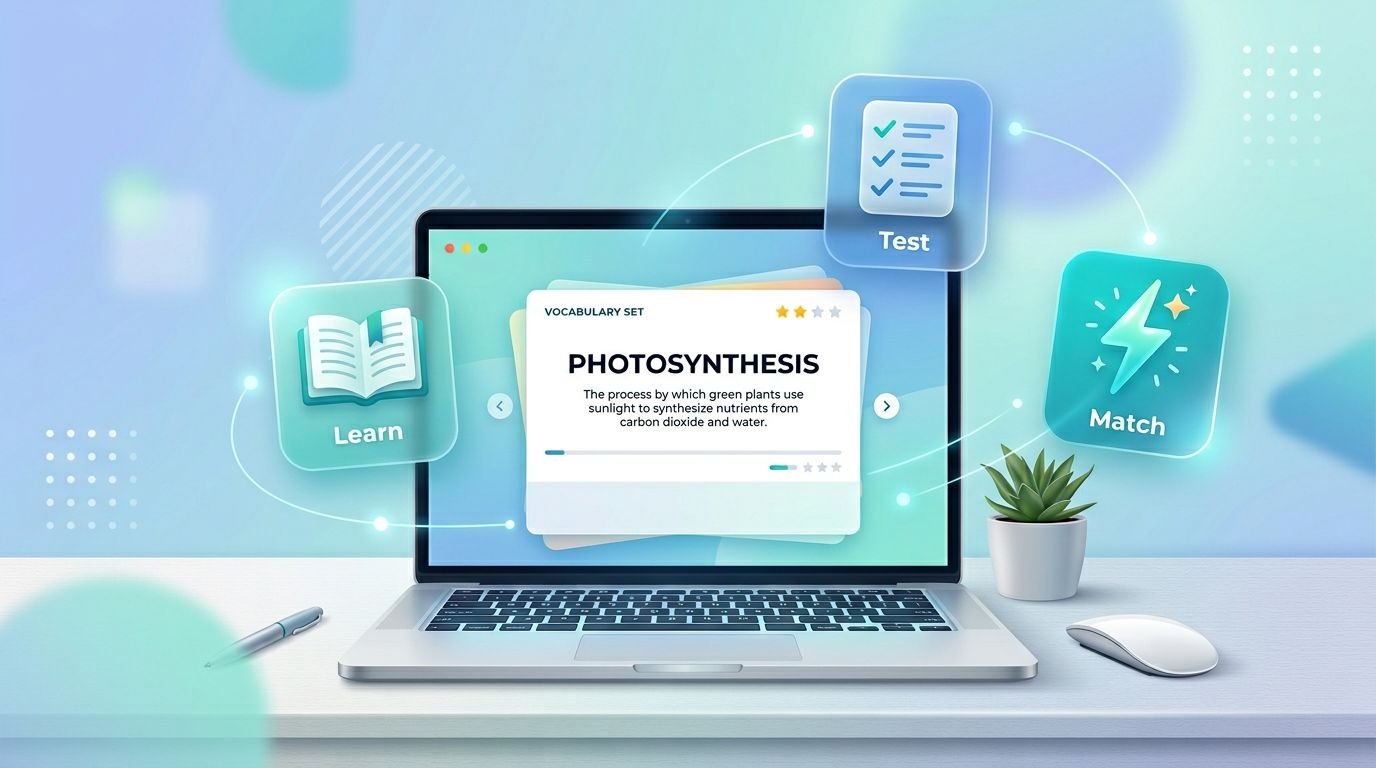
The real difference in Quizlet Learn vs Test isn’t the UI. It’s the kind of memory each mode trains. Learn builds recall over time, Test measures readiness (sometimes poorly), and Match boosts speed but can trick you into thinking you “know it.”
I’ll walk through where each mode fits, where it falls apart, and the workflow I use when time is tight.
How I choose between Learn, Test, and Match (a practical decision map)
I treat Quizlet modes like instruments. You don’t grab a thermometer to measure distance. In the same way, you shouldn’t use Match to learn brand-new material.
Here’s the simplest way I decide.
| Mode | Best for | Works great when | Breaks down when |
|---|---|---|---|
| Learn | Building durable recall | You have at least a few days, and your set is clean | Cards are vague, multi-answer, or concept-heavy |
| Test | Checking readiness | You need a score and a mistake list | You need exam-faithful questions or deep explanations |
| Match | Speed and patterning | You already know the basics and want quick reps | You confuse recognition with recall, or you rush |
My rule: Learn first, Test second, Match last. If I reverse that order, I get overconfident.
One more baseline: content quality decides everything. If your set has errors, all three modes will train the wrong facts. When I want a broader view of how Quizlet’s newer study features behave in real use, I reference my hands-on guide to Quizlet’s new AI study tools, then I rebuild the set before I grind.
Learn mode: best for retention, worst for messy sets
Learn is the closest thing Quizlet has to a structured practice loop. It pushes repeated retrieval, mixes question formats, and keeps dragging weak items back into view. That’s exactly what you want when the goal is long-term recall.
Learn works best for:
- Language vocab (Spanish terms, medical prefixes, legal definitions)
- Memorizing security acronyms for CompTIA-style studying
- Anything with clear, checkable prompts and answers
Where Learn breaks down is also predictable. If your cards accept multiple correct answers, Learn can punish you for being right in a different way. The same problem happens with “explain why” topics (history causes, system design trade-offs, literature themes). Learn wants crisp targets, not debate.
In February 2026, I’ve also seen Learn sessions get more interactive, with options like voice answering and more “coach-like” prompting in some accounts. Those help with friction, but they don’t solve the core issue: Learn only trains what your cards can represent.
Image prompt (16:9, photo-realistic): A college student at a kitchen table using a phone flashcard app, notebook open, late afternoon window light, realistic study clutter.
Test mode: best for calibration, risky for false confidence
Test mode is how I answer one question: “If this were graded, what would I get right today?”
That calibration step matters, because studying without feedback is like driving with a fogged windshield. Test mode usually helps by mixing question types (written, multiple-choice, matching). Newer builds I’ve used also adjust difficulty more aggressively and can generate questions from images or diagrams, which is handy for anatomy labels or geometry figures.
Test mode is strong when you use it to:
- spot weak areas fast
- build a “miss list” for targeted review
- practice switching between question formats
Still, Test mode has blind spots. Many generated questions are only loosely aligned to your class exam style. Some items test recognition (especially with multiple-choice), which can feel like mastery while your recall is still fragile. If you’re prepping for a teacher-made exam or a professional test bank, you should treat Quizlet Test as a warm calibration, not the final judge.
I also factor in the product reality: Quizlet has tightened free-tier limits over time, and students notice. This student perspective on Quizlet restrictions matches what I see in practice. If your Test access is limited, you need to ration it for checkpoints.
Image prompt (16:9, photo-realistic): Close-up of a laptop showing a practice test screen, a hand holding a pencil over scratch paper, coffee mug nearby, sharp focus, natural lighting.
Match mode: best for speed, weak for real learning
Match is a timing game. You pair terms and definitions as fast as possible. It’s satisfying, and that’s the point. In newer versions, I’ve seen more social and “live” elements (multiplayer style matching, hints, themed packs). That can increase reps, which is valuable.
Match shines when:
- you already know the material but need faster access
- the set is short and consistent (under 60 items is my preference)
- you’re warming up before a longer Learn session
Match breaks down when you use it as the main study method. Speed encourages shallow cues. You start recognizing shapes of words and answer positions. That’s not the same as producing an answer under pressure.
If Match is all you do, you’ll often freeze on written-response questions later because you never practiced generating the answer. I still use it, but as a finisher, not a foundation.
Image prompt (16:9, photo-realistic): Two high school students sitting side-by-side with phones, competing on a timed study game, classroom background softly blurred, realistic expressions, evening study hall vibe.
The workflow I use: Learn builds, Test checks, Match polishes
When I’m studying for something real (a graded exam, a cert, a job interview loop), I run a simple rotation:
- Learn (10 to 20 minutes): I push until errors cluster around a few concepts.
- Fix the set (5 minutes): I rewrite vague cards, split double-barreled definitions, add one concrete example.
- Test (one full pass): I don’t chase a perfect score. I chase a clean mistake list.
- Match (3 to 5 minutes): Only after I can answer in Learn without “pattern guessing.”
If I only have one mode available, I pick Learn. If I only have five minutes, I pick Match. If I need to decide whether I’m ready, I pick Test.
The goal isn’t to “finish” a mode. It’s to expose what you can’t recall yet, then force retrieval until it sticks.
Quizlet Learn, Test, and Match FAQ
Is Learn better than Test for finals?
For most finals, yes. Learn builds recall across days. Then I use Test to measure readiness and find weak topics.
Why does Match feel easy even when I’m not ready?
Because Match often trains recognition. You can win by spotting patterns, not by generating answers from scratch.
Can I use Test mode as my only study method?
I don’t. Test is a checkpoint, not a plan. Without repeated recall cycles (Learn or written drills), scores can inflate.
What’s the best order: Quizlet Learn vs Test vs Match?
I run Learn first, Test second, Match last. That order reduces fake confidence.
What should I do when Learn marks a “correct” idea wrong?
Rewrite the card. Make answers unambiguous, accept synonyms where possible, and split complex concepts into smaller cards.
The practical takeaway
I get the best results when I treat Quizlet as a system, not a slot machine of study modes. Learn is the workhorse, Test is the gauge, and Match is the speed round. Used in the wrong order, they can waste hours. Used on purpose, they stack.
Suggested related internal articles: