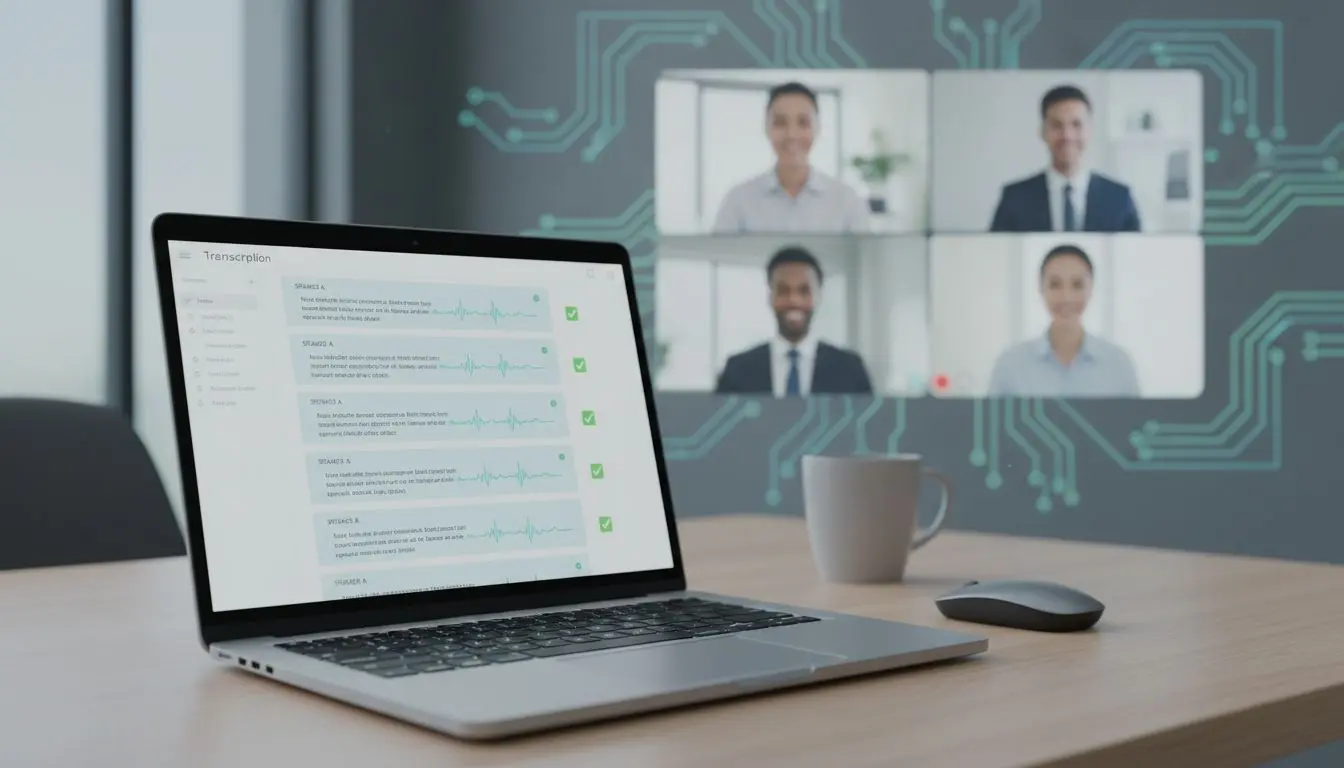
If you’ve ever left a meeting with a messy transcript and a vague “we’ll follow up,” you already know why people buy meeting note tools. In this Otter AI review, I’m focusing on two things that decide whether the notes are actually useful: speaker diarization (who said what) and action item capture (what needs to happen next).
I tested Otter the way most teams use it in 2026, on recurring Zoom and Google Meet calls, plus a few ad hoc conversations where people talk over each other. My goal was simple: figure out when Otter feels dependable, and when I still need to babysit the output.
How I tested Otter in 2026 (quick, realistic, repeatable)
I didn’t run lab-grade benchmarks. Instead, I used Otter in the situations that usually break transcription: fast speakers, mild background noise, and the classic “two people jump in at once” moment.
Here’s what I paid attention to:
- Whether Otter kept speaker labels consistent across a full meeting, not just the first five minutes.
- How often it confused voices that sound similar (same mic quality, same room).
- Whether action items came out as clear tasks, or fluffy summaries that I couldn’t assign.
For context, it helps to remember how fast speech-to-text has improved lately. Even general ASR progress (like the ideas discussed in this Alibaba Qwen3-ASR-Flash transcription model) raises expectations for meeting assistants. In other words, “good enough” diarization is a moving target.
I also compared Otter’s outputs against what I’d personally write as meeting notes, because that’s the real competition.
Speaker diarization accuracy: when Otter nails it, and when it drifts
Speaker diarization is basically name tags at a crowded dinner. If the tags fall off halfway through, the whole story gets confusing.
In clean conditions, Otter’s diarization can feel strong. Recent reporting around 2026 claims it can reach up to 95% accuracy in optimal audio conditions. That matches what I saw when each person had a decent mic and people took turns. The labels stayed stable, and the transcript was easy to skim.
Once things got more chaotic, accuracy became more variable. Cross-talk was the biggest issue, especially when two people started with the same short phrase (“yeah,” “right,” “so”). Otter sometimes merged those into one speaker, then corrected later, which made the middle of the transcript harder to trust.
I also noticed a practical truth: diarization is a workflow problem, not only a model problem. Small habits help more than you’d think:
- Ask everyone to use one device audio, not speakerphone plus laptop mic.
- Keep cameras on when possible, because people tend to interrupt less.
- Manually relabel speakers early, so the tool learns who is who across meetings.
If I’m going to quote a meeting transcript, I only do it after I spot-check speaker labels around interruptions. That’s where diarization mistakes hide.
If you want a second opinion on how Otter identifies speakers, this guide to Otter AI speaker diarization lines up with the idea that results depend heavily on “best-case” audio.
Action item capture: helpful draft, not a perfect project manager
Action item capture is where meeting assistants either save you an hour, or create extra cleanup. Otter’s 2026-style output usually includes a summary plus pulled-out action items, decisions, and next steps. The best moments are when it turns a rambly discussion into a short, assignable line.
In my tests, action items were most accurate when someone spoke in task language, like “John, can you send the revised deck by Friday?” Otter caught those cleanly and kept the intent.
Where it struggled was with implied work. If someone said, “We should probably update the onboarding doc,” Otter might surface it, but it often missed the owner or the deadline. That’s not shocking, because humans argue about ownership too.
The improvement I did like in 2026 is how action items fit into workflows. Otter can connect into tools teams already use (Slack or automation connectors like Zapier are commonly mentioned), which matters because tasks die when they live only inside meeting notes.
My rule: if Otter flags an action item, I confirm the owner in the moment. Otherwise, it becomes a “someone” task.
If your goal is turning transcripts into publishable assets (show notes, blog drafts, edited clips), Otter isn’t really an editor. In that case, I’ve had better luck pairing transcripts with a tool built for content workflows, like this Descript AI transcription editor.
Otter vs other meeting assistants (what I’d pick, depending on the job)
A quick comparison helps when you’re choosing based on diarization and action items, not marketing pages. Here’s how I think about the common alternatives mentioned alongside Otter in 2026.
Before the table, if you want broader market context, Krisp keeps a running roundup in their best AI meeting assistants 2026 post.
| Tool | Best for | Speaker diarization (my take) | Action items (my take) |
|---|---|---|---|
| Otter.ai | General meetings, searchable notes, real-time transcripts | Strong in clean audio, slips with cross-talk | Good at explicit tasks, weaker on implied owners |
| Fireflies.ai | Budget-friendly team notes | Similar category, depends on audio and speakers | Often solid for follow-ups, varies by setup |
| Gong | Sales calls and CRM-heavy teams | Usually reliable in structured sales calls | Tied to sales workflows, not my pick for internal standups |
| tl;dv | Teams that want multi-meeting memory and more languages | Good, especially when meetings are consistent | Strong for recurring meeting patterns and coaching style notes |
My takeaway: Otter is easiest to adopt for everyday meetings. If you live in sales ops, Gong-style tooling can make more sense. If you need lots of languages and cross-meeting recall, tl;dv tends to come up for a reason.
Pricing and plan fit (what matters more than the sticker)
Otter’s plan lineup makes more sense when you map it to meeting volume.
The free tier is useful for a test drive, with limited minutes and basic summaries. In 2026, the Pro plan is the one I’d expect most individuals and small teams to land on, mainly because it’s commonly listed with 6,000 minutes per month and longer per-conversation limits (often noted as up to 4 hours per meeting). Business and Enterprise tiers add the admin and security pieces teams ask for, including features like SSO and 2FA.
If you don’t actually need a meeting bot, and you mainly want speech-to-text inside a broader content suite, an all-in-one tool can be cheaper to live with. This 1min.ai audio transcription features breakdown is a good example of that “one subscription, many tools” angle.
For a pricing and test-focused outside perspective, I also skimmed this Otter.ai review with accuracy tests and found it helpful for cross-checking expectations.
FAQ: Otter diarization and action items in 2026
Does Otter AI identify speakers automatically?
Yes. In my use, it labels speakers best when each person has clear audio and minimal overlap.
How accurate is Otter’s speaker diarization in 2026?
Reports often cite results up to 95% in ideal conditions. In real team calls, I treat it as “usually right,” then I verify around interruptions.
Does Otter AI capture action items reliably?
It reliably captures explicit tasks with clear owners. It’s less reliable when the task is implied or the owner is unstated.
Which meetings benefit most from Otter?
Weekly staff meetings, project check-ins, and interviews where you need searchable quotes and a quick summary right after the call.
Where I land on Otter in 2026
This Otter AI review comes down to trust. When audio is clean and people take turns, diarization feels solid, and action items save real time. When meetings get messy, Otter still helps, but I treat its outputs as a draft that needs a quick human pass.
If you’re curious, try Otter for one week of your regular meetings, then measure one thing: how often you copy an action item into your real task system. That’s the moment where “nice transcript” turns into value.