If you’re reading this Midjourney V7 review in February 2026, you probably want one thing, more control without killing your speed. I get it. When I’m building concept art, brand scenes, or character sheets, I don’t want to fight the model. I want to steer it.
In this review, I’ll focus on three things that matter in real work, prompt control, style consistency, and upscaling. I’ll share what changed, what still feels tricky, and how I personally get more predictable results.
Where Midjourney V7 stands in early 2026 (what changed, fast)
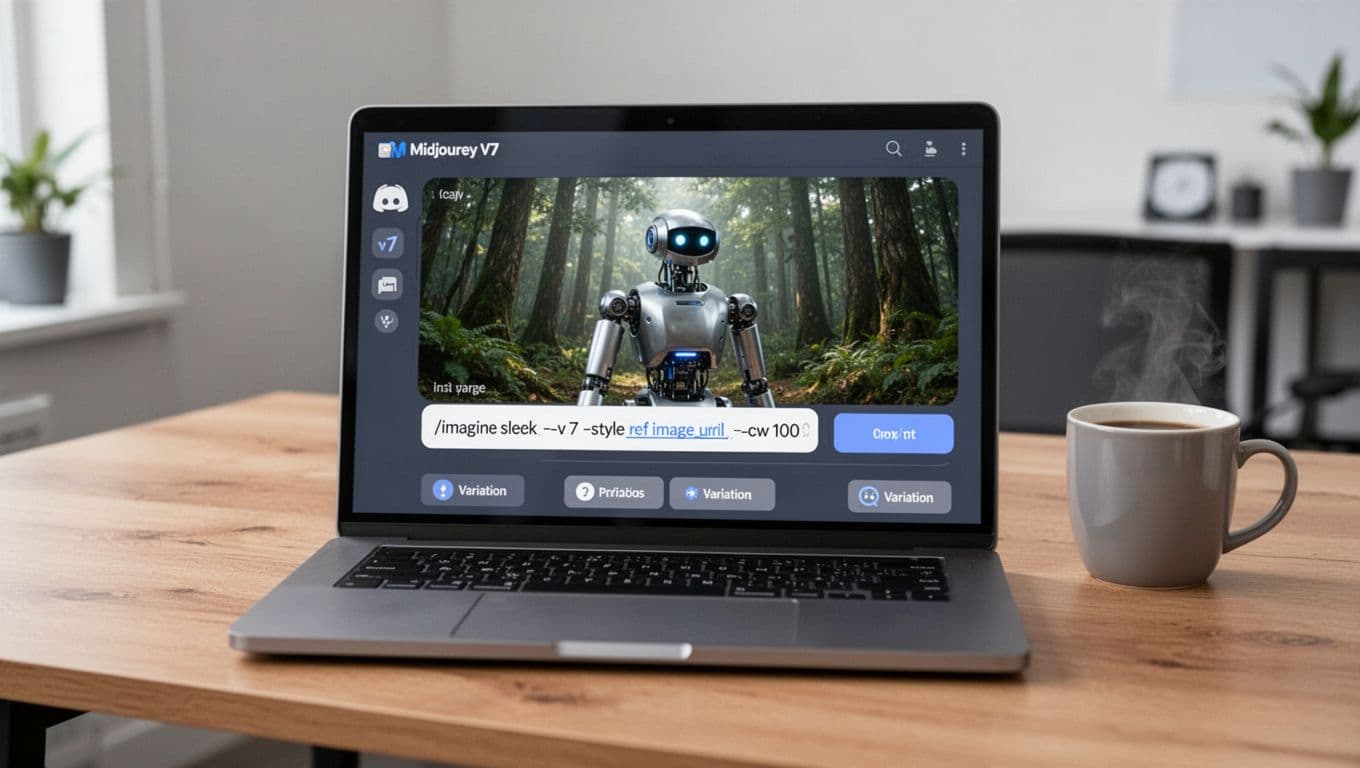
Midjourney V7 landed as a major upgrade in 2025 (alpha on April 3, then default for most users by June 17). What I felt right away was better text understanding. In plain terms, it follows the “English” of my prompt more often, so I spend less time wrestling with unintended props, weird camera choices, or random wardrobe swaps.
V7 also introduced personalization. Midjourney’s approach is simple: you rate around 200 images, then it adapts toward your taste. When it works, it feels like the tool “gets” my preferences sooner, especially for lighting and composition.
Draft Mode is another big shift. Midjourney described it as 10x faster and half the cost for quick previews, which matches the way I use it: rough first, refine later. For the basics and older context, my notes from last year still help, so I often point people to my earlier write-up, Midjourney Review 2025: Features and Pricing.
For a deeper rundown of V7’s feature framing and technique ideas, I also cross-check other perspectives like Midjourney v7 explained, then I test the claims against my own prompts.
The biggest V7 “feel” change for me is this: I iterate faster because Draft Mode lowers the cost of being wrong.
Prompt control in V7: how I get closer to the image in my head
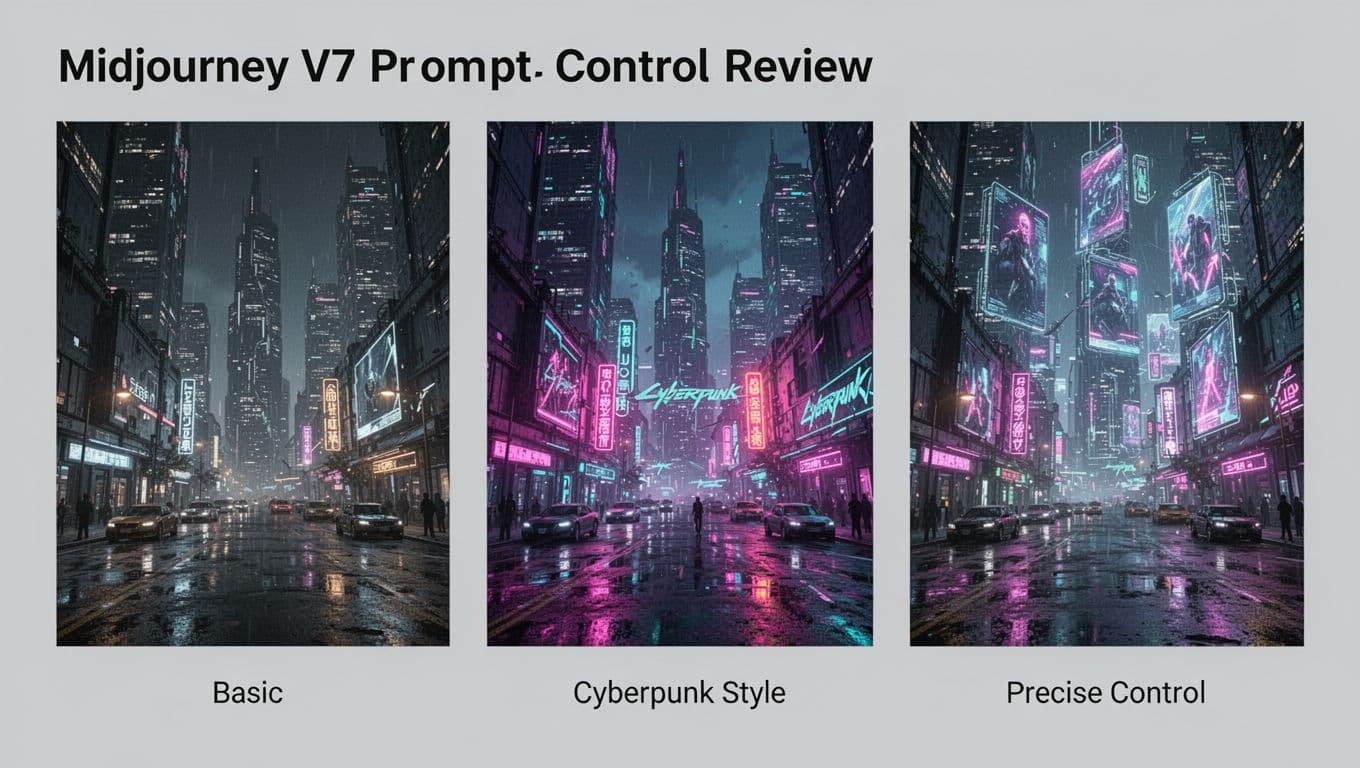
Prompt control is the reason I stick with Midjourney even when other tools look tempting. Still, control in Midjourney has always been a mix of art and habit. V7 improves prompt understanding, but you still need to “speak its language.”
My mental model is simple: a prompt is like giving directions to a taxi driver. “Take me downtown” works, but “take 5th Avenue, avoid highways, drop me at the west entrance” works better.
Here’s what consistently helps me in V7:
- Start with a boring Draft: I generate a fast preview first, because it shows what the model thinks the prompt means.
- Lock the subject early: I define the subject with concrete traits (age range, materials, colors, environment) before I chase style.
- Add style as a second layer: I treat “cinematic”, “editorial”, or “anime” like seasoning, not the main ingredient.
- Use references with intent: If I want the same vibe across a set, I feed a style reference instead of rewriting adjectives forever.
- Reduce prompt clutter: When results drift, I cut words, then re-add only what changes the output.
If you want a parameter refresher, I’ve seen creators keep a compact reference guide handy, like this Midjourney v7 cheat sheet of parameters and tips. I don’t copy “magic prompts”, but I do borrow structure.
One more thing: Midjourney also added a voice-driven Draft workflow (talk, tweak, re-roll). I don’t use it daily, yet it’s surprisingly good for quick composition changes when my hands are busy.
Style consistency: keeping characters and brands from “shape-shifting”
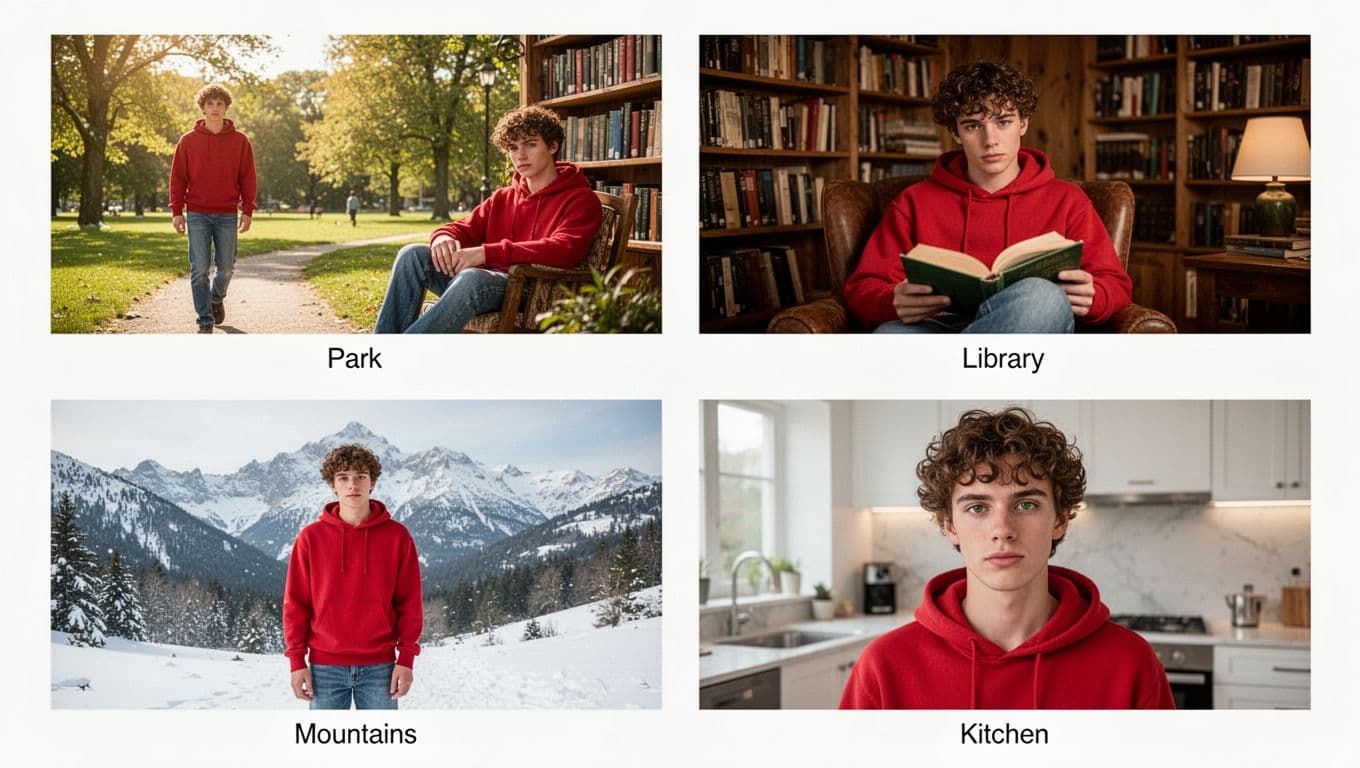
Style consistency is where AI image workflows usually break. You generate one amazing character portrait, then the “same” character changes jawline, eye spacing, or outfit in scene two. That’s fine for one-off art, but it’s painful for storyboards, ads, or product narratives.
With V7, I’ve had better luck keeping a look stable, but I still treat consistency as a process, not a switch. I do three things: reuse reference images, keep descriptors consistent (same clothing words, same hair words), and avoid introducing new competing style cues mid-series.
Personalization also matters here. Once Midjourney learns what I rate highly, it tends to repeat my preferred lighting and framing. That makes a set feel cohesive, even if each image differs.
When I’m choosing tools for consistent brand output, I also compare Midjourney against alternatives that aim for predictable production. If that’s your use case, my older head-to-head is still useful context, Leonardo AI vs Midjourney 2025 Comparison.
Consistency isn’t only about faces. Background style, lens feel, and color palette matter just as much.
Upscaling in V7: what looks better, and what to watch for
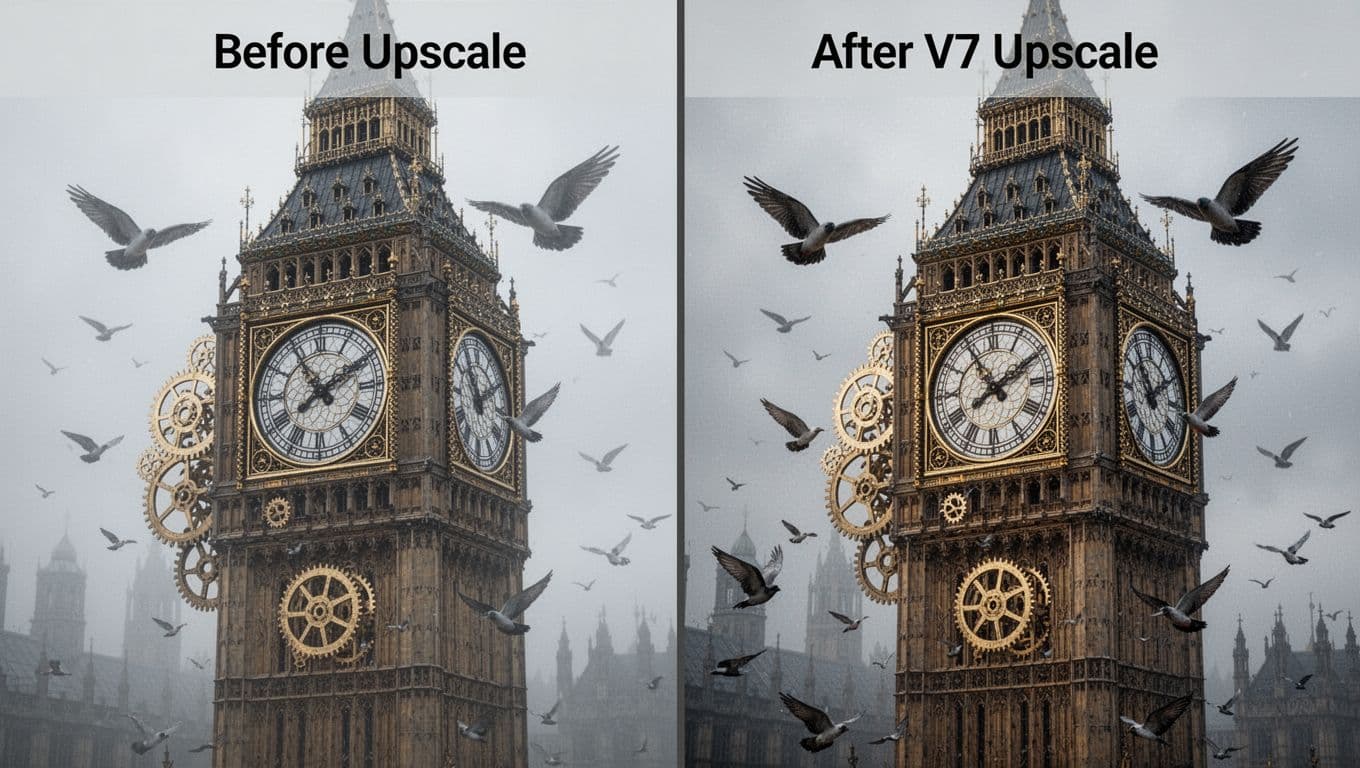
Upscaling is where “pretty” either becomes “print-ready” or falls apart. In V7, the base generations often look cleaner to me, with stronger textures and fewer mushy surfaces. Midjourney also claimed improved realism in hard areas like hands, which matches what I see compared to older outputs.
That said, it’s important to remember V7’s rollout had gaps. Midjourney stated that some features were temporarily missing at launch (including upscaling and targeted edits like inpainting), with plans to bring them back over time, sometimes by falling back to older systems.
Speed and cost choices also shape how I approach final quality. Here’s the way Midjourney described the main V7 speed options:
| Mode | What I use it for | Trade-off |
|---|---|---|
| Draft | Quick composition checks | Lower quality previews |
| Turbo | Fast final iterations | Higher cost per job |
| Relax | Big batches when time is flexible | Slower queue time |
For another hands-on perspective that focuses on output quality, I’ve compared notes with write-ups like a photographer’s Midjourney V7 vs V6 test, then I rerun similar prompts in my own workflow.
My practical rule: if the image will be cropped, zoomed, or printed, I plan for an upscale step early. If it’s for ideation, I stay in Draft longer and save budget.
Where I land after using V7 for real projects
Midjourney V7 feels like it’s trying to meet pros halfway. Prompt understanding is better, Draft Mode makes experimentation cheaper, and personalization can reduce “style drift” once it learns you. I still treat consistency as something I build, using references and tight language.
If you want one thing to try today, run Draft previews until the composition is right, then only polish at the end. What project would you stress-test V7 on first, a character set, a product mockup, or a full campaign mood board?