
AI can write and reason, but most teams still struggle to get it to actually do work across the apps they already run. That’s why I keep coming back to make ai automation, not as a fun demo, but as a way to move real tasks through Slack, Sheets, CRMs, and internal tools without babysitting every step.
In this 2026 review, I’m answering the big question up front, yes, Make.com is one of the strongest picks to deploy AI workflows right now, especially once you care about production reality. I’m going to judge it on reliability (retries and failure paths), monitoring (logs and visibility), governance (permissions and control), and scale (branching, data volume, team usage), not just how fast I can get a chatbot to post a message.
This matters more in 2026 because we’re shifting hard toward agentic workflows, where the system picks steps and tools on its own, not just “trigger then action.” If you want quick context, I’d also compare what Make offers against Make.com vs Zapier for AI workflows and n8n vs Make for AI automation, since “best” depends on how much control, observability, and ownership you need.
Make.com isn’t the “AI,” it’s the system that makes AI runs dependable

When I evaluate make ai automation, I don’t start by asking “Which model is smartest?” I start with a more boring question that decides if anything ships: can this run end to end, every day, with messy inputs and real stakes?
That’s where Make.com shines. It’s not trying to be your chatbot. It’s the layer that connects AI to your apps, data, people, and rules so the work actually gets finished, not just talked about.
What I mean by “AI infrastructure” (the unsexy stuff that makes AI useful)
AI infrastructure is all the small parts that turn a good answer into a completed task. If you skip these, you get cool demos and frustrating results.
Here are the practical pieces I care about in Make:
- Triggers that start work (new email, form submit, Slack message, webhook).
- Data parsing to clean up the real world (split names, extract order numbers, handle attachments).
- Branching so different cases go different ways (VIP customer vs normal, refund vs bug report).
- Approvals when risk is high (before sending a customer email, changing a CRM stage, or issuing a refund).
- Error handling and retries so one flaky API call doesn’t kill the whole run.
- Audit logs that show what happened, when, and with which inputs.
- Observability so I can spot patterns (where failures cluster, what step is slow, what’s spiking costs).
A standalone chatbot can be great at answering questions. Still, it usually can’t reliably do the full job across Gmail, Jira, Slack, and a CRM without guardrails. It might draft a response, then stop. Or it might take action, but you have no clean record of why.
Here’s the simple example I use when explaining this to teams:
Support email comes in, AI classifies it (billing, bug, cancellation), Make parses key fields, then routes it to the right queue. If it’s high-risk, it asks for a quick approval before sending anything. The team gets a clean ticket with the summary, tags, and context, not a messy copy-paste job.
 Automation is rarely glamorous, but it’s what keeps outputs consistent.
Photo by cottonbro studio
If you’ve tried agents in other tools, you’ll recognize the tradeoffs. I talk about that in my Zapier AI Review 2026, especially around trust and “what happens at 2:07 a.m.”
The 2026 Make.com features that push it beyond basic automations
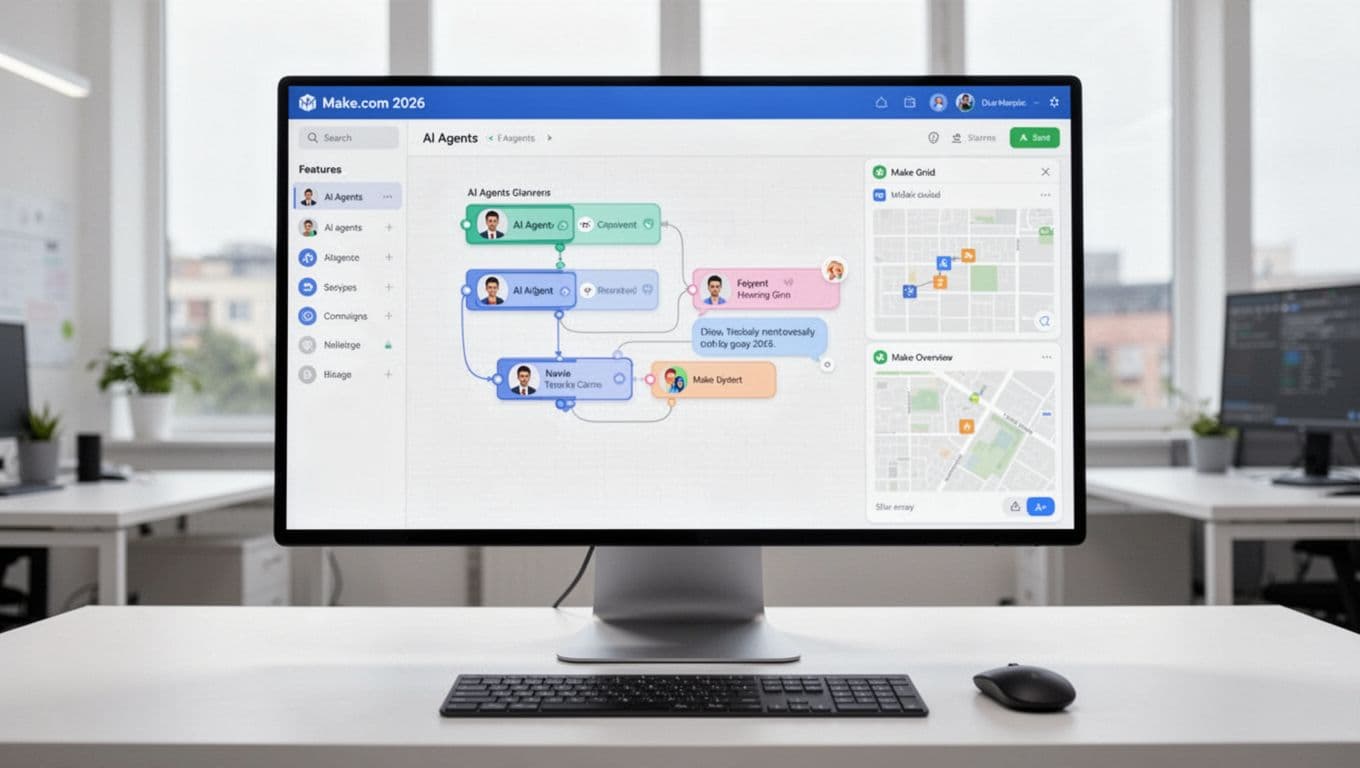
The big difference in 2026 is that Make is treating AI like a production component, not a novelty. The features that matter most to me all point to the same goal: more transparency, faster debugging, and tighter control.
Here’s what stands out:
- Next-gen AI agents on the canvas: I can build agents like blocks in the same place I build workflows. They can handle multi-step goals, and they are not limited to plain text. Multi-modal inputs (like files and images) make real ops use cases easier. Make announced this direction in its own update notes on next-generation Make AI Agents.
- Reasoning visibility for debugging: The Reasoning Panel shows how the agent decided what to do. That matters when something goes wrong because I can see the path, not guess. It also matters for compliance because I can prove what happened.
- In-canvas chat to test quickly: Instead of running full scenarios just to see if the agent “gets it,” I can chat and test inside the canvas. That shortens the build loop a lot, especially when prompts need tuning.
- Make Grid for oversight and scale: Once you have more than a handful of scenarios, sprawl becomes the real enemy. Make Grid helps me see how workflows connect, where bottlenecks form, and what’s outdated. The official docs for Make Grid line up with how I use it, mostly for mapping and governance.
- Upcoming natural language build assistant: I’m watching this closely because natural language building can speed up drafts, as long as it still produces clean logic I can inspect.
- Many AI integrations: The point is not “more models,” it’s choice. I can route work to the right model for the job (cost, speed, accuracy), then keep the outputs structured.
- Governance-oriented connectors (like MCP-style patterns): I care less about the label and more about the outcome, controlled tool access, traceable actions, and clear permissions. Governance is what makes agentic workflows safe to run at scale.
My rule: if I can’t trace it, I can’t trust it. Make’s 2026 focus on visibility is the difference between a demo and something I’ll stake ops on.
If you’re comparing platforms that can support agent-style builds without losing control, my n8n Review 2025 is a good contrast point, especially if you care about self-hosting, logs, and workflow ownership.
From prompt to shipped workflow, how I turn AI output into real work in Make
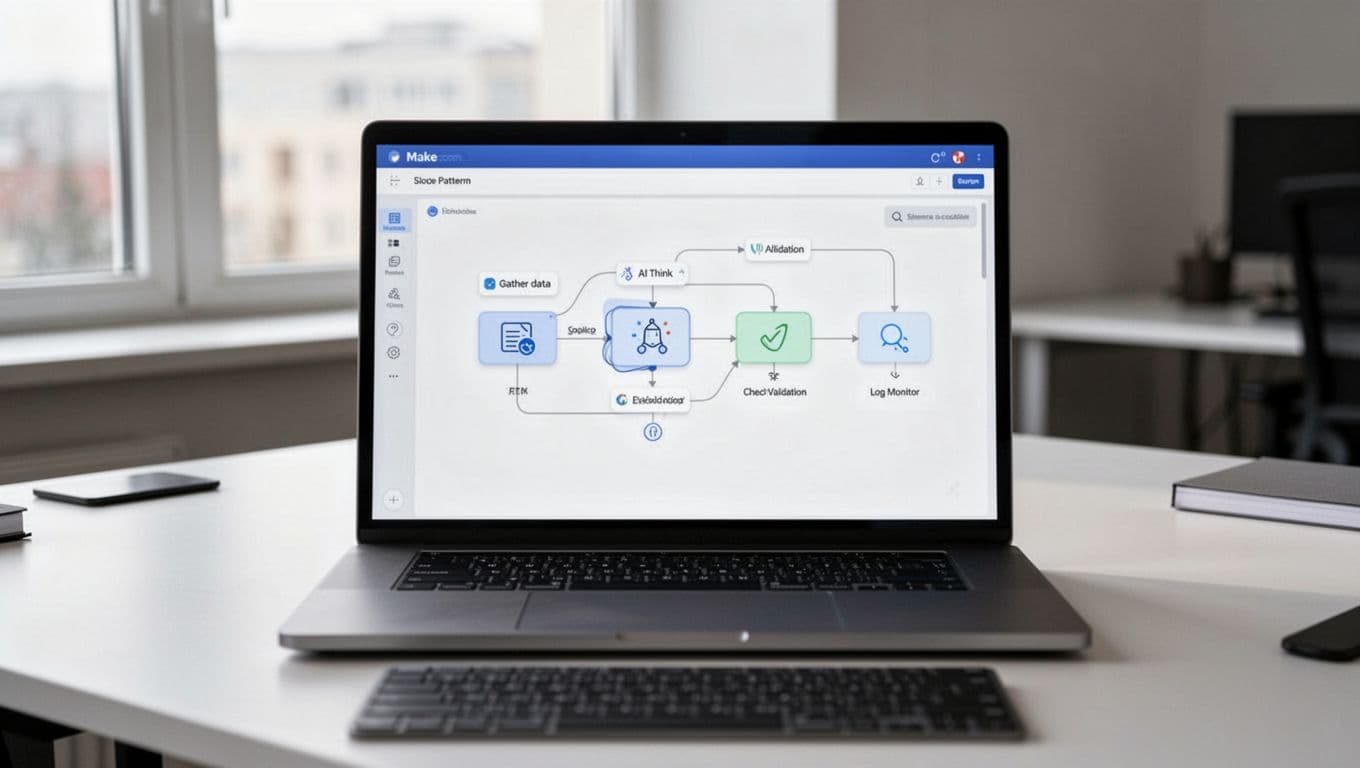
The trick with make ai automation is accepting a boring truth: AI output is just a draft until it touches real systems safely. I treat Make like the factory floor manager. It does not “think” for me, it makes sure the thinking turns into consistent action, with receipts.
Once I started building this way, my AI workflows stopped feeling fragile. They began to behave like normal software, with inputs, rules, logs, and clear ownership. If you like comparing approaches across tools, my baseline criteria looks a lot like what I laid out in what makes an AI tool top-rated, especially around reliability and trust.
A simple pattern I use, gather, think, check, then act
 Automation works best when it’s treated like a production line, not a one-off trick.
Photo by Hyundai Motor Group
When I build an AI scenario in Make, I reuse the same skeleton almost every time. It keeps me honest, and it keeps the workflow debuggable six weeks later.
Here’s the repeatable pattern:
- Gather: Pull data from source apps, then normalize it.
I grab the email, form payload, CRM record, and any attachments. Then I clean basics (names, domains, timestamps). If the input is messy, I fix it before the model sees it. - Think: Ask the AI to decide or draft in a structured way.
I don’t ask for “a good response.” I ask for fields likecategory,priority,summary, andnext_action, because downstream steps need handles, not vibes. - Check: Validate output before it touches anything important.
This is where I add schema checks, allowlists (approved categories, queues, email domains), and human approval for risky moves. I also do quick sanity rules like “if confidence is low, route to review.” - Act: Execute real actions in apps people depend on.
For example: update a CRM stage, create a ticket, send a follow-up email, or post a Slack alert. - Log and monitor: Save inputs, outputs, and decisions.
I store the AI response, validation results, final actions, and error details. In 2026, observability is not optional. It’s how you keep AI from becoming “mystery automation.”
Mini example: lead qualification that actually holds up
- A new lead hits a web form (company, role, use case, budget range).
- Make enriches with simple context (free email vs corporate domain, region, existing account match).
- AI returns structured output:
lead_tier(A/B/C),routing_reason,suggested_reply,recommended_owner. - Validation blocks nonsense (unknown tiers, missing owner, reply too long, restricted phrases).
- Make updates the CRM, creates a sales task, and drafts a reply email for approval if it’s a Tier A.
If you want other workflow patterns to borrow, I keep a running list in best AI automation tools 2025. I use those comparisons to sanity-check whether Make is the right “runner” for the job.
Where AI workflows break in real life (and how I design around it)
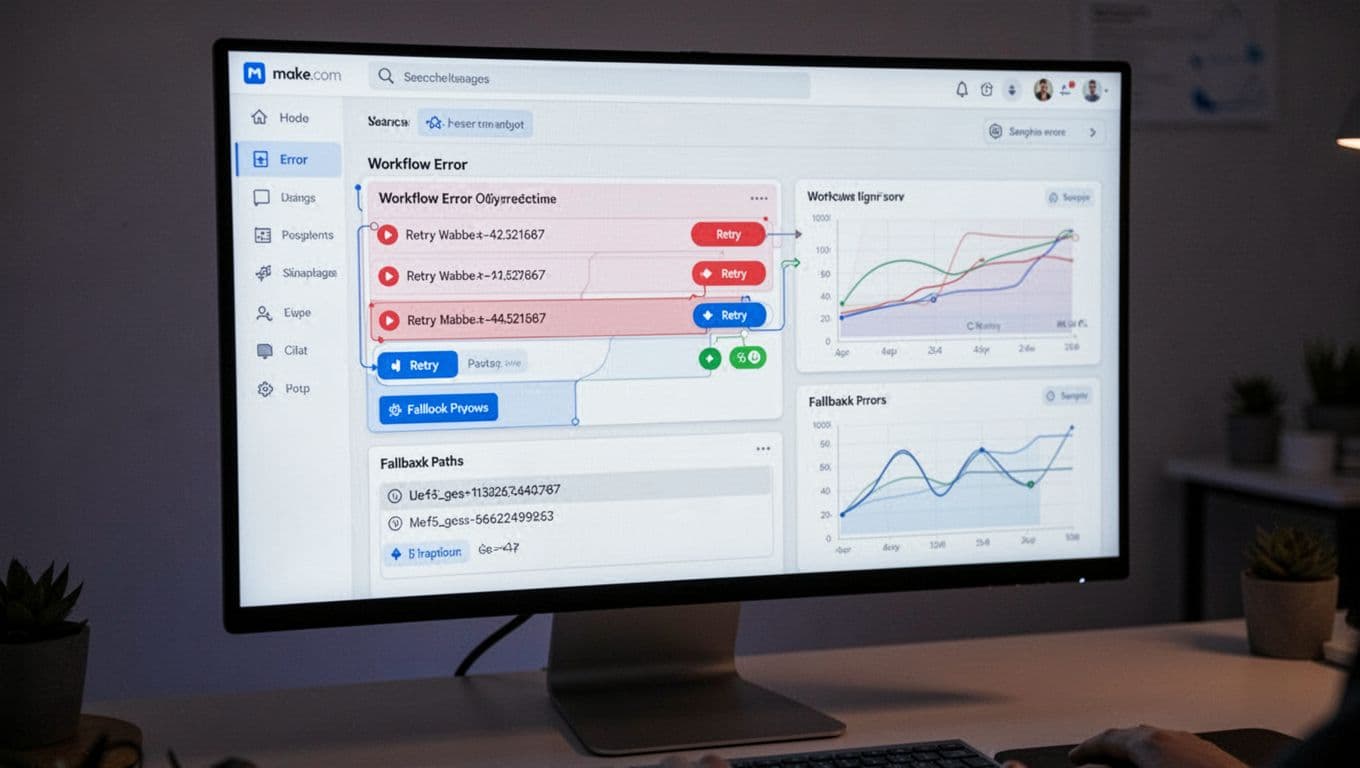
AI workflows fail in predictable ways. The good news is that Make-style orchestration gives me practical guardrails, so a single bad output does not turn into a bad customer experience.
Here are the failure modes I plan for:
- Hallucinated fields: The model invents
account_idor a queue name that does not exist.
My fix: strict output shape, defaults, and “reject if unknown value.” - Wrong routing: A billing issue gets sent to product support.
My fix: allowlisted categories, keyword checks, and a manual review lane when confidence drops. - Missing context: The AI answers without reading the last message, the plan tier, or the customer history.
My fix: build a “context packet” step that pulls only what matters (last 3 emails, account status, open tickets). - Rate limits and flaky APIs: One connector fails, then everything jams.
My fix: retries with backoff, timeouts, and a fallback path that queues the work for later. - Cost spikes: A prompt gets too long, or runs too often, and you feel it on the bill.
My fix: cap token-heavy steps, summarize before sending context, and short-circuit early with cheap rules (for example, “if spam score high, skip AI”). - Sensitive data exposure: The workflow accidentally sends PHI, SSNs, or internal notes to the model or the wrong channel.
My fix: redact known patterns, restrict who can trigger the scenario, and block certain destinations by default.
In 2026, I also assume two pressures will keep rising: observability (teams want to know what happened and why) and compliance expectations (GDPR, HIPAA-style handling, even when you are not “a hospital”). I keep it simple. If I cannot trace the decision and prove the data path, I do not automate it.
A practical reference point on production hygiene is n8n’s write-up on deploying AI agents in production. Even if you do not use n8n, the failure patterns map closely to what I see in Make.
My default stance: assume the AI will be wrong sometimes, then design the scenario so “wrong” is contained, visible, and easy to recover from.
If you are going heavier on agents, I also like pairing Make scenarios with a clear agent role definition (planner vs executor). My own short list of agent options lives in best AI agents 2025, mostly to help decide what deserves autonomy versus what deserves approvals.
Make vs Zapier vs n8n for AI workflows, how I choose in 2026
When people ask me which tool “wins” in the AI era, I push back a bit. With make ai automation, Zapier, and n8n, the real question is: what kind of pain are you trying to avoid? Because AI workflows don’t fail from lack of clever prompts, they fail from unclear data, missing guardrails, and “I have no idea what happened” debugging.
I treat these platforms like vehicles. Zapier is the reliable commuter car. Make is the work truck with compartments and gauges. n8n is the project car in your garage, you can tune everything, but you also own the maintenance.

If I need quick wins, deep control, or self-hosting, here’s what I pick
If you want a simple decision guide, I choose based on what I need this week, not what sounds best on paper.

I pick Make when the workflow is more like a factory line than a single shortcut. It’s my default when I have multi-step scenarios, lots of branching, and messy data that needs shaping before and after the AI step. The big advantage is visibility, I can inspect runs, see where the flow split, and spot exactly which module went sideways.
Make is also where I’m happiest when AI outputs must become structured objects that downstream steps can validate (think category, confidence, next_action, not just “a helpful paragraph”). If you want the bigger picture on how I think about tool selection, I use the same framework in my own guide on choosing the right AI solution.
I pick Zapier when speed and coverage matter more than control. If the goal is “connect SaaS app A to SaaS app B today,” Zapier still feels like the shortest path, especially for non-technical teams. It’s also hard to ignore the connector library. The tradeoff shows up when you stack lots of steps, add AI calls, and run at volume, cost can rise fast, and the logic can feel boxed-in compared to a true scenario canvas. I’ve documented the real-world tradeoffs in my hands-on Zapier breakdown, including when it starts to feel expensive.
I pick n8n when ownership and custom logic are the priority. For engineering teams (or anyone comfortable with nodes, code, and APIs), n8n shines because you can self-host and extend it. That matters when data residency is strict, when you want custom nodes, or when your AI pipeline looks more like “LLM plus tools plus retrieval plus custom logging” than a standard SaaS automation.
Here’s the quick gut-check I use:
- Choose Make if you need complex multi-step flows, strong data shaping, and clear run-by-run visibility.
- Choose Zapier if you want quick wins, lots of connectors, and a simpler builder, and you can tolerate rising cost at scale.
- Choose n8n if you need self-hosting, custom nodes, deeper engineering control, and you can support it long-term.
For an outside view that matches a lot of what teams are seeing in 2026, this comparison from Digital Applied’s 2026 roundup echoes the same “ease vs control vs ownership” split.
The “AI workflow” test, can I debug it, trust it, and scale it?
A production AI workflow is mostly an operations problem. Prompts matter, but reliable execution matters more. So I grade Make, Zapier, and n8n on three criteria that show up after week two, when the workflow hits edge cases.
1) Transparency (can I see the steps and why the run went that way?)
In AI automations, transparency means more than “did it run.” I want to see inputs, outputs, branches, and failures without guesswork. Make tends to feel strongest here for visual people because the scenario layout mirrors what happened. Zapier stays readable for simple flows, but once you stack logic, it can get harder to “see the whole machine.” With n8n, transparency is great if your team already thinks in nodes and logs, but it assumes you’ll do more of your own instrumentation.
If the workflow is a black box, I treat it like a risk, not an automation.
2) Governance (can I control data and add approvals where it counts?)
This is where AI gets real. If an agent drafts a message, that’s low risk. If it changes a CRM stage, issues a refund, or touches customer data, I want gates. Make fits my “gather, think, check, act” pattern nicely because I can enforce schema checks, allowlists, and approval steps before actions fire. Zapier can do approvals and guardrails too, but I usually feel the constraints sooner in complex flows. n8n gives the most control on paper, especially for self-hosting and custom logic, but you also own the responsibility for securing and maintaining that environment.
If you’re trying to build trust into your automations, I’d rather overdo governance than clean up a bad run later.
3) Operations (monitoring, failure handling, and scaling without surprises)
Scaling AI workflows means handling retries, rate limits, and spiky workloads. It also means tracking cost drivers, because LLM calls plus multi-step runs add up quickly. Make’s strength is that it encourages operational thinking (error routes, retries, and run history). Zapier is solid for straightforward processes, but the economics can get uncomfortable once “tasks” multiply across long workflows. n8n is often the best fit for high-volume work when you self-host, because you’re not paying per micro-step in the same way, but you need real ops habits (monitoring, backups, uptime).
When I’m unsure, I run a simple “2:07 a.m.” drill: If this breaks overnight, will I know, and can I recover fast? That question usually picks the platform for me.
If you want more context on how I judge these tools as AI systems (not just automation builders), my criteria lines up with the way I evaluate platforms in what makes an AI tool top-rated.
Make for AI-first businesses, where it shines, where I’d choose something else
When a company is AI-first, the bottleneck usually is not “can the model do it?” It’s “can we move the output into the next system safely, with checks, and without someone copying and pasting all day?” That’s the sweet spot for make ai automation.
I like Make best when AI is only one step in a longer chain, like intake, enrichment, routing, approval, action, and logging. In other words, it’s less “chatbot magic” and more “factory line with guardrails.” If you want a quick framing from Make itself, their take on when to use AI agents versus automation matches how I think about risk and oversight.

Workflows I’d actually ship with Make this year
I ship Make scenarios when the outcome is simple to explain: faster response times, fewer manual steps, and cleaner handoffs. Here are a few that I keep coming back to because they behave well in production.
1) Lead intake and routing that stops leads from rotting
This one pays for itself fast. A form fill, inbound email, or webhook triggers the flow, Make enriches basics (domain type, region, existing account match), then the AI produces structured fields like tier, recommended_owner, and next_step. After that, Make updates the CRM, posts a Slack alert for high-value leads, and creates a task with context.
The practical win is that I can cut the “first touch” time from hours to minutes, while keeping routing consistent.
2) Customer feedback tagging and alerts (so you hear the fire alarm)
Feedback comes from surveys, app reviews, NPS tools, or emails. I use Make to normalize the payload, then ask AI to tag themes (billing, bugs, UX friction, feature request), sentiment, and urgency. Make then routes alerts based on rules, for example: “negative sentiment + enterprise plan” goes to a dedicated Slack channel and creates a ticket.
What changes day to day is simple, I stop relying on someone remembering to skim a spreadsheet.
3) Support triage with safe reply drafts
This is a classic make ai automation workflow: new ticket arrives, AI classifies and summarizes, Make pulls a small “context packet” (plan tier, last few messages, open issues), then AI drafts a reply. The draft never goes out automatically in my higher-risk queues. Instead, Make sends it for approval, logs the decision, and only then updates the ticket.
My favorite part is the audit trail. When a customer says “why did you tell me that?”, I can point to the exact inputs and the approved response.
4) Document processing handoff (invoices, statements, and “random PDFs”)
Any time a process starts with “download attachment, rename it, extract a few fields,” I automate it. Make watches an inbox or folder, extracts text (or sends it to an AI step for field extraction), then writes clean structured data back to the system that matters, like accounting, a database, or a shared sheet.
I also add a confidence rule: if extraction confidence is low, Make routes the doc to a human review queue instead of guessing. For a concrete example of the pattern (even if your stack differs), this walkthrough on automating invoice admin with Make and AI captures the “hours back per week” value pretty well.
5) Marketing ops content pipeline with approvals (so content actually ships)
Here’s a workflow I’d ship for a lean marketing team:
- A topic request lands in a form or Slack.
- Make creates a brief, asks AI for an outline, and pulls supporting notes from internal sources.
- AI drafts variant copy (email, LinkedIn post, landing page bullets) in a structured format.
- Make routes to an editor for approval, then schedules or publishes only after sign-off.
- Finally, it logs what shipped, when, and which inputs drove the draft.
The outcome is not “more content.” It’s less thrash. People spend time reviewing and improving, not starting from zero.
6) Internal knowledge base updates (without the messy wiki syndrome)
This is the unglamorous one that keeps teams sane. When a ticket is resolved, a change is merged, or a policy doc updates, Make triggers a flow that asks AI to propose a short knowledge base update. Then it routes that update to an owner, and after approval, it publishes to the KB and posts a “what changed” note in Slack.
I treat this like brushing your teeth. Small, consistent updates prevent painful cleanups later.

Photo by Pavel Danilyuk
When I would not use Make.com (and what I’d use instead)
I like Make, but I don’t force it. Some problems want different tradeoffs, especially around compliance, event volume, and the “science project” side of AI.
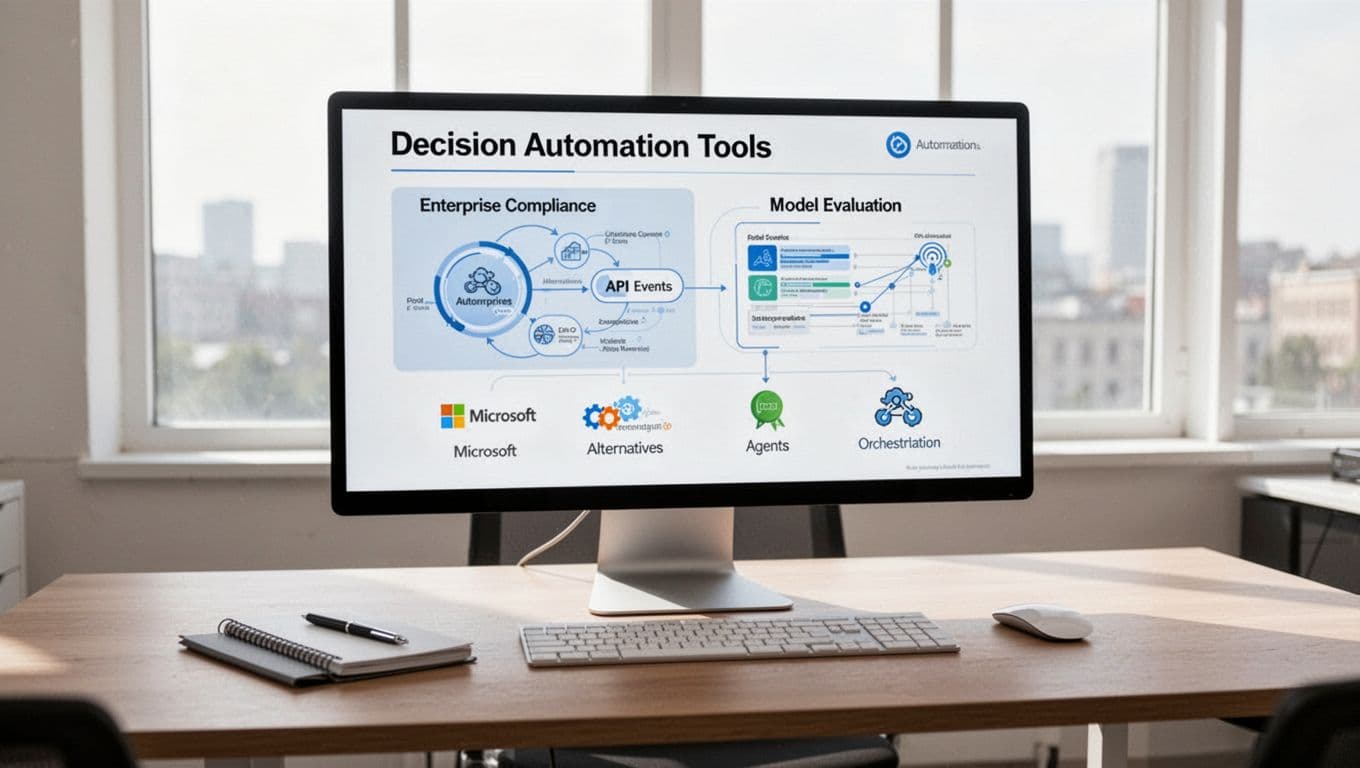
If I’m in a Microsoft-heavy enterprise with strict compliance
When the org lives in Microsoft 365, Entra ID, and Purview-style controls, I often lean toward Microsoft-native automation first (Power Automate plus Azure services). The reason is boring, but real: identity, logging, governance, and procurement tend to be smoother. Make can still fit, but I do not want to be the person arguing about where data flows during a security review.
If the workflow depends on heavy in-product API eventing
If I need to react to a firehose of product events, or I’m building tight, real-time behavior inside the app, I prefer dev-first systems. That usually means a message queue plus serverless functions, or a workflow engine that lives closer to the codebase. Make is great for business systems and cross-app orchestration, but I don’t like it as the core event bus for a high-throughput product.
If I need deep model evaluation and prompt lifecycle management
Make helps me run prompts and wire up approvals, but it is not where I run serious evaluation suites. When prompt versions, datasets, scoring, regressions, and rollbacks matter, I use dedicated agent testing and eval platforms, or I keep the lifecycle inside a dev workflow with version control and automated tests. The difference is simple: I’m trying to prevent “we changed one line in a prompt and broke support quality for a week.”
To sanity-check this choice, I keep one rule on my wall: use Make for reliable execution across tools, use dev-first stacks for high-scale eventing and deep AI testing.
Where I land after testing Make for agentic automation in 2026
If you take one thing from this Make.com AI workflow review, it’s this, AI is changing how decisions get made, but automation is what makes work happen every day. For me, Make works best when I need a reliable “runner” for AI, with clear steps, guardrails, and a paper trail when something breaks. That focus on visibility (plus practical ops features like routing, approvals, and run history) is why make ai automation keeps showing up in the workflows I actually ship.
Is Make.com the single “best” platform for deploying AI workflows? Not for everyone. Still, for many teams building AI workflows in 2026, it’s a top pick because it makes agents easier to inspect and operations easier to manage at scale. If you want more context on how I think about agent tools beyond Make, I’d pair this with Best AI Chatbots and Virtual Assistant and, for the “agent replaces busywork” angle, Manus AI.
Next step, map one workflow you already run weekly, then pilot it in Make over the next seven days. Keep the first version boring, gather, think, check, act, log. After I publish, I’ll check performance in 1 to 2 weeks, then refresh this post in 3 to 6 months as Make’s 2026 features keep moving (because trust is built through updates, not hype).