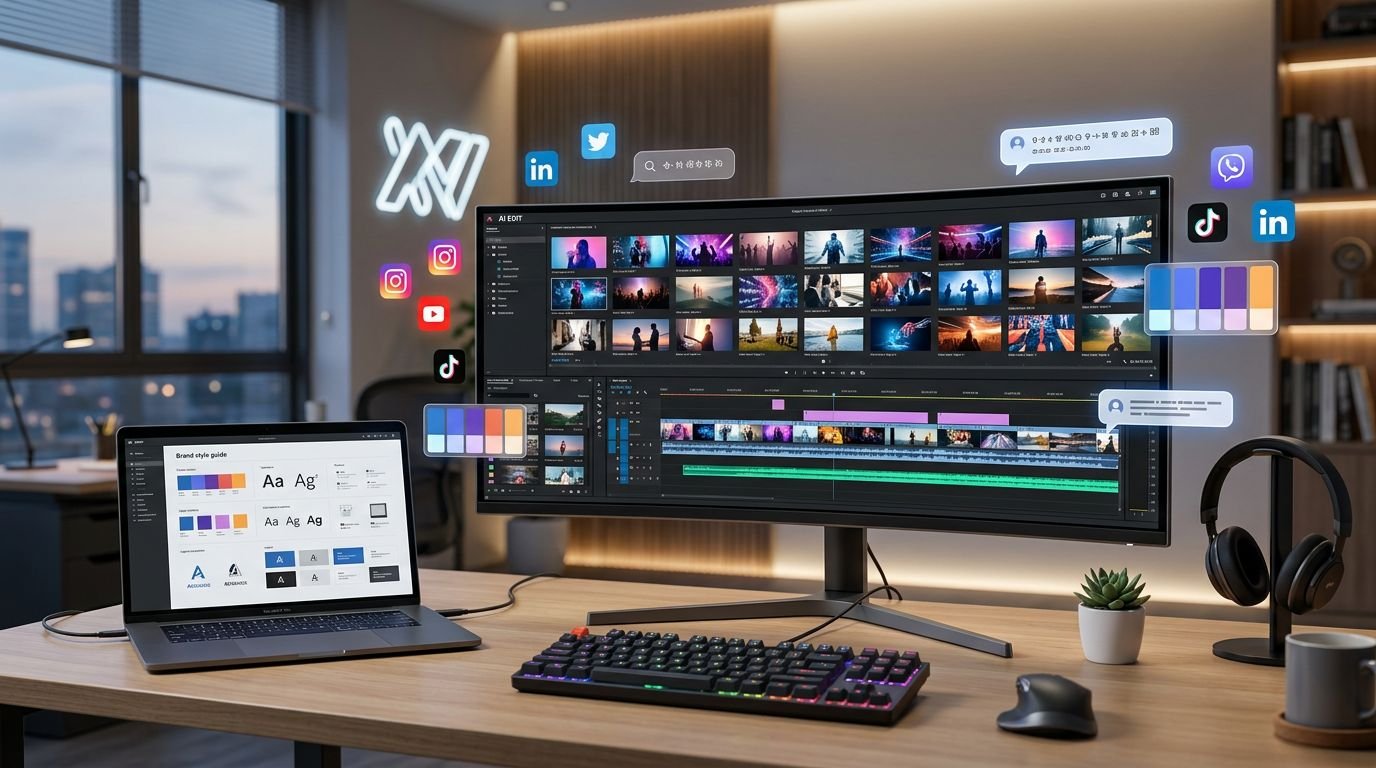
I don’t care how polished the demo looks. If a tool can’t turn one webinar into a week’s worth of usable clips, captions, and posts, it isn’t helping a marketing team.
That’s the bar in 2026. Most teams already have more long-form video than they can publish well. The real bottleneck in content creation is turning long-form footage into channel-ready assets without creating a brand review mess.
When I evaluate AI video repurposing tools, I look past flashy clipping. I care about speed, brand control, distribution, and how much cleanup the team still has to do.
Key Takeaways
- Focus on bottlenecks, not just output: The true value of a repurposing tool is in how much real work it removes, not how many clips it generates; avoid software that saves ten minutes in editing but creates twenty minutes of brand cleanup.
- Prioritize brand integrity: Marketing teams need tools that allow for template discipline, reusable captions, and color presets to ensure junior staff cannot accidentally publish off-brand content.
- Channel intent is mandatory: Reposting the same cut across every social channel is ineffective; the best tools provide workflows that adapt length, framing, and hooks specifically for the nuances of platforms like LinkedIn, TikTok, and YouTube.
- Human oversight is non-negotiable: AI can handle the labor of clipping and transcription, but an editorial layer remains essential to ensure that viral-leaning algorithms don’t prioritize shock value over your brand’s actual credibility.
Why repurposing software matters more than another editor
Marketing teams don’t usually fail because they lack footage. They fail because the footage sits in a folder after the webinar, the customer interview, or the product launch recording.
That’s why repurposing tools matter. The best ones now scan long videos to find short clips, identify likely hooks, pull quote-worthy moments, resize the aspect ratio for vertical formats, add captions, and package content for social media platforms like YouTube Shorts, Instagram Reels, and TikTok videos. Some tools also use video transcription to turn sessions into blog drafts, email copy, or social posts.
In practice, that changes the economics of video and increases your potential audience reach. A one-hour session can turn into 20 or more usable assets if the source material is strong and the review process is tight. That doesn’t mean every output is perfect, but it means the team finally has enough volume to test short clips effectively.
The other shift is platform fit. Reposting the same cut everywhere is lazy and usually underperforms. A better approach is to adapt length, framing, and hooks by channel, which lines up with Livestorm’s repurposing examples.
I also see a gap between creator tools and team tools. Solo creators can tolerate rough edges, but a US B2B marketing team cannot. If captions are wrong, brand colors drift, or the tool surfaces off-message sound bites, someone on the team pays for it later.
How I judge AI video repurposing tools
My evaluation starts with one question: does the tool remove real work, or does it move the work downstream? A lot of products save ten minutes in video editing and create twenty minutes of cleanup.
I usually score AI-powered tools against five operational tests:
- They need to find usable moments, not only dramatic ones.
- They need strong captioning, reframing, and proper aspect ratio changes.
- They need a sane review workflow for marketers, not only editors.
- They need some form of distribution or handoff, or they create another bottleneck.
- They need pricing that still makes sense once multiple teammates touch the workflow.
Clip selection is where weak tools break first. Virality scoring can help, but it can also over-rank punchy lines that sound good out of context. That works for influencer content, but it does not work when a SaaS brand is trying to sound credible. When evaluating short clips, the focus must be on context over simple shock value.
Brand consistency comes next. I want reusable caption styles, intros, outros, color presets, and enough template discipline that junior team members cannot accidentally publish off-brand content.
Workflow fit matters more than feature count. If I am deciding between repurposing software and full creation suites, I usually cross-check broader best AI tools for video creation. Repurposing tools win when the source video already exists. Full generators win when the source material does not.
If a tool saves edit time but adds brand-cleanup time, I do not count that as true automation.

Quick comparison of the leading options
The table below reflects common entry-level pricing and positioning reported in June 2026.
| Tool | Best fit | Starting price | User-friendly interface | What I like | Main trade-off |
|---|---|---|---|---|---|
| Opus Clip | High-volume social clipping | $15/mo | Excellent | Fast clip output, strong auto-reframing, virality scoring | Needs human review for brand context |
| Repurpose.io | Distribution automation | $35/mo | Good | Pushes content across many channels with little manual work | Weaker as a primary editing tool |
| quso.ai | Social-first brand teams | Varies | High | Brand kits, clip extraction, caption styling | Can favor punchy edits over precise messaging |
| Munch | Webinars and long sessions | $38/mo | Good | Good at surfacing short clips from long recordings | Trend-driven cuts aren’t always funnel-driven |
| Submagic | Caption polish and short-form finishing | $12/mo | Very High | Strong animated captions and visual polish | Better as a finishing layer than a full system |
| Recast Studio | Podcasts and recorded conversations | Varies | Moderate | Good for clips plus written content from transcripts | Less depth for heavier visual editing |
My short version is simple. Opus Clip is the strongest pure clip factory. Repurpose.io is the strongest distribution layer. Munch is ideal for those who need to extract short clips from lengthy sessions, while Recast Studio and its specialized tools for podcasts make the most sense when recorded discussions drive the content engine.
The tools I would actually shortlist
Opus Clip is the best fit for clip volume
If the problem is output, I start with Opus Clip. It is still one of the fastest ways to turn long-form video into multiple short-form assets with minimal setup. The core value is obvious: upload a long video, let the system identify hooks and key moments, then review the proposed cuts.
I like it most for teams focusing on efficient content creation for YouTube Shorts, Instagram Reels, and LinkedIn. Auto-reframing is solid, and the volume is hard to match at the price.
The trade-off is judgment. Virality scoring helps with speed, but it does not understand your brand the way your content lead does. I have seen these tools favor tension, humor, or surprise even when the team really needs clarity and trust. If I use Opus Clip, I still put a marketer in the review seat before anything goes live.
Repurpose.io is the best fit for distribution automation
Repurpose.io solves a different problem. It is not the clip-selection winner. It is the “stop asking humans to move files between platforms” winner.
That matters more than people admit. A lot of teams build good clips, then lose time to packaging, scheduling, and reposting. Repurpose.io reduces that drag by routing approved content across multiple channels with very little hands-on work.
I like it when the team already has a reliable clip source, whether that source is a human editor, a webinar platform, or another AI tool. Pair it with a stronger clipping engine and it becomes useful fast.
The main limitation is that it will not rescue weak source content or messy approval processes. If the clip is not right, distribution automation only helps you publish the wrong thing faster.
quso.ai is strong for social teams that need brand polish
quso.ai, which many teams still remember as Vidyo.ai, sits in a practical middle ground. It clips long videos, supports branded formatting, and gives social teams enough control to make output look intentional rather than generic.
I like it for teams that publish founder content, product explainers, and thought-leadership clips where consistent caption styling matters. It feels closer to a social production workflow than a raw utility layer.
The weak point is the same one I see with many social-first tools: they can get aggressive in the search for punchy moments. That is not always wrong, but it can pull the content away from the original message.
If I am advising a smaller team that wants repurposing plus broader creation flexibility, I also compare it against AI video generators for small business. Sometimes the better answer is not a pure repurposing product at all, especially if your goal is increasing overall audience reach.
Munch makes the most sense for webinars and long recordings
Munch is a good fit when the source asset is long, dense, and hard to mine manually. Think webinars, virtual events, customer panels, and hour-long demos.
What I like is its focus on video summarization to surface short clips that feel tied to current social behavior rather than random timestamp slices. That makes it useful for teams trying to get more reach out of educational or event-driven content.
The catch is that social relevance and marketing relevance are not the same thing. A clip can look likely to perform and still be weak for pipeline, product positioning, or executive voice. I treat Munch as a smart first pass, not a final editor.
For B2B teams, that distinction matters. A high-retention clip that confuses the actual offer is still a bad asset.
Submagic is the best finishing tool for short-form polish
Submagic is not the tool I choose first if the team needs an end-to-end repurposing system. It is the tool I choose when the source clips are already chosen and the problem is presentation.
Its strength is visual cleanup. Captions look better out of the box, pacing feels sharper, and the result is usually more native to short-form social. By improving engagement, these stylistic flourishes help hold viewer attention. For paid social tests, creator-style brand content, or founder videos, that polish provides a measurable boost to engagement.
I would not rely on it as the only layer for a marketing department. Clip sourcing, asset routing, and approval structure still need help from somewhere else.
That said, teams often overbuy here. If your editor already knows what to cut and the brand needs faster finishing, Submagic can be the right narrow tool. Narrow is fine when it solves the real bottleneck.
Recast Studio is the best fit for podcasts and webinar pipelines
Recast Studio is the one I look at when the content engine starts with recorded conversations. Podcasts, webinar replays, interview series, and internal thought-leadership recordings fit naturally here.
I like that it does not stop at clips. Teams can also use transcript-driven outputs for written assets, which is helpful when marketing wants a video clip, a post, and an email angle from the same source session. It helps teams manage their video library effectively, using AI search to pinpoint specific moments across multiple recordings.
The trade-off is depth on the visual editing side. If the team wants scene-level manipulation, heavier ad creative work, or cinematic edits, this category stops being enough. In that case, I move into a fuller editing environment and compare options through my detailed Runway AI video review.
For content teams running repeatable podcast or webinar workflows, though, Recast Studio is easier to justify than a broad creative suite.
What separates a good pilot from a bad rollout
The biggest mistake I see is treating repurposing as a one-click publishing machine. It is not. It is a production multiplier, and multipliers amplify good processes and bad processes equally. Integrating these tools into your broader SEO strategy is vital, as they should serve as a backbone for your digital presence rather than just a way to fill a content calendar.
Before I roll one of these tools into a team, I want four controls in place:
- One person owns final approval.
- Brand templates and brand consistency are locked before the first batch goes out.
- Source content quality is high enough to clip cleanly.
- Distribution rules are set by channel and integrated into your content management system, not left to guesswork.
Caption quality still matters, as does the accuracy of auto subtitles. Hook quality remains essential, and a simple call to action is still a requirement for engagement. That lines up with PlayPlay’s video repurposing tips, and I think too many teams skip those basics because the AI-powered layer feels sophisticated.
I also watch for false scale. If a tool gives me 30 clips from a webinar, but only 5 are usable, I count 5. The rest are noise. The best teams do not celebrate output volume by itself. They track usable assets, review time, and downstream performance.
For US marketing teams, channel intent should drive the workflow. LinkedIn clips need a different opening than TikTok videos. YouTube Shorts can tolerate a slower setup than paid social. Good tools help with that adaptation, but great teams still make the final editorial calls.
What I’d put into production
If I had to narrow this down, I wouldn’t buy based on the prettiest interface. I would select the best AI video repurposing tools based on your specific bottleneck. Volume, distribution, and brand review are different problems, and they rarely require the same technical solution.
For most teams, the winning move is simple. Pick one system that excels at identifying high-quality clips, add a human review layer, and only then integrate automation into your workflow. That is how repurposing starts saving time instead of creating manual cleanup work.
The teams getting the most from video in 2026 are not creating far more footage. They are getting far more mileage out of the assets they already have.
FAQ
What are AI video repurposing tools?
These platforms take existing long-form content and transform it into shorter, optimized assets tailored for different channels. In practice, this means clipping key moments, resizing video for vertical formats, providing accurate video transcription, and applying auto subtitles to ensure your message is accessible. Some tools even generate supplementary written content based on the original transcript.
Which tool is best for webinars and podcasts?
If webinars and recorded conversations are your primary input, I usually recommend Munch or Recast Studio. Munch is excellent at surfacing high-impact clips that perform well across various social media platforms. Recast Studio is the better choice when your team wants to pull transcript-based written assets alongside video clips for different social media platforms.
Can these tools replace a video editor?
No, they cannot replace a human editor for most marketing teams. While they significantly reduce the time spent on manual tasks, they do not replace editorial judgment, brand consistency, or campaign context. I treat these tools as force multipliers for your video editing workflow, not as a full substitute for human creativity.
How many assets can a team get from one long video?
A high-quality one-hour source video can produce 20 or more assets, provided the original recording features clear segments, clean audio, and distinct talking points. I do not judge the success of these tools by raw output volume. Instead, I judge success by the level of engagement each asset drives and how many are truly polished enough to publish.
Related reading
- Best AI Video and Animation Tools in 2025
- AI Video Generator for Small Business: Best Tools in 2026
- Runway Review 2025