Matt Wolfe’s Claude Code workflow for Claude video editing follows a repeatable process: gather source material, develop a script, record talking-head footage, review an edit, and save corrections for future projects. For creators evaluating this approach, I find the revision process more useful than the polished examples alone.
The demonstration includes transcription failures, blocked websites, missing music, and edits that need correction. Those problems explain where human judgment remains necessary, starting with the source material and continuing through the final review.
Key Takeaways
- Matt Wolfe’s Claude Code workflow targets informational short-form videos with a presenter, supporting footage, captions, music, graphics, and effects.
- The setup uses separate reusable skills for scripting and editing, with project files, tools, and permissions configured for the workflow.
- The first cut needs human review for issues such as missing music, unnatural audio, long pauses, and spoken mistakes. Specific corrections can be added to the reusable instructions for later projects.
- Transcription failures and blocked websites need operational fixes, while reviews of published Shorts can inform future production choices without guaranteeing better performance.
The Workflow Targets Talking-Head Shorts
Wolfe focuses on informational short-form videos for Instagram and YouTube Shorts. The format combines a presenter with supporting footage, captions, background music, graphics, and occasional effects.
That scope matters. He distinguishes these relatively consistent videos from long-form projects, where he still prefers a human editor and more hands-on fine-tuning.
I read the demonstration as a workflow for a defined video format, rather than evidence that every production task belongs in the same system. Our guide to AI-assisted remote video editing workflows makes the same practical distinction between editing jobs.
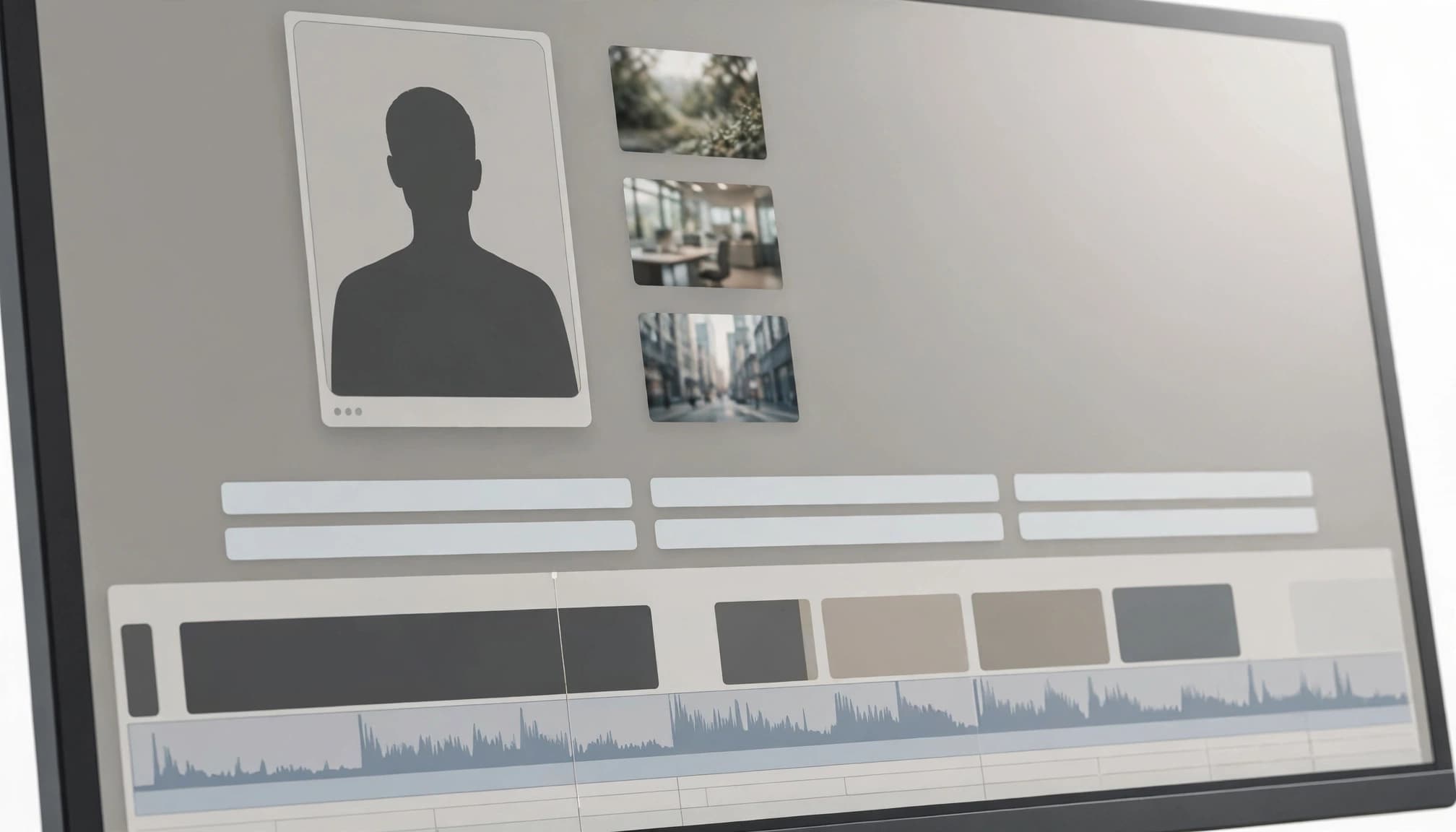
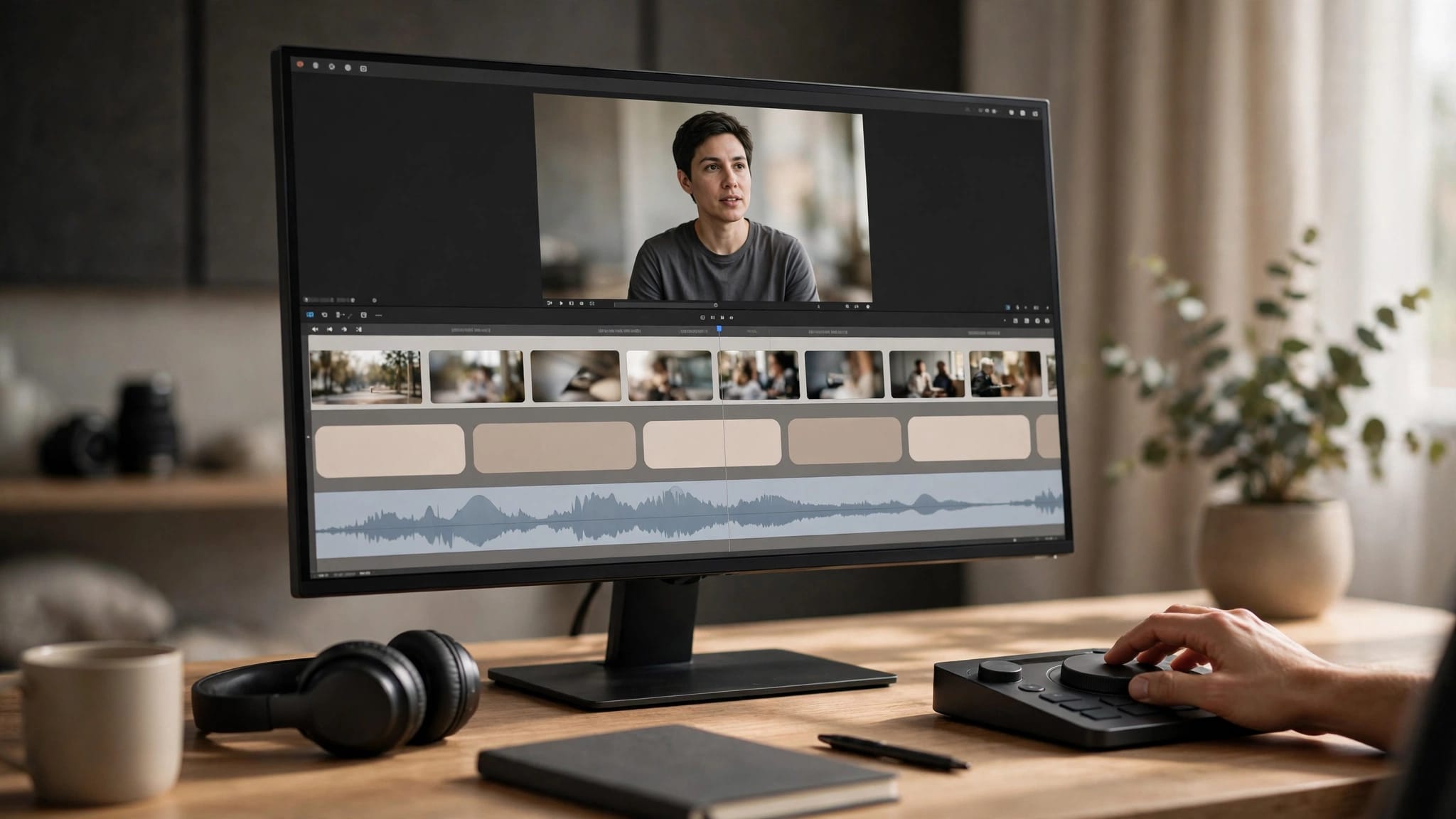
Illustration of the footage, captions, and audio layers in a short-form edit.
Source Material Comes Before the Recording
In one example, Wolfe starts with a Google DeepMind article and his own recorded demonstration footage. The article supplies the topic and official visuals; his recording adds material from his experience with the technology.
When original supporting footage is unavailable, his starting point is the source resource itself. This makes the available visuals part of topic selection, rather than something to consider after recording.
His later Nvidia example follows that logic. He chooses the subject partly because it has visually interesting material suitable for a short.
The script stage includes a draft, title suggestions, and a B-roll shot list. Wolfe generally treats the draft as a guide to the important talking points because he dislikes narration that sounds recognizably AI-written.
Reusable Instructions Define the Editing Style
In the demonstrated workflow, Wolfe uses Claude Code to set up a fresh account and a project called “short form video editor.” He separates the scripting approach and editing approach into two reusable skills.
His project brief names vidIQ, Blender, Hyperframes, FFmpeg, yt-dlp, and ElevenLabs. That tool list makes an important limitation visible: the workflow involves several services and background processes, not only a conversation window.
The reference style is concrete. It includes a recurring opening line, B-roll above the presenter in a split-screen layout, magenta captions, and frequent visual changes.
I find those details more useful than asking for an engaging or professional video. They give the review process observable criteria, with one skill defining the script and the other defining the edit.
Wolfe also adds a working folder for project files and authorizes the relevant connections. These setup steps are separate from the creative brief, and the reusable skills can be refined as the workflow develops.
Record A-Roll With the Draft as a Guide
Wolfe records himself speaking to camera after reviewing the draft. He usually paraphrases and adds his own phrasing, although he follows the Nvidia example more closely.
The raw footage includes pauses, repeated sentences, and abandoned attempts. Trimming filler words or using silence removal indiscriminately can make delivery sound unnatural, so these remain editing decisions rather than reasons to restart the recording.

The presenter still supplies the recorded explanation and delivery.
One instruction receives particular attention: cuts should account for both the transcript and the audio waveform. Tools such as Descript also use transcript-led editing, but this walkthrough doesn’t directly compare or test them.
A transcript can identify the intended sentence without showing exactly where the spoken sound ends. Wolfe uses waveform information to reduce cuts that clip a word.
The First Cut Still Needs Detailed Review
The first reviewed Nvidia edit has several problems. Background music is missing, the voice sounds unusually processed, some pauses remain too long, and a spoken mistake survives the cut.
Wolfe responds with specific notes rather than a general request to improve the video. He identifies the audio problem, requests tighter pacing, points out retained mistakes, and asks for additional graphics, animation, and effects.
He also asks for those corrections to become part of the reusable instructions. Otherwise, the feedback would address only that revision.
The next version addresses the complaints he identified. However, rendering another version takes time, so he has to wait before reviewing it.
My main takeaway is the importance of persistent corrections. The useful workflow includes both reviewing the current output and changing the instructions that guide later projects.
Transcription and Access Failures Need Different Fixes
The demonstration shows two separate failures: an unavailable transcription path and blocked source websites.
Wolfe handles them differently:
- He changes the instructions so a transcription failure doesn’t prevent another transcription method.
- He adjusts file-creation, internet-access, and allowed-website settings after the session reports blocked addresses.
- He starts a new session when the permission changes require it.
Whisper could be a transcription fallback, and Descript is another option to investigate. The walkthrough doesn’t show Wolfe using either.
These are operational problems, not creative disagreements. More detailed editing notes wouldn’t resolve a blocked download or a rigid fallback rule.
The walkthrough also shows why “no code needed” doesn’t mean no code is involved. Background Python scripts appear during refinement, even though Wolfe isn’t manually writing them.
Channel Results Become Another Review Input
Wolfe describes a second feedback process: reviewing a batch of published Shorts rather than judging each edit in isolation.
His example examines strong performers alongside transcripts, comments, and retention information. The resulting suggestions concern observable choices: show the subject in action immediately, explain what’s physically happening, move specifications into graphics, and keep caveats brief.
He proposes repeating that review roughly monthly and using the findings to revise the scripting and editing instructions.
I wouldn’t treat this as proof that future videos will perform better. It provides a structured way to revise production choices, while audience response remains uncertain.
vidIQ sponsored Wolfe’s video. He says it was already part of his process before the sponsorship. That relationship is relevant context for the prominence it receives.
Production Limits Remain
Wolfe discusses custom graphics and 3D animation when suitable B-roll is missing, but he also emphasizes the prompting and iteration involved. A polished sequence doesn’t establish repeatable quality across different subjects.
The walkthrough doesn’t compare this workflow with Premiere Pro or Remotion. Claude Motion and Fish Audio are unassessed, and the walkthrough doesn’t establish them as part of Wolfe’s setup or as tools he recommends.
The walkthrough doesn’t establish a complete operating cost or commercial-use clearance for every asset. Download access and publication rights are separate issues, as are generated audio and permission to use it commercially.
Wolfe also raises labor concerns. After 17 years of editing, he sees potential productivity benefits alongside pressure on short-form editing work and a larger volume of content.
For him, finding worthwhile technology stories increasingly matters more than competing on editing polish alone.
Frequently Asked Questions
What kind of videos does Wolfe’s workflow target?
It focuses on informational short-form videos for Instagram and YouTube Shorts. Wolfe prefers a human editor and more hands-on fine-tuning for long-form projects.
How does Claude Code fit into the workflow?
Wolfe sets up a project with separate reusable skills for scripting and editing, along with a working folder and the relevant connections. The project brief also names tools and services such as vidIQ, Blender, Hyperframes, FFmpeg, yt-dlp, and ElevenLabs.
Why does the first cut need human review?
The first reviewed edit has issues with missing music, processed-sounding voice audio, long pauses, and a spoken mistake. Wolfe gives specific feedback on those problems and adds corrections to the reusable instructions.
What happens when transcription or source websites fail?
Wolfe changes the instructions to allow another transcription method, adjusts access settings after websites are blocked, and starts a new session when needed. Whisper and Descript are mentioned as options to investigate, but the walkthrough doesn’t show him using them.
Can channel results improve future videos?
Wolfe reviews published Shorts alongside transcripts, comments, and retention information, then uses the findings to revise scripting and editing instructions. The review helps guide production choices, but it doesn’t guarantee that future videos will perform better.
A Useful Workflow Still Includes Editorial Judgment
I see the strongest lesson in the combination of defined inputs, specific feedback, and reusable corrections. The demonstration’s failures are as informative as its finished examples.
For this style of short-form production, human review remains part of the workflow. Someone still chooses the story, supplies the explanation, judges the pacing, and decides whether the result is ready to publish.