A 30-minute meeting cap tells me almost everything I need to know about the Otter AI free vs pro comparison for small teams. If your week includes client calls, internal reviews, hiring interviews, or long sales conversations, the free tier stops being a helpful AI meeting assistant and starts being a workaround. These usage limits are the primary reason many professionals find the free version restrictive.
I do not compare these plans by feature count alone. I compare them by failure points: when a transcript cuts off, when history disappears, when uploads hit a wall, and when one teammate becomes the bottleneck for everyone else.
Start with the constraints, because that is where the free and pro plans separate fastest.
Key Takeaways
- The Basic plan is fine for testing Otter or for light solo use, but its 30-minute meeting cap breaks normal team workflows.
- Moving to the Pro plan becomes practical once your meetings regularly run 45 to 90 minutes, or when your monthly transcription limit prevents more than one person from accessing searchable transcripts.
- For US small teams, the biggest upgrade offered by the Pro plan isn’t just the AI capabilities. It is fewer operational dead ends, more history, better exports, and basic collaboration.
- If your team has more than five seats or needs tighter admin control, the Pro plan is often the bridge, not the final endpoint.
Otter AI Free vs Pro at a glance
When I evaluate a meeting assistant, I ask a simple question: can it survive a normal workweek without manual babysitting? On that test, the various pricing plans offered by Otter AI are not close.
This table shows the gap in the places small teams actually feel it.
| Area | Free (Basic) | Pro | What it means in practice |
|---|---|---|---|
| Price | $0 | $8.33/user/month (annual billing), or $16.99 billed monthly | Free is easy to try, Pro is low-cost if used often |
| Monthly transcription | 300 minutes | 1,200 minutes per user | Free disappears fast once calls stack up |
| Per-meeting cap | 30 minutes | 90 minutes | Free cuts off normal meetings on Zoom Microsoft Teams Google Meet |
| Meeting history | 25 most recent conversations | Unlimited | Pro keeps a usable archive |
| File imports | 3 lifetime per user | 10 per month | Free is restrictive for uploads |
| Concurrent meetings | 1 | 2 | Pro helps when calendars overlap |
| Exports | MP3 and TXT | MP3, TXT, PDF, DOCX, SRT | Pro offers better export options for docs and captions |
| Vocabulary support | 5 custom terms and 5 names | Much larger allowance | Pro handles client names and internal terms better |
| Team features | Limited | Shared vocabulary, speaker tags, action items, centralized billing | Pro starts to work like a team product |
The short version is simple. The Free tier is a test bench, while the Pro level is the first of the pricing plans that behaves like something a small team can rely on.
Pro also matters more than it first appears because it supports up to five licenses. That makes it a realistic fit for a founder-led company, a three-person agency, a sales pod, or a compact product team without forcing an immediate jump to Business.
Where the free plan breaks first
The meeting duration cap is the first problem, and in my view, it is the main one. A weekly team sync, a client kickoff, a candidate interview, or a sales discovery call can run past 30 minutes without anyone thinking about it. When that happens on the free plan, the transcript limit is not an abstract number. It is a missing half of the conversation.
The monthly limit of 300 transcription minutes sounds less restrictive until you do the math. That is five hours total. A two-person business can burn through that in a week if both people record meetings. Even a solo operator can exhaust it with a few long calls, then spend the rest of the month choosing which conversations deserve notes.
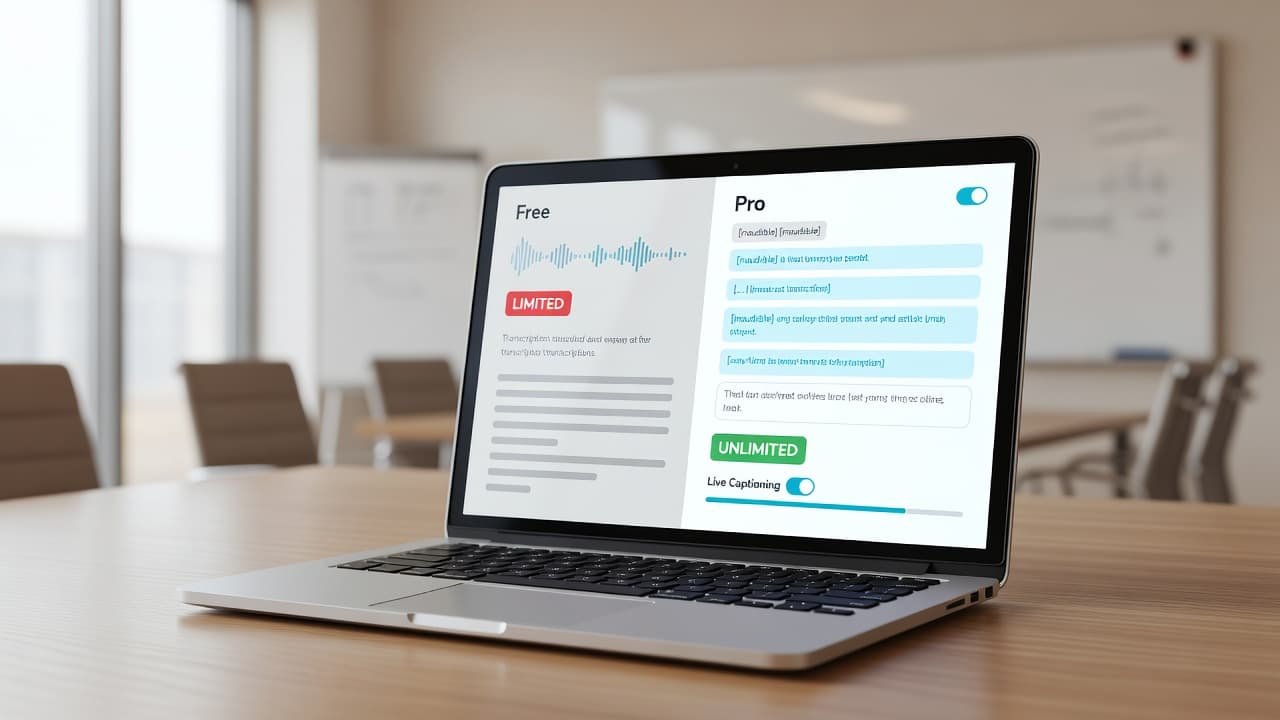
The other limits are less obvious, but they matter once you work from past meetings. The free plan only keeps the 25 most recent conversations available. That means your searchable memory is shallow by design. If you are using Otter to recall a pricing decision from six weeks ago, or to check who agreed to a deliverable, the free tier can quietly fail the moment that meeting rolls off the list. While feature availability shifts between tiers, it is worth noting that the transcription accuracy remains consistent across both plans.
Regarding file imports, the limit is another sharp edge. Three lifetime uploads per user is not a serious allowance for a working team. If you upload Zoom cloud recordings, webinars, customer interviews, or field recordings, you will hit that ceiling almost immediately.
If your recurring meetings run longer than 30 minutes, the free plan is not a team plan. It is a trial.
I still see a place for the free version. I would use it to test transcription quality with my accent mix, meeting style, and terminology. I would also use it for an occasional solo memo or a short interview. I would not put a real team habit on top of it unless everyone agrees it is temporary.
What Pro changes in daily team use
The jump to Pro is not about flashy features. It is about reducing the number of ways a meeting workflow can break.
Search, memory, and fewer handoff gaps
Unlimited history is the first upgrade I care about. Teams do not only need today’s transcript. They need a usable record of old decisions, repeated objections, onboarding notes, and client phrasing. With real-time transcription, teams can capture data instantly, ensuring that Otter becomes a searchable memory layer that starts paying for itself in avoided rework.
The same applies to broader search across meetings. If a founder wants every instance of a customer objection, or an account manager needs every mention of a renewal date, historical search is more useful than another AI summary box.
Custom vocabulary also matters more than most buyers expect. Small teams often have dense language, such as customer names, product acronyms, partner brands, internal shorthand, and technical terms. Free gives you almost no room to tune that, while Pro provides the headroom to clean up recurring words that would otherwise distort transcripts week after week.

Collaboration after the call
This is where Pro earns its keep for small teams. Meeting capture is only step one, as the hard part is turning a transcript into follow-up.
Enhanced speaker identification helps when multiple voices sound similar during a discussion. Furthermore, automated summaries and the ability to use Otter AI Chat allow your team to extract key insights quickly, improving overall productivity. When it comes to managing busy schedules, the Otter Assistant is a lifesaver, as it automatically joins your calls on Zoom, Microsoft Teams, or Google Meet.
Action item assignment helps when nobody wants to re-read an hour-long call to find their tasks. Centralized billing matters when the team owner does not want to deal with reimbursements and scattered personal accounts.
The second concurrent meeting slot is another practical upgrade. The free plan only handles one meeting at a time, but Pro allows two. If your sales lead and founder are double-booked, that can be the difference between a usable record and a missed one.
Exports also widen the downstream use cases. Free is mostly basic text, but Pro adds document and subtitle-friendly formats like PDF, DOCX, and SRT. That matters if meeting notes feed training material, internal documentation, or edited video.
This does not turn Pro into a full operations system. It still needs clean meeting titles, consistent habits, and someone who cares about follow-through. But for a team of two to five, it removes enough friction to make transcription part of the workflow instead of a side experiment.
The real cost for a two-to-five-person team
When evaluating Otter AI pricing plans, the Pro tier is priced low enough to clear the first budget test for most small organizations. The official pricing page lists the Pro option at $8.33 per user per month with annual billing, or $16.99 per user per month if you choose to pay monthly.
The math for your monthly overhead looks like this:
- Two users on annual billing cost about $16.66 per month total.
- Three users on annual billing cost about $24.99 per month total.
- Five users on annual billing cost about $41.65 per month total.
- Five users on monthly billing cost $84.95 per month.

I suggest judging this spend against the cost of lost context rather than just the price of note-taking. One missed client requirement, one undocumented decision, or one forgotten action item can burn more time than the cost of a few Pro seats.
There is one caveat I always flag. The 1,200-minute allowance is per user, not a shared pool that automatically fixes uneven workloads. If one person handles the bulk of your meetings, that individual can hit the cap while everyone else sits unused. If your team eventually outgrows the limits of the Pro tier or requires advanced features like priority customer support, the Business plan or the Enterprise plan become the logical next steps for your growth.
I also recommend avoiding older Otter comparisons found online. Some outdated articles still cite much larger allowances on both Free and Pro versions. If a review suggests that the Pro plan includes 6,000 monthly minutes or unlimited uploads, you should treat that information as stale.
Who should stay on Free, and who should move to Pro
Basic plan is enough in a narrow set of cases
I would keep a small team on the Basic plan only when usage is light and expectations are modest. Think founder notes, occasional interviews, or short internal calls where missing the back half would not hurt much.
The Basic plan still works if most of these are true:
- One person uses it.
- Meetings are usually under 30 minutes.
- You do not rely on long-term meeting history.
- Uploads are rare.
- The tool is a convenience, not part of your operating rhythm.
That is a real use case. It is just a small one.
Pro plan is the right floor for most working teams
Once two or more people depend on accurate transcripts, the Pro plan is where this AI note-taker starts making operational sense. I would move up fast if your team runs recurring client calls, needs searchable history, or wants even basic task follow-up from meetings. For those currently exploring various Otter AI alternatives, the Pro plan offers a competitive value-to-cost ratio that is difficult to beat.
The Pro plan is the better choice when any of these show up:
- Your calls often run 45 to 90 minutes.
- More than one person records meetings.
- You need old conversations for reference.
- Client names and internal terminology need better recognition.
- You upload recordings from other tools.
- Meeting notes feed documents, captions, or follow-up work.
If your team is already thinking about CRM handoffs, stronger admin controls, or more than five seats, I would skip the idea that the Pro plan is a long-term landing spot. At that point, you are shopping for Business-level structure.
The plan I’d put in front of a small team
If I am advising a two-to-five-person team in 2026, I do not frame this as a close call. The free plan is fine for testing or very light solo use, but it is not durable for teams that meet in normal business rhythms. While there are several Otter AI alternatives available, the seamless integration with Zoom, Microsoft Teams, and Google Meet makes the Pro plan the most reliable choice for professional environments.
I suggest upgrading to Pro the moment meetings become a consistent part of your workflow. The true value is not in novelty, but in fewer cutoffs, accessible history, better exports, and enough collaboration features to stop meeting notes from dying in private accounts. Most importantly, the Pro plan offers the monthly transcription minutes necessary to support a growing team without the risk of hitting a ceiling mid-meeting.
The cleanest rule I can give is this: if your team would notice a missing transcript, a missing search result, or a missing action item, you are already past the point where the free plan makes sense.
FAQ
Is Otter Free enough for a two-person business?
Sometimes, but only if meeting volume is low and most calls stay under 30 minutes. Once both people record regularly, the 300 monthly minutes and shallow history become a constraint. Keep in mind that the Free plan also limits access to priority customer support, which can be a significant bottleneck if you run into technical issues during an important project.
Does Otter Pro work for a small team without upgrading to Business?
Yes, up to a point. Pro supports small teams well when you need searchable history, basic collaboration, better exports, and up to five seats. However, if your needs scale beyond five members or require more advanced admin controls, you will eventually need to look at the Business plan. For smaller operations, Pro remains the most cost-effective way to manage documentation before the complexity of a larger enterprise setup becomes necessary.
Is Otter Pro worth paying for if Zoom, Microsoft Teams, or Google Meet already records meetings?
Usually, yes, if your team needs search, summaries, action items, and reusable transcripts. While native recordings in tools like Zoom, Microsoft Teams, or Google Meet provide a basic video file, they lack the intelligence of AI transcription. A raw recording is just storage, but a searchable transcript integrated into your workflow serves as a reliable working memory for your entire team.
What’s the biggest mistake people make when comparing Otter plans?
They focus on the monthly price and ignore failure points. The real issue is not whether you can get transcripts for free. It is about identifying what breaks first when your team relies on them for daily operations, such as reaching your monthly minute limit or needing urgent help from the support team.
What should I read next?
If Otter is only one part of your voice workflow, these are the next pages I’d open: