
Most small SEO teams don’t need a bigger dashboard. They need fewer blind spots.
When I evaluate AI SERP analysis tools, I care about fresh rankings, clear explanations, and low operating friction. If a tool hides the real search results behind an AI summary, or charges enterprise money for basic tracking, I move on.
The shortlist below is the one I’d use for a two- to five-person team that has to protect budget, cover topic clusters, and make decisions quickly.
What small teams need from SERP analysis
I don’t buy SERP software for vanity charts. I buy it to answer operational questions fast.
Which pages lost ground? Which competitor entered the result set? Did Google swap blue links for video, Maps, shopping, or forum threads? Did the intent shift, or did my page simply stop matching the query?
For US teams, daily data is usually the minimum. Weekly snapshots are often too slow once a category gets competitive. I also want device and location controls, because desktop rankings can look fine while mobile results are crowded with features that bury organic listings.
The other thing I care about is cluster coverage. One keyword doesn’t tell me much. A useful tool shows how a whole topic behaves, where supporting pages are missing, and whether competitors own the same parent theme from multiple angles. That’s the difference between chasing isolated wins and building authority that compounds.
AI helps when it saves analyst time. Good AI flags intent changes, summarizes unusual movements, and highlights recurring patterns across a keyword set. Bad AI writes fluffy advice on top of stale data. Small teams can’t afford the second kind.
I also keep a hard line between SERP analysis and search tools built for on-site relevance. Algolia’s breakdown of site search software is a useful reminder that internal search and external search rankings are different jobs. One helps visitors find products on your site. The other tells you what Google is showing before users ever arrive.
How I judge AI SERP analysis tools in 2026
My filter is simple. I want the tool to reduce decision time, not add another layer of interpretation.
First, I check data freshness. Daily rank updates are fine for most small teams. Faster updates matter when a site depends on fast-moving commercial queries or local packs. If a vendor can’t tell me how often rankings refresh, I treat that as a warning sign.
Second, I look at SERP feature coverage. Rank position alone isn’t enough anymore. I want visibility into snippets, People Also Ask, local packs, videos, image blocks, shopping placements, and brand-heavy layouts. A page can hold position four and still lose traffic if the page is now buried below four other result types.

Third, I test whether the AI layer is useful or decorative. I don’t need a chatbot glued onto a rank tracker. I do want alerts that explain what changed, intent grouping that reduces manual sorting, and summaries that point me back to the live SERP quickly.
If the AI can’t show me the result set behind the summary, I don’t count it as SERP analysis.
Fourth, I check workflow fit. Small teams usually work across Google Search Console, analytics, spreadsheets, docs, and a CMS. A good tool needs clear exports, readable reports, and enough structure that another teammate can pick it up without a week of training.
Last, I check pricing against the real job. Many teams overbuy. If the need is rank tracking and alerts, I don’t pay for a huge suite. If the team also owns keyword research, content planning, and competitor checks, then a broader platform starts to make sense.
My shortlist of AI SERP tools for 2026
The quick comparison looks like this:
| Tool | Best fit | What I like in practice | Main trade-off |
|---|---|---|---|
| Semrush | One-tool stack | Strong SERP views, competitor research, reporting, broad workflow coverage | Price climbs fast |
| Ahrefs | Research-heavy teams | Clean keyword and backlink research, solid SERP inspection | Less convenient as an all-in-one daily workspace |
| SE Ranking | Budget-conscious teams | Good daily tracking, easier onboarding, practical reporting | Less depth than larger suites |
| Wincher | Rank tracking first | Focused interface, fast setup, low friction | Narrow scope |
| Serpstat | Low-cost mixed use | Good value across tracking and research basics | Some views feel thinner |
| Surfer + tracker | Content-led teams | Useful when optimization and on-page work are the bottleneck | Not a full SERP intelligence stack |
My broad take is simple. The market keeps adding AI language on top, but the buying logic hasn’t changed much. Accurate data, clear reports, and fair pricing still matter more than feature count.
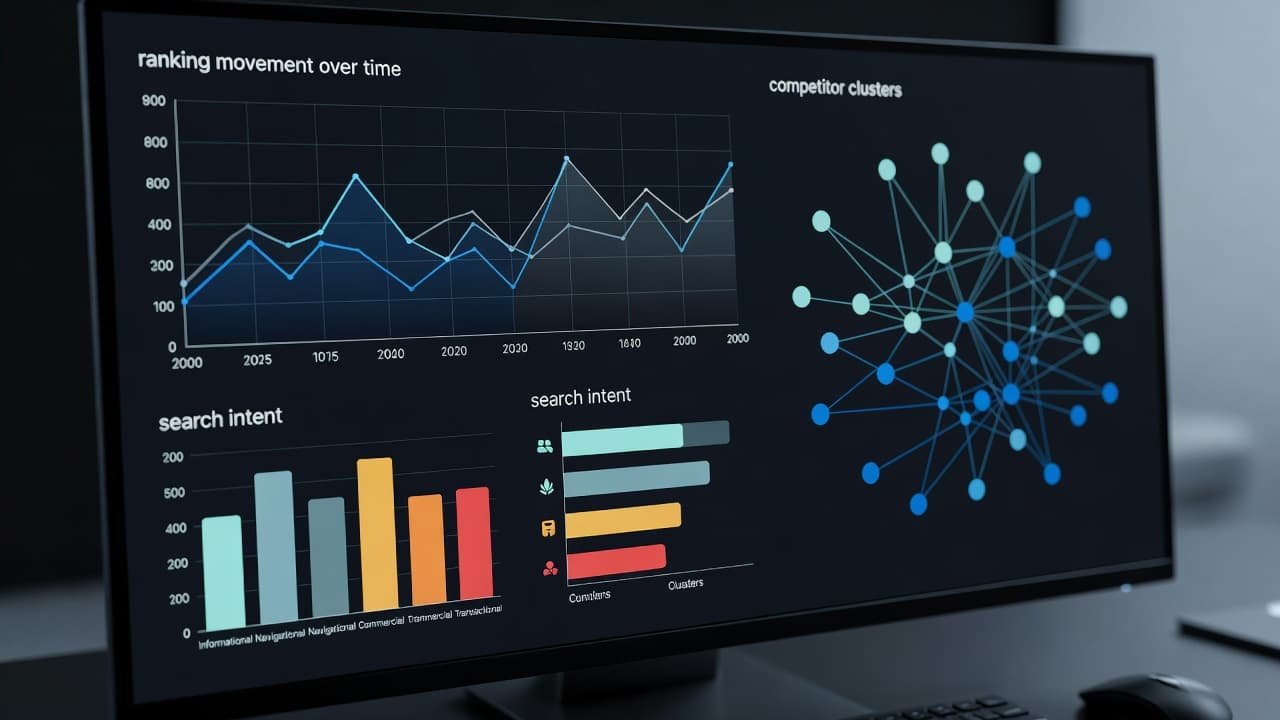
Semrush is the safest one-tool stack
If one small team owns content, research, reporting, and basic competitive monitoring, Semrush is still the easiest all-around recommendation I can make.
I like it because I can move from keyword discovery to SERP inspection to rank tracking without changing systems. That’s useful when the team doesn’t have a dedicated analyst and needs one place to answer most questions. It also handles cluster-level thinking better than many lighter tools, which matters when you’re building topical coverage instead of chasing one page at a time.
The downside is predictable. It can feel oversized for teams that only need rank tracking. Costs rise quickly, and some small teams end up paying for modules they barely touch. I recommend it when one login has to do a lot of jobs. I don’t recommend it when the only job is watching positions move.
Ahrefs fits research-first teams
Ahrefs makes the most sense when the team starts with research depth and competitive pattern recognition.
I still like its workflow for digging into SERPs, backlink signals, and topic breadth. If I’m trying to understand why a competitor owns a category, Ahrefs is often the first place I look. It tends to fit teams that think in terms of content systems, link equity, and search demand before they think about reporting layers.
Where it can be less comfortable for a tiny team is day-to-day operational use. If the team needs lighter reporting, easier handoff to non-specialists, or a single workspace for broader marketing tasks, Semrush often feels more complete. Ahrefs is excellent when the people using it know exactly what they’re looking for.
SE Ranking is my value pick
For many small teams, SE Ranking is the point where capability and cost line up best.
It usually covers the essentials without making the interface feel heavy. Daily tracking is there, local tracking is there, reporting is readable, and the learning curve is shorter than what I see with larger suites. That matters more than feature volume when the team has limited time and no appetite for long onboarding.
I also like it for agencies, local businesses, and lean in-house teams that need proof of movement but don’t need every advanced research layer on day one. The trade-off is that I hit the ceiling sooner on deeper competitive analysis. Still, if budget matters, this is one of the first tools I put on the shortlist.
Wincher works when rank tracking is the whole job
Some teams don’t need an SEO platform. They need a rank tracker that stays out of the way.
That’s where Wincher makes sense. If the workflow already lives in Search Console, Sheets, and a content calendar, adding a focused tracker can be smarter than buying an all-in-one suite. I like narrow tools when the team is disciplined and already knows how the rest of the stack works.
The limit is obvious. Wincher won’t replace a full research platform. It won’t cover deeper competitor investigation or broader content planning. But for a small team that wants clean tracking, simple reports, and faster adoption, narrow can be a feature, not a weakness.
Serpstat and Surfer fill narrower roles
Serpstat usually enters the conversation when a team wants a lower-cost blend of rank tracking, keyword work, and competitor checks. I don’t put it above the top three, but I do think it’s reasonable when budget pressure is real and the team wants more than a single-purpose tracker.
Surfer is a different case. I don’t think of it as a primary SERP analysis platform. I think of it as a content optimization layer that becomes useful after the team already knows which queries and pages matter. If the bigger problem is editorial coverage, topic overlap, or weak briefs, then a content-first tool can make sense beside a rank tracker. That’s also where my guide to AI content gap analysis tools is often the better next read.
One more point for 2026: newer AI visibility products are getting attention, and some are genuinely interesting. I treat them as a supplement. For most small teams, they are not a replacement for core SERP tracking, feature monitoring, and competitor checks.
How I build a lean stack without wasting budget
I use a simple rule. One tool if rank tracking is the main need. Two tools if the team also needs content optimization or deeper research. Three tools only when there’s a real workflow reason, not because the demo looked good.
A lean content team often does well with SE Ranking or Semrush plus Search Console. If optimization is the bottleneck, I add Surfer or a similar content layer. If competitive monitoring matters more than on-page scoring, I pair the main platform with dedicated AI competitor analysis software, not another generic dashboard.

This is also where search intent discipline matters. If I’m running an ads-driven content site or a top-of-funnel publishing program, I want the tool to help me map informational queries into clusters, track supporting pages, and spot pages that are losing relevance. If I’m running a smaller B2B site, I care more about a tighter keyword set, competitor entries, and buying-intent terms.
In practice, the best stack is often the one the team will open every day. A cheaper tool that gets used beats a premium suite that becomes shelfware after two months.
Mistakes that make good tools feel useless
I see the same buying errors over and over.
Teams pay for AI writing features when the actual gap is rank visibility. They track national rankings for local-intent queries. They celebrate average position without checking whether SERP features pushed the result below the fold. They also expect one platform to solve technical SEO, content planning, and competitor monitoring equally well.
Another common mistake is skipping the validation step. When a tool reports a movement, I still inspect the live results. That’s how I catch forum results, Reddit threads, video carousels, or local packs changing the click map even when the raw rank number looks stable.
And then there’s the technical side. SERP analysis can tell me what changed in search, but it can’t fix crawl waste, redirect problems, canonicals, or internal linking issues. If rankings stall after publishing, I usually audit the site before I rewrite the page. My breakdown of AI SEO audit tools for fast site fixes covers that part of the workflow.
Pick the tool that reduces blind spots
The right tool doesn’t impress me with dashboards. It shortens the time between a ranking change and a decision.
For most small teams, that means picking the platform with the clearest SERP data, the least friction, and a price that still makes sense six months later. Bigger suites are useful when one team owns many jobs. Simpler tools win when the job is narrow and the workflow is already disciplined.
If a tool helps me see intent shifts, SERP feature changes, and competitor movement without slowing the team down, that’s enough. I don’t need more software than that.
FAQ: choosing an AI SERP tool
Can a small SEO team rely on one SERP tool?
Yes, if the job is narrow. A team focused on rank tracking, basic reporting, and light research can often work well with one platform plus Search Console. Once content optimization, competitor monitoring, and technical diagnostics all matter at the same time, a second tool usually pays for itself.
Are AI features worth paying extra for?
Only when they reduce manual review. I value AI for grouping keywords by intent, spotting anomalies, and summarizing changes across a set of pages. I don’t pay extra for generic recommendations that could have been written without looking at the live SERP.
What’s the difference between rank tracking and SERP analysis?
Rank tracking tells me where a page sits for a keyword. SERP analysis tells me what the result page looks like, who else is there, which features are taking space, and whether the intent changed. Small teams need both, but the second one is what keeps position data from becoming misleading.
Which tool is best if the budget is tight?
If I want the best balance of cost and capability, I usually start with SE Ranking. If rank tracking is the only real need, Wincher can make more sense. I’d only move up to Semrush or Ahrefs when the team will actually use the broader research and workflow layers.
Suggested related articles:
- AI SEO Audit Tools 2026, Best Picks for Fast Site Fixes
- AI Competitor Analysis Tools: My 2026 Picks for Small B2B Teams
- Best AI Content Gap Analysis Tools for Teams in 2026