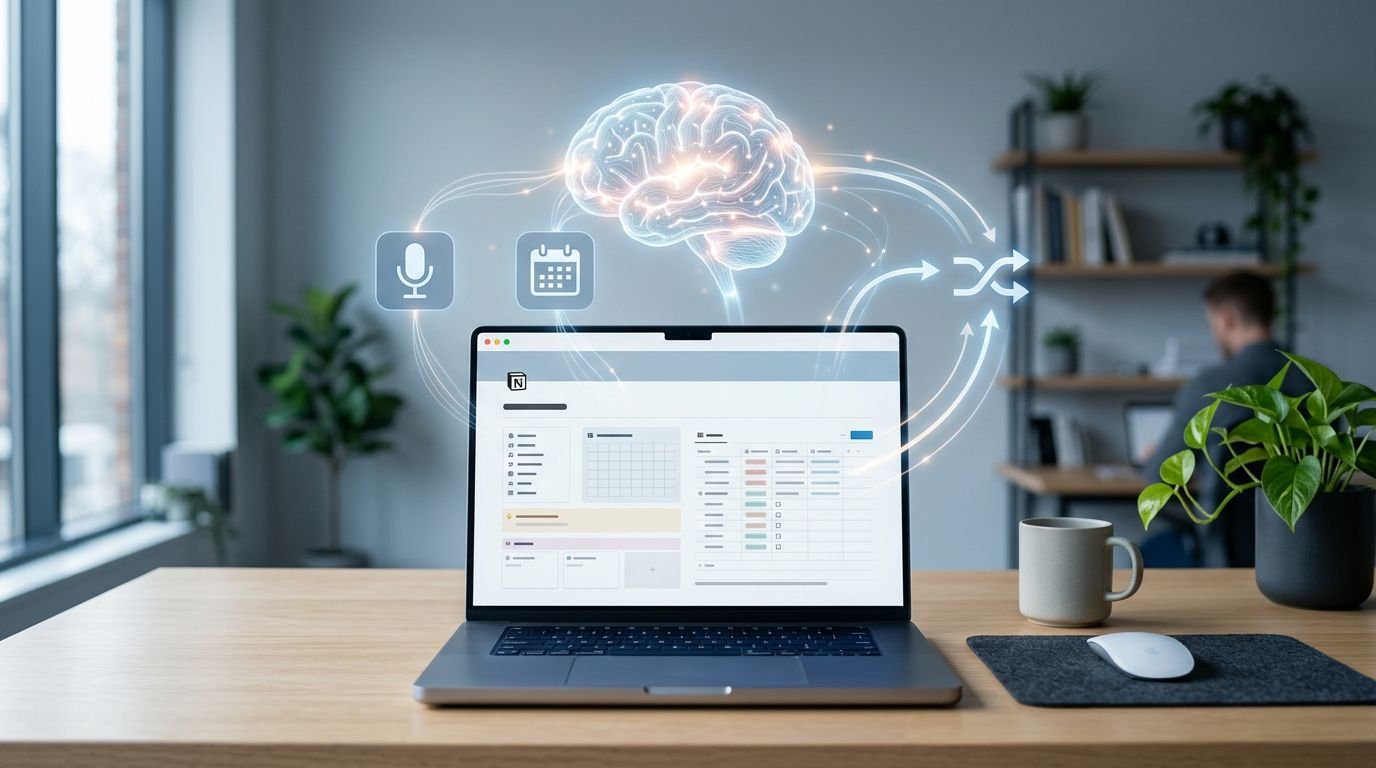
If you are still pasting meeting summaries into Notion by hand, the workflow is already leaking time. One missed recap is enough to lose an owner, a deadline, or a decision.
I want AI meeting notes Notion to arrive where my team already works, utilizing an automated notetaker to eliminate manual data entry. My goal is for these summaries to populate with the right fields, the right format, and minimal cleanup, establishing a single source of truth for all team communication. The trick is not just the capture itself, but the combination of capture, routing, and structure.
That is where most setups fail, so I start there.
Key Takeaways
- Choose the right complexity level: Use Notion’s native meeting tools for the fastest setup, or pair a dedicated recorder with an automation layer (like Make or Zapier) if you need custom parsing and advanced routing.
- Prioritize database structure over volume: Avoid dumping raw transcripts into giant text fields; instead, use a standardized database schema with fixed properties for decisions, action items, and project links to make your notes searchable and actionable.
- Establish a single source of truth: Centralize all meeting notes in one database rather than scattering pages across your workspace to ensure consistency in tracking project updates and account history.
- Implement a ‘review-first’ policy for sensitive meetings: While automation is powerful, build in manual verification steps for HR, leadership, or customer-escalation calls to maintain accuracy and governance.
The three methods that still work in 2026
When I evaluate an AI meeting-notes workflow for Notion, I use three tests. First, does the transcript capture enough signal to trust the summary? Second, does the automation fire reliably? Third, does the Notion page stay useful a week later?
Right now, I see three practical paths for generating high-quality meeting summaries.
If you haven’t picked a recorder yet, my guide to AI tools for meeting summaries is the better first stop. A weak capture tool creates bad notes faster, not better. Most modern tools provide excellent compatibility with Google Meet, Zoom meetings, and Microsoft Teams to ensure no detail is missed.
Here’s the short version.
| Method | Setup time | Control | Best fit |
|---|---|---|---|
| Notion AI Meeting Notes | 10 to 20 minutes | Low to medium | Teams already living in Notion |
| Recorder + Make or Zapier + Notion | 30 to 90 minutes | Medium to high | Ops-heavy teams that want custom fields |
| Direct webhook or Notion API workflow | 2+ hours | High | Developers who want strict formatting and logic |
The fastest option is using Notion AI for your meeting notes. As of 2026, it supports a default meetings database and custom instructions, which cuts down manual routing significantly.
The middle path is what I recommend most often. Let the recorder handle capture, then let an automation layer turn the output into a clean Notion page.
The API route is best when you need approval rules, strict field mapping, or downstream actions in Slack, a CRM, or a task system. It is also the easiest path to overbuild.
The fastest setup is inside Notion
If your team already writes docs, tracks tasks, and runs project pages in Notion, I would not overcomplicate this. Native capture is the lowest-friction option, and friction is what kills adoption.
The Notion desktop app has made this easier than ever. You can now trigger recording directly using the /meet command, allowing Notion AI to handle real-time transcription by capturing your system audio. It even includes speaker labeling to help you distinguish between participants, which makes reviewing long transcripts much faster.
My basic setup looks like this:
- I create one meetings database, not separate pages scattered across teams.
- I set that database as the default destination for AI meeting notes.
- I add custom instructions so the summary format stays stable.
- I keep the output short: summary, decisions, action items, and open questions.
That last part matters. If the format changes every meeting, filtering gets messy fast.
I also prefer a single naming rule for titles, usually client or project plus date. When notes come from Notion Calendar or start inside Notion, the workflow gets even cleaner because the handoff point is already inside the same system.
For teams that want more context on what Notion can and can’t automate well, I wrote a separate piece on Notion AI workflow automation. The short version is simple: it is strong when the workflow stays in Notion, and less strong when it needs branching logic or approvals.
The trade-off is control. Native meeting notes are quick, but they are not the best fit if you need custom parsing, review-before-publish rules, or different outputs by meeting type.

The flexible path is recorder plus automation plus Notion
When I want better structure, I don’t start with Notion. I start with the meeting recorder.
A common version is Fathom or another automated notetaker feeding Make, then Make creating a page in Notion. The same pattern works with email parsing, watched folders, or webhooks. The key is to standardize the output before it hits the database by passing the raw meeting transcript through natural language processing to extract high-value insights.
My preferred flow is straightforward:
- The recorder finishes the call and creates a transcript or summary.
- Make or Zapier catches that output through a webhook, inbox rule, or app connection.
- A model or formatter turns the content into fixed sections, such as meeting summaries and prioritized action items.
- Notion creates a new page with mapped properties.
- The automation can also trigger follow-up emails to participants or send a short recap to Slack if the team needs it.
This is where I get the most practical value. I can separate decisions from action items. I can assign owners. I can tag the meeting by client, team, or project. I can also stop auto-posting for sensitive calls and require review first.
Don’t send raw transcript text into one giant Notes field and call it done. That’s storage, not retrieval.
If you want a concrete example of the API pieces involved, Speak AI’s Notion integration guide shows the moving parts clearly, including how to handle the meeting transcript handling, integration token, database access, webhook trigger, and page creation request.
I also like this path when the summary needs a second destination. Many teams want the full notes in Notion and the short recap in chat. If that’s your use case, my workflow for sharing meeting recaps in Slack pairs well with the same database structure.
The failure mode is obvious. More flexibility means more break points. If the recorder changes its payload, or the automation fires before the final transcript is ready, you’ll get half-built pages.
The database design matters more than the summarizer
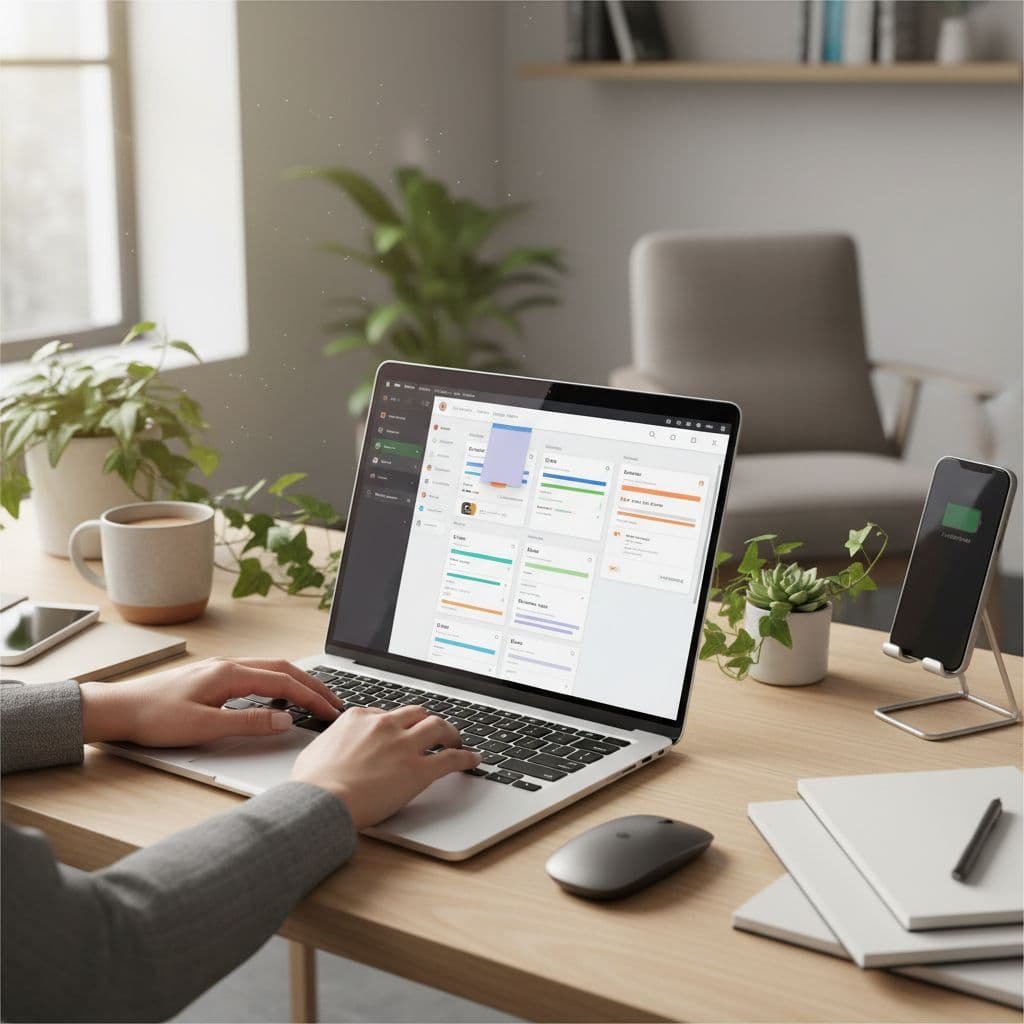
I see this mistake a lot. People spend hours picking the AI tool, then dump the result into a weak Notion database.
A good database works like an index. A bad one is a junk drawer with timestamps.
I keep the schema tight. Most teams do not need twenty properties. They need eight or nine that stay consistent. To ensure every new entry for meeting minutes has a uniform layout, I rely on database templates that pre-fill these fields:
- Meeting title
- Date and time
- Participants
- Project or client
- Summary
- Decisions
- Action items
- Action owner
- Recording or transcript link
I usually keep the clean summary in database properties and the longer body content inside the page itself. That gives me filterable fields without turning the table into a wall of text.
If your team tracks work in Notion already, use database relations to connect these notes to your broader project management system. Linking a meeting page to an active project or account changes the workflow from a stagnant archive to an active operational record. Now, a project page can show recent meetings, open action items, and unresolved questions without anyone rebuilding the context by hand.

Where these automations usually break
Most problems are not flashy. They are boring, repeatable, and expensive.
The first issue is duplicate pages. I fix that with a dedupe key, usually the meeting ID plus the start time. The second is timing. Some tools send an early summary, then a final transcript later. If the automation runs too soon, the note is incomplete.
Permissions trip up a lot of setups as well. In Notion, the integration needs access to the exact database, not only the workspace. You should also verify your workspace settings and ensure the host’s operating system has the correct screen recording permissions enabled. Miss those steps, and the workflow fails in a way that looks random.
Then there is trust. I do not recommend fully automatic publishing for legal, HR, leadership, or customer-escalation meetings. Review-first is slower, but the cost of a wrong owner name or a distorted decision is higher than a two-minute check.
For US teams, data privacy also matters. If recordings include customer data or sensitive internal discussion, you must confirm consent rules, display a clear consent message to participants, and review information retention settings. Furthermore, verify that your tools use secure encryption to protect sensitive discussions. Better automation is not worth the risk of sloppy governance.
The setup I’d choose today
If I wanted the fastest path, I’d use Notion’s built-in meeting notes and point everything to one clean meetings database. Utilizing Notion AI to handle this workflow gets most teams 80 percent of the value with very little maintenance, making it the most efficient way to generate AI meeting notes in Notion without extra tools.
If I wanted more control, I’d use a recorder plus Make plus Notion, then force the output into a stable schema. That’s the version I trust for recurring client calls, project handoffs, and cross-functional meetings.
The goal isn’t more notes. It’s reliable retrieval when someone asks, “What did we decide, and who owns the action items?”
FAQ
Can Notion send AI meeting notes automatically without Zapier or Make?
Yes, if you are using Notion AI for your meeting notes, this is the easiest no-code setup available. It works best when your capture, storage, and follow-up processes all remain within the Notion ecosystem.
What’s the best structure for AI meeting notes in Notion?
I prefer a database instead of loose pages. Keep separate fields for the summary, decisions, action items, owners, and project links. When you create action items, you can use @mentions to notify owners directly, which makes tracking tasks and reporting much easier later on.
Should I store the full transcript in Notion?
Only if your team specifically needs it there. I often store a transcript link and keep the Notion page focused on decisions, actions, and context. Raw transcript text can often make the database harder to manage or search through.
Which method is best for most teams?
For most teams, built-in Notion notes are the best place to start. If you need stricter formatting, multi-step routing, or complex approval workflows, use a dedicated meeting recorder paired with an automation layer.
Suggested related articles:
- AI Meeting Notes Apps I’d Use in 2026: 5 Best Picks
- Notion AI Review 2025
- Automating AI meeting summaries and AI meeting notes Notion workflows for teams