
Bad meeting notes don’t fail during the call. They fail the next morning, when AI-generated summaries and follow-up live in three places and HubSpot shows nothing useful.
I only trust an AI meeting notes HubSpot workflow, which eliminates manual CRM data entry, when the summary lands on the right record, with a real next step and a clear owner. If I can’t trace that path in under a minute, I assume the setup will break later.
Key Takeaways
- Start with the HubSpot CRM record (contact, deal, company) and activity type (meeting or note) before any AI sync to ensure notes land correctly and avoid clutter.
- Use native app sync for fast sales workflows, no-code automation for custom routing rules, or direct API for strict RevOps control—pick based on speed vs. precision needs.
- Follow a reliable workflow: capture with AI notetaker, normalize summary/decision/next steps/owner, attach to right records, create tasks only if explicit, and add human review for email drafts.
- Measure success by accurate notes, linked records, and usable next steps in HubSpot within minutes—ignore polished AI insights if the path breaks later.
Start with the HubSpot CRM record, not the note tool
I don’t begin with features. I begin with destination. In practice, I decide whether the note belongs on a HubSpot CRM record such as a contact, company, deal, or ticket before I turn on any sync.
That choice changes everything. A sales discovery call usually belongs to the CRM contact record and the active deal. Discovery and demo calls go there too. A renewal call may need the company, deal, and a follow-up task. If I skip that mapping step, the AI note becomes clutter.
I also choose the activity type early. I use a meeting record when timing, attendees, meeting scheduling pages, and connected calendar context matter. I use a note when I only need the recap, action items, and links.
If I build a custom route, with Super Admin access, I start with HubSpot’s 2026-03 API reference, because HubSpot now uses date-based versioning across its APIs. That matters once I move beyond simple app connections.
If notes stay trapped inside the meeting app, they didn’t save time. They only moved the mess.
For the CRM side, I use the same control points I outlined in my HubSpot AI CRM assistant guide: field mapping, write access, review points, and auditability.
The three ways I send AI meeting notes to HubSpot
In 2026, I mostly see AI meeting assistants like Fireflies.ai, Fellow, Granola, Read AI, Lindy, and Jamie operating on Google Meet, Microsoft Teams, and Zoom. Most can push summaries into HubSpot, but the real gap is how much structured notes and meeting transcripts they preserve.
A quick comparison makes the trade-offs easier to see.
| Method | Best fit | Speed | Control | Main risk |
|---|---|---|---|---|
| Native app sync | Fast rollout | Fast | Medium | Weak field mapping |
| No-code automation | Custom routing | Medium | High | Silent sync failures |
| Direct API | Strict RevOps teams | Slowest | Highest | Dev overhead |
I use native sync to sync meeting data when I need a sales team workflow live this week. It’s the fastest option, and it’s good enough for many sales teams. If you’re still comparing tools, my notes on AI meeting notes with CRM integration show where these tools differ in practice.
I use automation tools when I need routing rules with a meeting assistant. For example, I may send customer-call notes to a deal, then create a task only if the summary includes a due date. This gives me cleaner logic, but I watch logs closely because quiet failures are common.
I use the API when the CRM is strict. That’s the right path when I need exact associations, custom properties, or approval states before anything writes back.
My reliable AI meeting notes HubSpot workflow
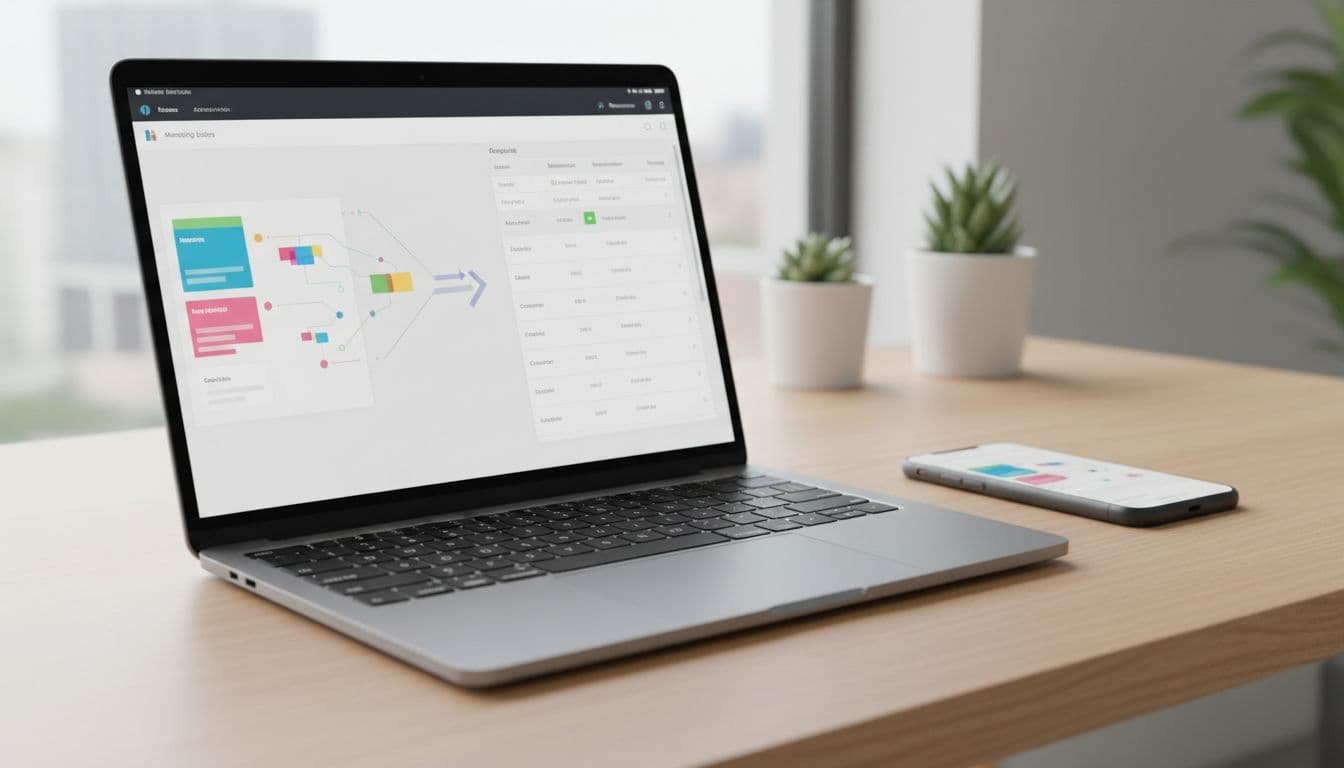
I keep this AI meeting notes HubSpot workflow boring on purpose. Boring workflows last.
- I capture the meeting with meeting notetaker auto-join and review the AI-generated summaries right after the call.
- Then I normalize four fields: call summary, key decision, next steps, and owner.
- Next, I attach the note to the right HubSpot CRM record, usually contact plus deal.
- After that, I create a task only when the owner and due date are explicit.
A clean summary is worthless if it lands on the wrong deal in the sales workspace. That’s like filing a contract in the wrong client folder. It looks tidy, but nobody can trust it.
I also add one human checkpoint. I don’t let AI auto-send automated email follow-ups from meeting notes. I let it draft them, then I approve. That extra minute protects tone, timing, and customer context.
If you’re still choosing a capture layer, my AI meeting assistant buyer’s guide is the checklist I use before I let any tool touch CRM data.

Where this setup usually breaks
Most failures are predictable. Speaker labels drift in meeting transcripts from automatic call recording, action items lose owners, or the sync hits the wrong record because email matching was weak.
I see the same pattern in transcription tools every year, even as transcription languages expand. Clean audio helps, but messy team calls still expose weak speaker tracking, which hampers features like real-time coaching. My Otter AI 2026 transcription test shows why I always verify action items around overlap and interruptions.
For US teams, consent also matters. Recording and disclosure rules vary by state, so I add notice in the calendar invite and repeat it at the start of the call. That rule is simple, and it saves headaches later.
Finally, I don’t measure success by how polished the AI insights in the summary look. I measure whether HubSpot gets an accurate note, a linked record, and usable next steps within minutes.

FAQ
Can I send AI meeting notes to both contacts and deals in HubSpot?
Yes, if the tool or automation supports multiple associations to HubSpot CRM records. I prefer that setup for sales calls, because reps often search by CRM contact record while managers review by deal.
Should I log the recap as a note or a meeting?
I use a meeting when I want attendance and calendar context, including meeting outcomes. I use a note when the recap is the main asset and I don’t need the full call object record.
Do I need a paid plan for HubSpot sync?
Usually, yes. In my testing, full sync to HubSpot CRM records is often locked behind paid tiers, even when the meeting tool has a free plan.
Can I automate follow-up emails from the notes?
I can with Breeze Assistant, but I don’t auto-send them. I create drafts, then review before sending.
What I keep non-negotiable
I don’t judge AI meeting notes HubSpot setups by feature count. I judge them by whether they enable smart deal progression with the right follow-up activities on the correct record without cleanup later.
Once that path is stable, the workflow feels quiet and routine. That’s the point. Good CRM automation should reduce doubt, not create more of it.