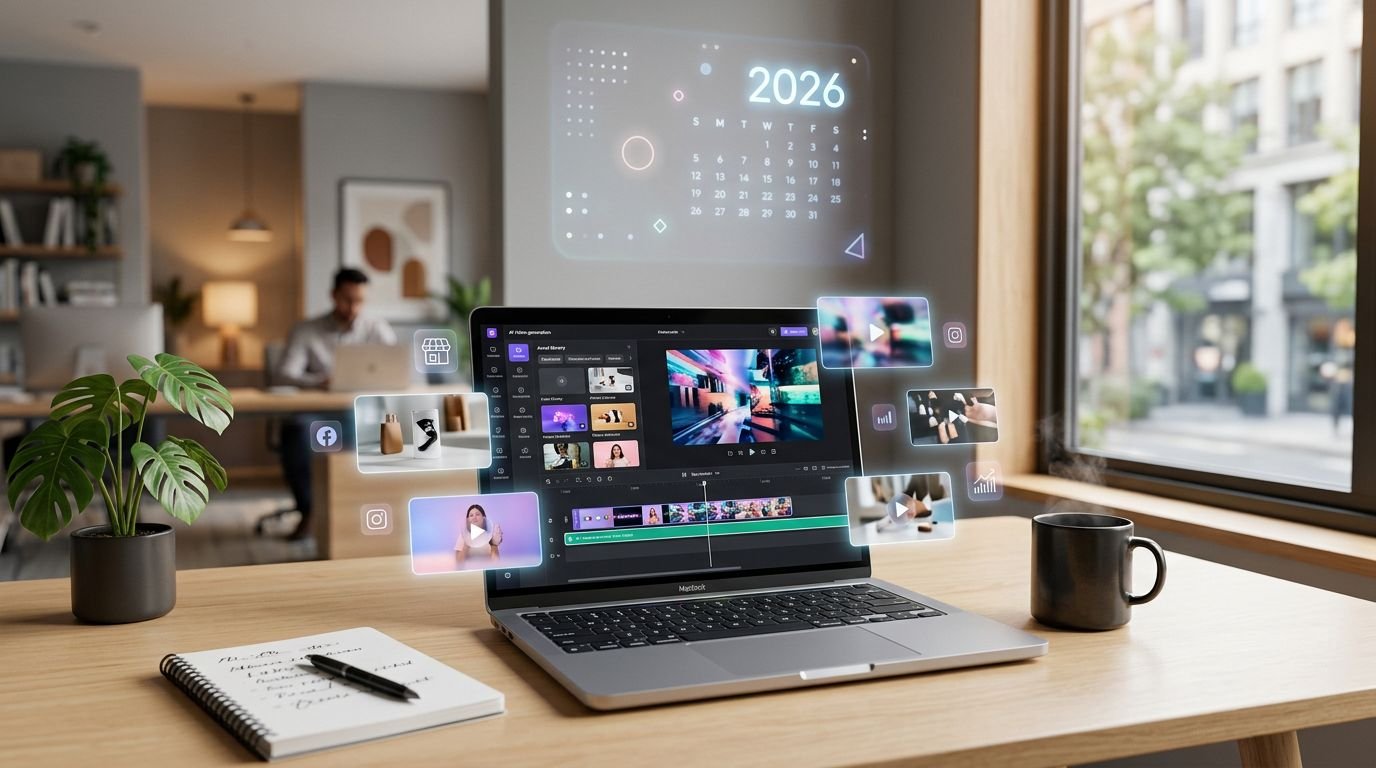
Most small businesses don’t have a video problem. They have a production bottleneck.
A solid AI video generator can fix that, but only if it matches the work you repeat every week. I’ve found the wrong tool creates extra cleanup, extra subscriptions, and clips that still don’t ship.
Buy for the repeatable job, not the shiny demo
I start with the job, not the homepage demo. For a US small business, that usually means one of four needs: short social promos, product videos, talking-head explainers, or repurposed webinars and blog posts.
That split matters because the 2026 market is fragmenting fast. Avatar tools like Synthesia and HeyGen suit training, sales intros, and local service explainers. Creative tools like Runway and Veo fit ad concepts and visual promos. Repurposing tools work better when I already have content and want clips from it.
If you’re still sorting out the basics, my guide on what are AI video generators is the cleanest starting point. I also treat video as one piece of a larger stack, so I pair it with other AI tools for small business marketing for copy, email, and landing pages.
I don’t buy the prettiest demo. I buy the shortest path from script to approved post.
The features I won’t compromise on
A small business rarely needs film-grade output. It needs speed, edit control, captions, and formats that fit where the video will live.

These are the features I check first:
- Caption editing that doesn’t feel bolted on
- One-click resize for 16:9, 1:1, and 9:16
- Brand controls, especially colors, logos, and voice consistency
- Commercial-use clarity for stock footage, music, and avatars
- Fast revisions after a client or owner changes the offer
In practice, weak editing matters more than weak generation. If I can’t swap scenes, fix pacing, or correct voice timing, I lose the time I thought I saved. For repurposing blog posts or scripts, Pictory’s official site is a useful benchmark because it shows how broad the input options can be.
For a wider shortlist, I keep a running set of expert picks for AI video tools.
Best AI video generator options for small business marketing in 2026
Recent pricing still keeps many starter plans in a workable range for small teams. What changes is the best-fit use case.
Here’s the quick screen I use before I buy:
| Tool | Best fit | Starting price | Main trade-off |
|---|---|---|---|
| Synthesia | Training, explainers, presenter-led videos | $29/month | Less creative freedom |
| HeyGen | Personalized outreach, translated videos | Free plan, then $29/month | Avatar-first workflow |
| Runway | Short ads, creative social clips | $15/month | More editing judgment needed |
| Google Veo | Branded visual promos | $19.99 to $28.99/month | Access and credits can shift |
| Joyspace.ai | Turning long videos into shorts | Price not public | Best if you already have source content |
My rule is simple. If I need a polished person on screen, I lean avatar. If I need motion, mood, and visual variety, I lean creative generation. If I already have webinars, podcasts, or blog posts, I choose repurposing.
That distinction saves money because I stop paying for features I won’t use. If you’re stuck between avatar-led and template-heavy tools, my Synthesia and InVideo head-to-head helps clarify where each workflow breaks down.
Real-world use cases and the red flags that cost money
A local dentist doesn’t need cinema. They need appointment reminders, a whitening promo, and a short intro for new patients. A Shopify brand needs product clips with captions and fast aspect-ratio changes. A consultant needs one clean explainer, then ten cutdowns for LinkedIn and email.

I usually reject a tool for one of these reasons:
- The credit model hides the real monthly cost
- Caption cleanup takes too long
- Output looks fine, but brand consistency falls apart
- Licensing terms stay vague on commercial use
Those issues show up after purchase, not before. So I run one live test with my real offer, my real script, and my real deadline. If the tool can’t survive that, it won’t survive routine marketing work.
FAQ
What’s the best AI video generator for a true beginner?
If I want the fastest path to a business-safe explainer, I start with Synthesia or HeyGen. If I want a more visual social clip, I start with Runway.
Can an AI video generator replace a video editor?
Not fully. It can remove a lot of repetitive production work. Still, I keep human review for pacing, brand fit, and claims compliance.
What should a small US business budget first?
I usually test inside the $15 to $29 per month range. That’s enough to learn whether the workflow saves time before I commit to a larger plan.
The smartest first purchase is a narrow one
I don’t start with an annual plan. I start with one campaign, one audience, and one video format.
If the tool helps me publish faster three weeks in a row, then it’s a good buy. If not, the demo was better than the workflow.