
If your support inbox feels like a dripping faucet, you already know the problem. A handful of “quick questions” can quietly eat half a day.
My goal with AI help desk automation, the next evolution of AI service desk, in 2026 is simple: reduce repeat work without lowering trust. That means automating the boring parts (triage, summaries, routing, status checks) while keeping humans in control of edge cases, refunds, access changes, and anything emotional.
Small US teams in IT support and ITSM are adopting this fast. In part, it’s pressure from leadership and customers, and in part it’s math: support volume scales faster than headcount. One survey summary citing Gartner reports that customer service leaders feel strong pressure to implement AI to enhance customer experience this year, which matches what I’m seeing across small teams trying to keep SLAs stable without hiring sprees (see the Gartner survey summary).
What I automate first (and what I refuse to automate)

I start with the work that’s high-volume and low-risk. That’s where automation pays back quickly by boosting agent productivity, and where mistakes don’t become disasters.
Good early targets are predictable and easy to verify, for example password resets, self-service “where’s my order” style status checks (if you can pull a clean status), and “how do I” questions that already exist in a knowledge base. I also automate internal tasks that support customers indirectly, like drafting ticket summaries and extracting key fields.
On the other hand, I don’t automate anything that changes money, access, or legal posture without a review step. If the workflow can lock a user out, expose data, or create a billing issue, I add human approval every time.
Here’s the sorting rule I use:
- Automate fully: automated resolution of FAQs, doc lookups, how-to steps, ticket tagging, duplicate detection.
- Automate with review: refunds, cancellations, account changes, high-dollar orders, incident comms.
- Don’t automate: harassment complaints, threats, safety issues, anything that needs empathy and discretion.
My quickest win is almost always “triage plus summary.” Even when the AI can’t solve the ticket, it can cut handling time.
A practical stack for AI help desk automation in 2026

Most small teams don’t need a complex system of AI agents on day one. In practice, a reliable automation stack has three layers:
First, you need a front door for omnichannel support (live chat, email, SMS, or social DMs). Second, you need a brain powered by conversational AI and machine learning that can answer from your own docs, not from vague internet memory. Third, you need workflow plumbing that pushes structured outcomes into your help desk, CRM, or Slack.
If you’re choosing components, I’d rather see you build around proven patterns than chase feature lists. For no-code web chat and knowledge bots, I’ve had good outcomes with systems in the Chatbase category when the goal is fast deflection and clean analytics, and my hands-on notes in the Chatbase Review 2025 map well to what small teams need (simple setup, logs, and retraining loops).
For workflow automation, I use tools that handle retries, logs, and permissions cleanly. If you want an example of how I evaluate reliability and failure modes in real automations, my Zapier AI review for 2026 covers the exact guardrails I add before I trust agent-driven actions.
Finally, for selecting chatbots and general-purpose models, it helps to compare what’s strong at summarizing, routing, and tool use. I keep an updated mental model using roundups like best AI chatbots and virtual assistants, then I test candidates against my own ticket history.
Build the workflow: intake, triage, deflection, escalation
This is the sequence I implement for ticket management, in order. Each step should work before I add the next.
Step 1: Normalize intake (so the AI has clean inputs)
If your intake form is a free-text box, the AI will guess. I prefer a short form with required fields, even for email. At minimum: product, urgency, account email, and category. Clean inputs reduce wrong routing more than any prompt tweak.
Step 2: Triage and enrich every ticket
I run automation that performs ticket categorization, sentiment analysis, and intent detection using natural language processing. I also add a one-paragraph summary and pull related context (customer plan, last 3 tickets, order ID). This enables intelligent routing and makes your first human touch faster and more consistent.
Step 3: Deflect only what’s provably answered
Deflection means the bot answers and closes the loop without a ticket. That’s where risk rises. I only enable deflection when I can constrain the AI to approved sources and add a confidence gate.
Step 4: Escalate with full context
When escalation triggers, I want the human to get the summary, the sources used, and what the bot already tried. Otherwise, the customer repeats themselves, and your automation becomes a tax.
To keep expectations realistic, I use this quick comparison when planning scope:
| Automation level | What it does | Best for small teams | Main risk |
|---|---|---|---|
| Assist | Summarizes and tags tickets | Immediate time savings | Bad summaries if context is missing |
| Route | Assigns to the right queue | Faster first response | Misroutes during edge cases |
| Deflect | Answers from your knowledge base | High-volume FAQs | Wrong answers that look confident |
| Auto-resolve | Executes actions (refund, reset, change) | Narrow, well-controlled tasks | Permission and audit failures |
The takeaway: most small teams should live in “Assist” and “Route” first, then expand.
Guardrails I won’t ship without (accuracy, privacy, and audit)
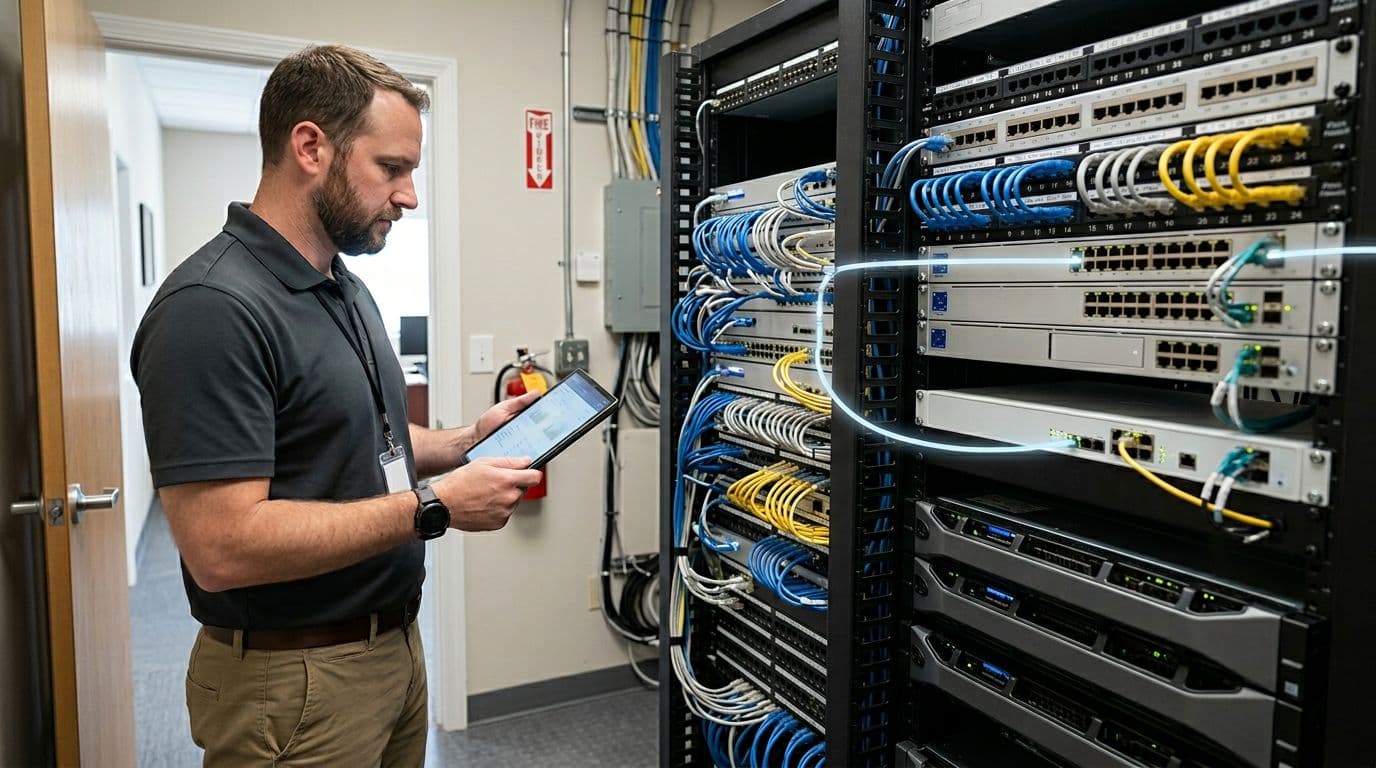
Automation breaks trust when it’s hard to see what happened. So I design my secure AI service desk for debuggability.
First, I add source grounding. If the bot can’t cite internal docs, it should say it can’t answer. Second, I use confidence thresholds. Low confidence routes to a human, with the bot’s draft attached.
Third, I limit data exposure. In the US, “small business” doesn’t mean “low risk.” If you handle health, finance, kids’ data, or just high volumes of PII, you need strict controls. These improve the employee experience by reducing manual security friction. I enforce least-privilege API keys, redact sensitive fields from prompts, and retain logs with clear access rules.
Finally, I add an audit trail. Every automated action, including user access requests, should record: inputs, outputs, who approved (if needed), and the downstream system change.
If I can’t replay a failure from logs, I don’t automate that step.
The metrics I track to prove it’s working (without fooling myself)
I don’t judge automation by “tickets handled by AI.” That’s too easy to inflate. Instead, I track operational costs and customer impact.
My baseline reporting and analytics set looks like this:
- First-response time by channel and by category
- MTTR (median, not just averages)
- Reopen rate on deflected tickets
- Escalation rate from bot to human
- CSAT and negative sentiment deltas on automated paths
- Agent handle time on assisted tickets (did summaries reduce work?)
One more metric matters in an ads-funded content world and in a lean support org: compounding authority. Every resolved ticket should improve the knowledge base using predictive analytics. Otherwise, the same issues keep coming back, just with different subject lines.
FAQ: AI help desk automation for small US teams
How long does it take to see results?
If you start with triage and summaries, I usually see measurable handle-time reductions within two weeks. Deflection takes longer because you need clean docs and careful tuning.
Will customers get mad if they notice automation?
They get mad when answers are wrong or when handoffs feel like a wall. If the bot is honest, fast, and provides 24/7 support while escalating smoothly, most customers prefer it.
Do I need a full “AI agent” that takes actions?
Not at first. I’d rather ship a reliable AI copilot than fragile auto-actions. Add agent actions only after you’ve proven logging, approvals, and permissions.
What’s the biggest failure mode?
Messy knowledge for IT support. If your IT support policies live in five docs and three Slack threads, the bot will contradict itself. Fix your source of truth before you scale deflection.
Where I’d start this week (and what to do next)
I’d start with ticket management for one queue that’s drowning in repeats (billing questions, password help, onboarding). Then I’d implement triage plus summaries, measure handle time for 14 days, and only then add deflection for the top 10 questions. Keep human approval for anything that touches money or access until the logs earn your trust.
If you set this up with care, AI help desk automation becomes a capacity multiplier, not a gamble with customer experience.