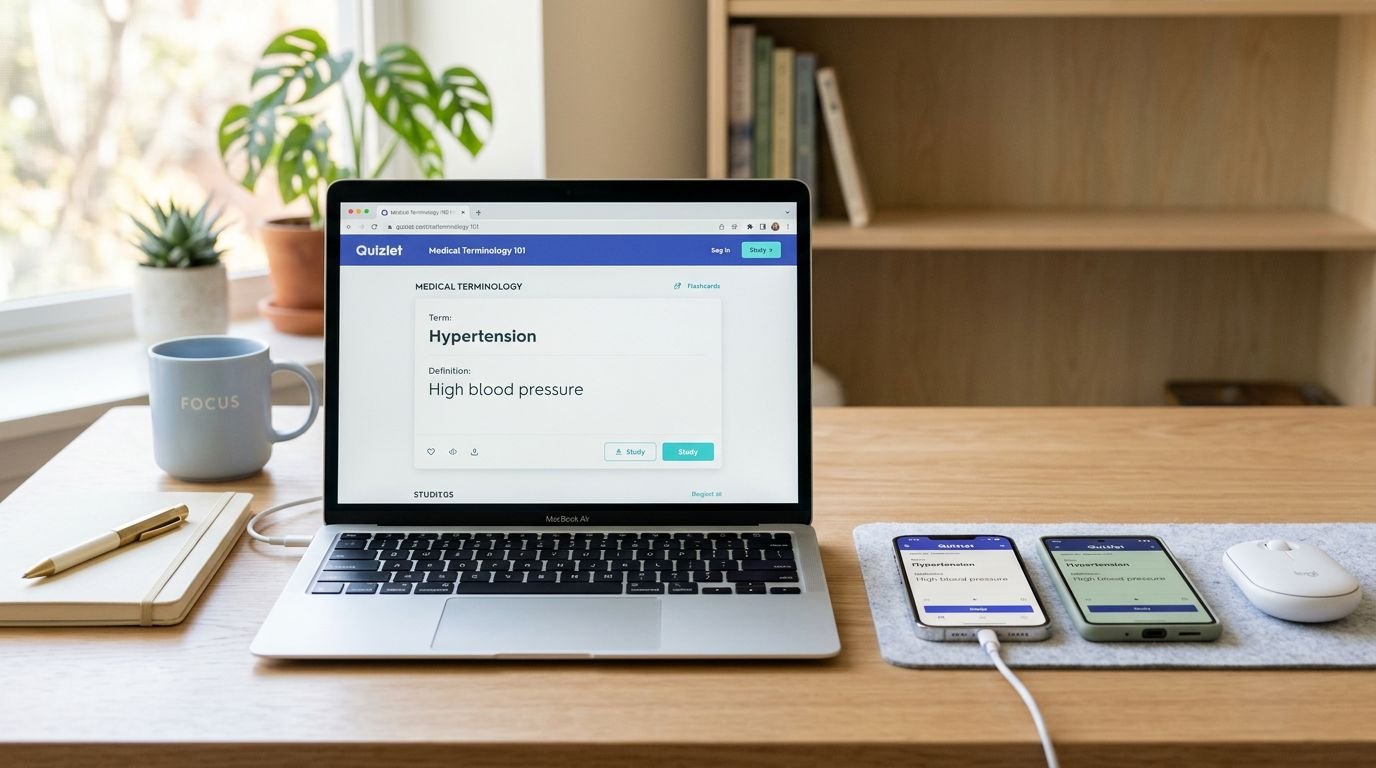
When I’m using Quizlet every day, the platform matters more than most people expect. Not because iPhone is “better” than Android, or because web is “more serious,” but because daily study is a workflow. The wrong platform adds tiny annoyances that cut your reps in half.
Here’s my bottom line: I build and clean up study sets on the web, then I grind practice on mobile. Between iPhone and Android, the experience is close, so the “best” choice depends on how you study (commute, desk, library, or between meetings).
I’ll break down what I’ve learned from real sessions and what I recommend for a Quizlet Pro iPhone vs Android vs web routine.
What “Quizlet Pro” means in 2026 (and what changes by device)
Most people saying “Quizlet Pro” mean the paid tier, which Quizlet typically calls Plus (and sometimes labels differently in promos). In practice, the premium value is consistent across iPhone, Android, and web: fewer distractions, more practice capacity, and the newer AI-driven study helpers.
The upgrades I actually feel in day-to-day use are simple:
- Offline study for downloaded sets (useful on flights, subways, and bad campus Wi-Fi).
- Ad-free sessions, because interruptions break recall.
- AI features (Q-Chat style practice and Magic Notes style conversion) when I need quick material from rough notes.
- Unlimited practice tests and stronger progress tracking, which matters when I’m studying more than once a week.
If you’re deciding whether premium is worth paying for at all, I’d start with this breakdown of Quizlet Plus value for exam prep and study routines, then come back to the platform choice.

Quizlet on iPhone: best for short, consistent reps
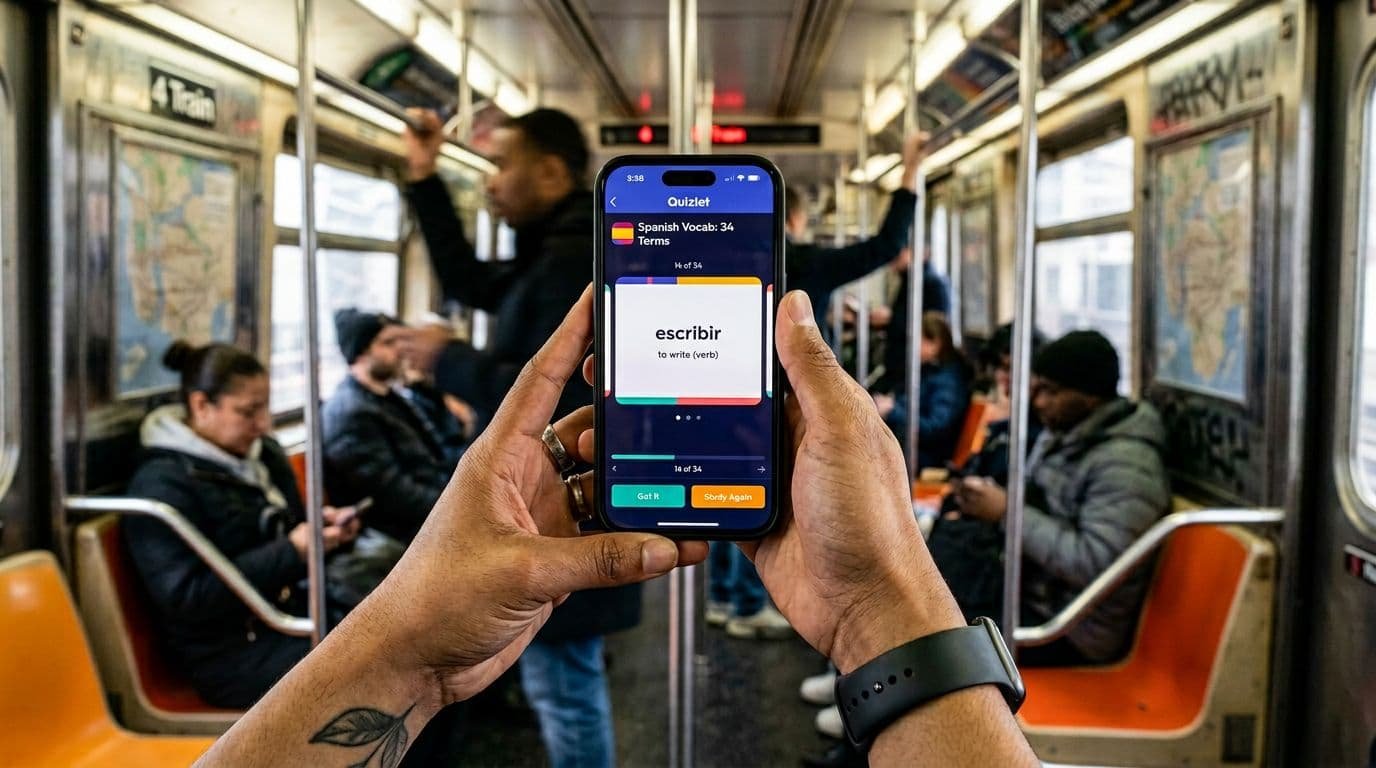
On iPhone, Quizlet fits the kind of study I do in fragments. Five minutes in line, ten minutes before a meeting, a quick pass before I walk into class. The app is fast to open, easy to tap through, and good at keeping me moving.
Where iPhone helps most is consistency. iOS makes it easy to reduce noise during study sessions. I’ll use Focus modes and notification settings at the OS level, then keep the app session tight. That matters because flashcards work when you repeat them, not when you “plan to study later.”
Where iPhone slows me down
Long edits are still a pain on a phone. If I’m building a 200-card set, fixing typos, or reorganizing terms, I don’t want to do that on iPhone. Also, even with offline downloads, anything that generates new AI content usually still needs a connection.
My rule: if I’m editing more than 20 cards, I switch to web. Phones are for practice, not construction.
Quizlet on Android: same core study, more control over multitasking
For Quizlet Pro iPhone Android comparisons, I treat Android as “iPhone-level study features, with more device variation.” On a good modern Android phone, daily studying feels almost identical to iOS for the main modes.
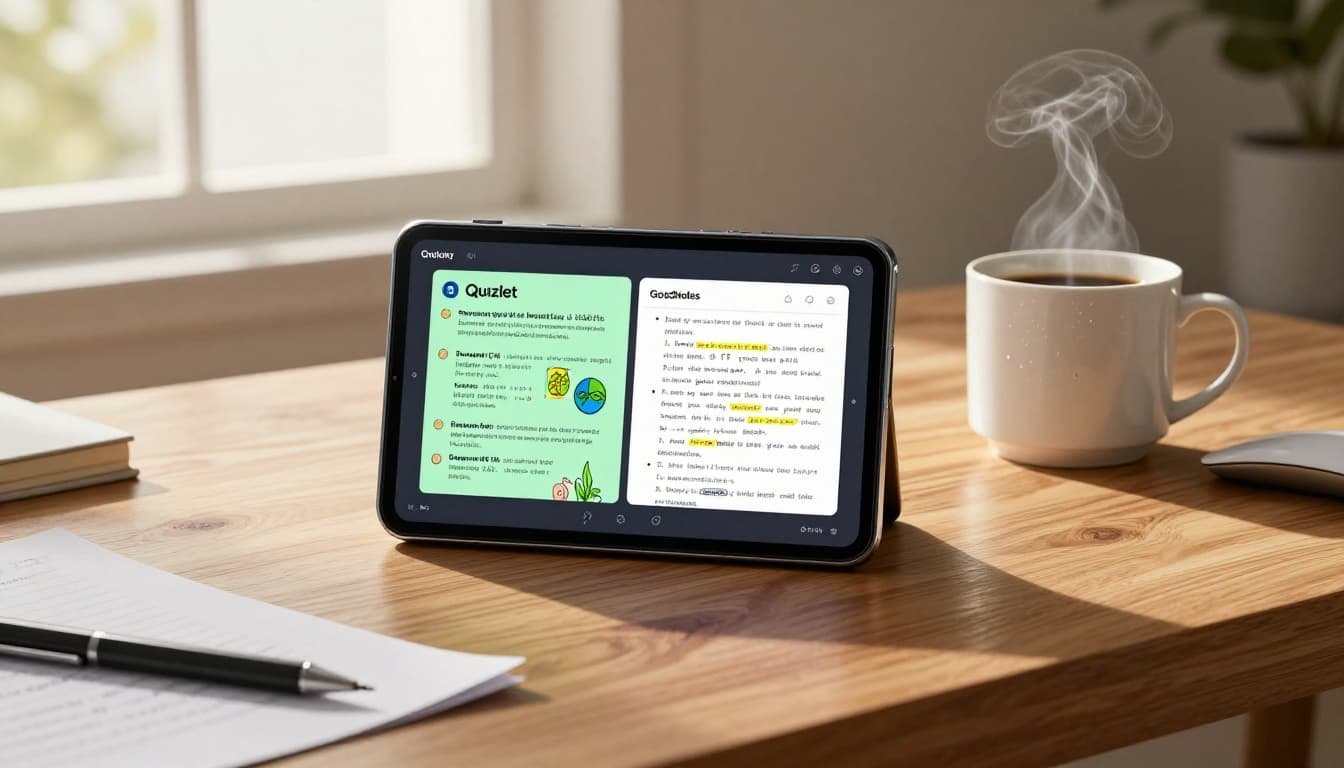
Android’s edge shows up when I want to do two things at once. Split-screen and quick app switching can make a difference when I’m pairing flashcards with notes, a PDF, or a lecture recording. If I’m reviewing terms and checking a diagram at the same time, Android often feels less restrictive.
Common Android friction points
Android hardware is diverse, so performance depends on your phone. I also see occasional sync weirdness on some devices (usually fixed by updates or re-login). It’s not a deal-breaker, but it’s real operational friction.
If you want a neutral confirmation that Quizlet supports both mobile platforms, this Quizlet mobile app listing for iOS and Android summarizes availability and basics without forcing you into a purchase flow.
Quizlet on the web: where I build, audit, and go long
When I’m serious about quality, I use web. The keyboard alone changes the experience. I can move faster, spot mistakes sooner, and keep formatting consistent. That matters because flashcards fail quietly when definitions are sloppy.
Web is also where I do “maintenance work”:
- Merge duplicates.
- Standardize wording.
- Reorder terms to match how I’ll be tested.
- Review progress at a higher level, without being stuck in small-screen loops.
For a deeper product-level evaluation (including where Quizlet’s AI features help and where they can misfire), I reference my own notes against this Quizlet 2025 review with hands-on testing.
Here’s the fastest way I’d compare platforms for daily use:
| Daily study factor | iPhone app | Android app | Web (desktop) |
|---|---|---|---|
| Best session type | Fast reps, on-the-go | Fast reps, on-the-go, multitask-friendly | Long sessions, deep review |
| Set creation and cleanup | Limited | Limited | Best option |
| Offline study | Yes (paid) | Yes (paid) | Not true offline (practically) |
| Distraction control | Strong (OS Focus tools) | Strong (OS controls vary) | Strong if you control the environment |
| Multitasking with notes | OK | Often better | Best on big screens |
| Ideal session length | 5 to 20 minutes | 5 to 25 minutes | 25 to 90 minutes |
Takeaway: mobile is for repetition, web is for building and fixing the material you repeat.
The workflow I use for daily study (and why it works)
I don’t pick one platform. I pick a loop.
First, I create or repair sets on web when I have time. Then I push daily reps to the phone. That keeps quality high while still making practice easy.
If you need a decision shortcut, I use this:
- Choose web if you’re making sets from scratch, importing notes, or studying for a high-stakes exam.
- Choose iPhone if you want the cleanest “open and study” habit with fewer taps.
- Choose Android if you’re often studying with another app open (notes, PDFs, videos).
If you’re also mixing flashcards with document-based studying, I’ve had good results pairing Quizlet with a notes library and quiz generator. My reference point is this Docsity AI review for turning notes into quizzes, mostly because it complements flashcards instead of replacing them.
FAQ: Quizlet Pro on iPhone vs Android vs Web
Is Quizlet Pro different on iPhone vs Android?
In my use, the core premium features are effectively the same across both apps. Differences come from the phone hardware, OS settings, and multitasking style, not from major feature gaps.
Is the web version better than the mobile apps?
For editing and building sets, yes. For quick daily repetition, I still prefer mobile because it reduces setup time and makes short sessions more likely.
Can I study offline on Quizlet?
Offline study is typically a paid feature. Also, offline helps you review downloaded sets, but AI generation features usually still need internet.
If I only pick one platform, which should it be?
If you study in short bursts, pick the phone you already use most. If you study at a desk for long stretches, pick web. I only go “single platform” when I have to.
My pick for daily sessions (no overthinking)
If I’m optimizing for results, I run a split setup: web for building, mobile for reps. If I’m forced to choose just one, I pick mobile for daily habit formation, because friction kills consistency.
The best platform is the one that keeps you doing recalls when you’re tired, busy, and distracted. That’s why I treat the phone as my default and the web as my workshop. Consistency beats intensity most weeks.