
If your email marketing still depends on one move, getting someone to click a link, you’re probably feeling the slowdown. In 2026, inboxes are crowded, attention is thin, and every extra step leaks conversions.
That’s why I’ve been paying close attention to Mailmodo, an email marketing platform built around interactive emails that let people take action without leaving the inbox. Instead of “read email, click, wait for a page to load, then maybe convert,” the idea is “read email, do the thing, done.”
In this review, I’ll walk through what Mailmodo gets right, where it can frustrate you, and who I think should actually use it this year.
Saving real time with AI email creation (without hiring more people)

Mailmodo positions itself as an “AI agent” for email marketing automation, and that framing makes sense if you’re a small team trying to move faster than your headcount. The AI value here is less about flashy tricks and more about removing the annoying parts: first drafts, subject line variations, basic journey scaffolding, and getting from blank page to “ready to edit” quickly.
It also helps that Mailmodo’s entry point is friendly. As of late January 2026, Mailmodo lists a free plan with up to 10,000 contacts and 10,000 emails per month, and you can start without a credit card (that’s a rare combo in email tools now). The paid tiers shown in current pricing coverage start around Lite at $39/month, then Pro at $99/month, and Max at $249/month, with an annual discount often advertised around 20%. For a sanity check, I like comparing vendor claims with third-party summaries like this Mailmodo pricing and user-review snapshot on Capterra.
Where this matters in the real world is speed. If you’re a two-person marketing team, you don’t need a “creative brainstorm partner.” You need fewer bottlenecks and fewer half-finished drafts sitting in docs.
For context, I’ve tested other AI copy tools that focus heavily on wording and brand voice, like the Copy AI 2025 review for email and ad copy workflows. Mailmodo isn’t trying to replace those tools outright. It’s trying to put creation, sending, and interaction in one place.
Personalized AI video generation (what I’d actually do in 2026)
A quick honesty check: the public, current feature summaries I can verify don’t clearly document native “type a script, generate a personalized video” inside Mailmodo itself. So I don’t treat Mailmodo as my video generator.
What I do think Mailmodo is good at is making video campaigns easier to ship anyway. In practice, my workflow looks like this: generate short scripts with an AI writer, produce videos in a dedicated AI video tool, then use Mailmodo to distribute and test the emails around those assets (subject lines, segmentation, send-time optimization, and what the viewer does next).
That “what happens next” part is the real point. A video is nice, but if the email still forces a click-out for booking, feedback, or qualification, you’re back to the same friction problem.
Predictive analytics and smart layouts (the part people forget)
In 2026, your email is getting read on everything from ultrawide monitors to tiny phone screens, and yes, even odd form factors. Mailmodo’s practical edge is its template system, click maps, and campaign analytics that help you see what’s working, then iterate fast.
Mailmodo also supports A/B testing and send-time optimization in its current feature set, which matters more than most people admit. Good timing and a clear, tappable layout will often beat a “perfect” paragraph.
If you’re the kind of team that needs heavy compliance and language guardrails, you might also want to look at tools built for that exact pressure, like this Persado AI review for compliant marketing messages. I mention it because not all “AI for marketing” solves the same problem.
The AMP advantage: why interactive emails are Mailmodo’s real secret sauce
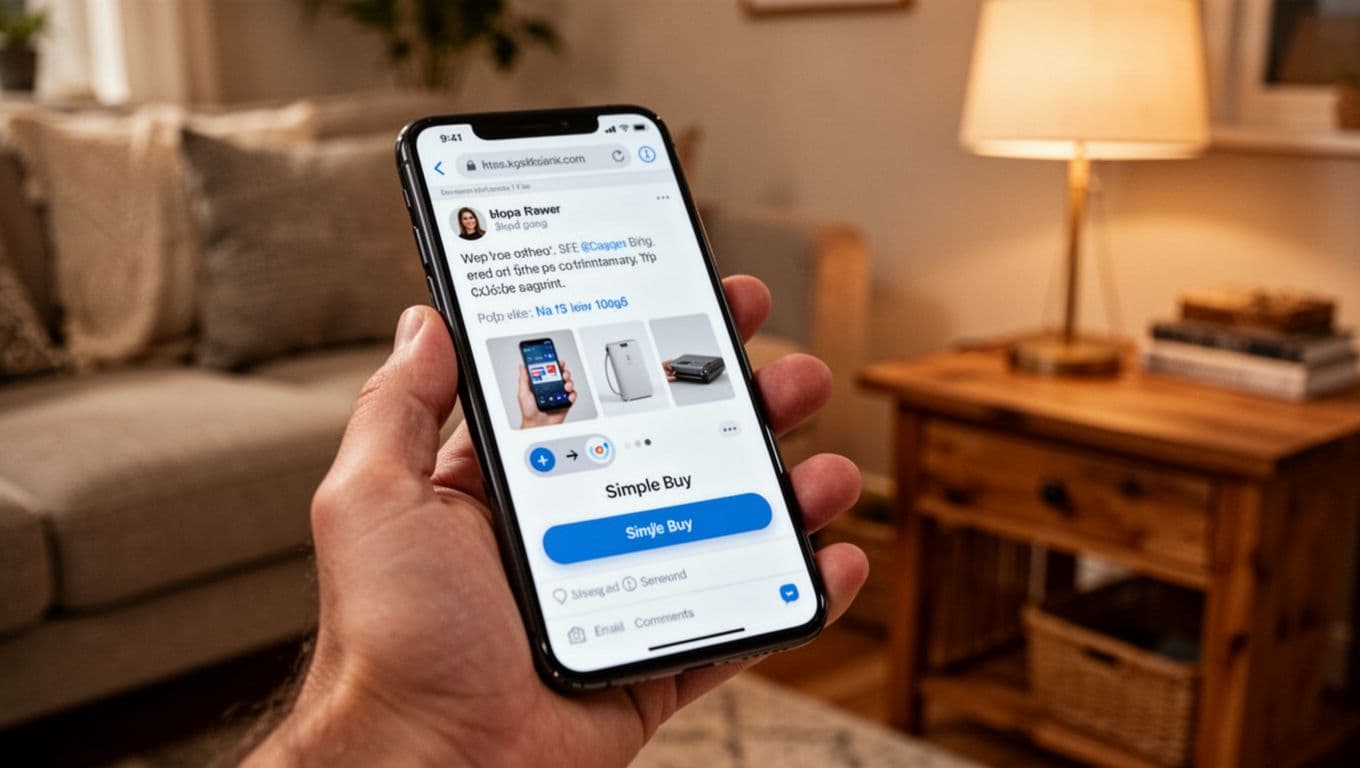
Here’s where Mailmodo stops being “another ESP with AI features” and starts feeling different. Mailmodo is heavily built around AMP emails, which means you can embed interactivity, like forms, polls, calendars, and carousels, inside the email itself (supported clients like Gmail are the big draw). If your audience lives in Gmail, the experience can feel less like email and more like a mini workspace.
If you want a third-party breakdown of this positioning, I found this Mailmodo feature overview on Dimmo useful because it frames the product around “app-like interactive emails,” not just templates and broadcasts.
To me, interactivity isn’t a gimmick when it removes steps. Every time I can get someone to book, register, qualify themselves, or answer one question without leaving the message, I’m saving them effort. And when I save them effort, I usually get more completions.
A few real-world style outcomes (shared publicly by brands in Mailmodo’s ecosystem) show why this matters:
- Interactive forms have been tied to higher registration counts, in one case a multiple-hundreds-percent jump.
- Interactive surveys can pull in far more feedback than a classic “click this link” approach.
- Simple embedded games (like spin-the-wheel) have been associated with major lifts in email-to-sale conversions.
- Polls and carousels tend to lift engagement because the email becomes something you can play with, not just scan.
Those numbers don’t mean you’ll get the same result, but the direction is consistent: less friction, more action.
No-click shopping and in-email chatbots (what it changes in practice)
The “no-click” idea is simple. Let people browse options, pick a size, select a slot, or answer a qualifying question inside the email. Even when a final checkout still happens on a site (often for payment and identity reasons), you’ve already moved the decision forward before the click.
This also changes support and lead capture. An in-email chatbot style experience (or even a guided form that feels like one) can handle the first layer of questions, route people to the right path, and tag them based on intent.
I like this because it makes segmentation feel natural. Instead of guessing from clicks, you’re collecting explicit choices.
For another perspective from someone who ran campaigns on the platform, this Mailmodo review from Encharge is worth skimming, especially if you’re comparing it against more traditional automation tools.
Boosting engagement with embedded games and surveys (the results I pay attention to)
I’m not interested in interactivity just to be cute. I care about two things: response rate and downstream conversion.
What’s compelling about Mailmodo-style interactive blocks is that they can turn “dead” newsletter space into small, measurable micro-actions. Based on published examples from brands using interactive email components:
- A spin-the-wheel mechanic has been linked to roughly 5x better email-to-sale conversion in at least one case study.
- Interactive polls have been associated with multi-fold engagement lifts.
- Interactive carousels have been tied to doubling engagement in certain campaigns.
- Interactive feedback forms have been shown to drive large jumps in survey completion, the kind that’s hard to get when you force people onto a separate page.
- Booking and demo-style interactive forms have been connected to double-digit lifts in booked demos.
If you’ve ever sent a “quick question” email and watched it flop because people didn’t want to click out, you already get why this works. It’s the same message, just with the door already open.
Comparing the giants: Mailmodo vs Mailchimp, Klaviyo, and Customer.io
Mailmodo doesn’t replace every platform for every team. It has a personality, and you’ll feel it fast.
Here’s how I think about the big names:
- Mailchimp: Great for simple starts, basic newsletters, and broad SMB marketing. It’s often the “first ESP” because it’s familiar.
- Klaviyo: The e-commerce heavyweight. Deep store data, strong event-driven flows, and lots of retail-specific muscle.
- Customer.io: Built for product and tech teams that want logic-heavy journeys across email, push, and in-app, with strong control.
Mailmodo’s lane is different. It’s the platform I reach for when the email itself needs to do more than inform. If the email needs to capture answers, book time, qualify leads, or let someone interact with a catalog, Mailmodo is in its element.
For a neutral third-party view of performance and fit, this Mailmodo review on Email Vendor Selection does a decent job describing who it’s best for (small to mid-size teams, B2B and B2C) and why interactive email is the main story.
Why Mailmodo often beats the competition (and when it doesn’t)
Mailmodo tends to win when your KPI is “completed action,” not “opened email.” It’s also attractive if you want to test interactive AMP blocks without committing budget, since the free tier is unusually generous for experimenting.
Where it can lose is straightforward: if your audience reads email mostly in clients that don’t support AMP, you’ll rely more on fallback content, and the magic drops. You can still send great emails, but you’re not buying Mailmodo for “great normal emails.” You’re buying it for interaction.
The best choice for lean marketing teams in 2026 (efficiency is king)
If I had to sum up Mailmodo’s value for lean teams in one line, it’s this: it turns email into a data collection channel, not just a broadcasting channel.
In B2B, that’s huge. Most small teams don’t have time for constant surveys, user interviews, and research calls. But you still need to know what people want, what they’re stuck on, and what they’re ready to buy.
Mailmodo’s interactive approach makes “zero-party data” collection feel lightweight. Zero-party data is just a fancy way of saying the customer told you something directly, like selecting “I’m evaluating vendors this month” or “I care most about pricing.”
I also like that this can keep your automations sane. Some platforms tempt you into building 50-step journeys that nobody wants to maintain. Mailmodo can do automations, but its biggest wins often come from simpler loops you can actually run every week.
Building your database with micro-polls (my favorite low-effort tactic)
Micro-polls are the easiest way I know to get answers without annoying people. One question, two to four choices, and you use the results to tag the contact and shape follow-ups.
When I do this consistently, I end up with cleaner segments and better offers, without paying for research. It also changes the tone of the relationship. The email feels like a two-way channel, not a megaphone.
If you try one thing in Mailmodo first, I’d start here. Put one micro-poll into a newsletter, then build a follow-up email for each answer. It’s simple, but it stacks fast.
My take: is Mailmodo worth it this year?
Mailmodo is worth it in 2026 if you want fewer clicks, more completions, and a practical way to collect customer intent inside the inbox. The biggest upside is still AMP-powered interactivity, because it creates a real gap between Mailmodo and “send a pretty email” platforms.
If you’re curious, I’d sign up for the free tier and run one experiment: an interactive poll or form tied to a clear next step. If the result is a lift in replies, bookings, or qualified leads, you’ll have your answer fast. That’s the kind of proof I trust.