
If you’ve ever tried to “go viral,” you already know the annoying truth, you can do everything right and still get a quiet post. So when someone asks me if the klap app is the fastest way to go viral with AI, I don’t treat it like a hype question. I treat it like a workflow test.
For me, “fastest” means time to publish, how many usable clips I can ship from one long video, and whether I can keep that pace week after week. “Viral” is not one lucky spike. It’s more like buying a lot of lottery tickets, except the tickets are solid clips with good hooks and consistent posting.
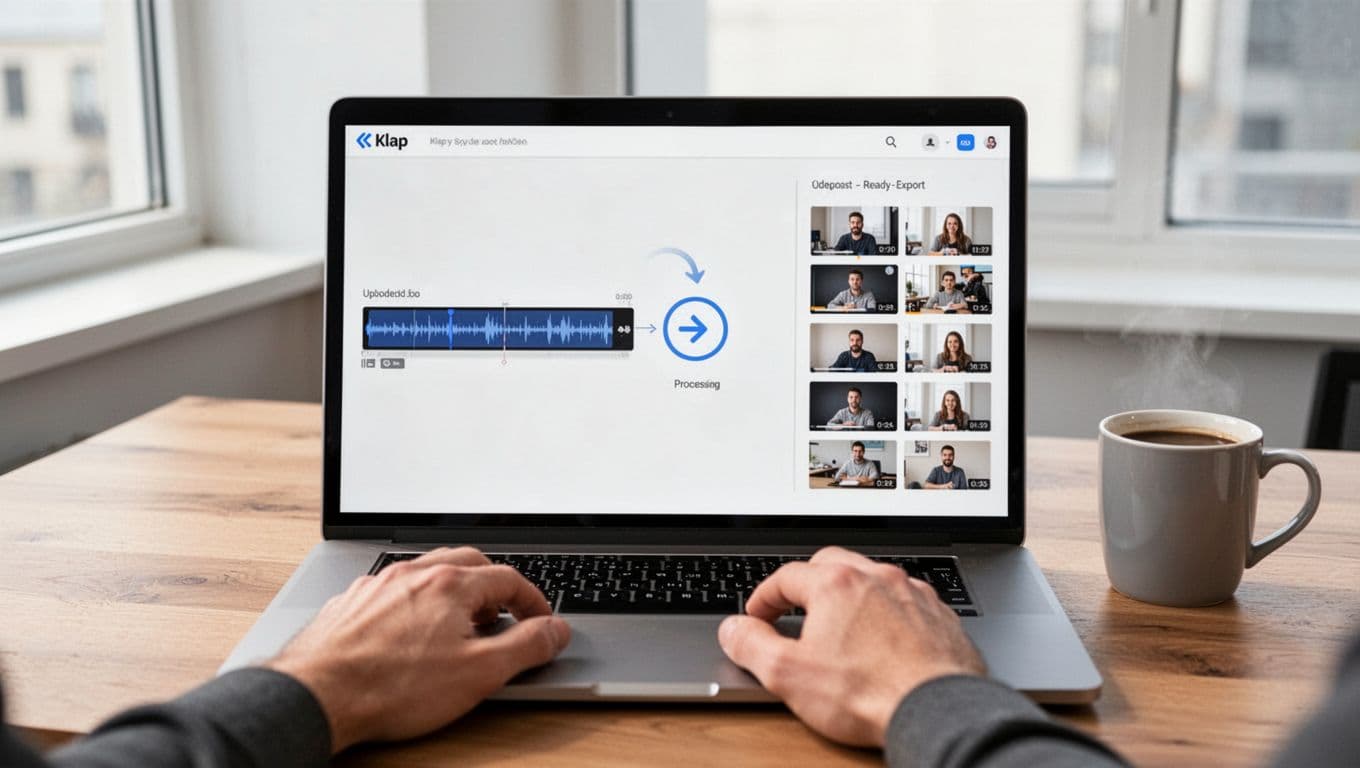
Klap’s pitch is simple: paste a YouTube link or upload a file, then AI finds highlights, reframes to vertical (with face tracking when it matters), adds subtitles, and spits out multiple shorts in minutes. That’s exactly what I look for when I’m behind on Shorts, Reels, and TikTok.
Here’s what I’ll cover so you can judge it with real criteria:
- What “fast” looks like when I compare Klap to manual editing
- Where AI saves time (and where human taste still matters)
- How faceless channels can still get value from Klap
- How to run it like a content OS (a repeatable weekly system)
- How to scale across languages, clients, or multiple channels without losing quality
Fastest compared to what? Klap app vs my manual editing workflow
My baseline manual workflow is boring, but it’s real life. I watch footage, mark timestamps, cut scenes, crop to 9:16, add captions, style them, export, then upload and write post copy. It works, but it’s slow, especially when I’m clipping podcasts or training videos.
Klap flips that order. Instead of me hunting for moments, it starts by finding highlights (usually from the transcript and pacing), then it handles vertical framing and captions as part of the first draft. If you want the official feature rundown, start with Klap’s product page because it lays out the “upload, generate, export” flow pretty clearly.
Speed matters because short-form rewards consistency. A single great clip helps, but a steady stream of decent clips helps more. And vertical formatting is non-negotiable on most short feeds. If you need a neutral refresher on what “aspect ratio” even means, this Wikipedia explainer on aspect ratio is a quick reference.
Here’s a simple time comparison table I use when I’m judging any clipper (times vary by video length and how picky I am):
| Task | Manual editing (my usual) | Klap app (my usual) |
|---|---|---|
| Find highlight moments | 20 to 60 min | 2 to 10 min |
| Crop to 9:16 and keep subject centered | 10 to 25 min | 1 to 5 min |
| Create and sync captions | 15 to 40 min | 1 to 5 min |
| Export multiple shorts | 10 to 20 min | 5 to 10 min |
| Final review pass | 10 to 30 min | 10 to 30 min |
That last row is important. AI can rush the first draft, but I still review.
Where Klap actually saves time, and where I still spend time
Klap saves me the most time in three places: finding moments, framing, and subtitles.
First, highlight detection. In practice, Klap does better when the content is speech-driven (podcasts, interviews, explainers). That matches how their approach is described publicly: the algorithm leans on speech detection, transcript context, and topic shifts, not just random “keyword spikes.”
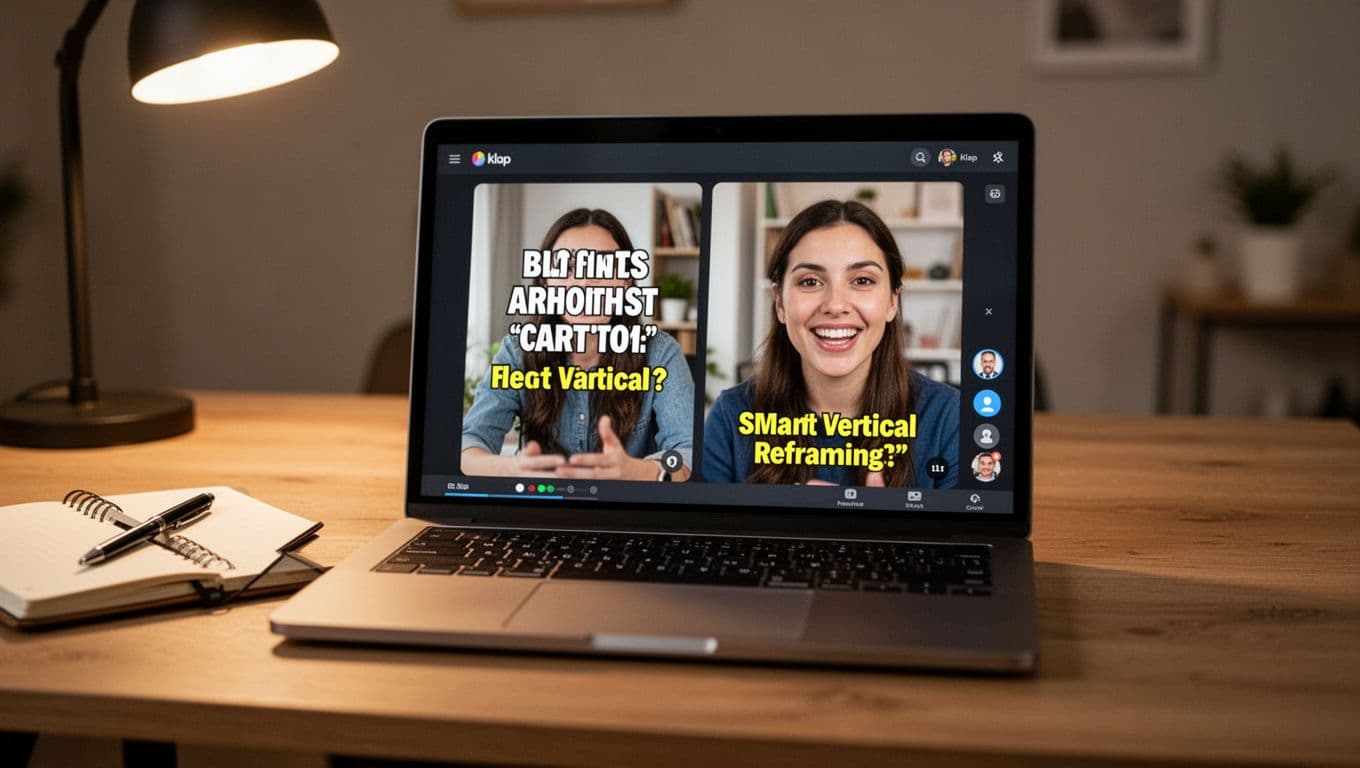
Second, reframing. Vertical cropping is annoying when the speaker moves, or when you have two people on screen. Klap’s reframing and face tracking reduce the amount of “drag the crop box, preview, redo” work. They also market an “AI Reframe 2” style upgrade that adapts layouts for things like split screen and screencasts, which matters if you’re clipping tutorials.
Third, captions. Responsive subtitles and automatic transcription remove a big block of time. Klap supports a wide language list for transcription and editing (52 languages per their docs), which is a real advantage if you clip global guests.
Now, here’s what I still touch almost every time:
I pick the best hooks, because “interesting” is not always “click-stopping.”
I scan cuts for missing context and awkward jump timing.
I adjust caption styling so it matches my brand.
I add a simple CTA (even one line helps).
I write the actual post caption, because AI rarely nails my tone on the first try.
A practical rule of thumb they share is that even a short source can produce multiple clips, and a few minutes of long-form can become several ready-to-post shorts. That batching effect is the whole point.
A simple “speed test” I use to judge if it’s the fastest tool for me
When I test the klap app, I don’t ask, “Is it good?” I ask five questions:
- Time from upload to first publishable clip: can I ship something in the same sitting?
- Usable clips per long video: how many do I actually keep?
- How many clips need fixes: am I doing light cleanup or heavy editing?
- Consistency across episodes: does it work on my normal content, not just one perfect video?
- Export fit: does it land clean for TikTok, Reels, and Shorts without extra resizing?
I also pay attention to user feedback patterns, not just star ratings. Across reviews and testimonials, the most common themes are that Klap feels easy to use, the editor feels intuitive, and it can save a lot of time compared to stitching clips together manually.
If you want to see the “good and bad” from buyers in one place, I always skim Klap reviews on Trustpilot to spot repeated complaints (pricing, limits, edge cases) versus one-off rants.
If I run a faceless content business, does Klap app still work?
Yes, with a big asterisk. If your faceless content still has clear speech, Klap can do a lot for you. If it’s mostly music, ambient footage, or fast montage with no speaking, results usually drop because the AI has less structure to grab onto.
Klap can still help faceless creators because reframing is not only about faces. It’s also about keeping the “important area” in view, like a cursor region in a screen recording, or the key section of a slide.
And even if your visuals are plain, subtitles can carry the clip. Captions are not just for accessibility, they’re also a retention tool when people watch on mute.
Faceless formats that usually clip well
In my tests, the formats that clip best are the ones that sound structured:
Educational explainers with clear takeaways tend to segment naturally.
Tool walkthroughs and SaaS demos work well when you narrate what matters.
Narrated slides and webinar replays clip nicely if you summarize often.
Coding mini-lessons can work if you speak in short chunks and avoid long silent typing.
Product reviews and interviews are strong because there’s a natural “question, answer, point” rhythm.
The common thread is simple: clean voice track equals better topic detection and better captions.
If you’re comparing other tools that repurpose content in different ways (for example, turning scripts and blog posts into videos), my Pictory AI Review 2025 is a useful contrast, because the workflow starts from text instead of “clip the best moments from long video.”
How I’d structure a faceless video so the AI finds better hooks
If I’m recording specifically to be clipped later, I change how I speak. I’m not “performing for AI,” I’m just making clip boundaries obvious.
I keep sections short, usually 20 to 60 seconds per idea.
I state the payoff early, so the clip has a natural first line.
I say one sentence that can stand alone (a quote-worthy takeaway).
I avoid long pauses and verbal wandering.
I add a quick recap every few minutes, which creates clean cut points.
It’s like writing in paragraphs instead of one giant wall of text. The editor (human or AI) has somewhere to cut.
Klap app as a short form content OS, not just a clipper
When I say “OS,” I don’t mean software jargon. I mean a repeatable system that turns one recording into a week of posts, with fewer decisions each day.
This is where the klap app feels strongest. It’s not only the clipping. It’s the fact that it can replace several small steps people used to do with separate tools, like clipping, captions, reframing, and basic styling. I’ve seen creators describe that “tool-switching tax” as their biggest time drain, and I agree.
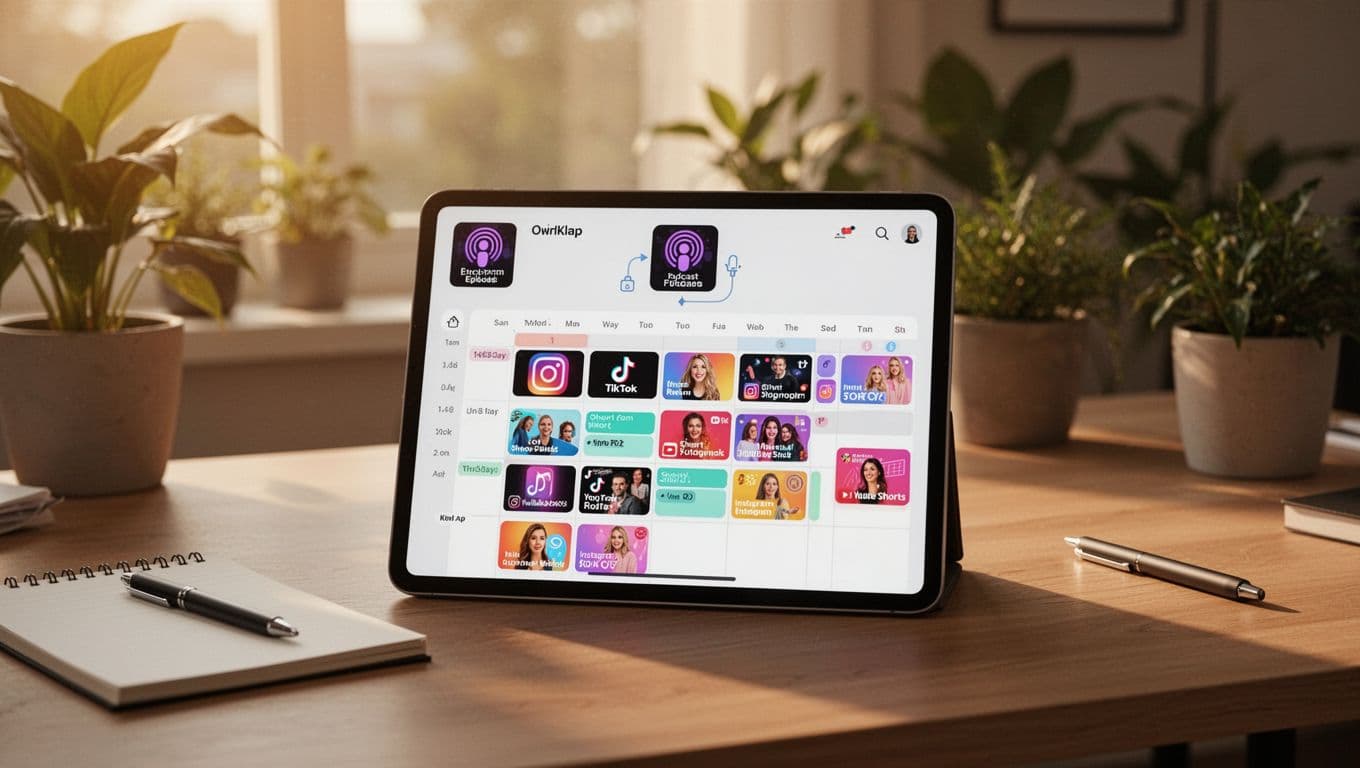
An OS has a few traits that I can feel in day-to-day use:
- Batch creation: I can generate many clips in one session.
- Templates: I can keep fonts, colors, and framing consistent.
- Predictable routine: record, generate, review, export, schedule, repeat.
- Consistent output: the channel looks like a “real operation,” not random posts.
If your workflow is more transcript-first (editing by deleting words like a doc), you might also like my Descript Review 2025 as a companion tool. I often think of Descript as “edit the long video cleanly,” then Klap as “turn the long video into a clip factory.”
My weekly system: one long video in, a batch of shorts out
My cadence is simple because complicated systems break under stress.
I record 30 to 90 minutes once a week.
I upload or paste the link into Klap.
I review the top suggestions first, especially anything that starts strong.
I keep 10 to 20 clips, then do light edits.
I export in batches and schedule posts.
This is the part people miss about “going viral.” Consistency creates more surface area for luck. Speed helps you show up often enough for that to matter.
For creators who also generate brand-new AI footage (instead of repurposing long videos), my Runway AI Review 2025 covers a very different approach, because that’s about generating and editing scenes, not extracting the best moments from a recording.
The hidden advantage: consistent style makes your channel feel “bigger”
When my captions look the same, my framing feels familiar, and my hooks follow a pattern, people recognize me faster. That recognition can lift watch time and follows, even when the topic changes.
Vertical video basics matter here, too. If you want a practical guide that explains why vertical wins on mobile feeds, I’ve referenced this vertical video benefits and tips article when I’m explaining format choices to teams that still think “horizontal first.”
Scaling beyond one channel: global reach and high volume teams
Speed gets more interesting when you scale. A solo creator wants 10 posts a week. An agency might want 300. A brand with global audiences might want the same message in multiple languages, without re-editing everything from scratch.
Klap’s language support is a real scaling hook. Per their documentation, transcription and editing support a broad range (52 languages). Recent plan details also mention AI dubbing for a smaller set of languages on higher tiers, so I treat dubbing as “bonus,” and captions as the baseline.
Subtitles are also tied to accessibility. If you want a simple overview, Wikipedia’s page on subtitles is a good starting point. For a more practical take on why subtitles and transcripts matter, I also like this guide to media accessibility with captions.
Quality guardrails matter when you scale. The faster you publish, the easier it is to publish something wrong.
Global scaling with 52 languages, what I would do first
If I were scaling internationally, I wouldn’t translate into 10 languages on day one. I’d start tighter:
I’d pick two non-English markets where my niche already has demand.
I’d post the same clips with translated captions first, even without dubbing.
I’d test posting times and track retention, not only views.
I’d create a small glossary for brand terms, names, and product words.
I’d spot-check translations, because one wrong word can change the meaning fast.
Translated captions widen reach because they remove friction. People don’t need perfect audio to understand the idea.
Agency and content farm playbook: how to keep speed without losing quality
If I’m running a team, I treat Klap like an assembly line that still needs inspectors. Here’s what I’d put in place:
A standard intake checklist (platform targets, brand colors, caption style rules).
Naming conventions for every export (client, episode, clip number, hook).
One approved template per client, so the look stays consistent.
A quick human review step for claims, context, and compliance.
A final approval step before posting, especially for regulated niches.
Klap is strongest on spoken formats like podcasts, interviews, trainings, product reviews, and long business videos. That matches how most users describe their results, fast drafts, lots of clips, then a quick pass to pick winners.
If you want to compare how different AI video systems behave under load (speed, quality, model quirks), my AI Video Models Compared piece is useful context, even though it’s a different category than clipping.
My honest take: is Klap app the fastest way to “go viral” with AI?
For my workflow, the klap app is one of the fastest ways to turn spoken long-form video into a high volume of decent shorts, and that volume is what raises your odds of a viral hit. It doesn’t replace taste, it replaces the slow parts: finding moments, reframing, and captioning.
The limits are clear, too. It works best when there’s speech, and I still need to choose hooks and do a final review. If you want a real answer for your channel, try one long video, time how long it takes to get your first publishable clip, then compare that to your manual process. If you can ship more clips with the same effort, you’re already closer to viral than you were last week.