I use multi-model platforms when I need options, not brand loyalty. That’s the core promise behind this GlobalGPT review for 2026: one dashboard, many top models, and fewer logins.
The trade-off is simple though. GlobalGPT sits between me and the model providers. That extra layer affects speed, observability, and sometimes cost predictability. So instead of chasing “best model” arguments, I tested what matters in real work: answer accuracy, response delays, and how often it makes things up.
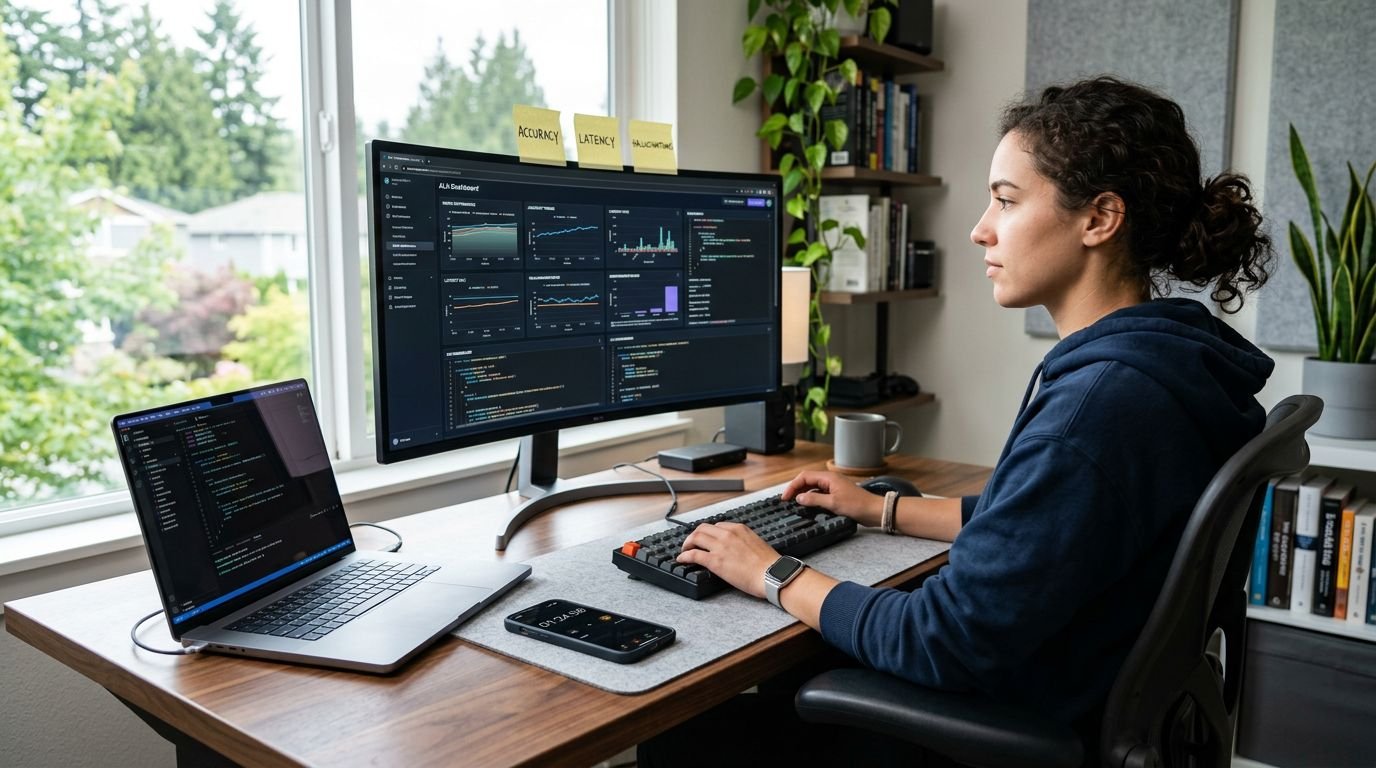
Image prompt (16:9, photo-realistic)
A US-based developer at a desk running an AI dashboard on a laptop, a stopwatch app open on a phone beside it, sticky notes labeled “accuracy,” “latency,” “hallucinations,” soft daylight, no logos, no on-screen readable brand names.
What GlobalGPT is in 2026 (and what it isn’t)
GlobalGPT is basically a model switchboard. I treat it like a single workspace where I can route prompts to different models depending on the job (writing, coding, research, images, video).
As of February 2026, GlobalGPT markets access to 100-plus models and tools, including newer “thinking” style models, and short-form video generation options. The cleanest source for the current model lineup and plan details is the GlobalGPT official site.
What it isn’t is a single model with a single benchmark profile. That matters because “accuracy” is not a platform attribute by default. Accuracy is a combination of:
- The model I picked (or GlobalGPT picked for me)
- The system prompt and any hidden routing rules
- Whether I gave reliable sources and constraints
- The provider’s uptime and rate limits at that moment
If you remember the 2025 pitch and want the historical baseline, my earlier notes in GlobalGPT Review 2025 are still the best starting point. My 2026 focus is narrower: performance under repeatable tests.
How I tested accuracy, latency, and hallucination risk
I ran the same three task packs across multiple models inside GlobalGPT, then repeated them at different times of day. I also kept prompts tight so I could compare outputs without “prompt creep.”
The three task packs I used
Pack A: sourced business Q&A
I provided a short, fixed document (about 800 words), then asked 12 questions. The point was to test grounding, not memorized trivia.
Pack B: coding fix with verification
I supplied a broken function plus failing tests, then asked for a minimal patch and a brief explanation.
Pack C: spreadsheet-style reasoning
I pasted a small table (20 rows) and asked for checks like outlier detection, totals, and a short narrative summary.
The scoring rubric (simple but strict)
I scored each answer as Pass, Partial, or Fail:
- Pass: correct, complete, no invented details
- Partial: mostly correct, but missing constraints or adding shaky claims
- Fail: wrong result, invented facts, or broken code
For latency, I tracked two practical numbers: time to first usable output, and time to completion for longer responses. I didn’t find platform-wide published latency stats I’d trust, so I treated this as workflow timing, not a lab benchmark.
Accuracy in practice: where GlobalGPT helps, and where it hurts
When GlobalGPT works for me, it’s because model switching is frictionless. I can run Pack B (coding) on a code-strong model, then run Pack A (document Q&A) on a model that follows sourcing rules better.
Where it hurts is when I get lazy about routing. If I let the “default” model handle everything, I see more Partial and Fail outcomes, especially on Pack A. The pattern is consistent: the model answers confidently even when the document does not support the claim.
Two habits lowered my error rate right away:
First, I force explicit boundaries. I add one sentence: “If the source text does not support the answer, say so.” That single rule reduces bogus certainty.
Second, I ask for structured outputs. For Pack A, I require a short quote from the provided text, or a line reference if the tool supports it.
Gotcha: when a model can’t find support, it often substitutes a “reasonable” business-sounding answer. In client work, that’s worse than “I don’t know.”
If you automate work off these outputs, the risk compounds. That’s why I pair GlobalGPT-style generation with reliability checks similar to what I describe in Zapier AI Review 2026, especially human approval gates for anything customer-facing.
Latency: what makes GlobalGPT feel fast or slow
Latency was rarely about one thing. In my tests, the wait time spiked when I combined long context with heavy reasoning, or when I switched into media generation.
Here’s the practical breakdown I use:
- Short chat replies usually feel quick, unless a provider queue backs up.
- Long, structured outputs slow down when the model spends more time planning.
- Video and image jobs behave like batch workloads, not chat, so I expect delays.
If you want a clean mental model for performance testing, I borrow the same percentile thinking I use for databases. Average speed is nice, but p95 is what users remember. My benchmarking approach is similar to what I laid out in Pinecone Review 2026 latency tests, just applied to end-to-end LLM response time.
Image prompt (16:9, photo-realistic)
Close-up of a laptop showing a generic chat interface (no brand text), a second monitor with a simple timing spreadsheet, and a coffee mug, warm office lighting, realistic depth of field.
Hallucination rates: what I measured, and what I saw
I don’t think “hallucination rate” is a single number that travels well across tasks. So I tracked hallucinations by type, then I counted them per task pack.
The three hallucination types that mattered most
Source hallucinations: it cites a document section that doesn’t exist, or claims “the text says” when it doesn’t. Pack A exposed this fast.
API hallucinations: it invents functions, flags, or library behavior. Pack B exposed this.
Data hallucinations: it produces totals or trends that don’t match the table. Pack C exposed this.
The best mitigation inside GlobalGPT was simple: I made the model show its work in small chunks. For example, in Pack C, I asked it to compute totals first, then summarize. That reduced “smooth but wrong” narratives.
GlobalGPT also references newer “thinking” models that claim fewer hallucinations through internal checks. Their own materials describe reductions for certain model versions, for example in GPT 5.2 Thinking overview. I treat those as vendor claims until I can reproduce them on my tasks.
A quick comparison for US buyers
This table is how I’d explain the decision to a US team lead who cares about operational fit.
| Decision factor | GlobalGPT (multi-model hub) | Separate subscriptions | Build your own router |
|---|---|---|---|
| Model coverage | Broad in one place | Broad but fragmented | Depends on your integrations |
| Accuracy control | Good if you route well | Strong, clearer defaults | Strongest, but you own it |
| Latency consistency | Variable across providers | Variable, but more transparent | You can optimize, but it’s work |
| Cost predictability | Medium, depends on usage | Higher baseline, clearer bills | Infra plus token costs |
| Governance and audit | Depends on platform features | Provider-native controls | Best, if you implement it |
My takeaway: GlobalGPT is a convenience layer, and convenience always has a tax.
Image prompt (16:9, photo-realistic)
A project manager and an engineer reviewing an AI-generated report on a tablet, a printed document with highlighted citations on the table, modern US office, natural light, no logos.
Who I think GlobalGPT fits in 2026
I’d pay for GlobalGPT when I’m switching models often, and when the work is draft-first. It’s also useful for teams that want a shared playground without buying three or four separate premium plans on day one.
I wouldn’t use it as the single source of truth for regulated outputs, or anywhere I need strict audit trails. In those cases, I prefer going direct to the provider, or I build a controlled pipeline with retrieval, logs, and review steps.
FAQ (quick answers)
Is GlobalGPT accurate enough for professional work?
Yes, if you treat it like a router and enforce constraints. If you use defaults blindly, errors slip in.
Does GlobalGPT reduce hallucinations by itself?
Not automatically. Hallucinations depend on the model and your grounding. Vendor claims exist for certain model versions, but I validate on my own tasks.
Why does GlobalGPT sometimes feel slow?
Because you inherit provider queues, plus extra latency from long context and heavier reasoning modes. Media generation also behaves like batch processing.
Should developers rely on it for coding fixes?
It can be helpful, but I always run tests. The main failure mode is invented APIs or subtle logic bugs.
My 2026 verdict: a useful switchboard, not a truth machine
GlobalGPT is worth it when model choice is your bottleneck. It saves me time when I’m moving between writing, coding, and research in the same hour. Still, I treat every output as a draft until it passes checks, because confidence is not correctness.
If you want to use it well, copy my rubric, then keep the results in a simple sheet for a week. Patterns show up fast.