
Most small businesses don’t need more image options. They need fewer bad ones. When I choose an ai image generator for marketing, I care less about the first impressive image and more about whether I can ship ads, email graphics, and landing-page visuals with minimal cleanup.
As of March 2026, the market is crowded, but the buying logic is still simple. I buy for repeatability, edit speed, and commercial fit, then I worry about style.
What I check before I pay for any tool
Before I compare brands, I look at the work itself. If I need a plain-language refresher on the category, I usually start with understanding AI image generation technology. Then I test each tool against the same four checks.

- It needs clear commercial usage terms for ads, product pages, and client work.
- It needs editing control, because first-pass output is rarely final.
- It needs style consistency, especially for brands that reuse colors, layouts, and product angles.
- It needs a workflow that matches my team, not one that slows us down.
Commercial use isn’t a footnote. If I’m creating paid campaigns at scale, I also keep an eye on U.S. Copyright Office guidance on AI-generated work, because usage rights and authorship claims still matter in US marketing.
I buy the tool that cuts revision time, not the one that gives me one pretty image.
This is where many buyers get distracted. A tool can look brilliant in a demo and still be a bad fit in practice. If it can’t hold a consistent product shot, fix a background without breaking the subject, or output usable sizes for ads, I move on.
Best AI image generators in 2026, matched to real work
The current leaders each solve a different problem. Pricing changes, but these are the common starting points I use for March 2026 comparisons.
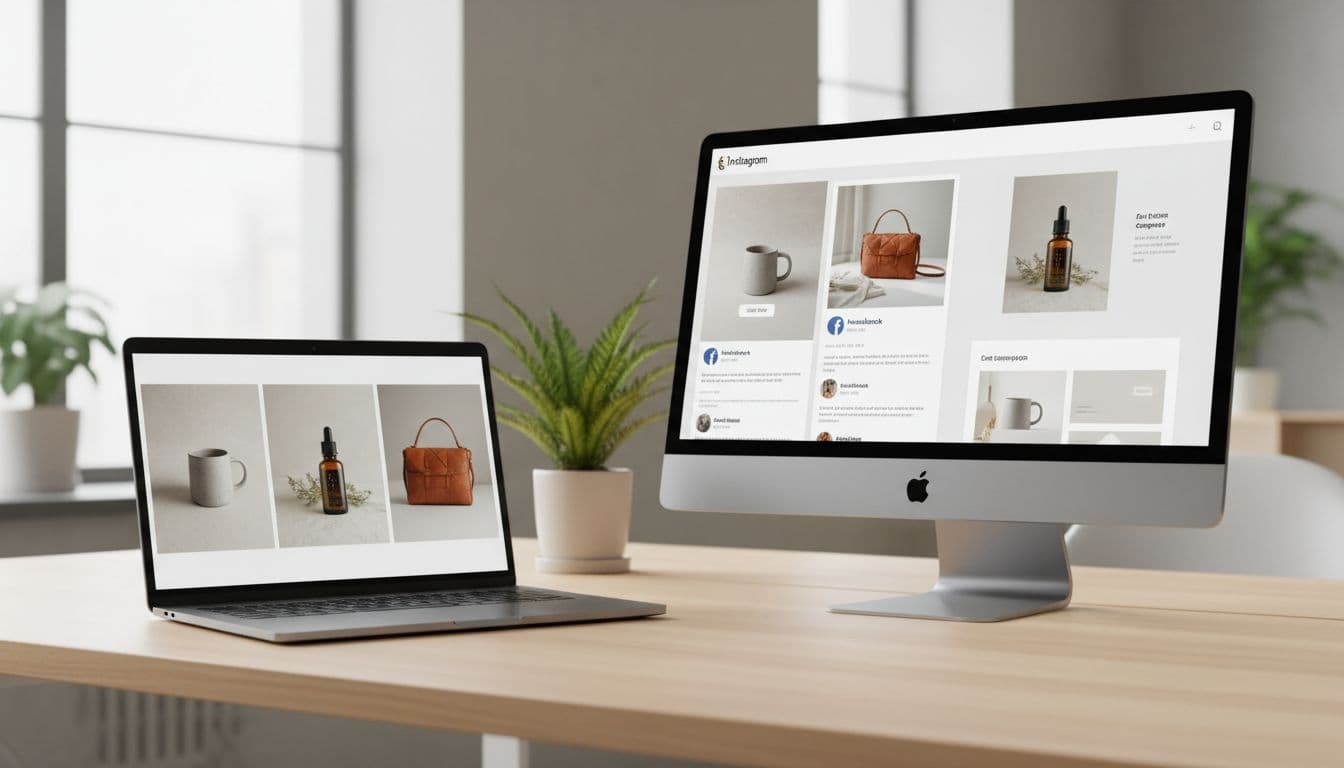
| Tool | Starting price | Best fit | Main trade-off |
|---|---|---|---|
| Canva AI | $9.99/month+ | Fast social, email, and web graphics | Less deep image control |
| Leonardo.ai | Free to $24/month | Product mockups and budget teams | Needs prompt discipline |
| Midjourney | $10/month | High-impact campaign visuals | More learning friction |
| Adobe Firefly | $4.99/month | Adobe users and legal-sensitive teams | Best inside Adobe stack |
| Ideogram 3.0 | $8/month | Text-heavy social graphics | Narrower art direction range |
| DALL-E | About $0.04/image | Quick concept testing | Lighter production workflow |
Here’s how I frame the short list. Canva AI is the practical pick when speed matters more than depth. Leonardo.ai gives strong value when I need product visuals, controlled edits, and decent scale on a tight budget. Midjourney still stands out when the job calls for a striking hero image or a campaign concept with more character. If I want more detail on that side of the market, I revisit my Midjourney V7 review with prompt control notes.
Adobe Firefly makes sense for teams already living in Photoshop or Express, and its legal posture is easier to explain internally. Ideogram has a real edge when readable in-image text matters. DALL-E is still useful for fast ideation. Meanwhile, Stable Diffusion belongs on the list for technical teams that want local control, API flexibility, or private workflows, but I wouldn’t hand it to a non-technical owner and call it simple.
Where each tool fits in a small business marketing stack
I don’t buy one tool for every job. I map tools to output type. That’s the only way I keep costs and rework under control.

For a local retailer running weekend promotions, Canva or Ideogram usually wins. The assets move fast, and the team often needs to place text, resize, and publish in one sitting. For an e-commerce shop, I lean toward Leonardo.ai because mockups, controlled edits, and repeatable product angles matter more than pure style. If I’m weighing expressive visuals against cleaner brand assets, I use my Leonardo AI and Midjourney comparison as a practical reference.
For consultants, agencies, and premium service brands, Midjourney can create stronger campaign mood boards and landing-page hero art. Still, I rarely trust any tool without prompt discipline. When output quality slips, I go back to step-by-step prompt tuning for image generators, because better prompts usually save more money than a higher subscription tier.
One more rule: if exact text matters, I don’t force it unless the tool is strong at typography. I generate the image, then add final copy in a design app.
FAQ
Which AI image generator is best for small business marketing?
If I want the easiest all-around choice, I start with Canva AI. If I need stronger product visuals and more control, I choose Leonardo.ai.
Can I use AI-generated images in paid ads?
Usually yes, but I still read the platform’s commercial terms first. I also check for brand, copyright, and likeness risks before I publish.
What if I need product photos that look realistic?
Leonardo.ai is usually my first pick for that use case. It handles mockups and iterative edits better than most general-purpose tools.
Do I need design skills to get value from these tools?
Not much, but I do need judgment. Prompt quality, image selection, and light editing still separate usable assets from throwaways.
Buy for repeatability, not novelty
The best buyer decision is rarely the tool with the flashiest demo. It’s the one that gives me usable ad creatives, email graphics, and web visuals on a normal Tuesday, with the least cleanup.
Before I subscribe, I run one real test job. I create a sale graphic, a landing-page hero, and a retargeting ad. The tool that gets me three usable assets fastest is the one I keep.