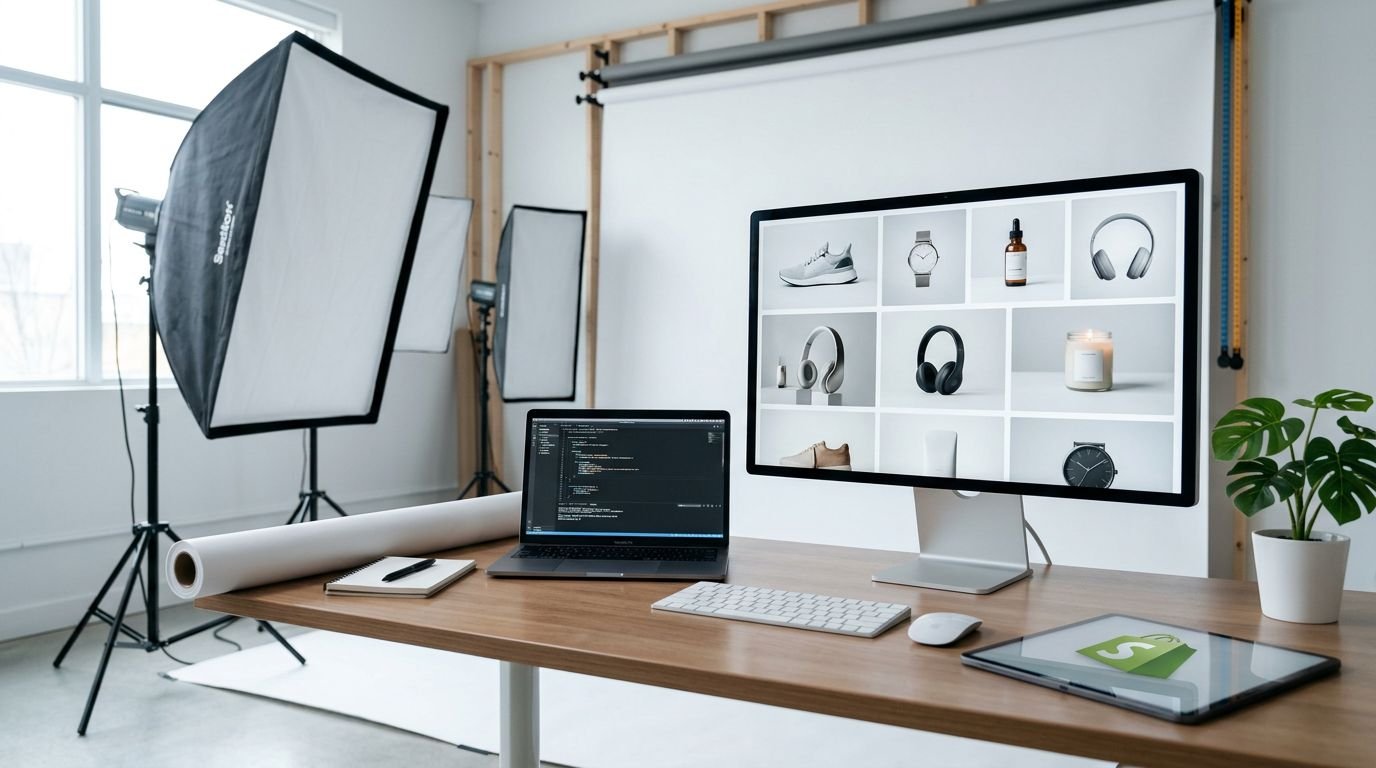
A weak product image can make a solid Shopify store look cheap. On a product page, the photo usually sells first, and the copy gets its turn later.
When I test AI product photo generators, I don’t chase the flashiest demo. I look for tools that can keep lighting stable, preserve product shape, and survive real store work without constant cleanup. That’s what matters when you need ten usable images, not one lucky hit.
What I check before I trust a tool
For Shopify, I care about four things. First, the tool has to keep a consistent look across a product line. Next, it needs solid background removal and edge handling. It also has to support quick edits, because one bad reflection or warped label can ruin the shot. Finally, the workflow has to fit a normal store day, not a weekend experiment.
The first usable image is easy. The tenth matching image is the real test.
That same filter shapes my broader shortlist of best AI image generators for small businesses. Most merchants don’t need more image options. They need fewer bad ones, and faster approval.
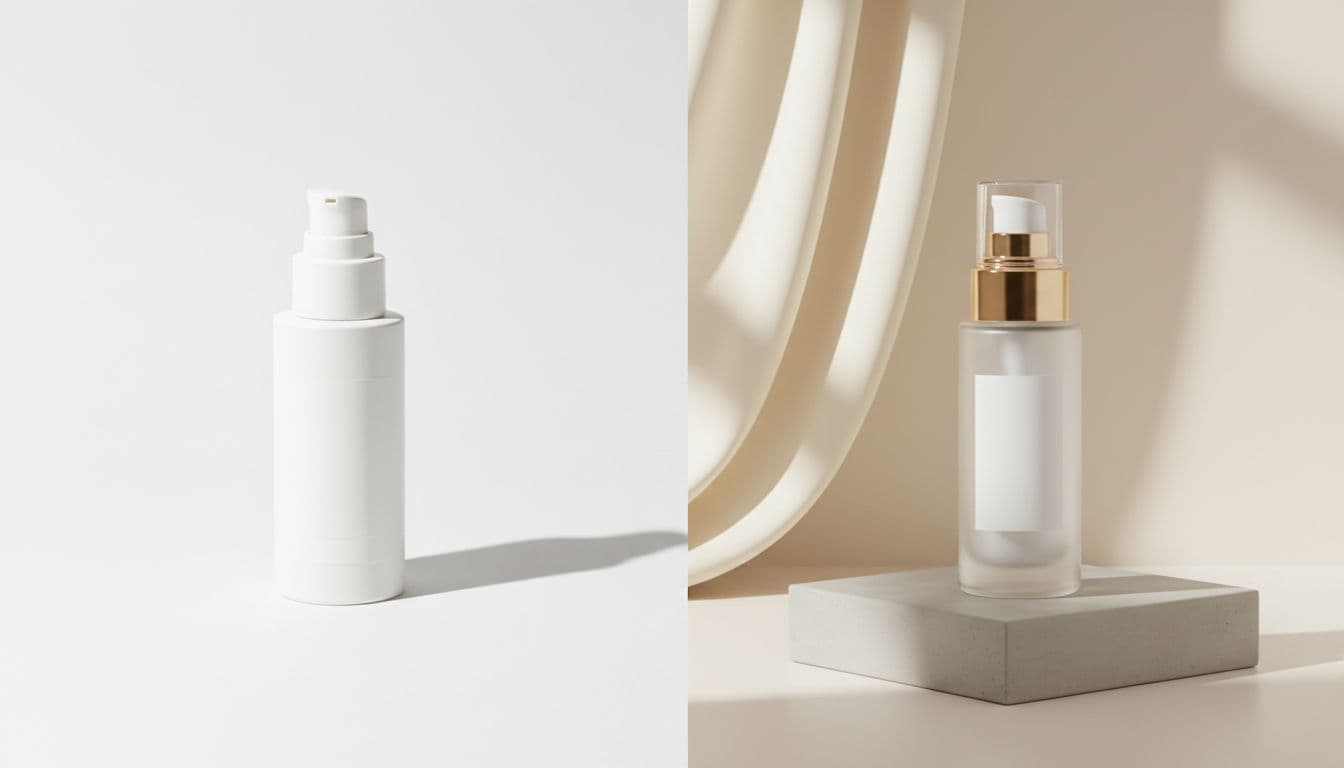
Best AI product photo generators for Shopify stores in 2026
As of April 2026, my working shortlist is Shopify Magic, GPT-4o in ChatGPT, Pixelcut AI, and AdCreative.ai. Shopify’s own AI image generator guide also shows how fast the market has moved toward ecommerce use cases, not art-for-art’s-sake tools.
This is the fast decision view I use:
| Tool | Best fit | Why I rate it | Main limit | | | — | — | — | | Shopify Magic | Merchants who want built-in speed | Native Shopify workflow, fast edits | 1 MP cap | | GPT-4o | Brands that need realism and consistency | Strong lighting, texture, and set matching | Needs manual review on fine details | | Pixelcut AI | Mobile-first teams | Fast batch edits and quick lifestyle shots | Less control than deeper desktop tools | | AdCreative.ai | Ad-heavy stores | Turns one product image into many ad variants | Better for ads than core product pages |
The table tells the story. Each tool solves a different bottleneck.
Shopify Magic is the easiest starting point
If I want the lowest friction, I start here. It’s built into Shopify, so I don’t waste time exporting files between tools. Background work and simple product visuals are fast, and that matters for small teams.
The trade-off is image size. The current 1 megapixel cap makes it less appealing for larger crops or heavy reuse across channels.
GPT-4o gives me the best balance of realism and control
When product materials matter, glass, fabric, metal, food texture, GPT-4o is the one I trust most on this list. It handles light and texture better than most general tools, and it can keep a product line closer in look from shot to shot.
I still review every output by hand. If packaging text or exact label details matter, I fix those outside the generator. For deeper mockup control, I still like Leonardo AI for product mockups because targeted edits save time once a scene is close.
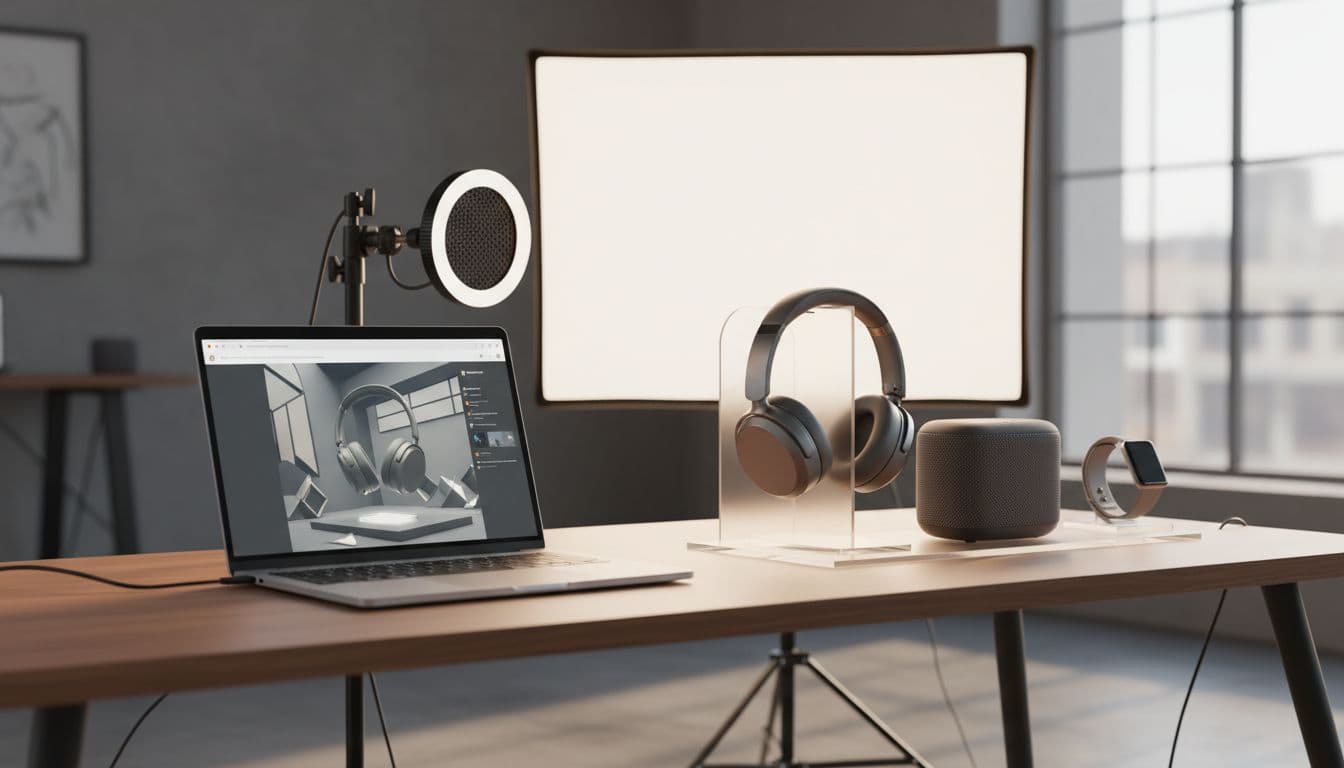
Pixelcut AI is the practical mobile choice
Pixelcut fits sellers who shoot on a phone and publish fast. I like it when a team needs quick cutouts, new backgrounds, and social-ready product shots without sitting at a full desktop setup.
However, I don’t treat it as my highest-control option. It’s better for speed than for careful catalog standardization.
AdCreative.ai fits stores that live on paid traffic
This one earns its place when ads drive revenue. If I already have one decent product image, AdCreative.ai can turn it into multiple ad-ready variants for testing.
In contrast, I wouldn’t use it as my main system for product detail pages. It’s more useful after the core product photography work is done.
Where each tool wins in a real Shopify workflow
I don’t ask one tool to do every job. That’s how costs creep up and image quality slips.
If I want the simplest in-store workflow, I use Shopify Magic. If I need realistic hero images and a cleaner brand set, I lean toward GPT-4o. When the team edits on the go, Pixelcut makes more sense. If paid social is the engine, AdCreative.ai can move faster than a manual creative cycle.
I also keep a wider shortlist of top 2026 picks for e-commerce visuals because Shopify sellers often need more than product pages. They need ad images, collection banners, and email graphics that still look like the same brand.
FAQ
What’s the best built-in option for Shopify?
Shopify Magic is the best built-in choice right now. I use it when speed and store-native workflow matter more than maximum resolution.
Which tool gives me the most realistic product photos?
GPT-4o is my pick for realism. It does a better job with lighting, textures, and consistent product lines than most fast-edit tools.
Can AI product photo generators replace a studio shoot?
For many Shopify stores, yes, at least for product page images, lifestyle variants, and ads. Still, I manually check every image for label errors, bad reflections, and shape drift.
Do I need a separate app if I already use Shopify?
Only if your needs go past simple edits. If you need higher realism, batch variants, or ad testing, a separate tool usually pays for itself.
The tenth image matters more than the first
If I had to choose with my own budget, I’d start with Shopify Magic for ease and GPT-4o for image quality. Then I’d add Pixelcut or AdCreative.ai only if the workflow demanded it.
The best AI product photo generator isn’t the one that gives me one pretty output. It’s the one that makes the next ten images boring, repeatable, and ready to publish.